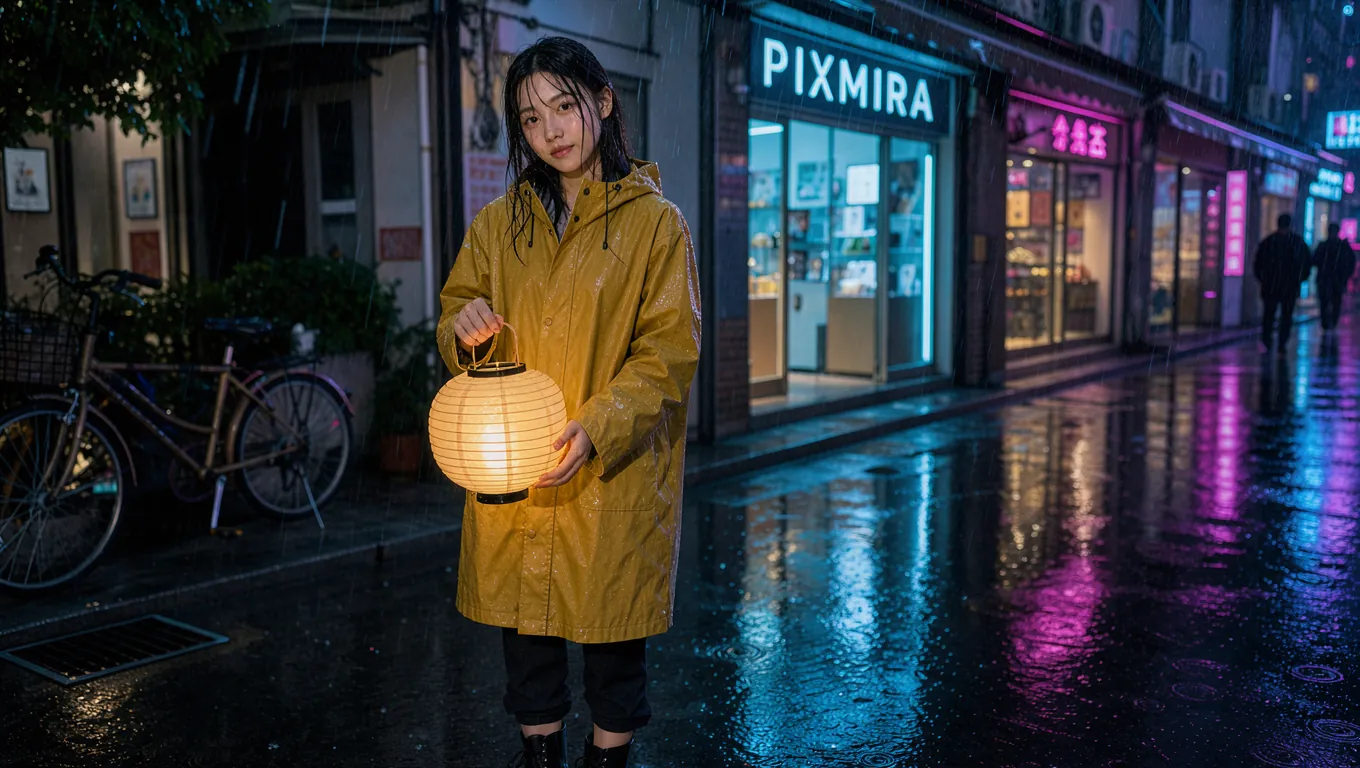
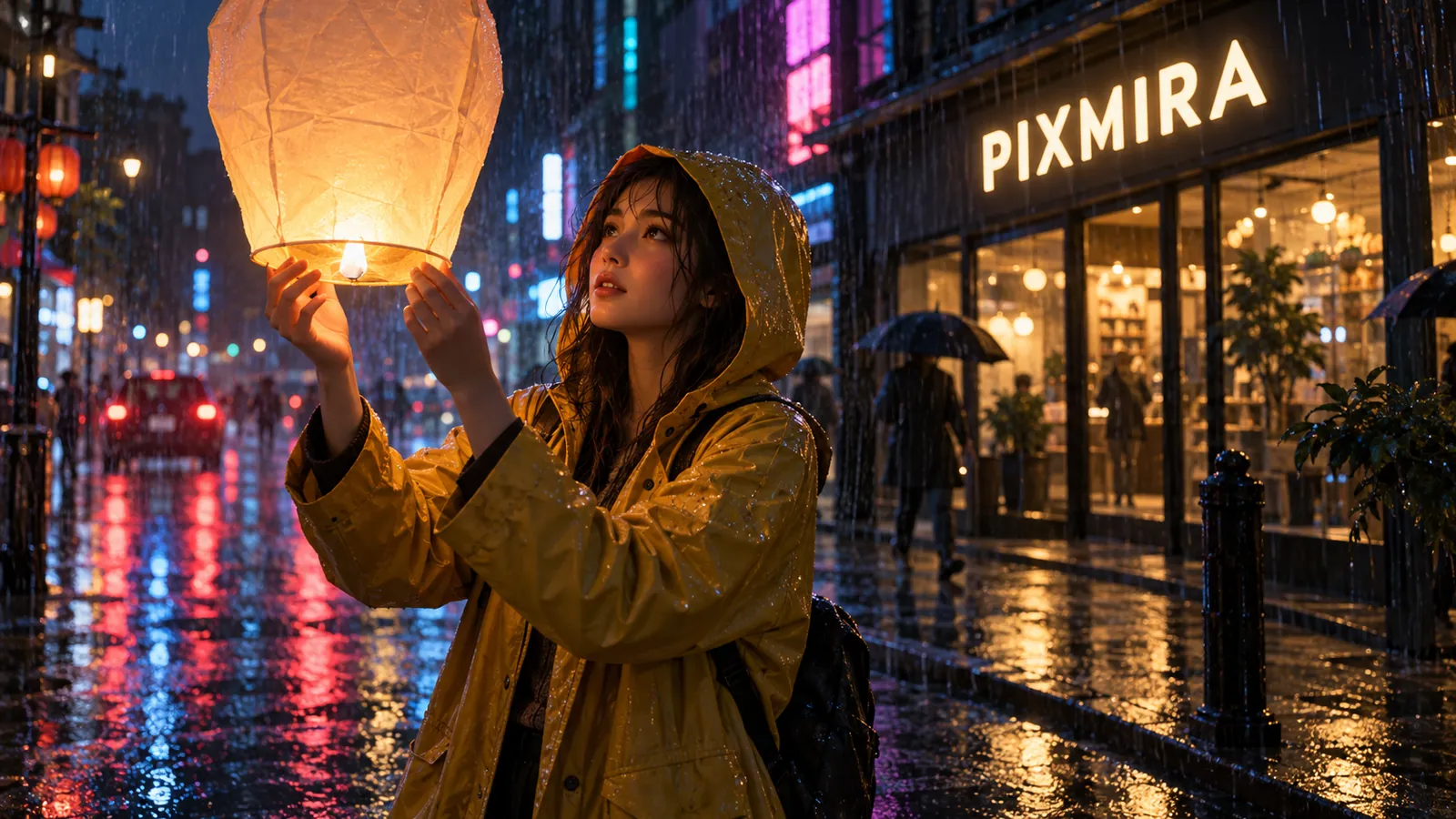
OpenMOSS's open 5B image model, ready in your browser. Type a prompt and get posters with sharp English and Chinese text, photos without the AI look, and anime art. No GPU, no ComfyUI, no 20 GB download.
English and Chinese text
JSON layouts
No GPU needed
Up to 2K
Model
Prompt
0 / 16000
Aspect Ratio
Resolution
12 credits
Experience the power of AI image generation
The open model everyone is testing
What Is MOSS Image?
MOSS Image is a text-to-image model from the OpenMOSS team, released on October 16, 2026 with open weights under the Apache 2.0 license. It is a 5B single-stream diffusion transformer that reads prompts of up to 4,096 tokens and turns them into posters, photos, infographics, and anime art, with long English and Chinese text rendered letter by letter.
MOSS Image looks different for a reason. The team trained it from scratch on 3 billion images and removed AI-generated pictures from that data with an in-house detector, so its photos carry real light, real skin, and real clutter instead of the glossy look of newer models. You can also hand it a JSON layout and it places every title, object, and label inside the box you gave it.
Apache 2.0 open weights
4,096-token prompts
Trained without AI images
Layout control
MOSS Image
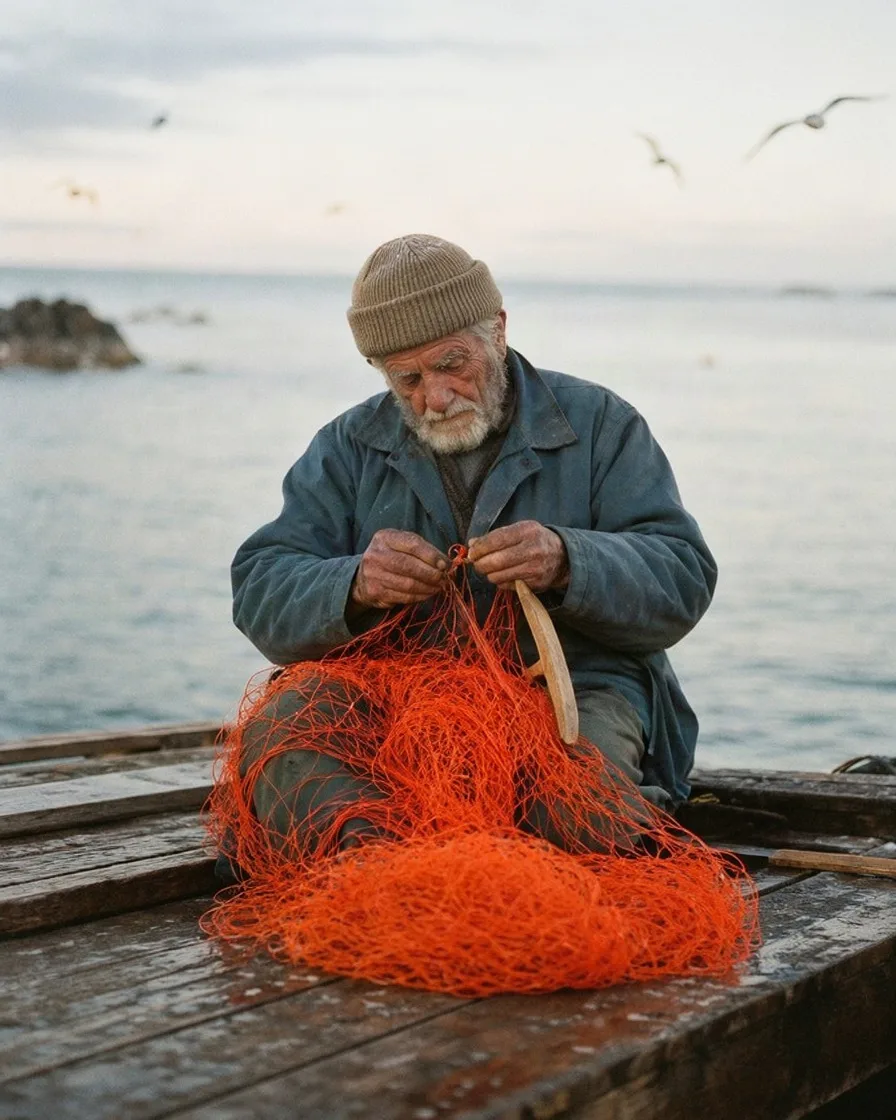
PromptA candid photograph of an elderly fisherman mending a bright orange net on a wooden pier at dawn. Weathered hands, a wool cap, soft overcast light, gulls in the distance, natural colors, slight film grain, shot on a 50mm lens.
Made with MOSS Image
MOSS Image Examples
Posters, street photos, anime, magazine covers, infographics, and handwritten notes, all generated with MOSS Image on this page. Hover any image to see the exact prompt.
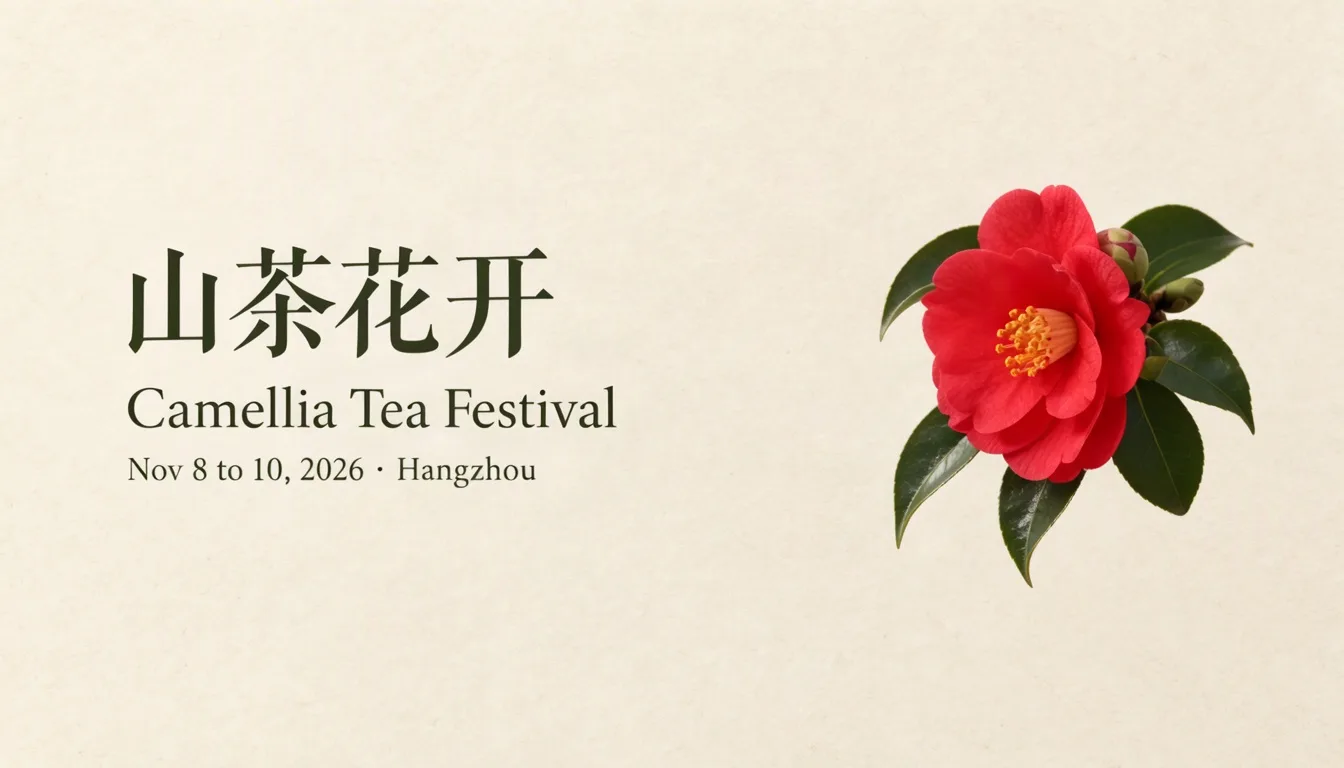
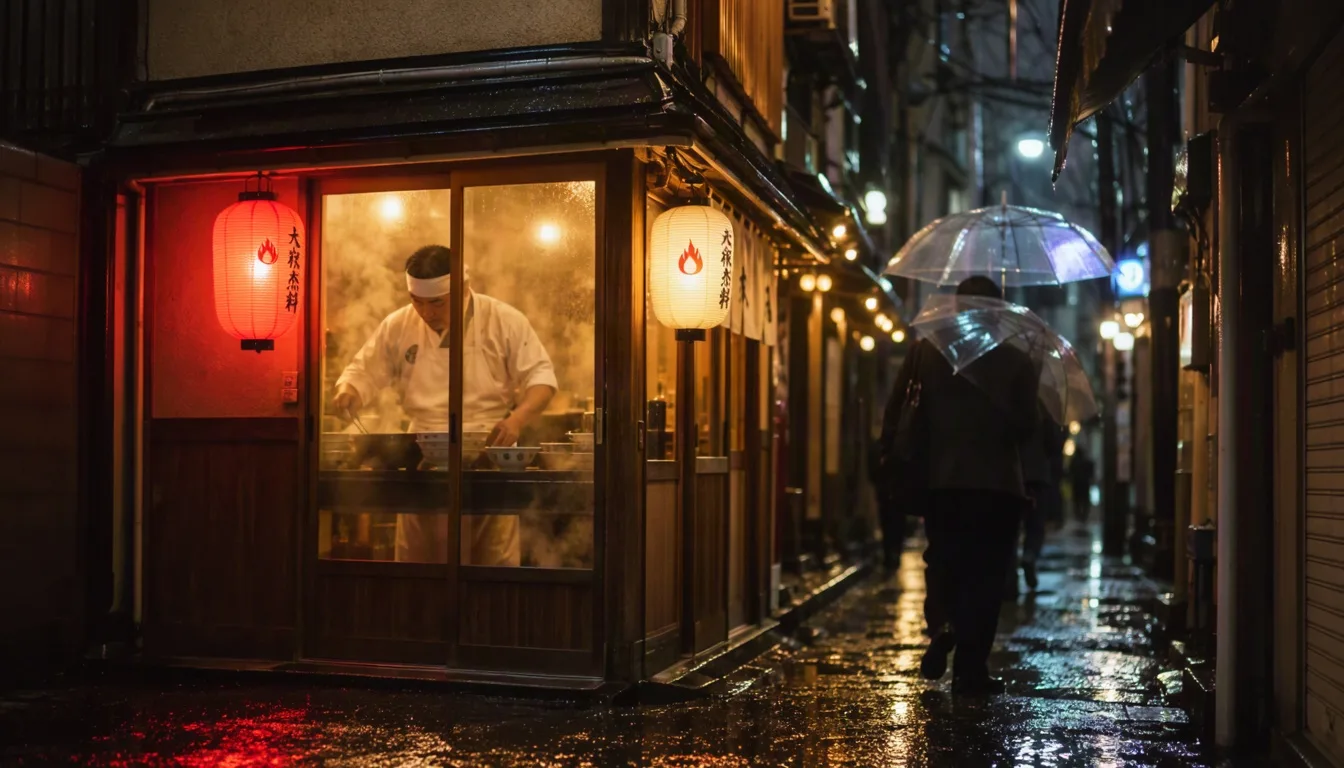
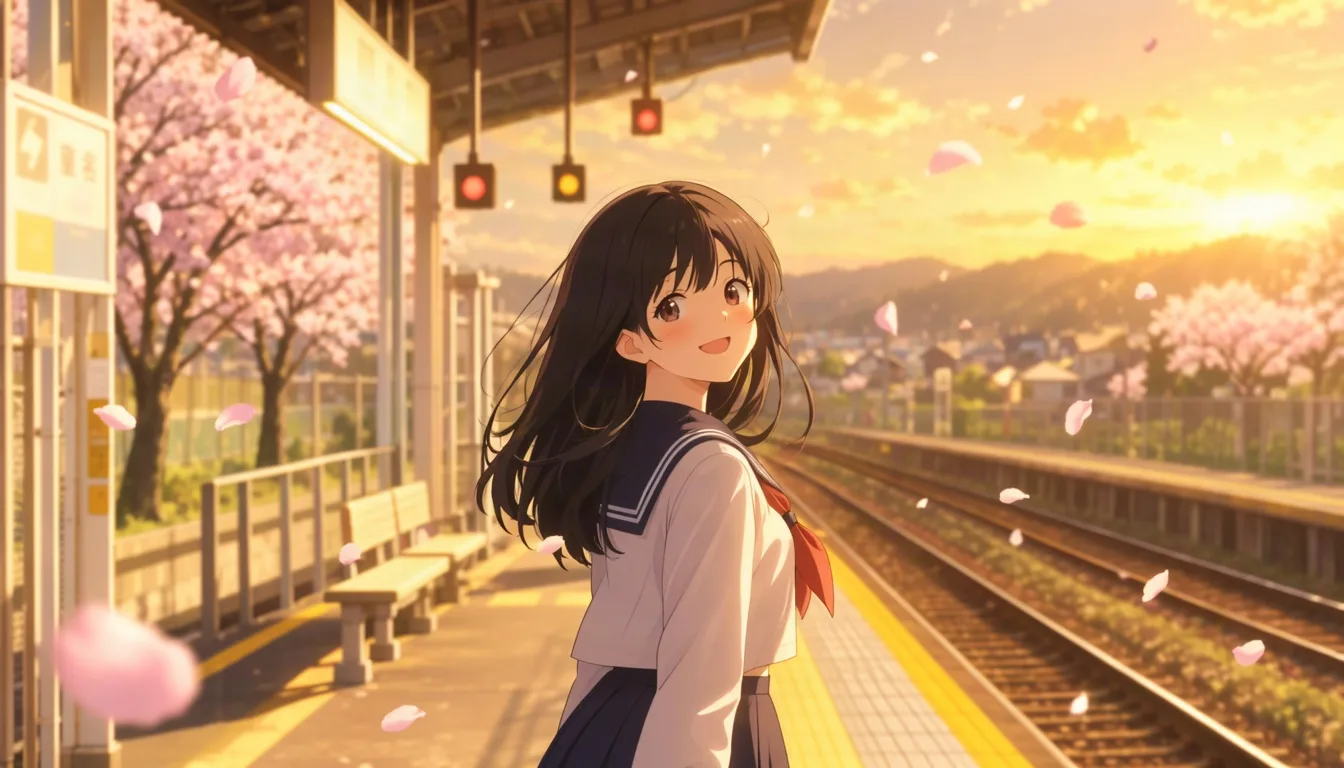
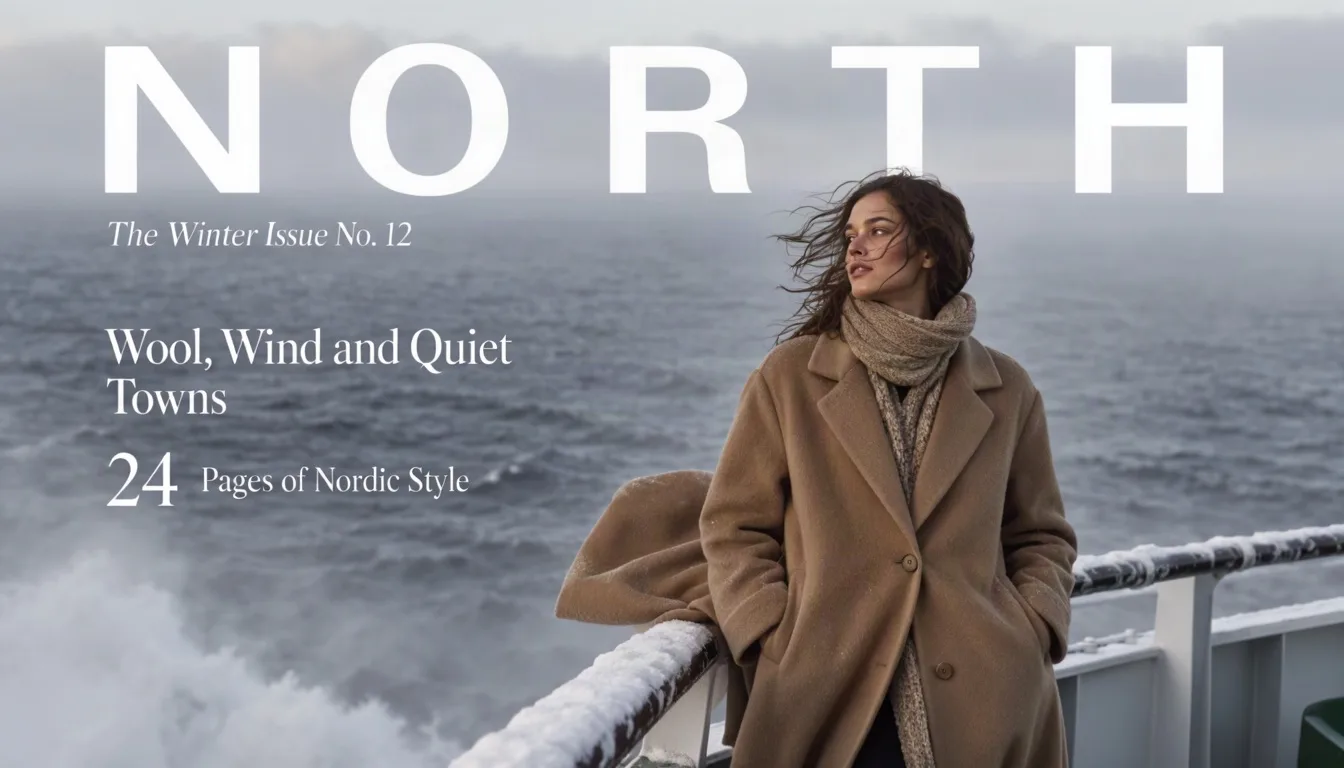
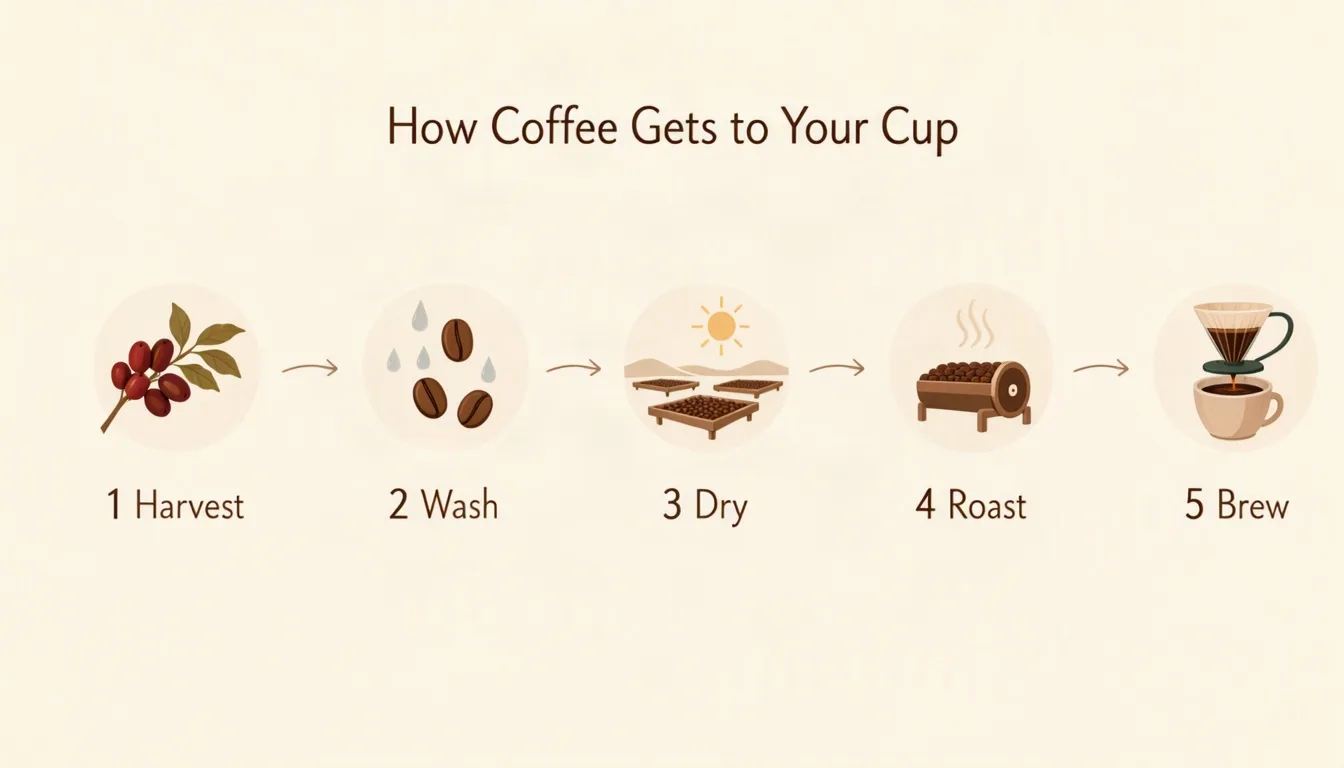
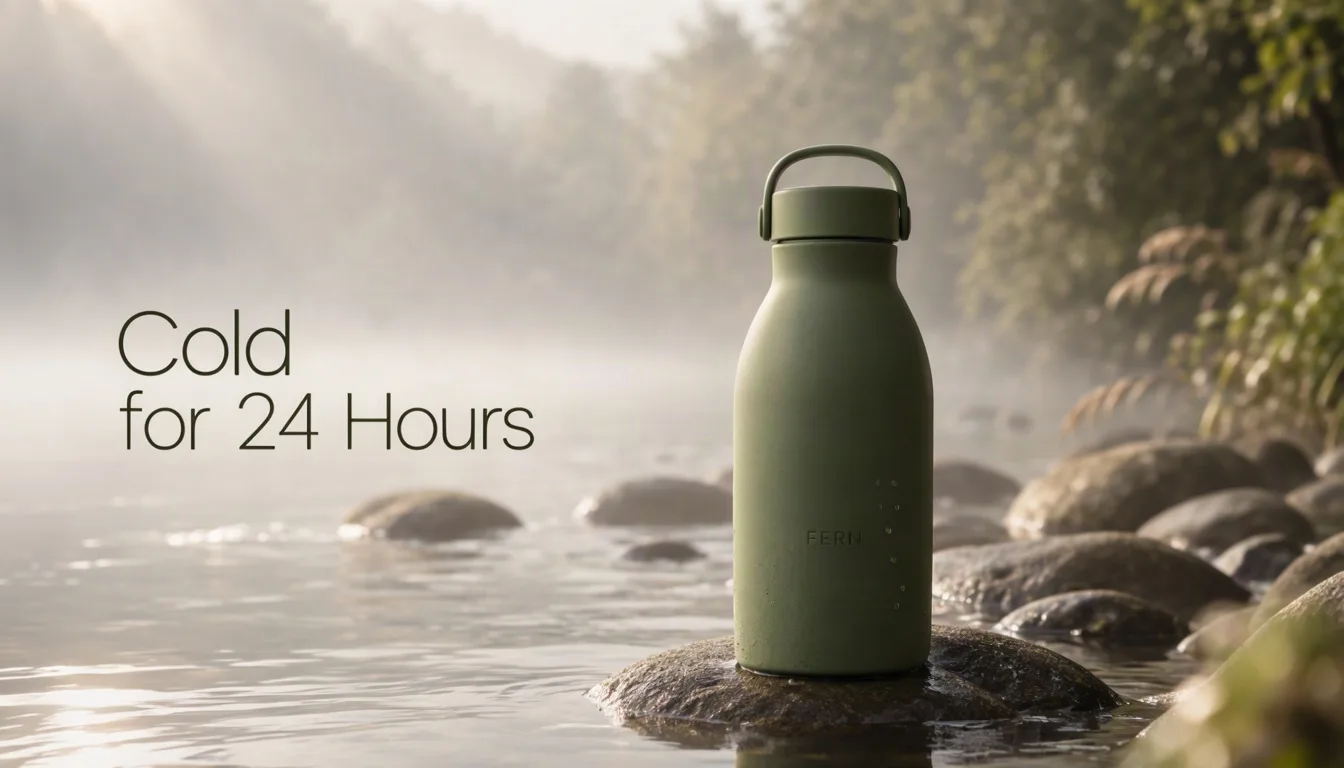
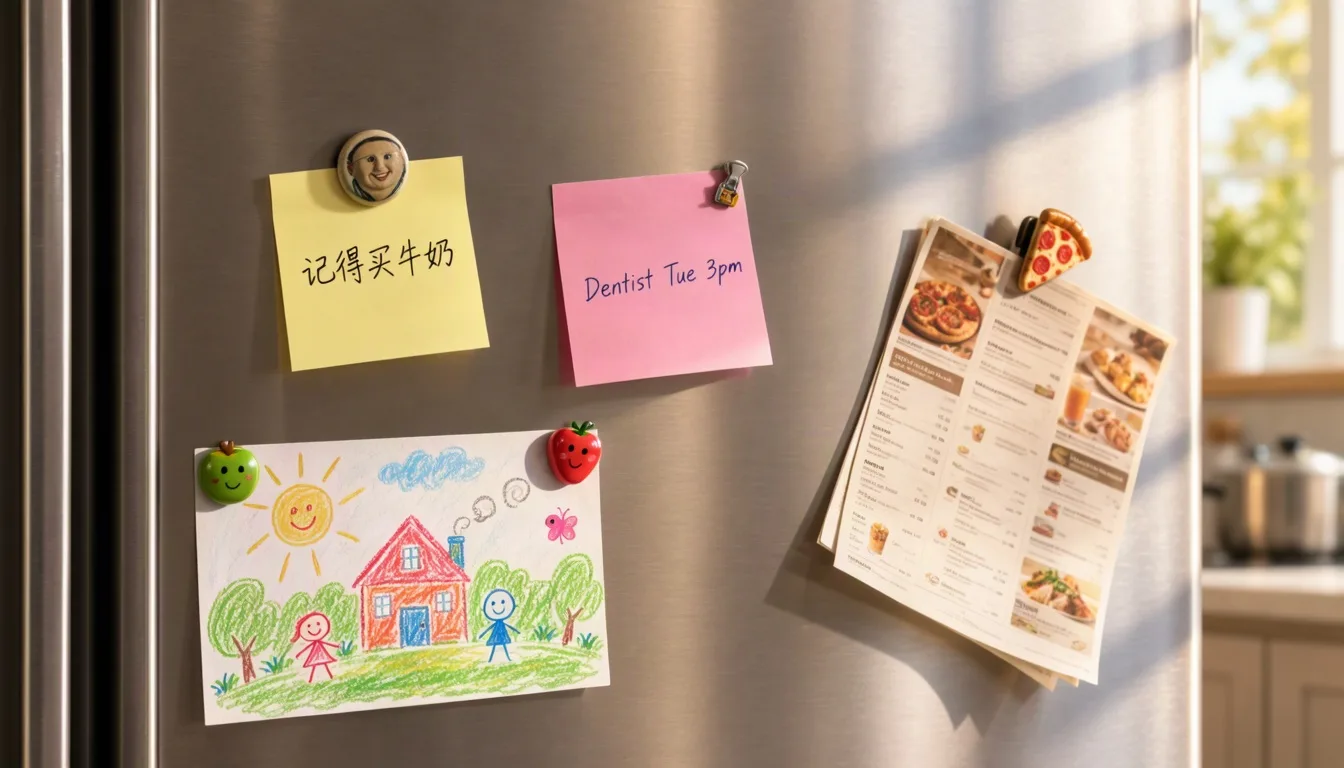
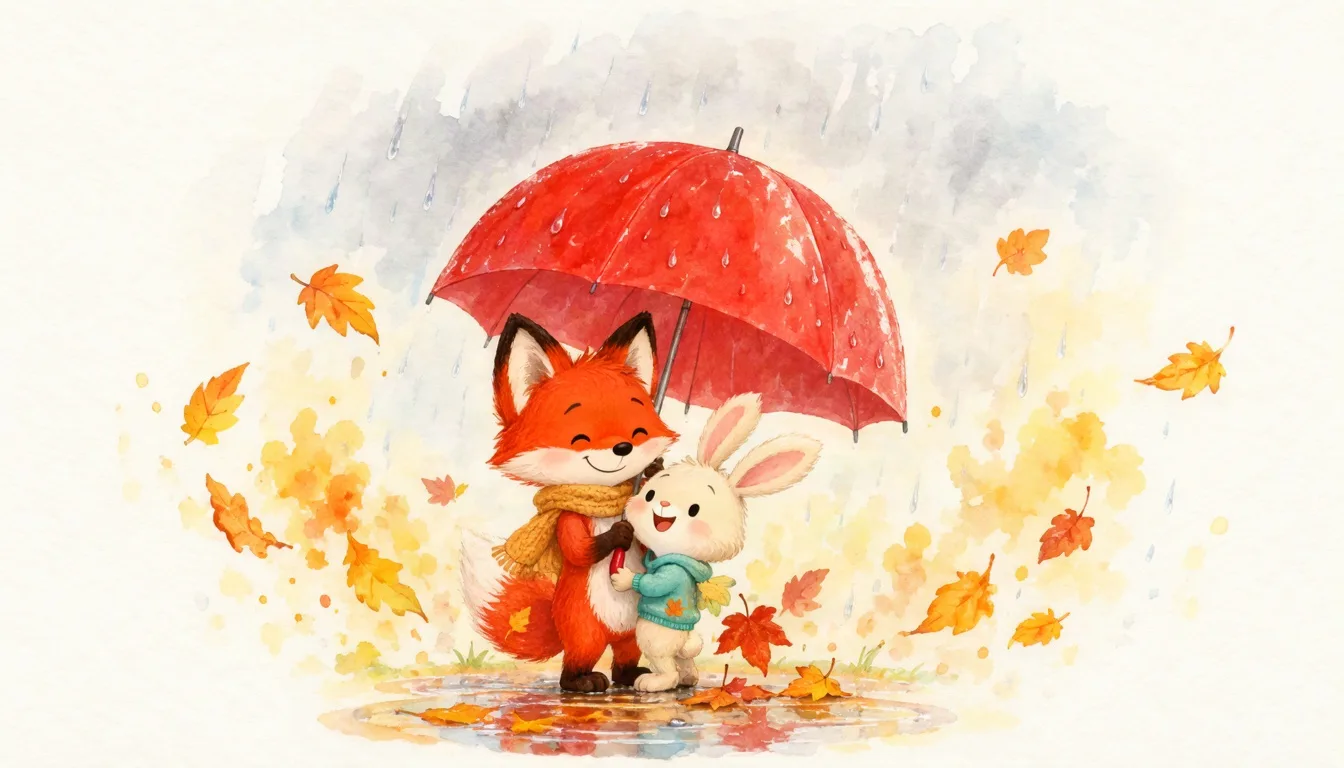
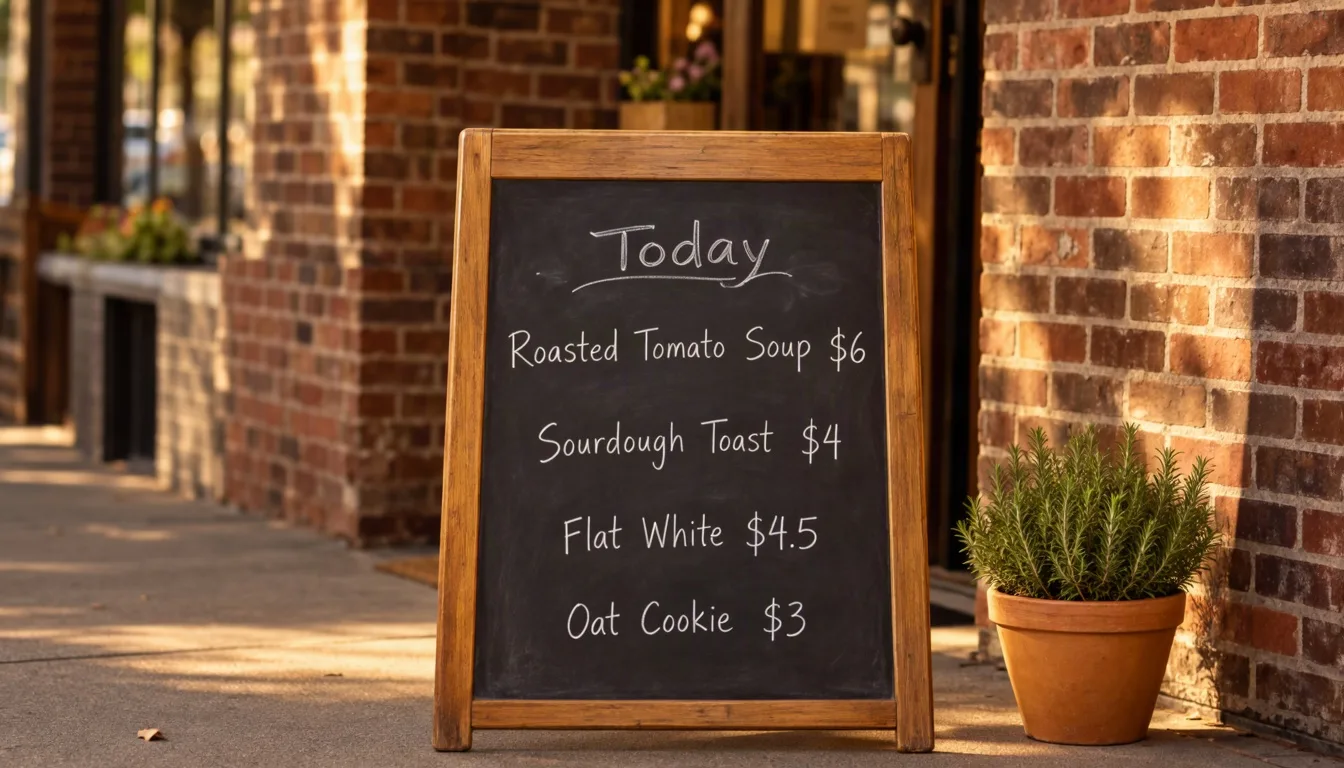
MOSS ImageBilingual festival posterPrompt: A minimalist tea festival poster on warm cream paper. A single red camellia flower on the right. On the left, a large Chinese title "山茶花开", under it the English title "Camellia Tea Festival", and a small date line "Nov 8 to 10, 2026 · Hangzhou". Elegant serif typography, generous white space, soft paper texture.MOSS ImageRainy Tokyo street photoPrompt: Street photograph of a narrow Tokyo alley on a rainy night. A cook works behind the steamy window of a tiny ramen shop, paper lanterns glow, reflections shimmer on the wet asphalt, a passerby with a clear umbrella. Natural film look, true-to-life colors.MOSS ImageAnime from a tag promptPrompt: best quality, highres, 1girl, solo, school uniform, long black hair, looking back, smile, train station platform, cherry blossoms, petals in the wind, spring, golden hour, detailed background, anime styleMOSS ImageMagazine cover with cover linesPrompt: A fashion magazine cover spread. Bold white masthead "NORTH" across the top. Cover lines on the left: "The Winter Issue No. 12", "Wool, Wind and Quiet Towns", "24 Pages of Nordic Style". A model in a camel wool coat stands on the snowy deck of a ferry, grey sea behind her, natural daylight.MOSS ImageStep-by-step infographicPrompt: A clean flat infographic titled "How Coffee Gets to Your Cup". Five numbered steps from left to right, each with a simple icon and a label: "1 Harvest", "2 Wash", "3 Dry", "4 Roast", "5 Brew". Thin arrows connect the steps. Warm brown and cream palette, lots of breathing room.MOSS ImageProduct ad with a headlinePrompt: A product ad for a matte green ceramic water bottle standing on wet river stones in morning mist. Headline in clean sans serif on the left: "Cold for 24 Hours". Small brand word "FERN" printed on the bottle. Soft natural light, shallow depth of field.MOSS ImageHandwritten notes in two languagesPrompt: A phone photo of a kitchen fridge door in morning light. Two handwritten sticky notes held by magnets: a yellow note reads "记得买牛奶" and a pink note reads "Dentist Tue 3pm". A child's crayon drawing and a takeout menu are also on the door.MOSS ImageWatercolor storybook pagePrompt: A watercolor children's book illustration of a fox and a rabbit sharing a red umbrella in autumn rain, fallen leaves swirling around them, soft wet edges, visible paper texture, gentle warm palette.MOSS ImageChalkboard café menuPrompt: A sidewalk chalkboard menu outside a small café in afternoon sun. Hand-lettered title "Today" and four lines: "Roasted Tomato Soup $6", "Sourdough Toast $4", "Flat White $4.5", "Oat Cookie $3". A potted rosemary plant beside it, brick wall behind.
Results from the MOSS Image technical report. In a blind human vote on design requests it beats Seedream 5.0 Pro and Nano Banana Pro, and its long-text and layout scores lead the open-weight field.
#2 of 5 in blind voting
96.3% text coverage
2× the layout accuracy of Ideogram 4
Blind design vote (RealLayoutArena, Elo)
People compare two designs made from the same short request, with model names hidden. Only GPT Image 2 scores higher.
GPT Image 21844
MOSS Image1699
Seedream 5.0 Pro1661
Qwen Image 3.0 Pro1615
Nano Banana Pro1590
Long text rendered correctly (LongLongTextBench)
Share of the requested English and Chinese text that appears correctly in the image.
MOSS Image96.3%
Qwen Image 251264.9%
Objects placed in their boxes (7Bench)
How closely each object lands inside its layout box (mIoU, higher is better).
MOSS Image0.88
Ideogram 40.44
Source: MOSS-Image technical report (arXiv 2610.23374), October 2026. RealLayoutArena uses blind pairwise human votes; LongLongTextBench reports mean text coverage across six length settings.
What MOSS Image does best
Why Creators Pick MOSS Image
Four things MOSS Image does better than most open models, each shown with a real result from this page.
Text rendering
MOSS Image for posters with English and Chinese text
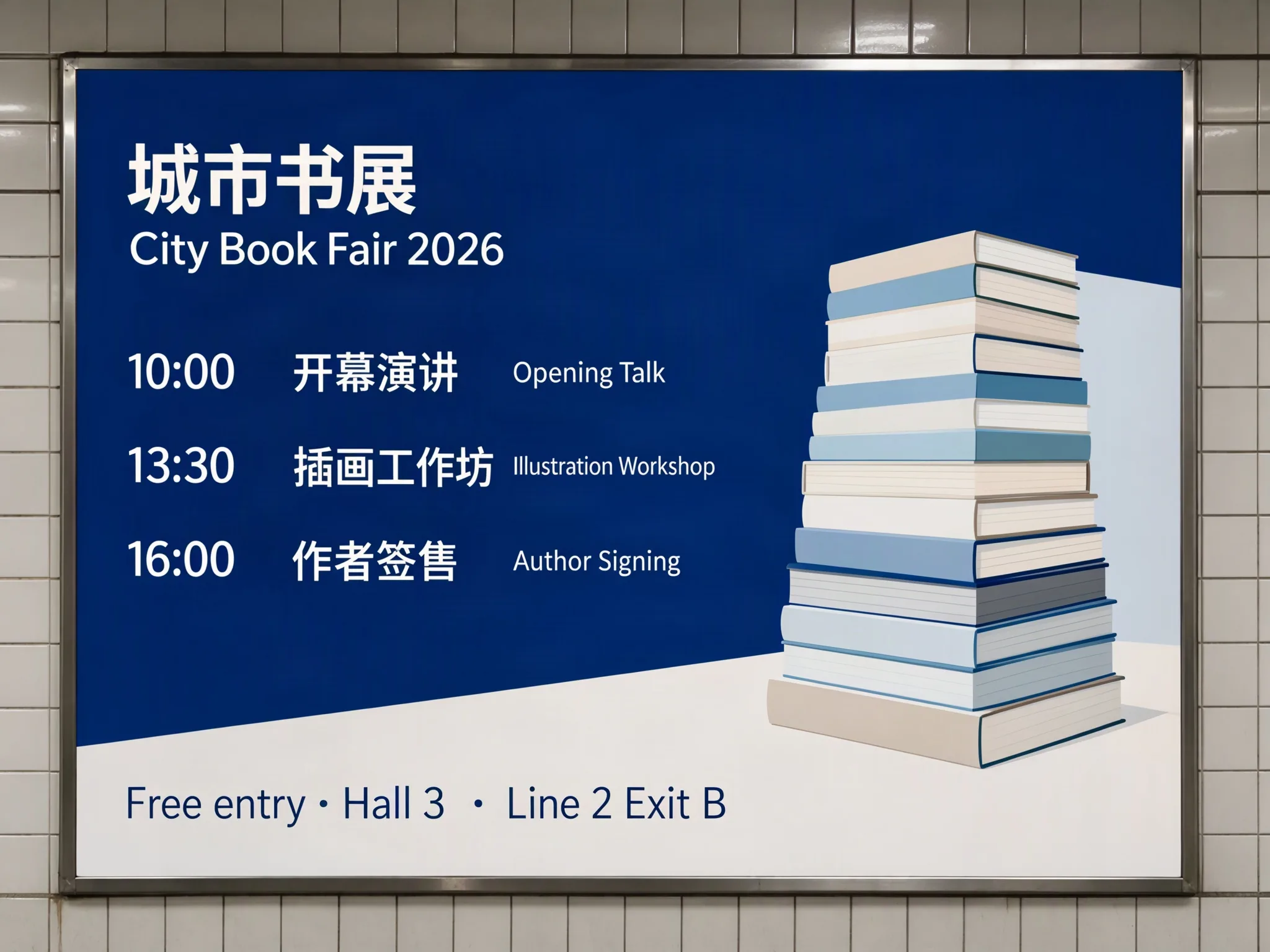
Long text, both languages, spelled right. Put the words in quotes and MOSS Image sets them as real typography: titles, schedules, prices, and footnotes, in English and Chinese on the same poster. It breaks lines on its own, and you can add a line break in the prompt when you want exact control.
Chinese and English in one image
Small print stays readable
Line breaks follow your prompt
MOSS Image
Bilingual schedule, 2K
Natural photos
Realistic photos without the AI look
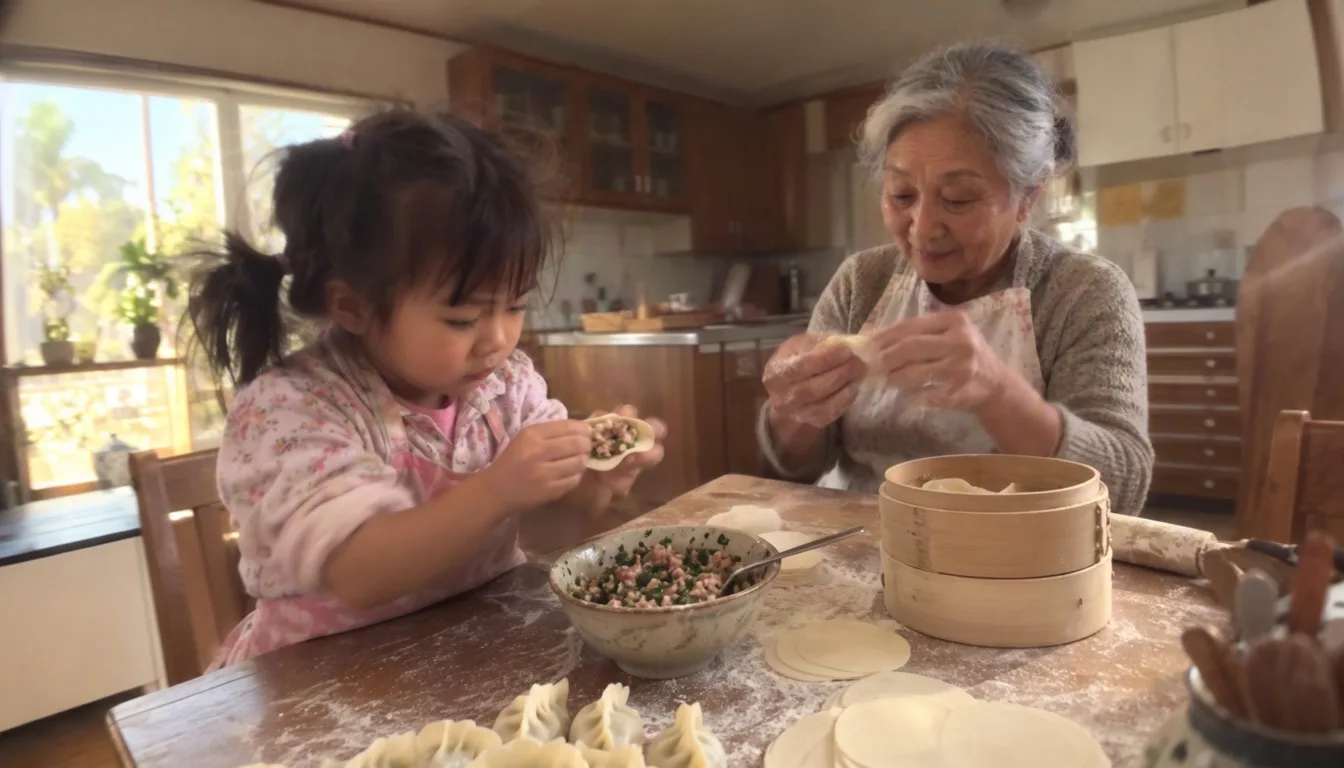
Photos that look taken, not generated. AI-generated pictures were filtered out of MOSS Image's 3 billion training images, so it never learned the waxy skin and airbrushed light that give AI photos away. Ask for an everyday scene and you get flour on the table, motion in the hands, and window light that falls the way it does at home.
Trained without AI images
Natural skin and texture
Everyday light and clutter
MOSS Image
Photo and anime
Photorealistic and anime art from one model
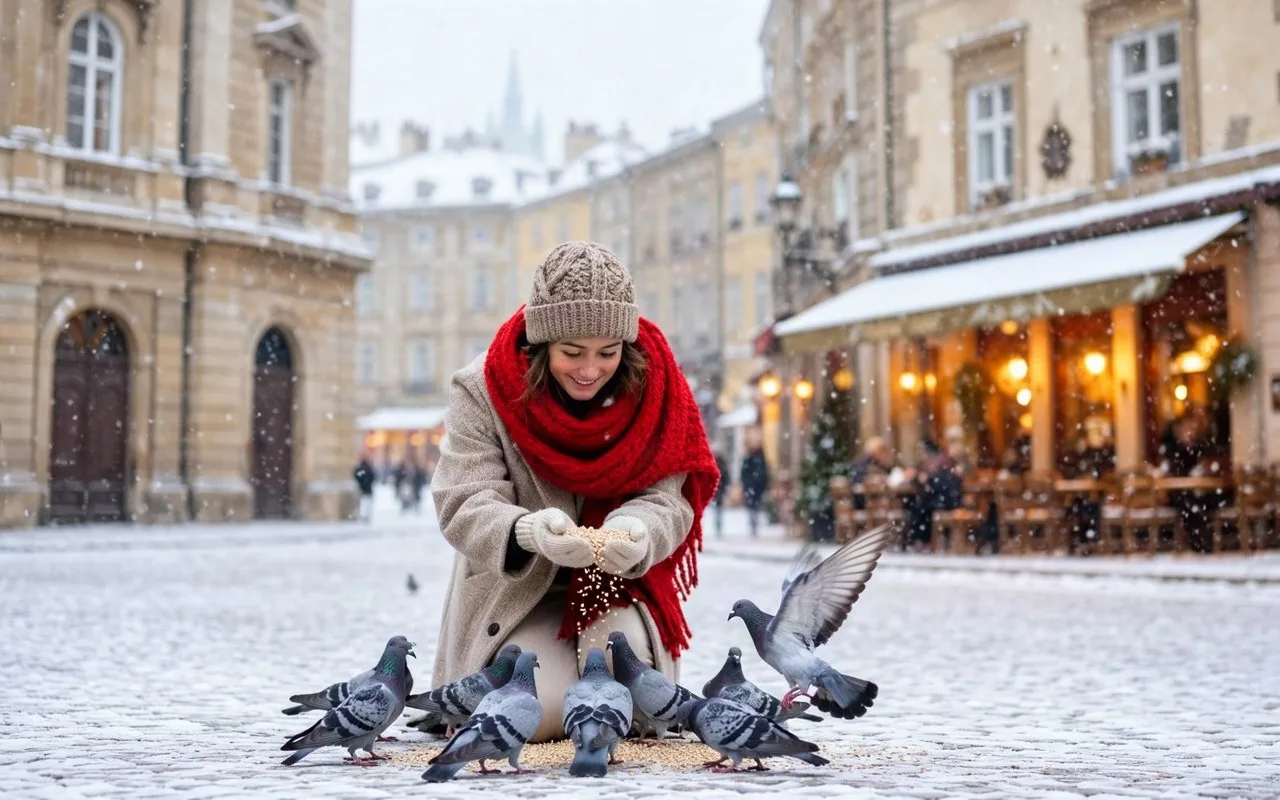
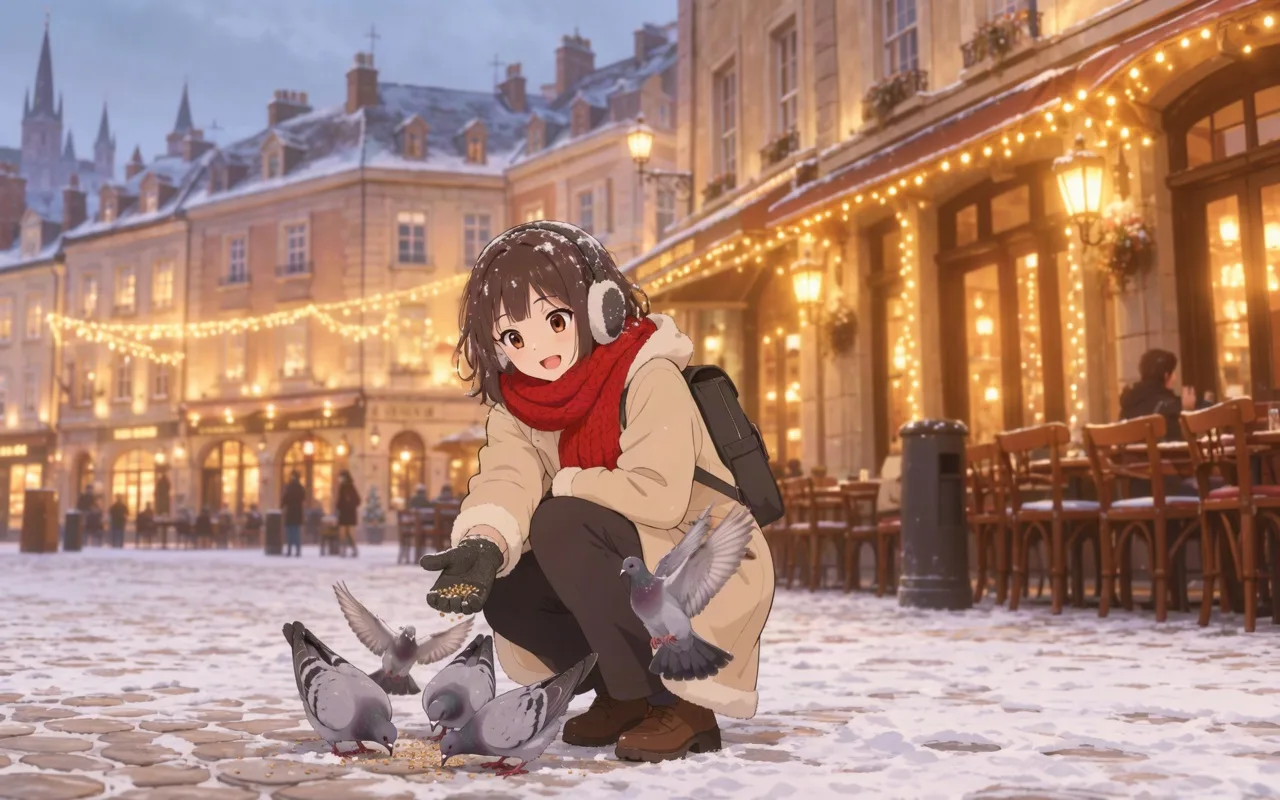
One model, two worlds. Write a sentence for a photograph, or a list of tags for anime, and MOSS Image switches style without a separate checkpoint. The same scene below comes out as a winter street photo from one prompt and as an anime frame from a tag list.
Natural-language prompts
Booru-style tag prompts
Same scene, both styles
Long prompts
Detailed scenes from prompts up to 4,096 tokens
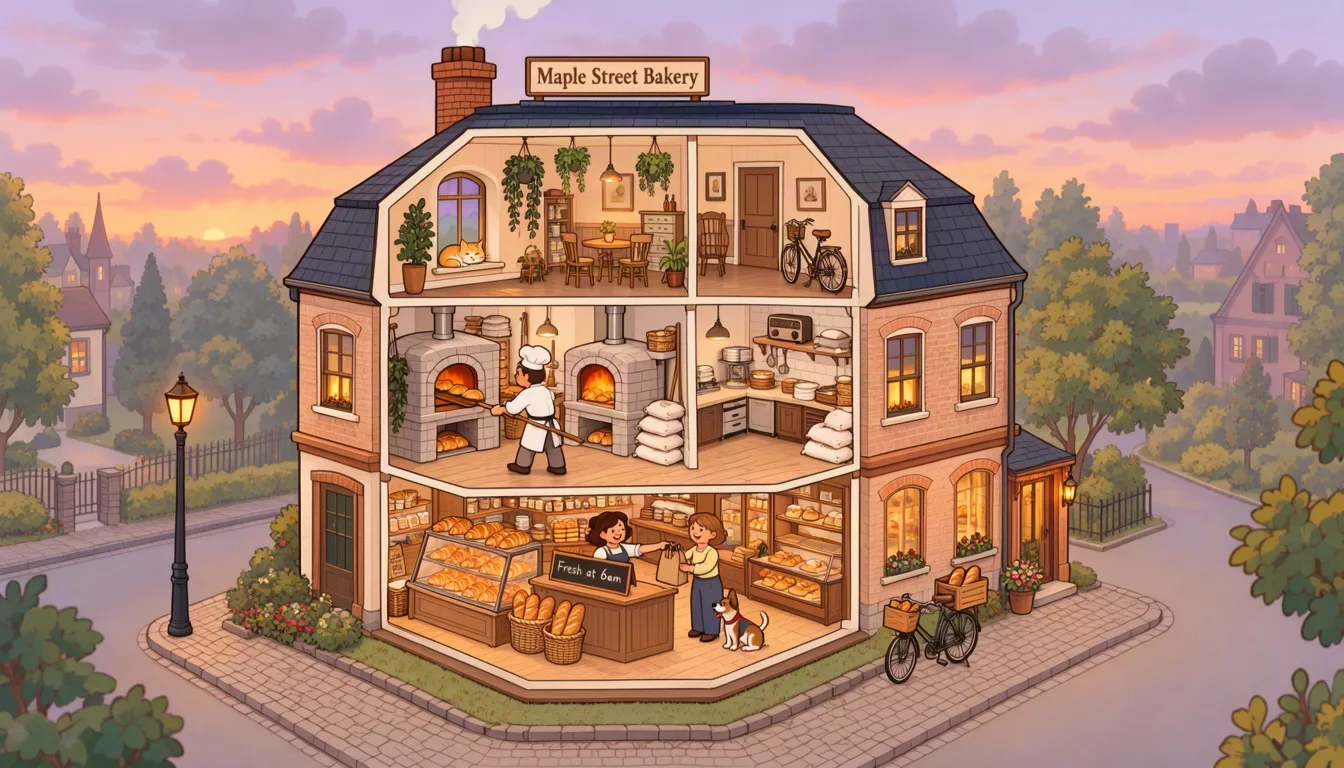
Describe everything. It keeps up. MOSS Image reads prompts up to 4,096 tokens, so you can describe a whole building floor by floor and it still draws the cat on the windowsill, the baker at the oven, and the sign on the counter. Long, precise briefs stop getting cut short.
Up to 4,096 tokens
Every listed detail drawn
Signs and labels included
MOSS Image
Prompt guide
Three Ways to Write a MOSS Image Prompt
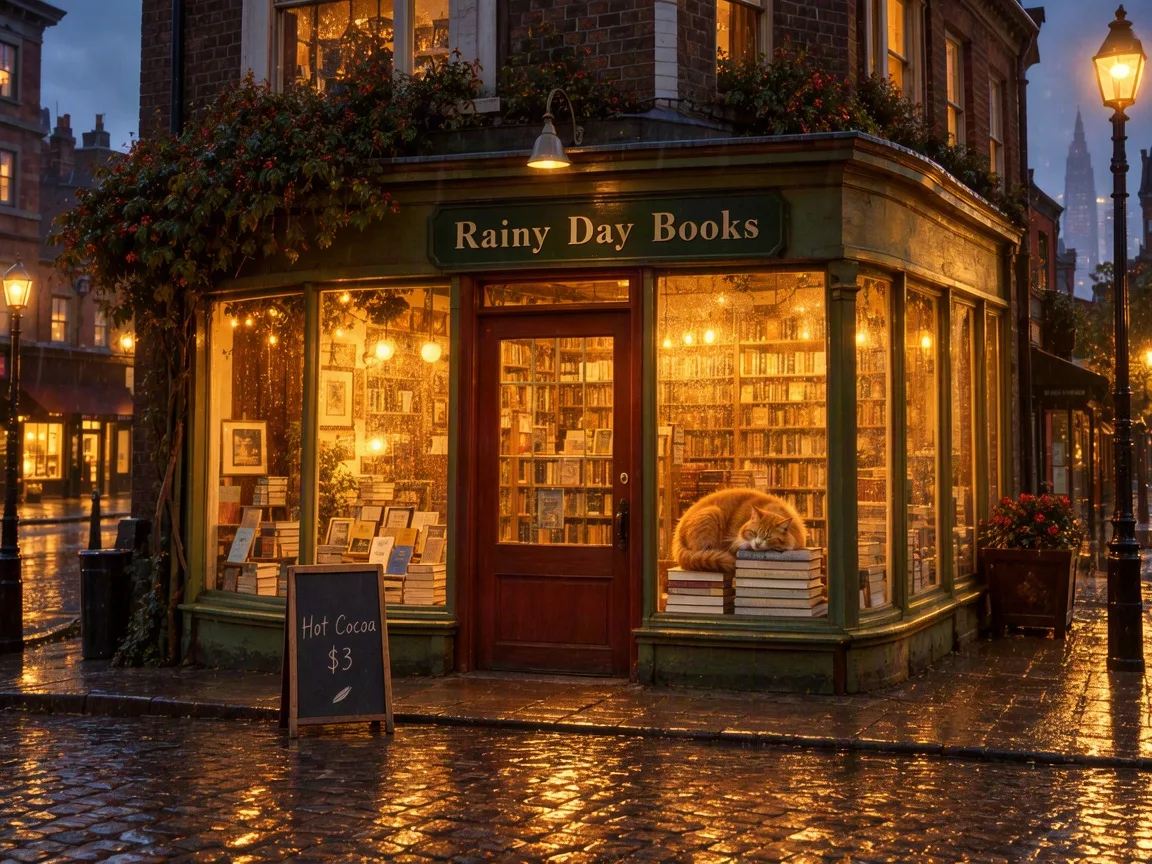
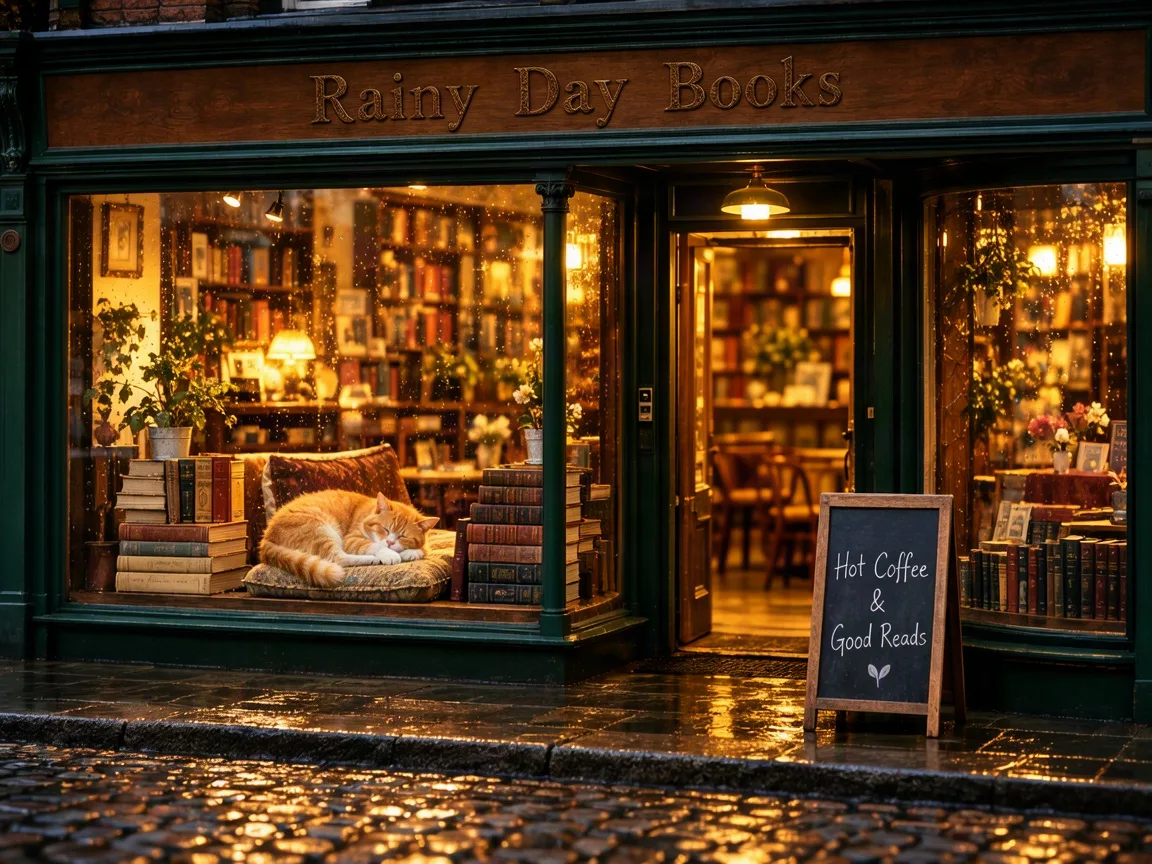
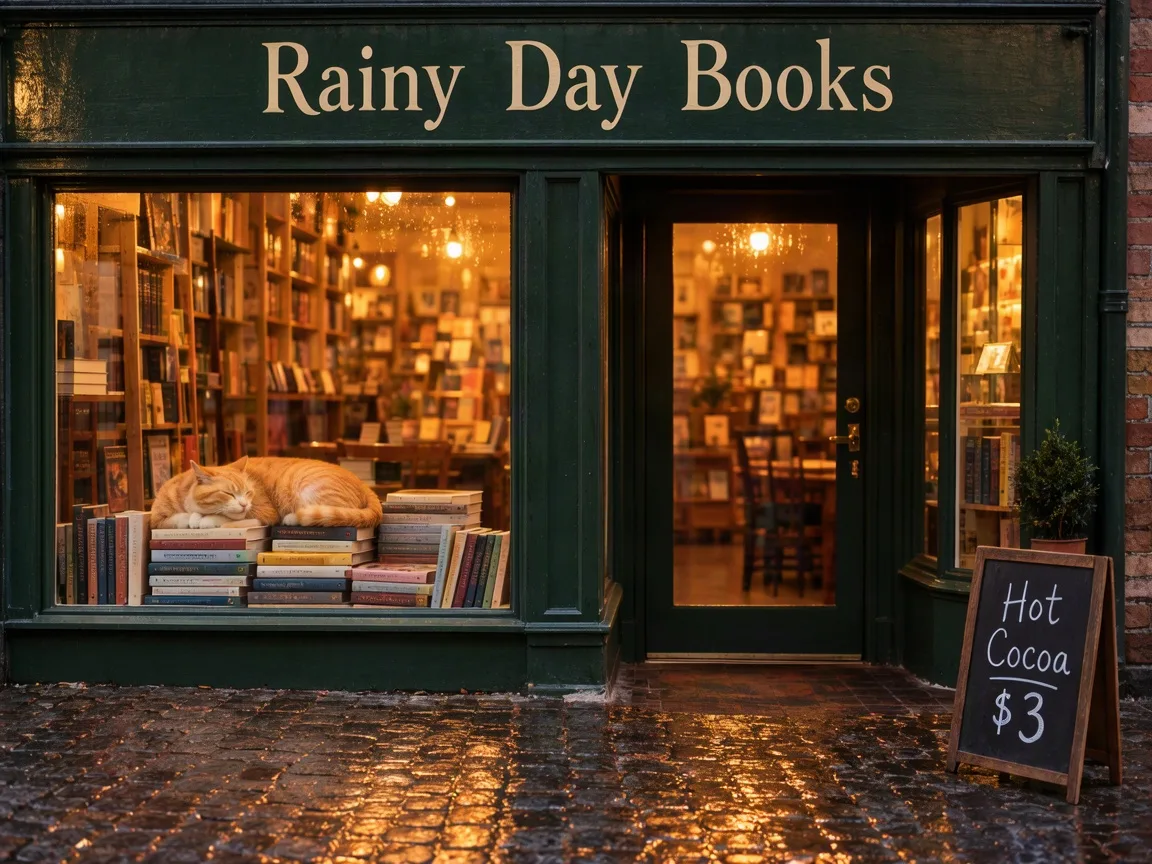
MOSS Image reads plain sentences, tag lists, and JSON layouts. Here is one rainy bookstore written all three ways, with the image each prompt produced.
Natural language
Tags
JSON layout with boxes
Describe the scene in plain sentences.
Prompt
A cozy corner bookstore café on a rainy evening, seen from across the wet cobblestone street. A ginger cat sleeps in the front window on a stack of books. Above the door, a dark green wooden sign reads "Rainy Day Books" in cream hand-painted letters. A small chalkboard on the sidewalk says "Hot Cocoa $3". Warm light inside, reflections on the cobblestones.
The best all-round choice. Put exact words in quotes, and MOSS Image renders them as written.
Fast for style and mood, and the natural fit for anime. Tags leave the details open: the chalkboard text here was never specified, so the model wrote its own.
Result
MOSS Image
Give a caption plus a box for every element.
Prompt
{
  "summary": {
    "meta": ["photo"],
    "canvas": "single",
    "caption": "A cozy corner bookstore café on a rainy evening, seen from across the wet cobblestone street, warm light glowing from the windows."
  },
  "items": [
    { "label": "text", "caption": "Cream hand-painted letters on a dark green wooden sign above the shop front.", "text": "Rainy Day Books", "bbox": [-400, -320, -300, 320] },
    { "label": "object", "caption": "Front shop window with stacked books and warm light inside.", "bbox": [-250, -540, 180, -60] },
    { "label": "object", "caption": "A ginger cat sleeping on a stack of books inside the window.", "bbox": [20, -430, 170, -190] },
    { "label": "object", "caption": "Glass front door with a brass handle, warm light behind it.", "bbox": [-250, 60, 230, 300] },
    { "label": "text", "caption": "Chalk handwriting on a small sidewalk chalkboard sign.", "text": "Hot Cocoa $3", "bbox": [110, 360, 370, 540] },
    { "label": "object", "caption": "Wet cobblestones reflecting the warm window light.", "bbox": [240, -576, 432, 576] }
  ],
  "bbox_coord_space": "abs_centralized",
  "bbox_format": "yxyx"
}
Full control. Each item has a label, a caption, optional text, and a box in pixels measured from the center of the image. Hover a row to see its box.
Result
123456MOSS Image
Base vs SFT
MOSS Image Base vs SFT: Which Version Do You Need?
OpenMOSS released two checkpoints of the same 5B model. One is for making images, the other is for training your own.
Runs on PixMiraMOSS Image SFT
MOSS Image Base
What it is
Base model fine-tuned on curated data
Raw pre-trained checkpoint
Best for
Making finished images
LoRA training and fine-tuning
Text and layout
Tidier text grouping and cleaner layouts
Looser grouping on the same prompt
Recommended settings
50 steps, CFG 3
50 steps or more, CFG 3
License
Apache 2.0
Apache 2.0
Swipe the table to see both versions
Settings from the official MOSS-Image user guide. Both checkpoints are on Hugging Face and ModelScope.
Which one should you choose?
Choose SFT to create images. That is the version on this page. Download Base only when you plan to train a LoRA or fine-tune the model on your own data.
Describe a change in words and it edits your photo, from outfits to backgrounds.
From 3 creditsOpen
Online or ComfyUI
Use MOSS Image Online or Run It in ComfyUI
The weights are free to download, but running them takes a strong NVIDIA GPU and a long setup. Here is what each route takes.
Ready nowMOSS Image on PixMira
Local ComfyUI install
Hardware
Any phone or computer with a browser
NVIDIA GPU with CUDA
Download
Nothing
Model 5.4 to 10.2 GB, text encoder 7.3 to 9.8 GB, plus the FLUX.2 VAE
Setup
Open this page
ComfyUI nightly build or the MOSS-Image plugin, PyTorch 2.9 or newer
Cost
12 credits at 1K, 47 credits at 2K
Free, on your own GPU and power bill
Your images
Saved to your history, ready to download
Saved on your machine
Swipe the table to compare both routes
File sizes from the Comfy-Org MOSS-Image repackage (int8 and bf16 model, W4A8 and int8 text encoder).
Which route fits you?
Use MOSS Image online to start in seconds on any device. Install it locally when you already own a strong NVIDIA card and want to run thousands of images or train a LoRA.
From idea to finished image in four steps with the MOSS Image generator at the top of this page.
01
Choose MOSS Image
It is already selected in the generator at the top of this page.
02
Write your prompt
Describe the scene in English for best results. Put any words you want in the image inside quotes, in English or Chinese.
03
Add a layout when you need it
Paste a JSON layout instead of a sentence to fix where each title and object goes.
04
Pick a size and generate
Choose an aspect ratio and 1K or 2K, then generate and download your image.
Watch a MOSS Image prompt turn into a picture
Real prompts from this page and the images MOSS Image made from them.
Prompt
A product ad for a matte green ceramic water bottle standing on wet river stones in morning mist. Headline: "Cold for 24 Hours". Small brand word "FERN" printed on the bottle.
MOSS ImageGenerate
Quick answers
MOSS Image FAQ
Quick answers about MOSS Image and how to use it on PixMira.
MOSS Image comes from the OpenMOSS team, who released it on October 16, 2026 as open weights on Hugging Face and ModelScope, together with a technical report.
The weights are free under Apache 2.0, and you can run them on your own NVIDIA GPU. On PixMira you skip the hardware: a 1K image costs 12 credits and a 2K image 47 credits, and credits come with every PixMira plan.
Yes. MOSS Image is released under the Apache 2.0 license, which allows commercial use, and images you create on PixMira are yours to use in ads, products, and client work.
No. MOSS Image creates images from text and takes no photo as input, and OpenMOSS has not released an edit model yet. To edit a photo, use Flux 3 Image or Nano Banana 2.1 on PixMira.
Yes. It renders Chinese and English text inside images. Write the rest of the prompt in English for best results, since most of its training captions are English, and put the Chinese words you want in quotes.
On PixMira you can pick 1K (1 megapixel) or 2K (up to 2048 × 2048) in 11 aspect ratios from 21:9 to 9:21. The model works best between 1 and 2 megapixels.
Give a summary caption and a list of items. Each item has a label (text or object), a caption, the text to render, and a bbox as [y_min, x_min, y_max, x_max] in pixels from the image center. The bookstore example in the prompt guide above shows a complete layout and the image it produced.
Both are open-weight models. Krea 2 is a 12B model released in June 2026 under the Krea 2 Community License. MOSS Image is a smaller 5B model under Apache 2.0, built for long English and Chinese text and JSON layouts.
Yes. Train on the MOSS Image Base checkpoint and keep the text encoder frozen, as the official user guide advises. Use SFT, the version on this page, for everyday image making.
Create with MOSS Image
Your next poster, menu, or street photo is one prompt away.
 MOSS Image