PhotoSilhouette
Side Profile
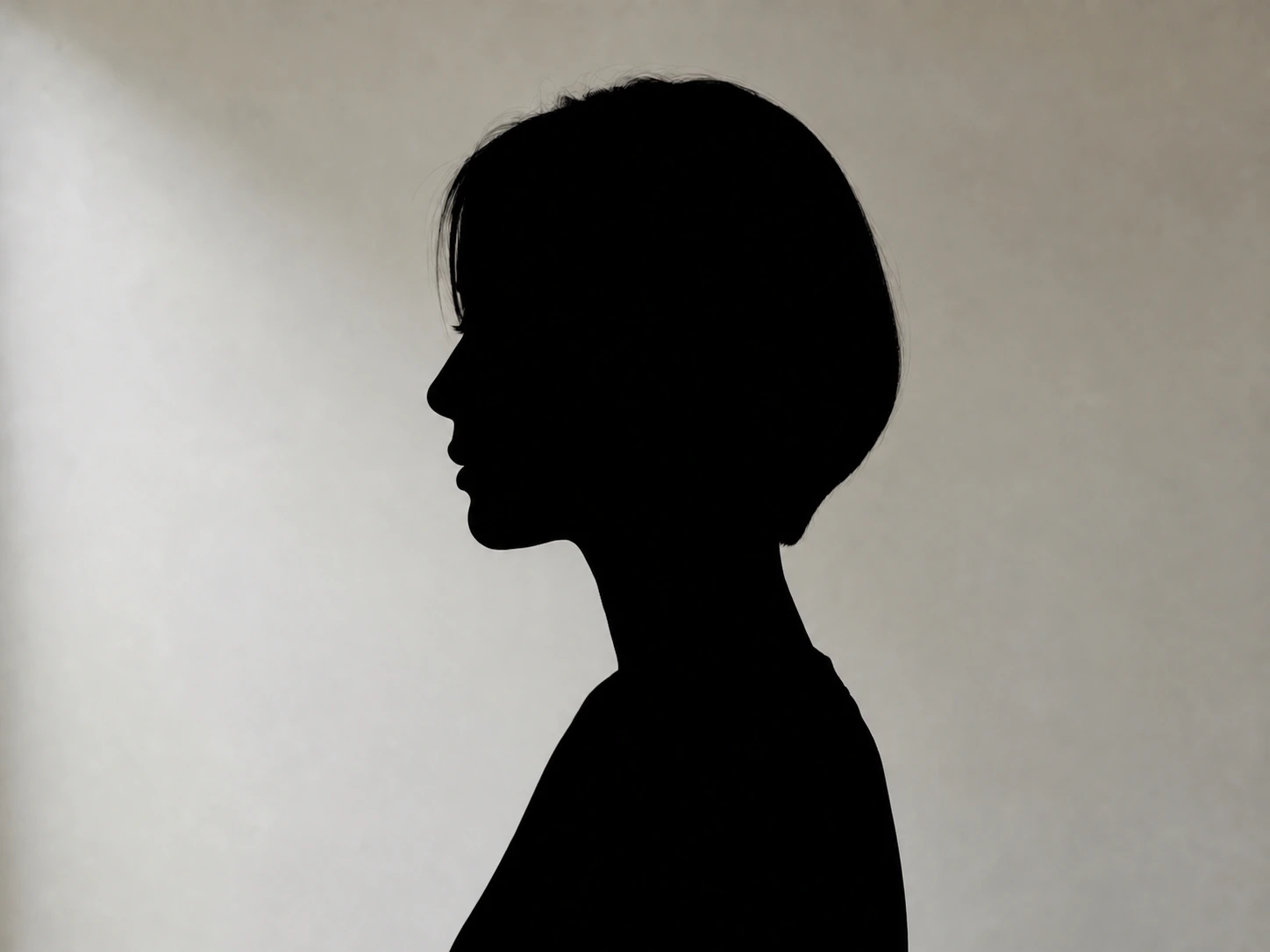
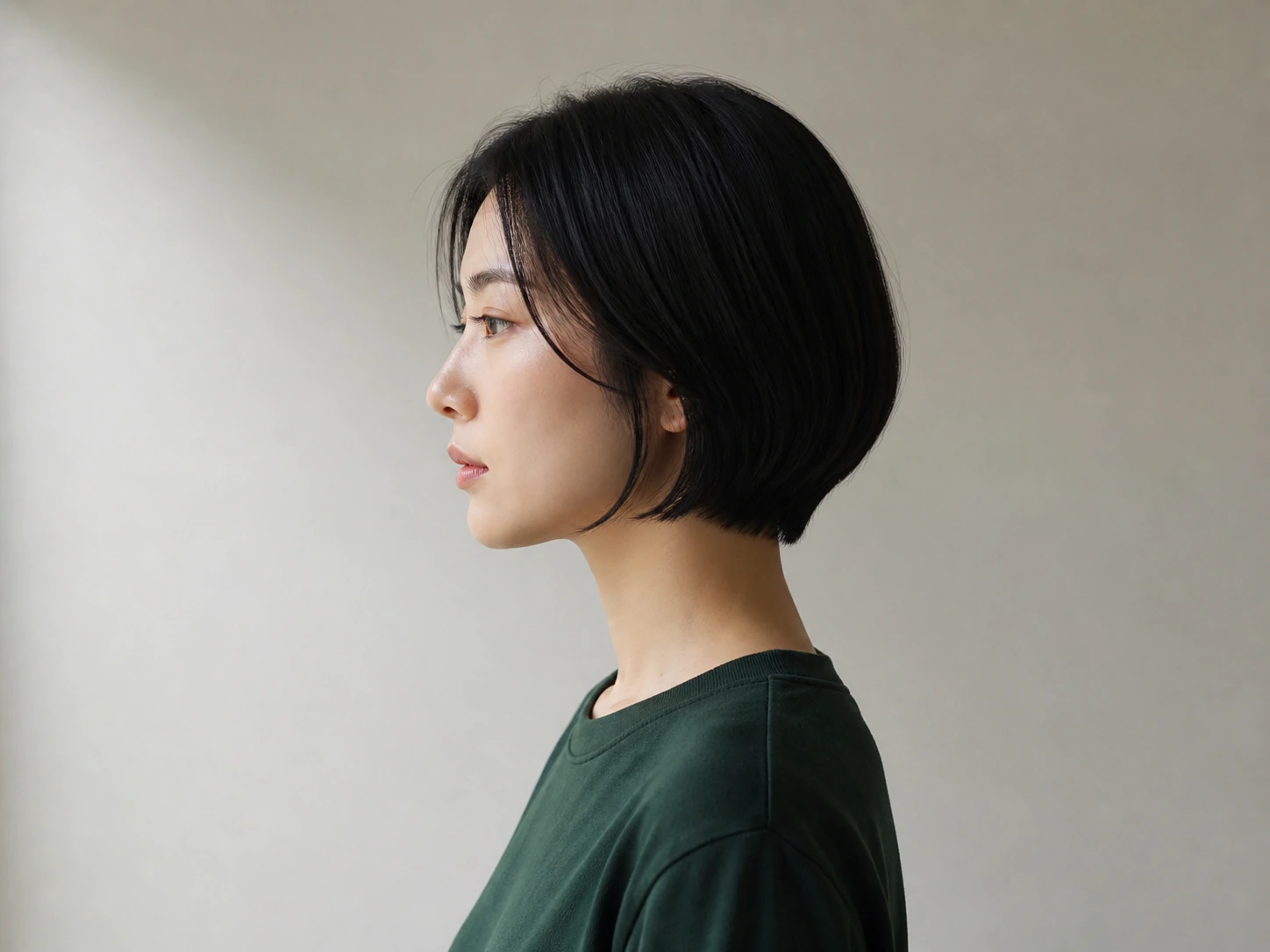
The silhouette maker preserves the profile line through the forehead, nose, lips, chin, hair, and neck for a clean, immediately recognizable portrait.
Upload Image
Upload a clear photo with a recognizable subject
PNG, JPG, JPEG, or WEBP
Silhouette Style
Background
Your generated images will appear here
See how the silhouette maker turns portraits, full-body photos, pets, groups, products, and natural forms into clean, recognizable silhouettes.
The silhouette maker preserves the profile line through the forehead, nose, lips, chin, hair, and neck for a clean, immediately recognizable portrait.
The silhouette maker preserves the profile line through the forehead, nose, lips, chin, hair, and neck for a clean, immediately recognizable portrait.
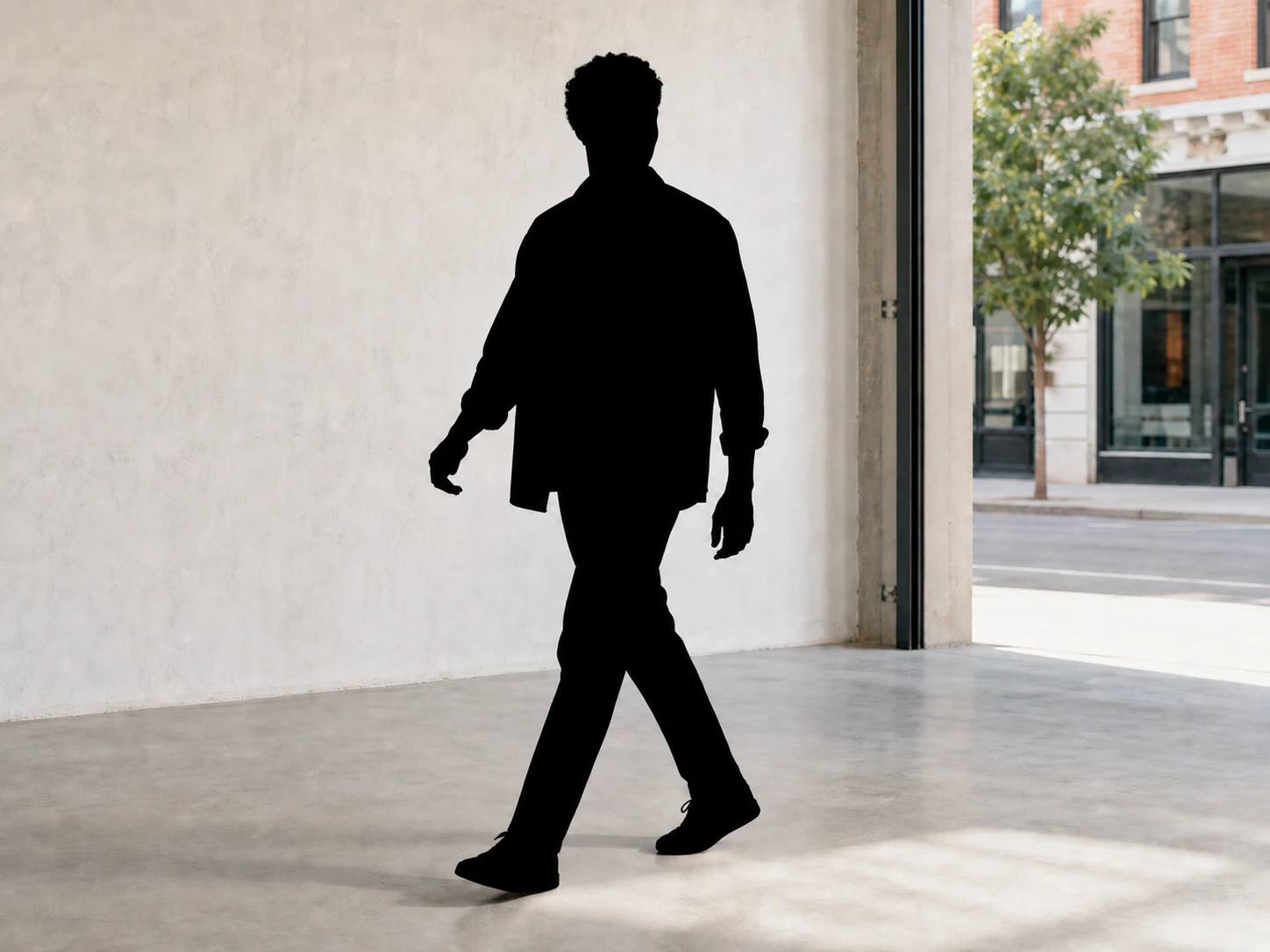
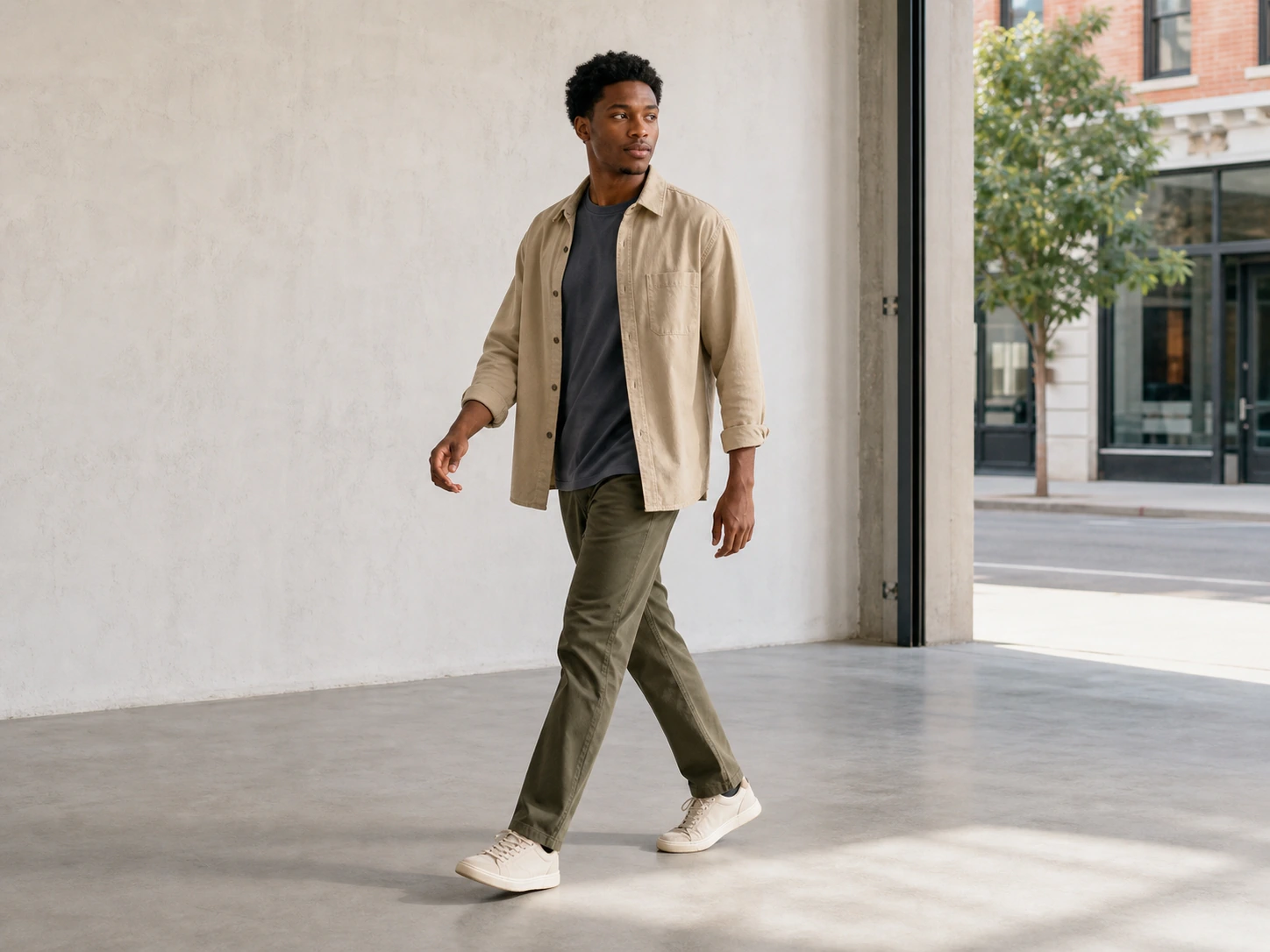
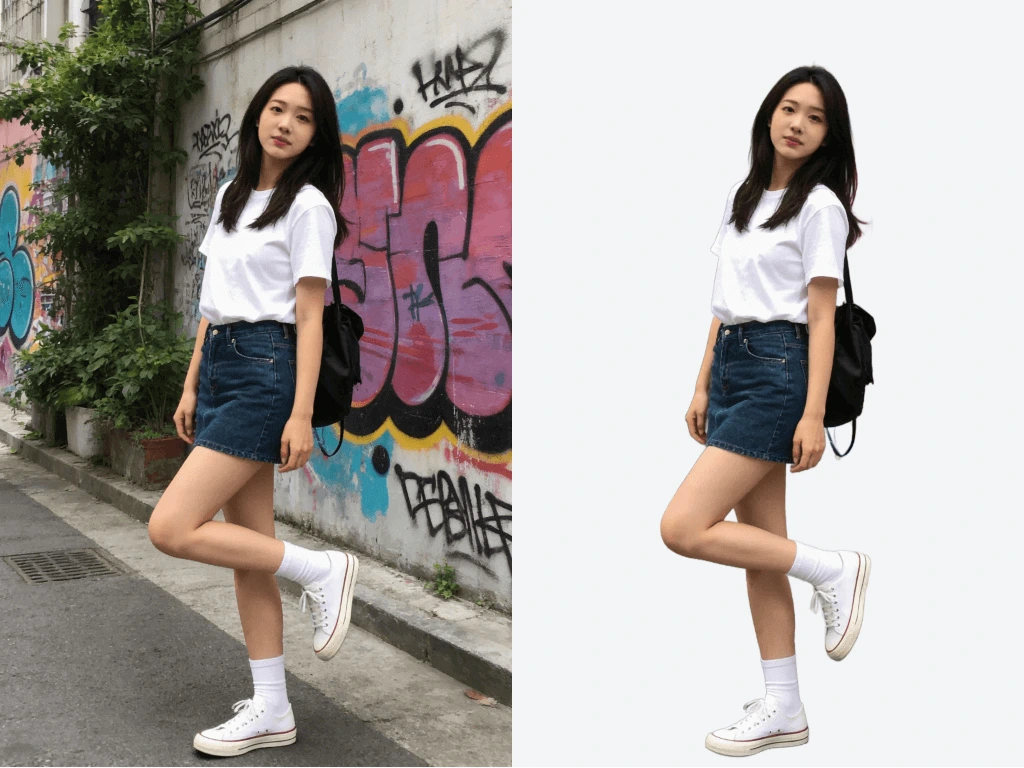
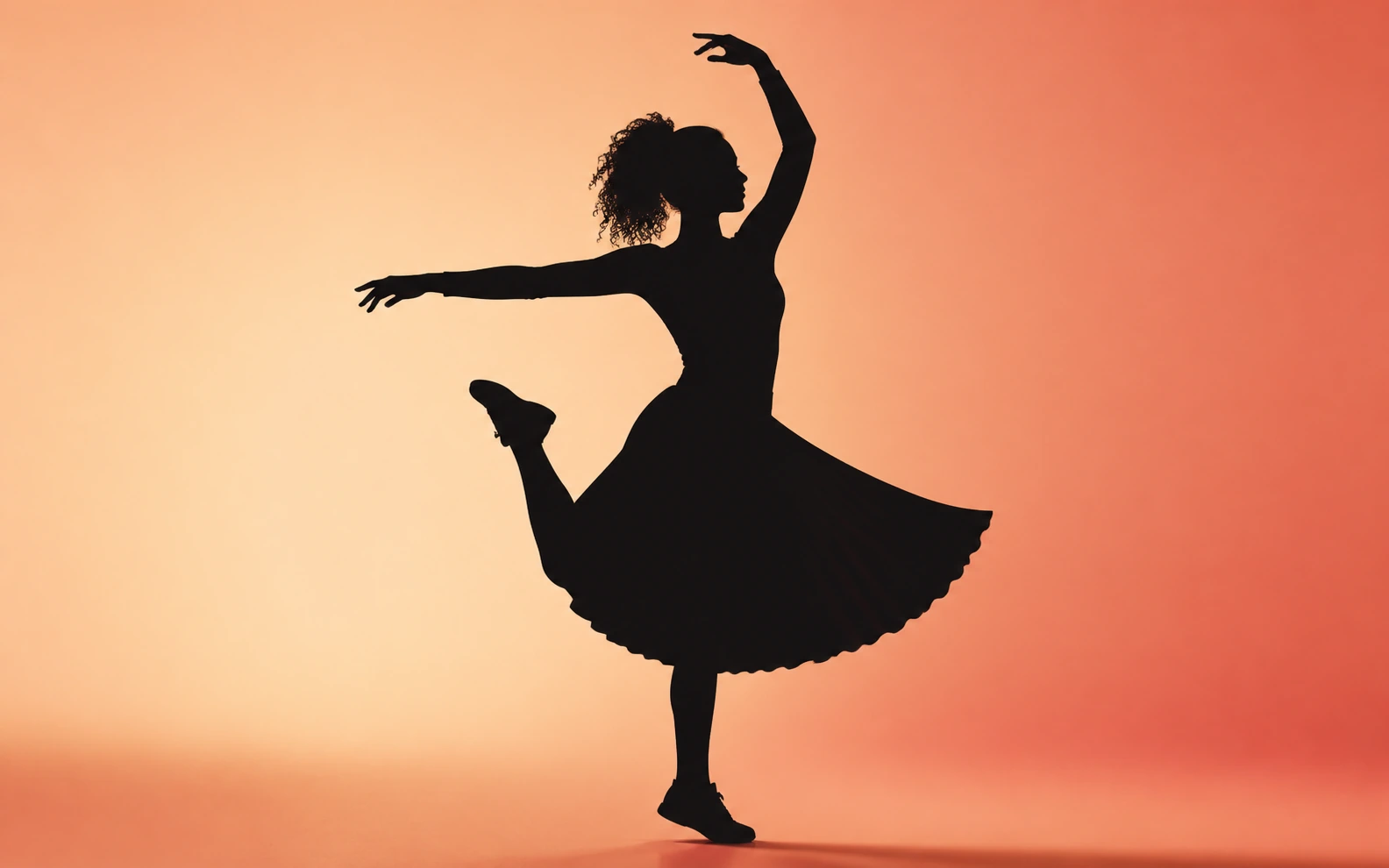
Turn a full-body photo into a silhouette that keeps the stance, arm position, clothing outline, and important gaps between the limbs.
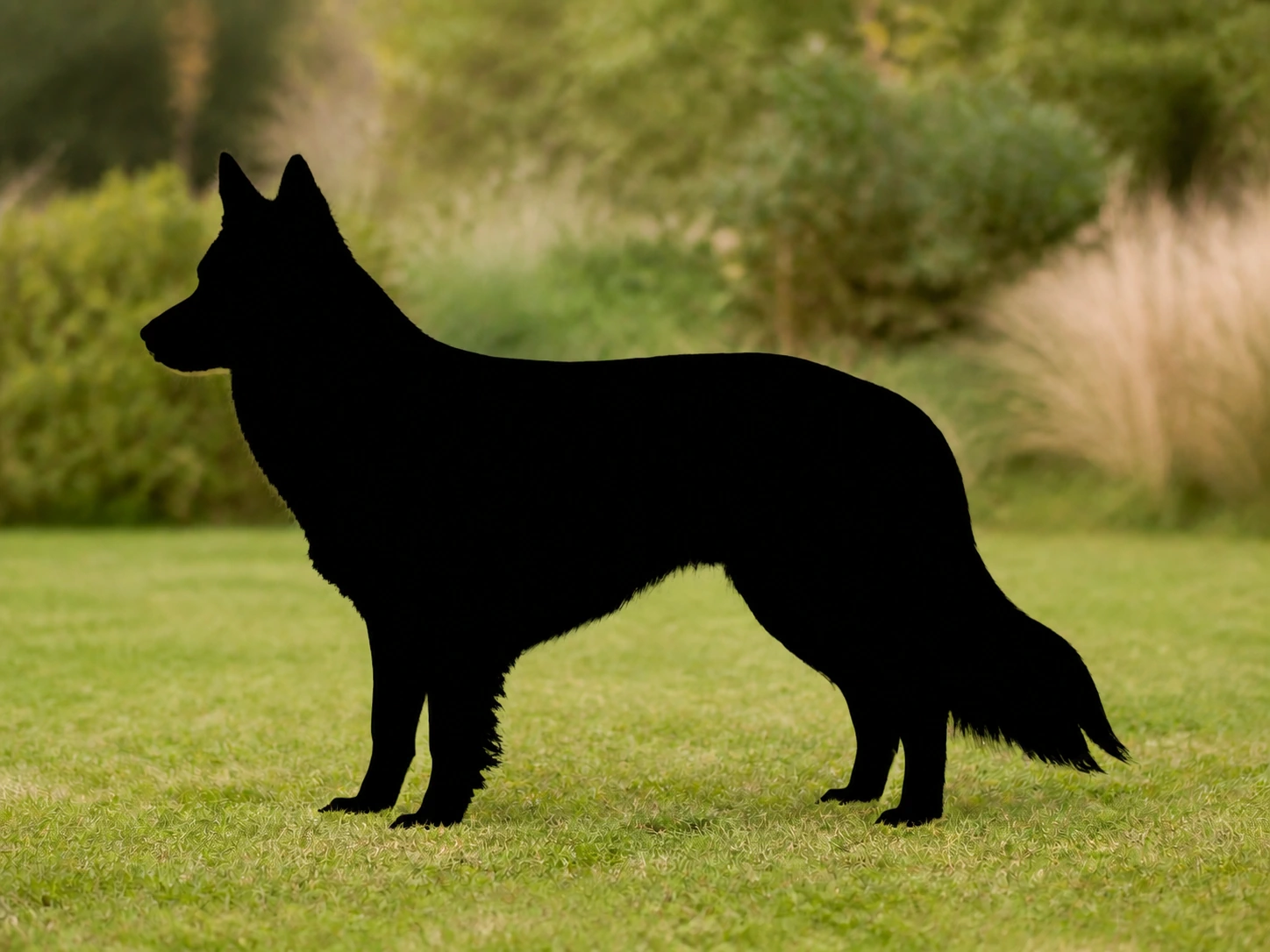
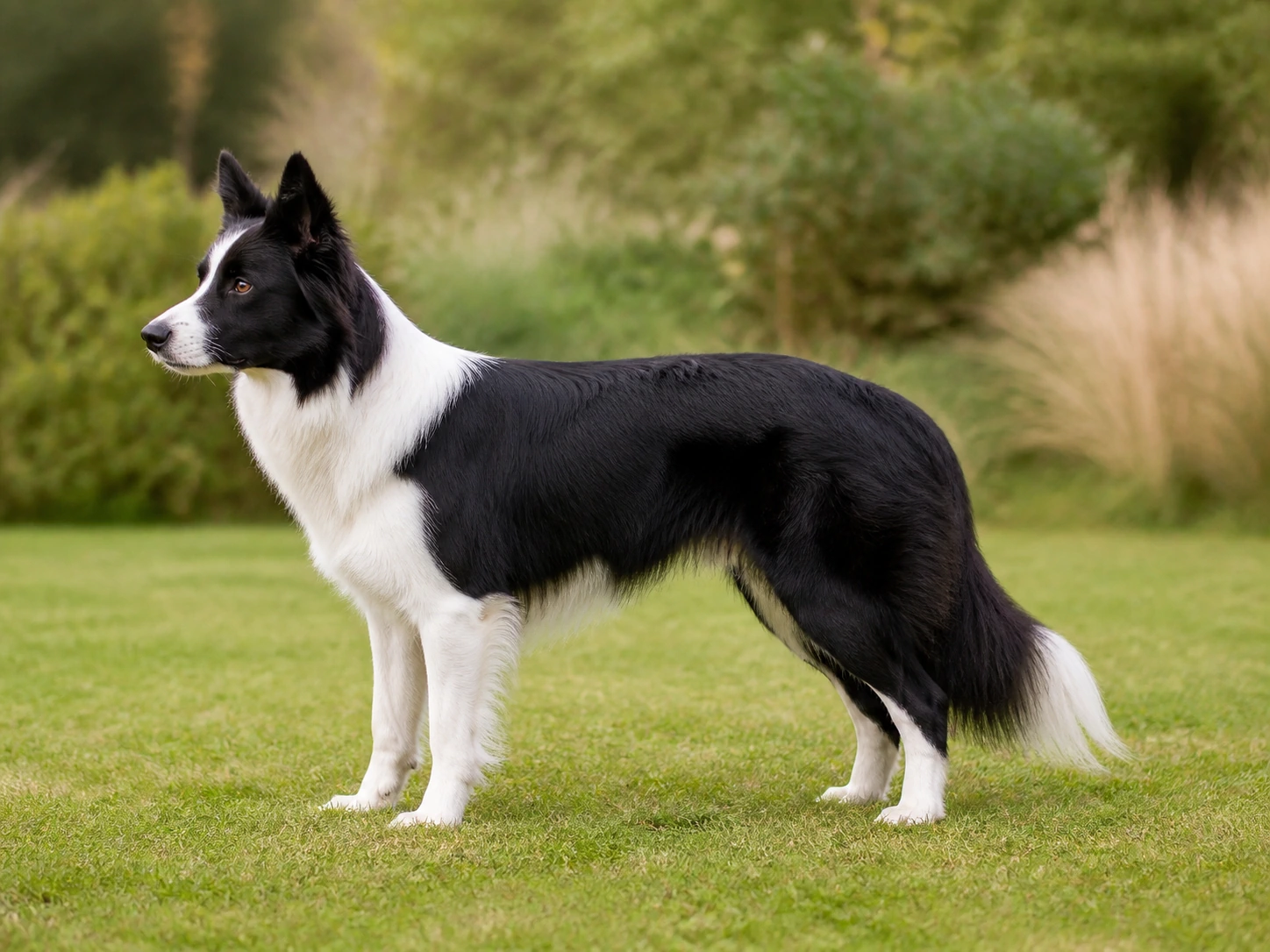
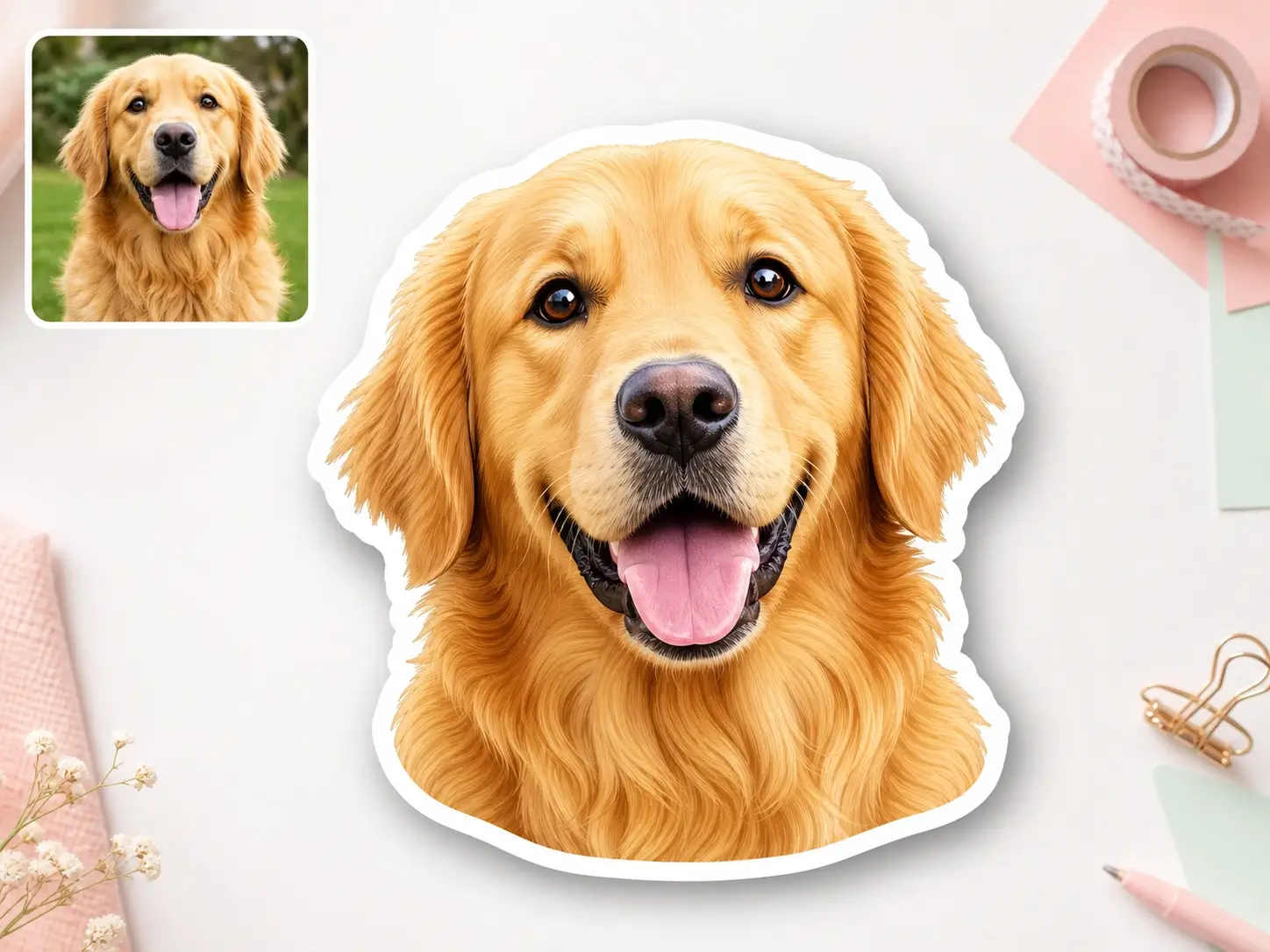
Create a pet silhouette with recognizable ears, muzzle, tail, posture, and fur edges while removing distracting interior detail.
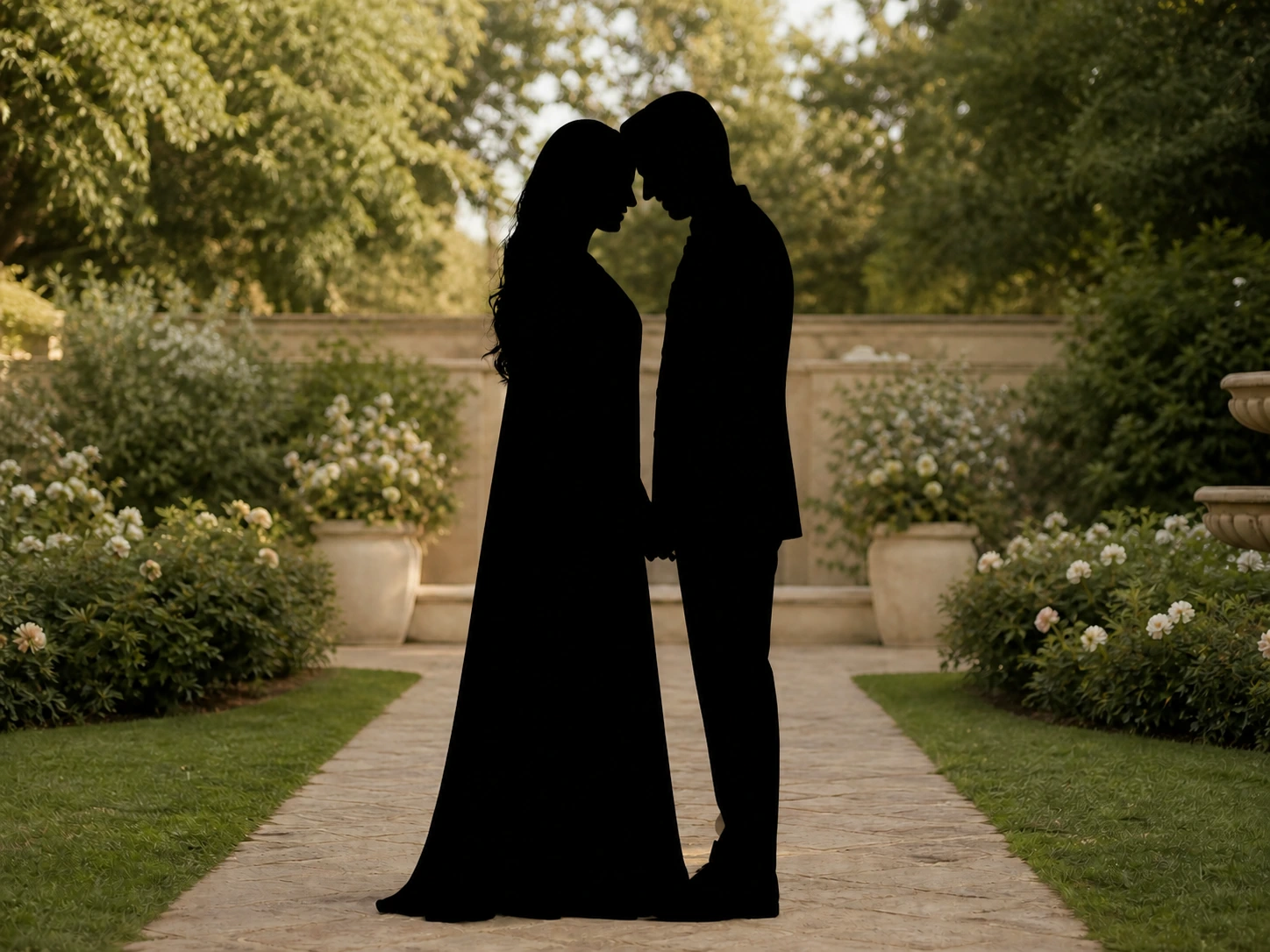

Couple and family silhouettes preserve the shared pose, spacing, and body outlines that make the people and interaction recognizable.
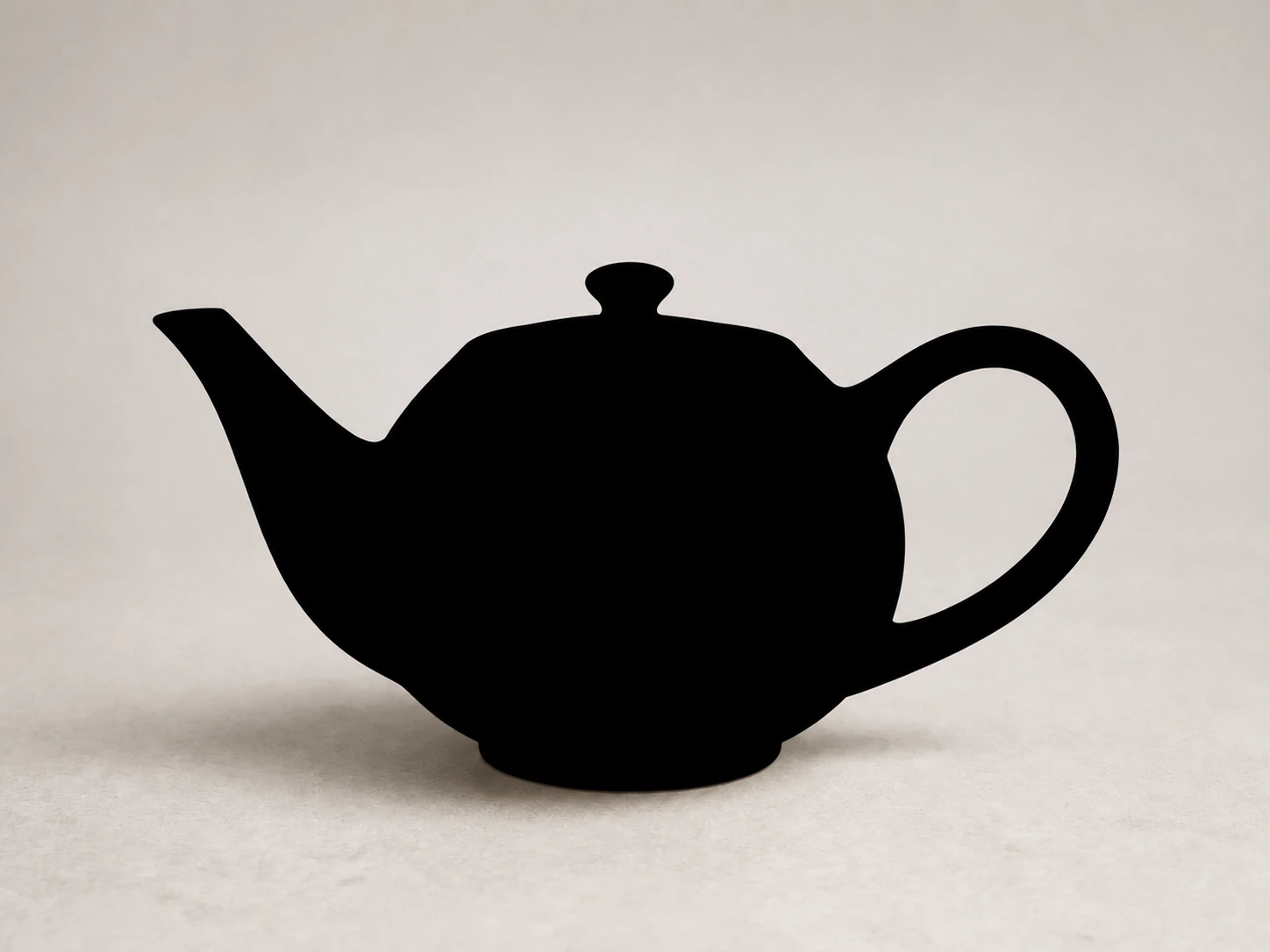
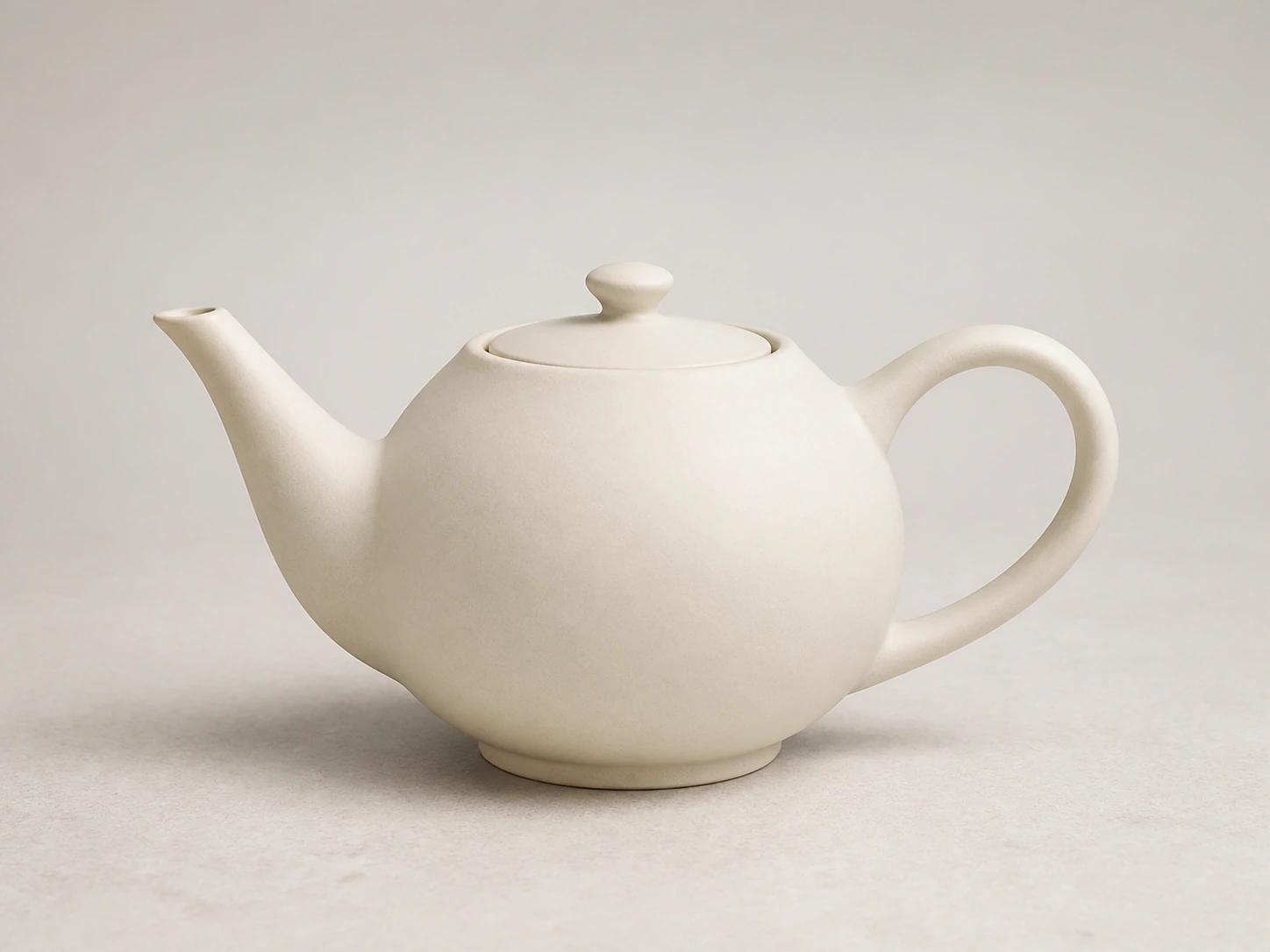
Convert products and objects into bold silhouette graphics while keeping recognizable geometry, handles, openings, and proportions.
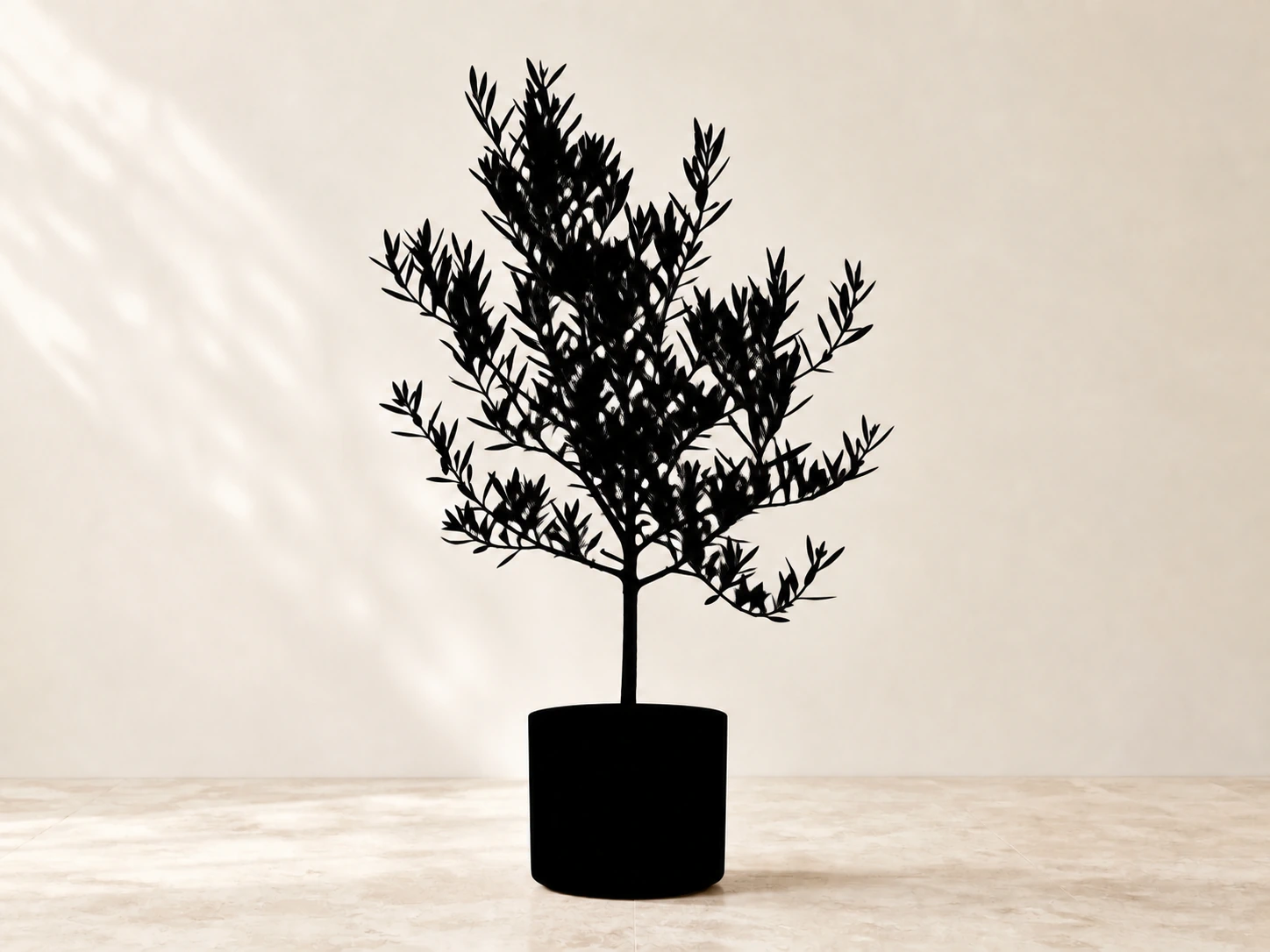
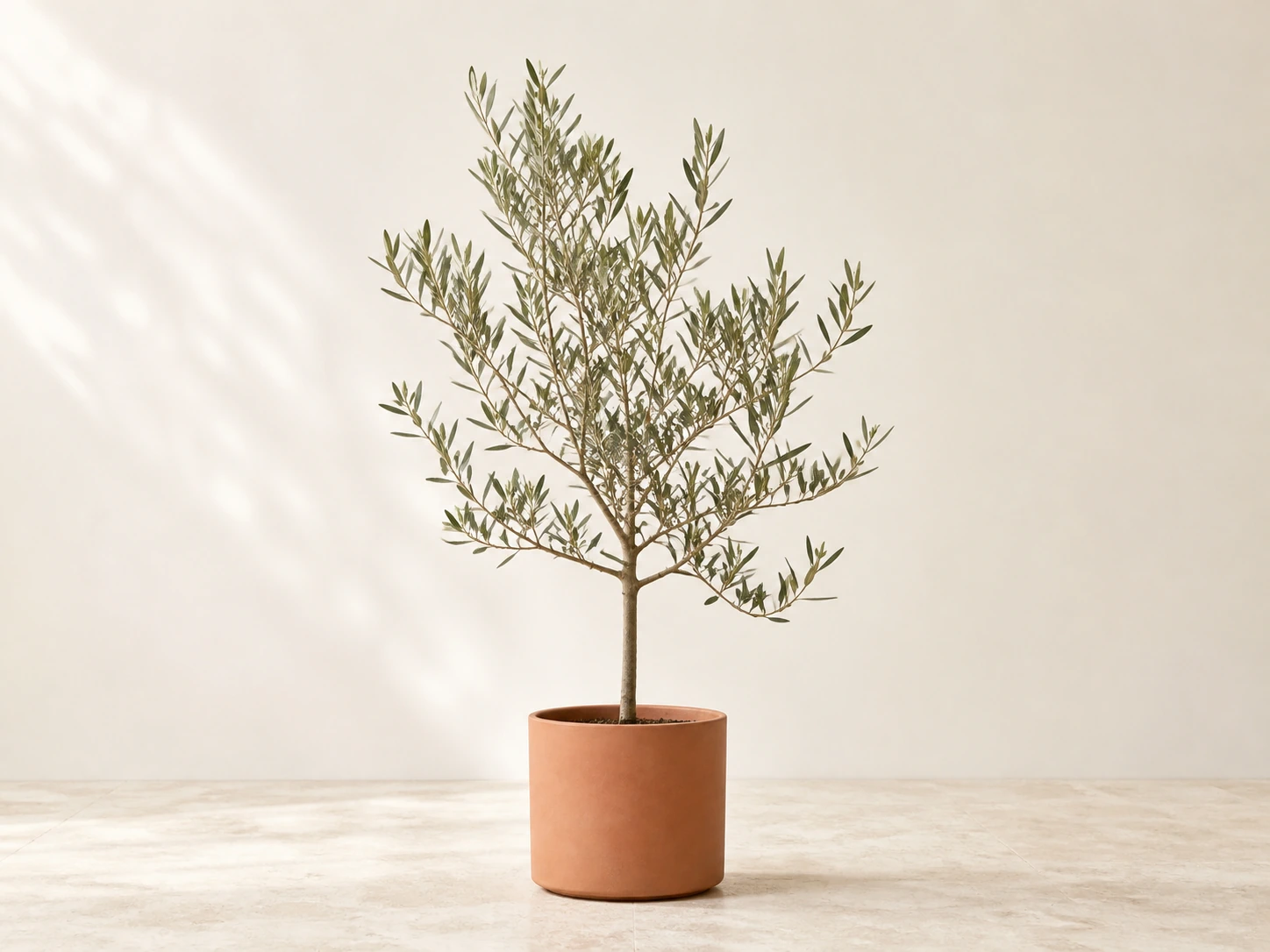
Create nature silhouettes that preserve the defining shapes of leaves, petals, branches, stems, and other visible contours.
PixMira Silhouette Maker focuses on the part that matters most in a silhouette: a crisp outer shape that still looks like the original subject.
The silhouette maker detects the main person, pet, product, or object and converts it into a solid graphic shape automatically. No pen tool, hand-drawn mask, or prompt is required.
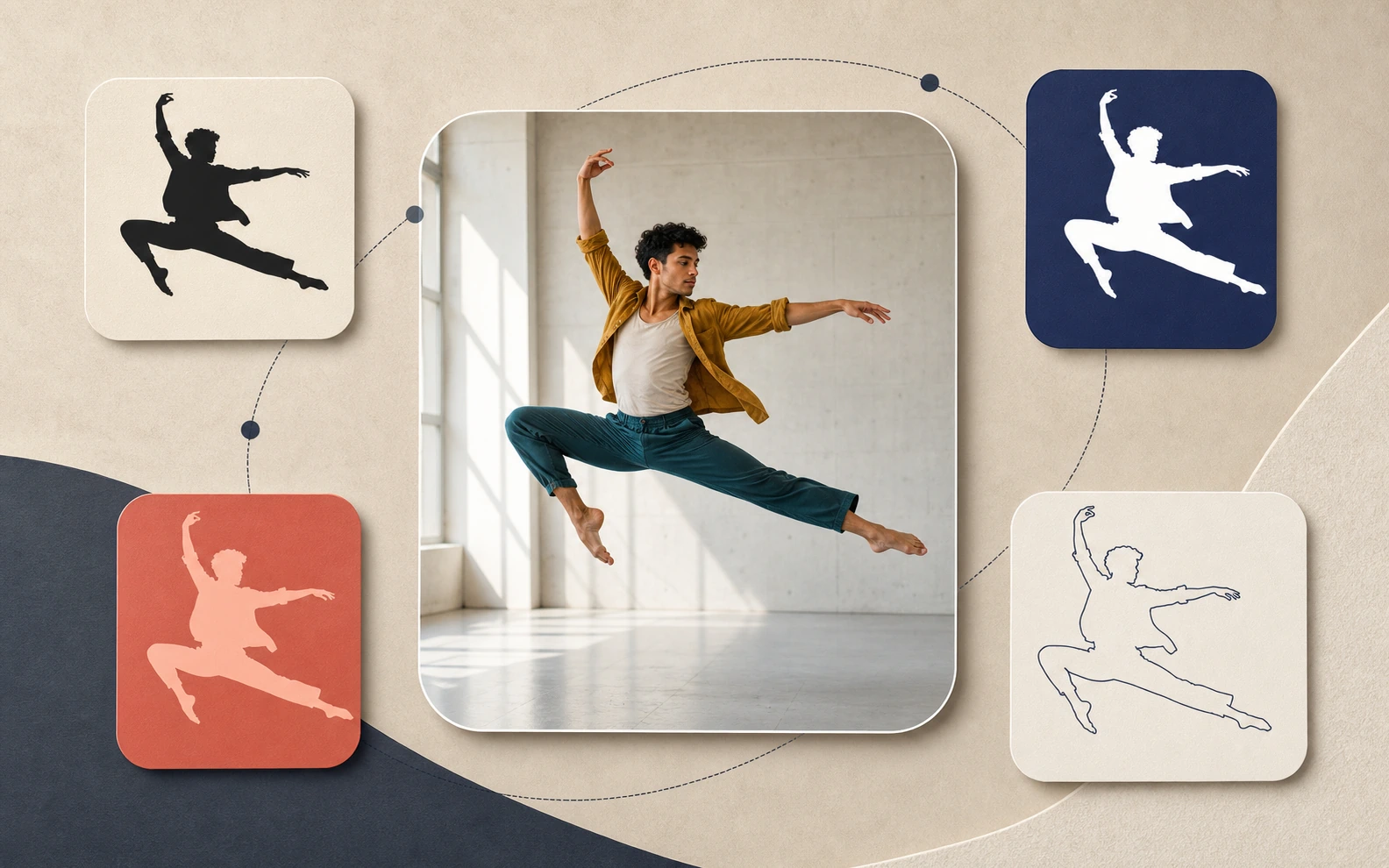
PixMira removes interior visual noise and converts the subject into a bold silhouette with a clean outer contour. Hair, fur, clothing edges, and object geometry stay visually distinct.
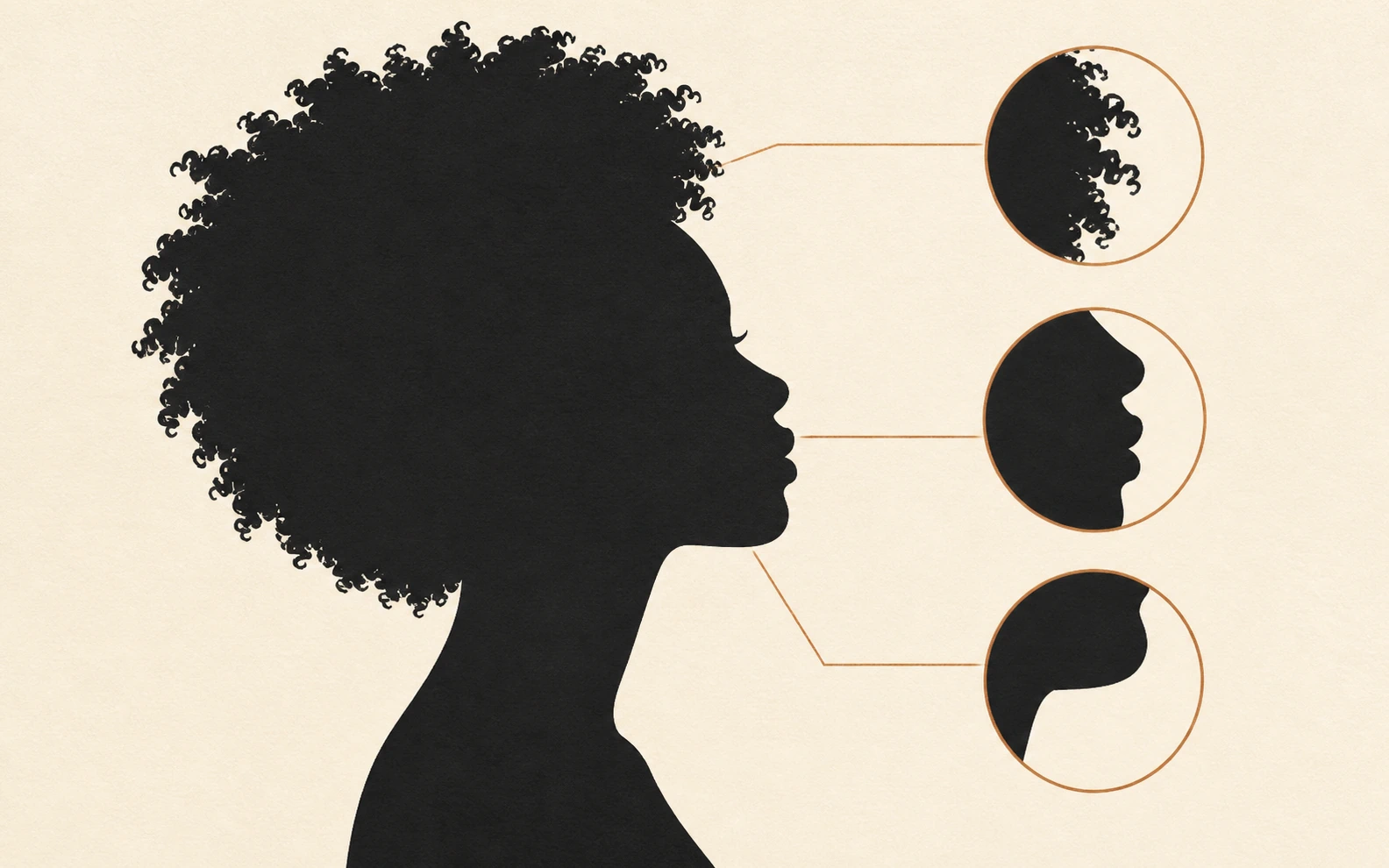
A strong photo to silhouette conversion keeps the defining outer contour. PixMira preserves poses, hairstyles, fur edges, tails, limb gaps, handles, branches, and product proportions so the silhouette remains recognizable.
Use PixMira Silhouette Maker to create a classic black silhouette, a custom-color graphic, an outline silhouette, or a transparent PNG while keeping the original subject shape consistent.
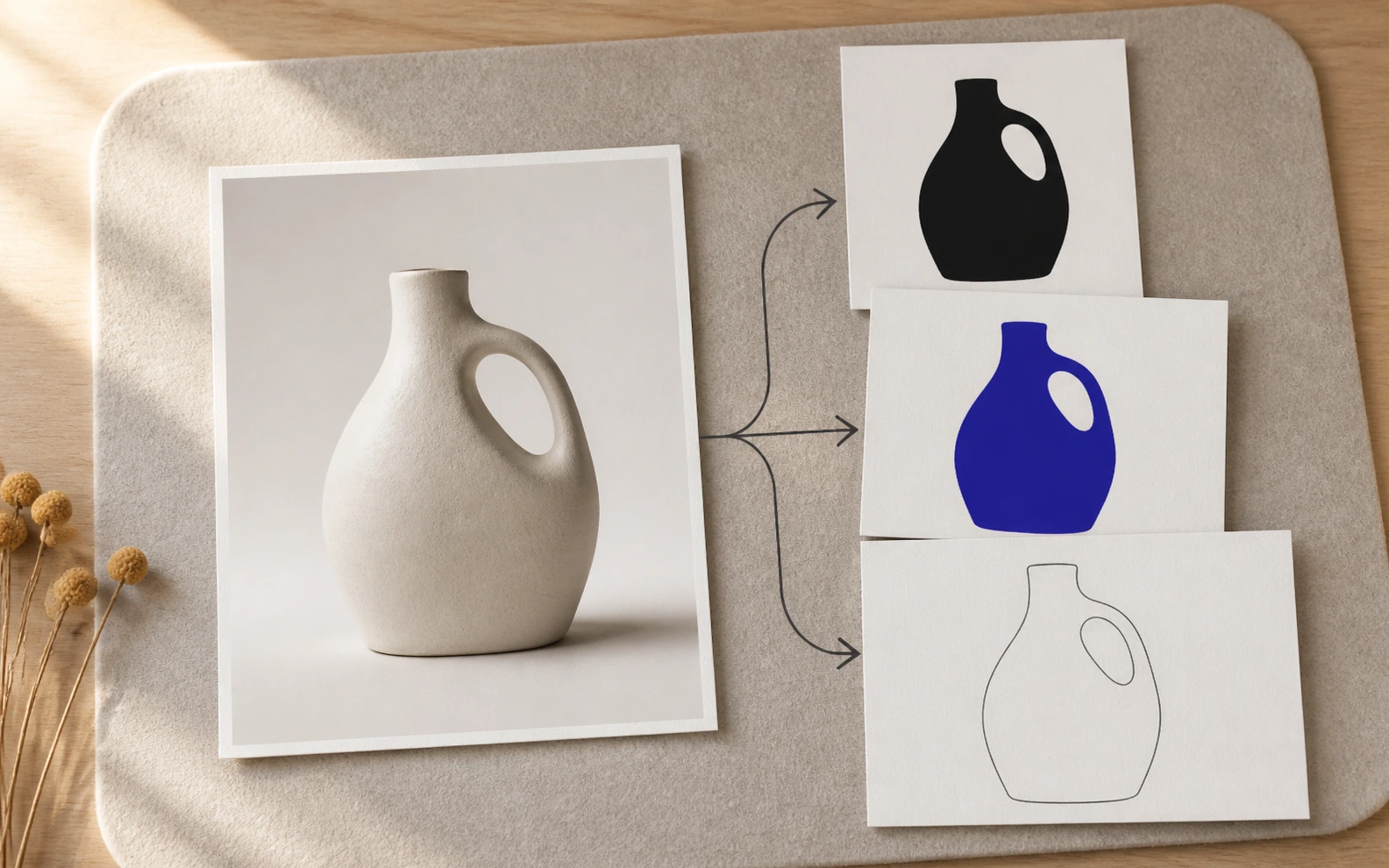
Use PixMira Silhouette Maker to create classic black silhouettes, transparent cutouts, custom-color graphics, original-background effects, and outline silhouettes.

Create a classic solid black silhouette with crisp edges and a transparent background for a clean, reusable graphic.
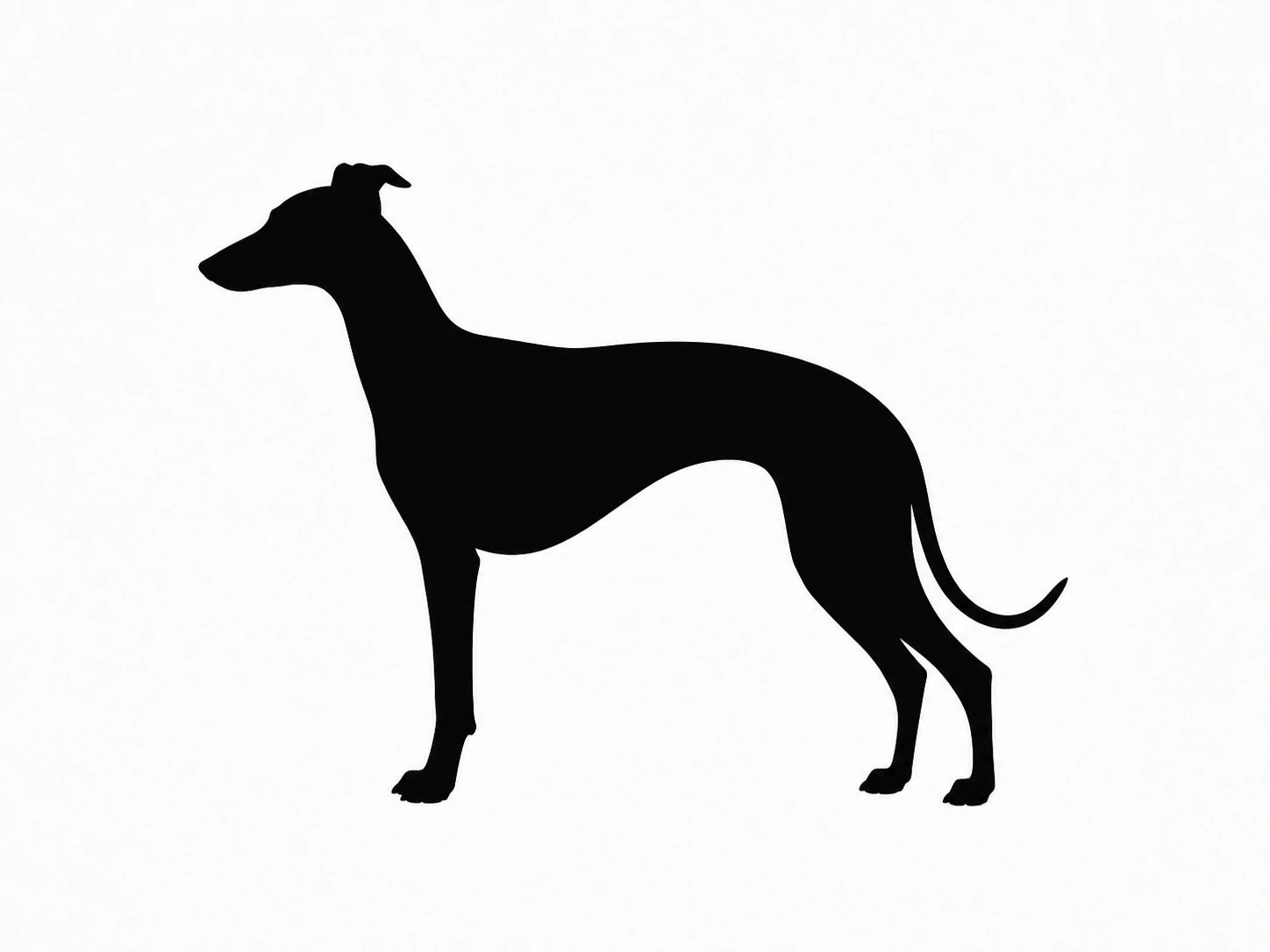
Create the traditional black-on-white silhouette look for portraits, pets, objects, posters, and simple graphic compositions.
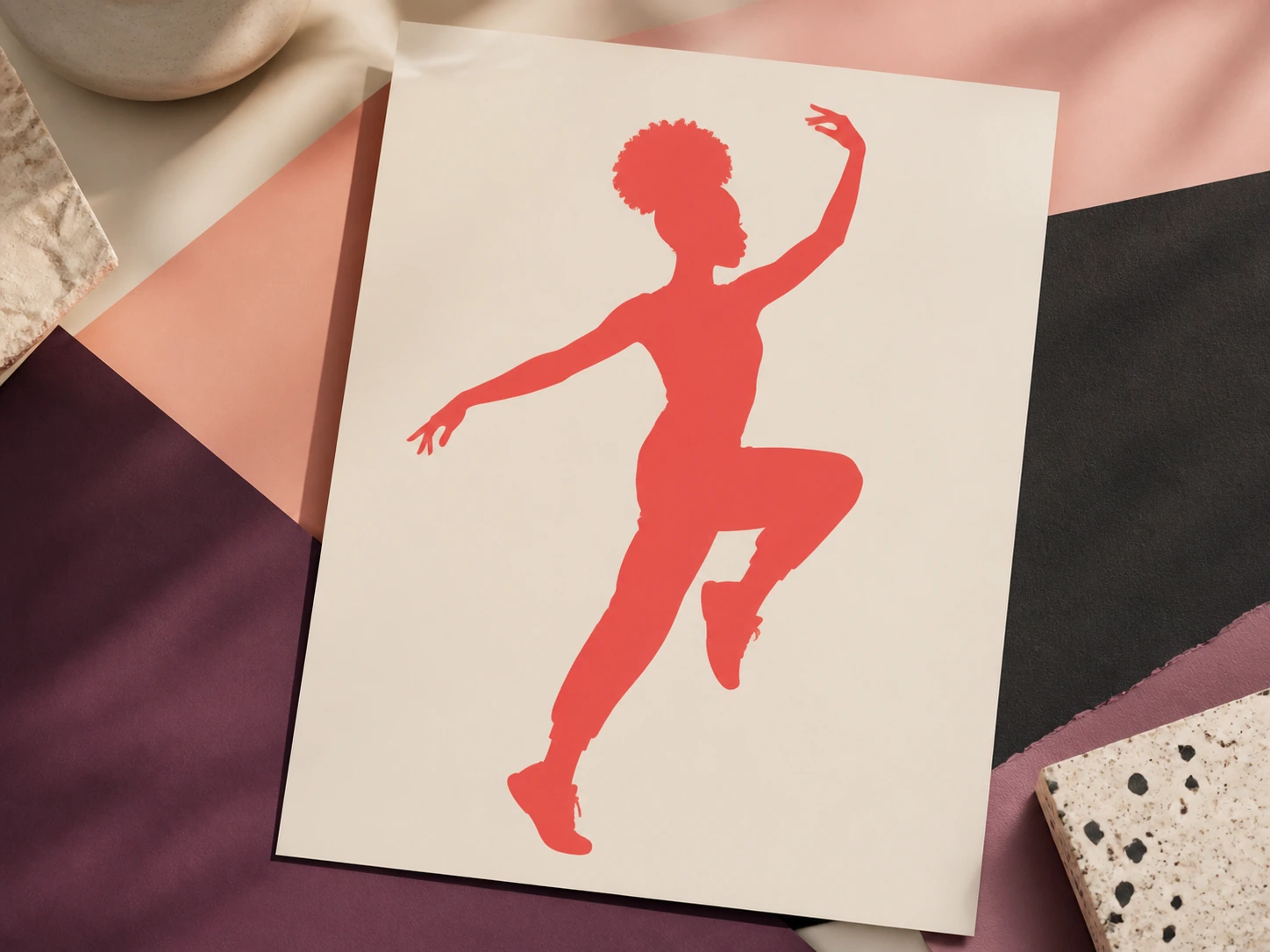
Turn the silhouette into any custom color for posters, invitations, social graphics, packaging, and brand artwork.
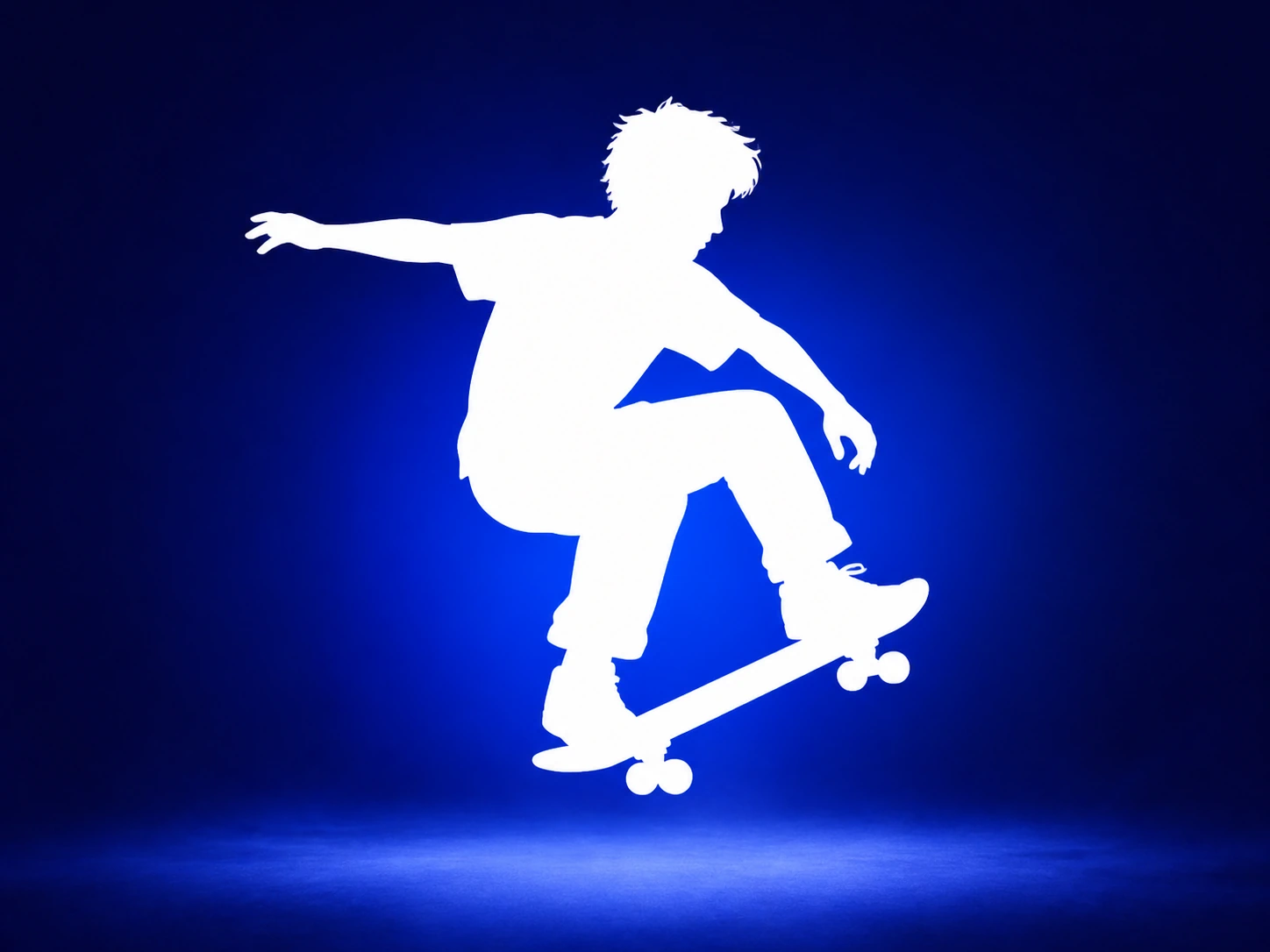
Set the silhouette color to white and place it on a dark or custom-color background for a clean reverse-contrast design.
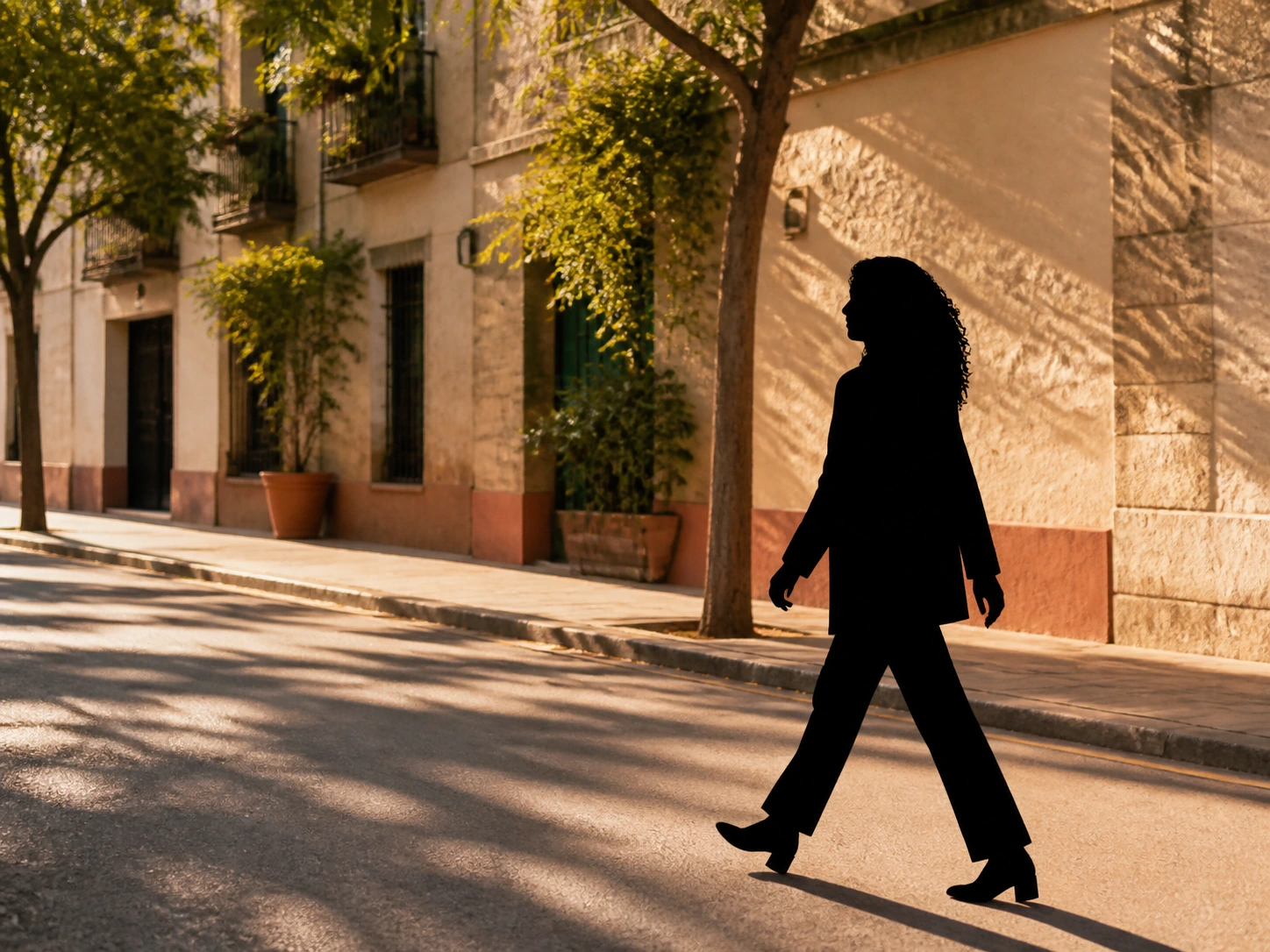
Keep the original scene visible while converting the main subject into a bold solid silhouette for a dramatic photo effect.
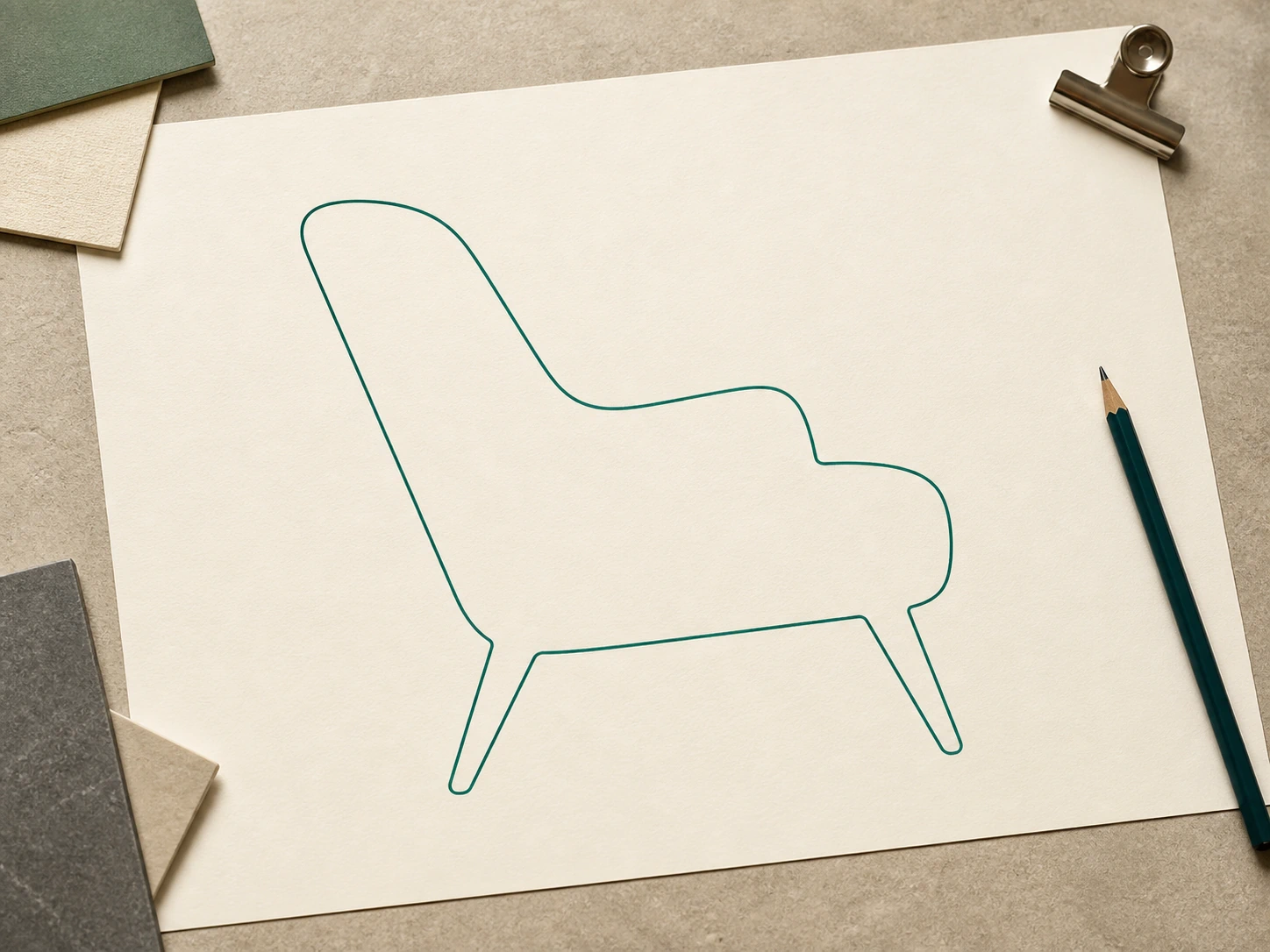
Create a clean single-color outline that follows the subject contour without filling the interior.
A transparent silhouette PNG keeps the subject and removes the surrounding canvas, giving you a clean graphic asset for posters, invitations, profiles, presentations, thumbnails, and print layouts.
Export the silhouette on a transparent canvas so it can be placed over any color, photo, layout, or design without a visible background box.
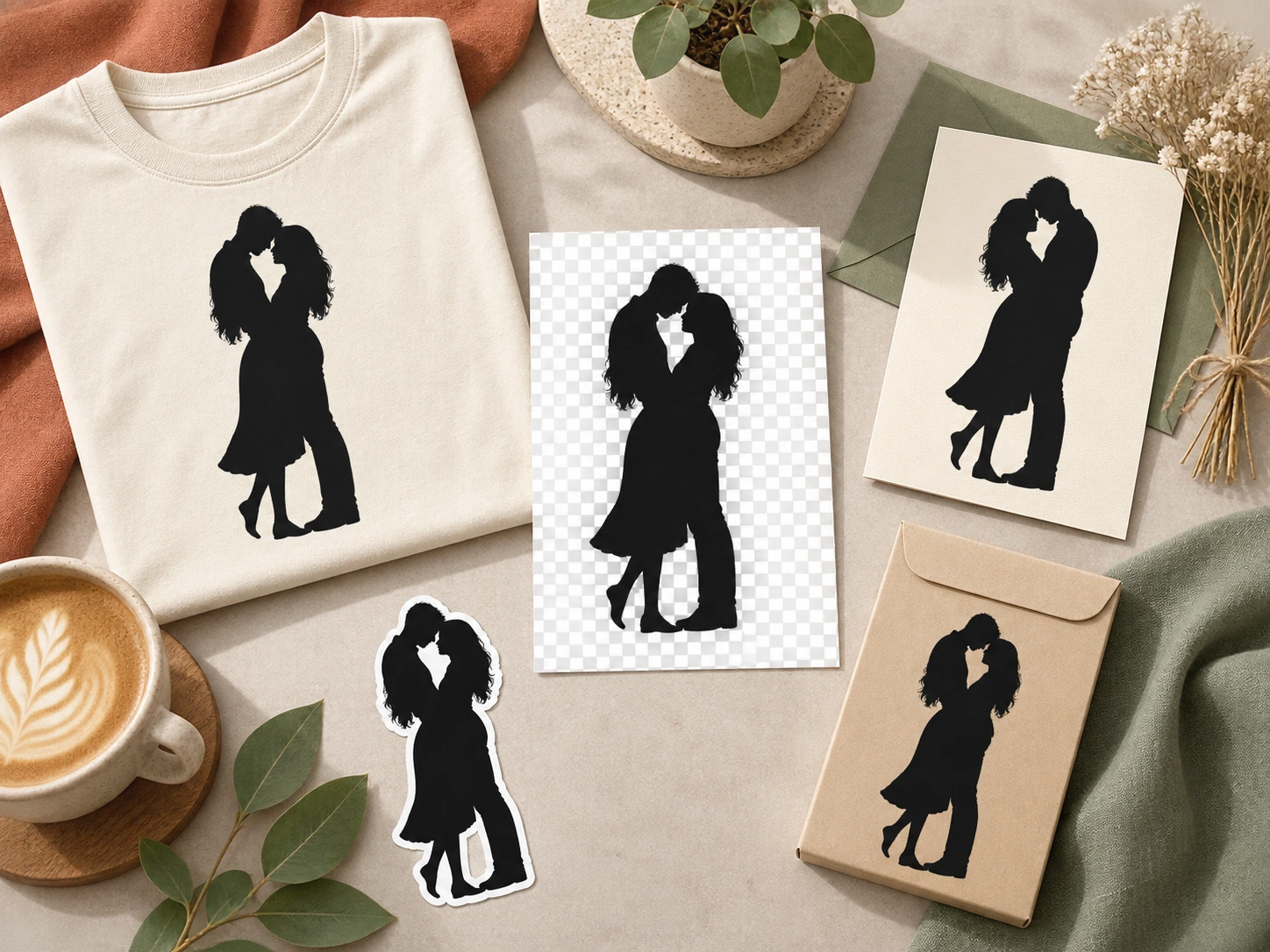
A silhouette maker converts a photo or image into a solid or outlined graphic based on the subject's outer contour. Instead of generating a new scene, an image to silhouette converter keeps the existing person, pet, product, object, or natural shape and simplifies it into a bold silhouette.
PixMira combines photo to silhouette and image to silhouette conversion with color and background controls, letting you create black silhouettes, colored silhouettes, outline silhouettes, and transparent PNG results in one online silhouette maker.
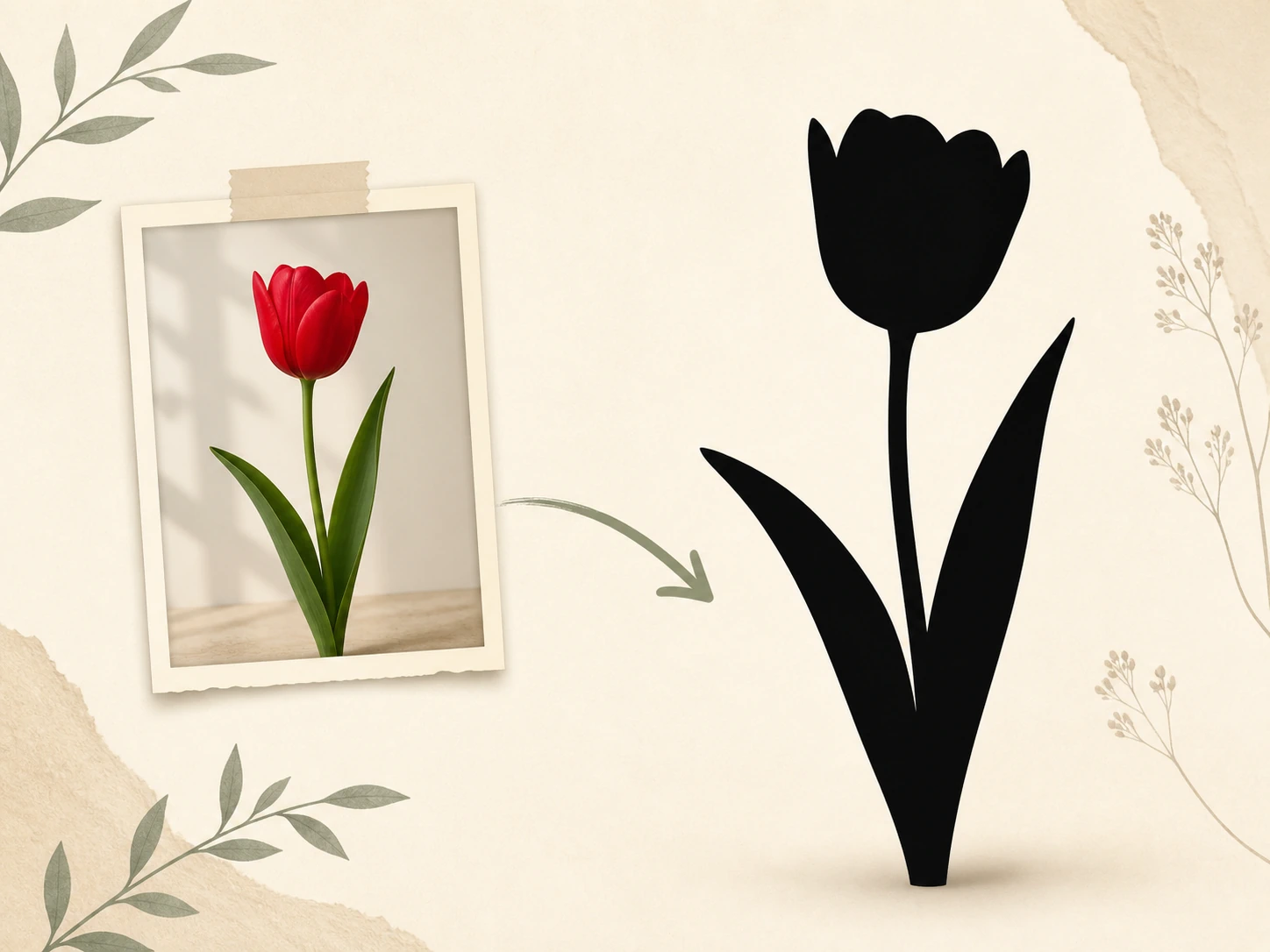
Create a photo silhouette in three direct steps with PixMira Silhouette Maker.
Choose the portrait, pet, product, or object photo you want to turn into a silhouette. PNG, JPG, JPEG, and WEBP are supported.
Choose Classic Black, Custom Color, or Outline, then set a transparent, white, original, or custom-color background for the silhouette.
Preview the photo to silhouette result and download the finished silhouette as a PNG for your design or creative project.
PixMira Silhouette Maker covers the subjects people most often convert from photo to silhouette, from profile portraits and pets to products, objects, groups, and natural forms.
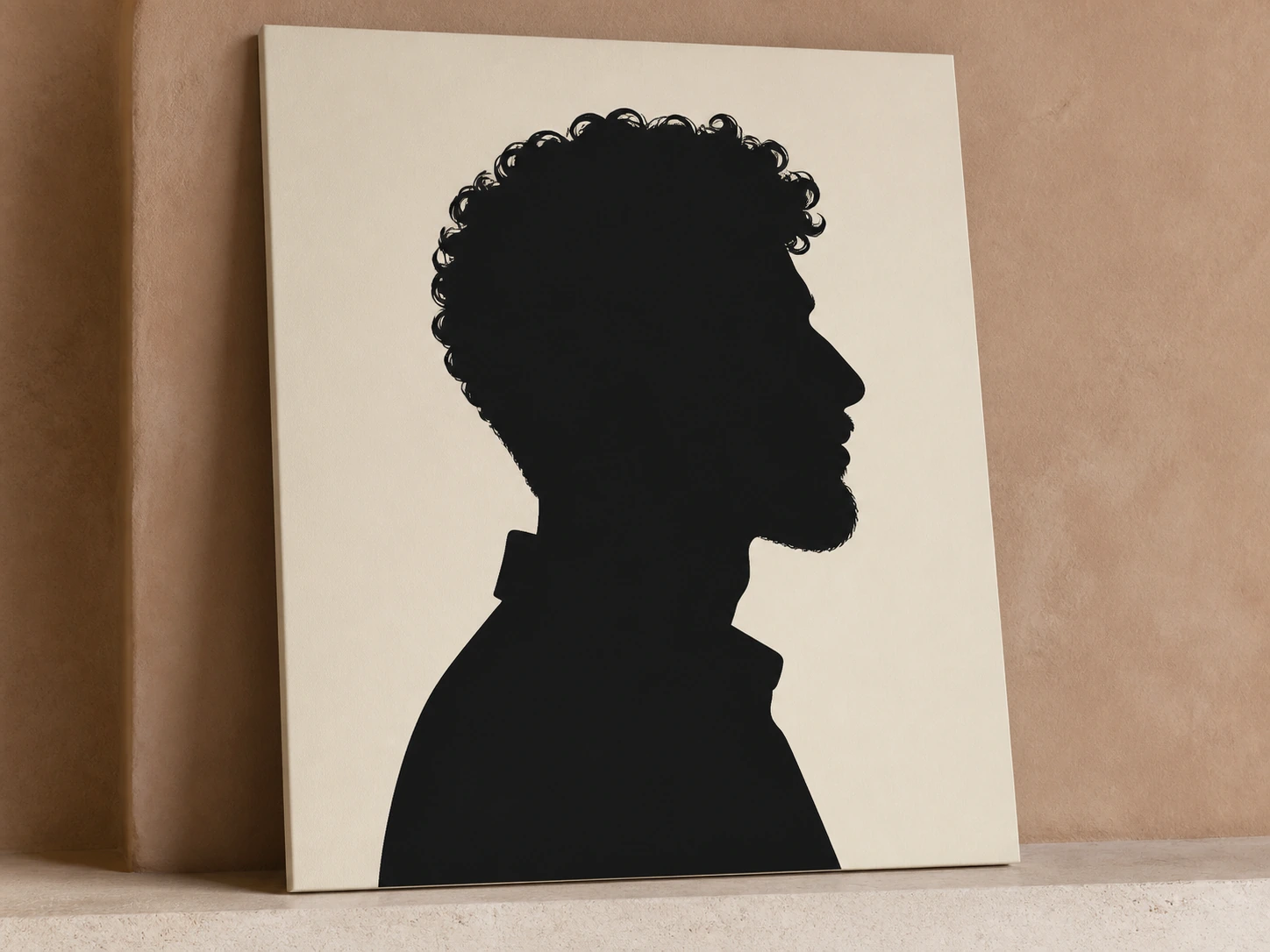
Turn a portrait photo into a silhouette that keeps the defining face profile, hair shape, neck, shoulders, and overall head contour.
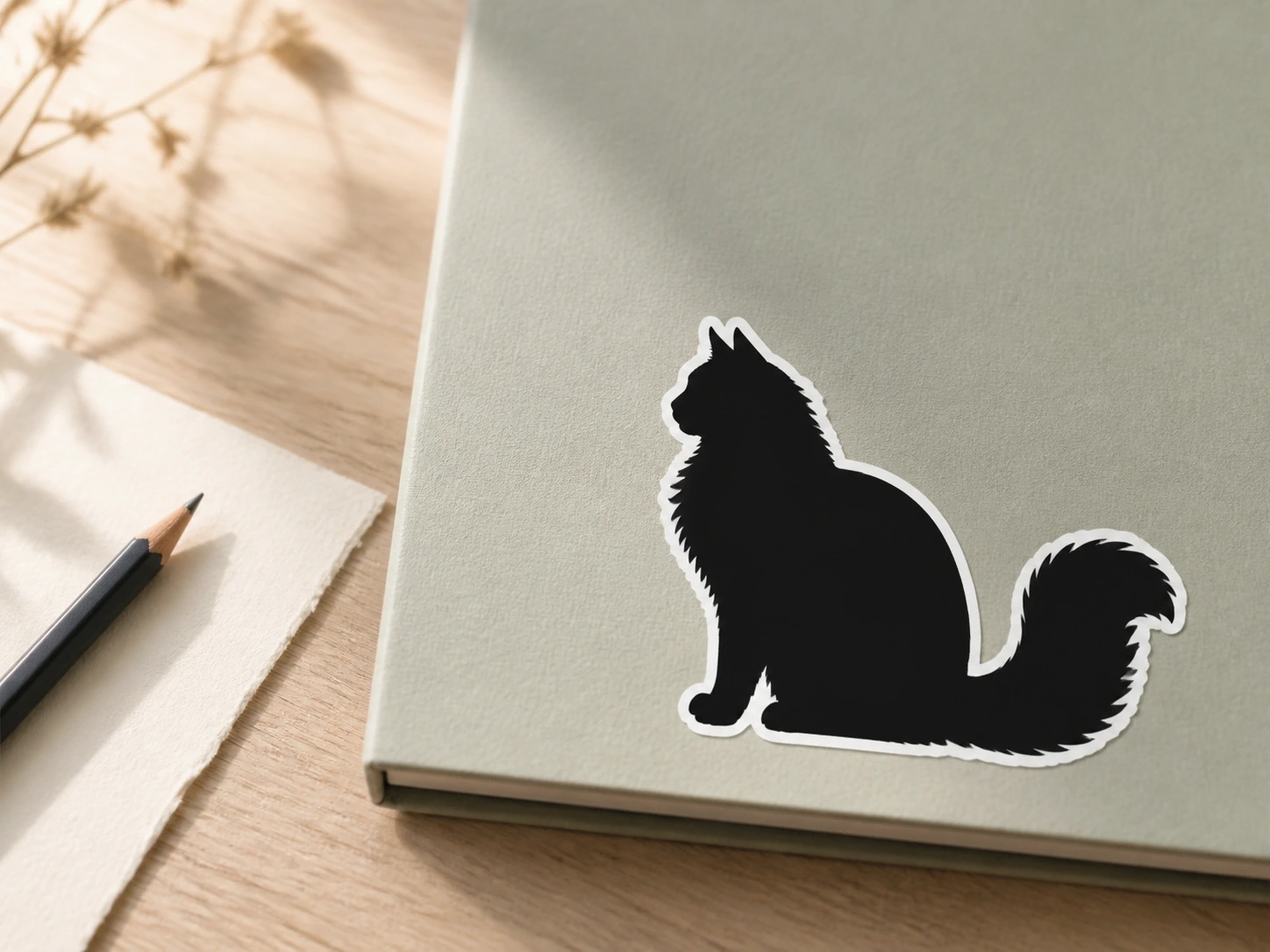
Create a dog, cat, or pet silhouette that preserves the ears, muzzle, tail, stance, and visible fur outline.
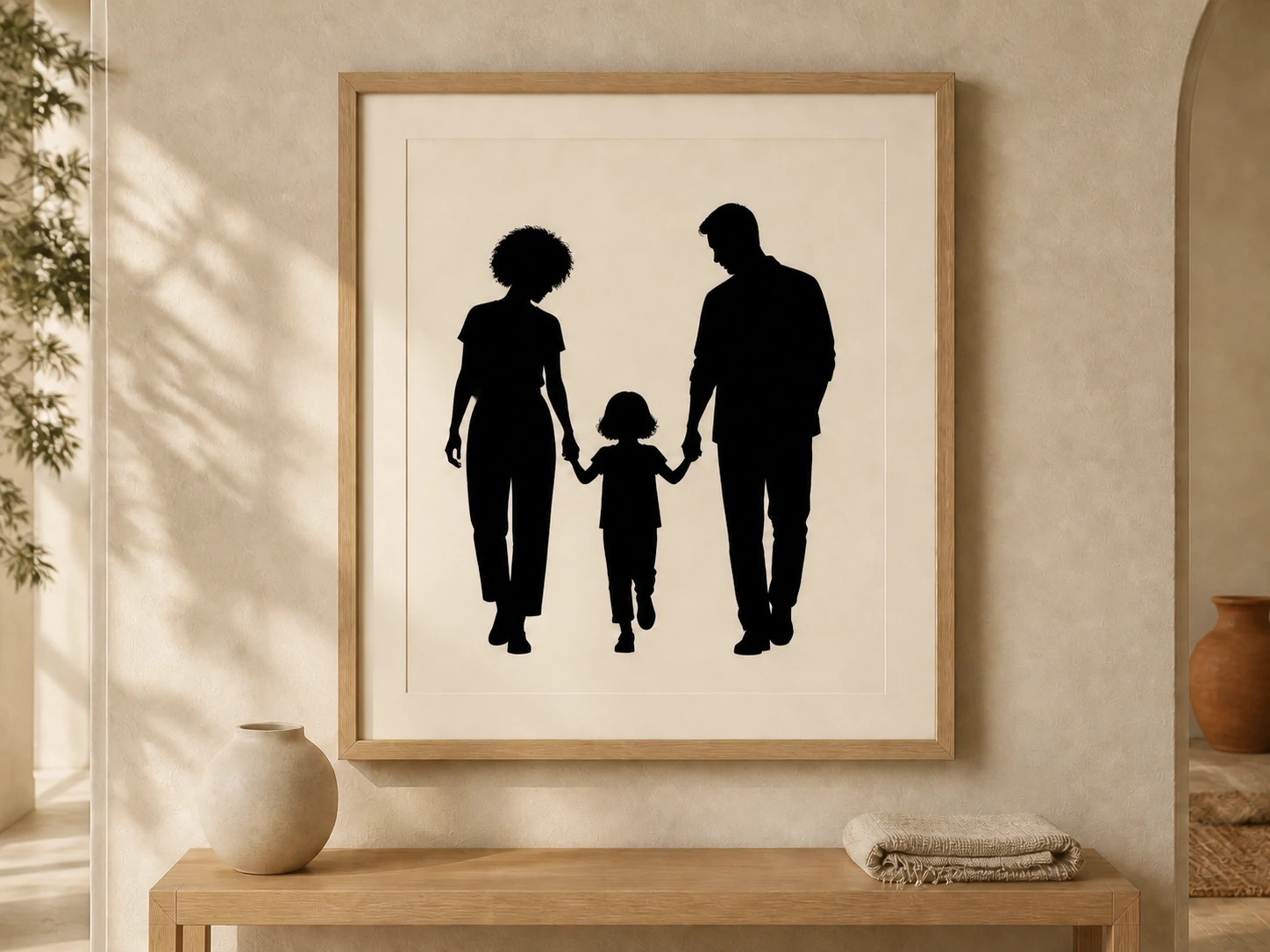
Create couple and family silhouettes that keep shared poses, embraces, hand positions, and spacing between people recognizable.
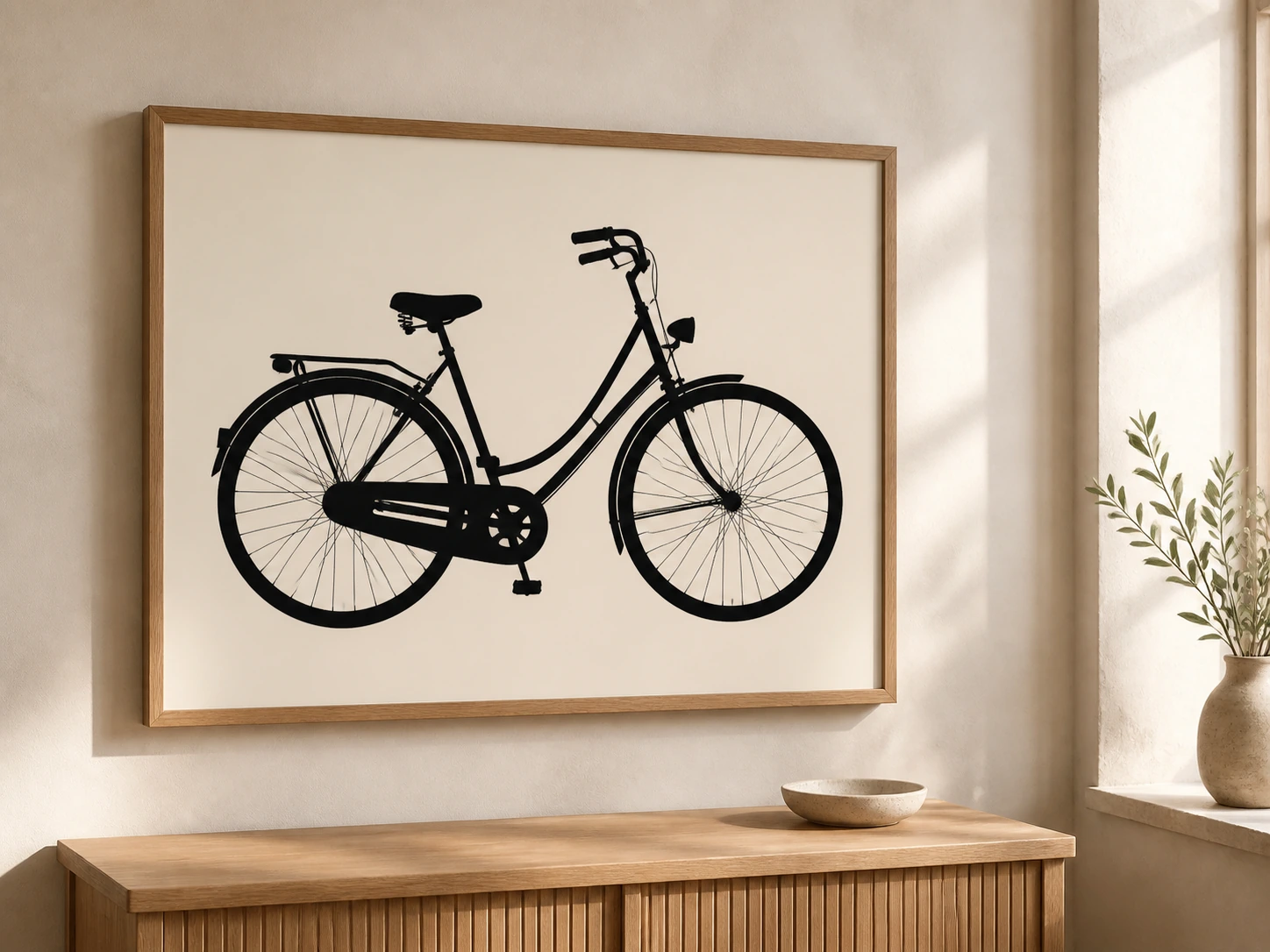
Convert tools, furniture, vehicles, instruments, and everyday objects into clean, bold silhouette graphics.
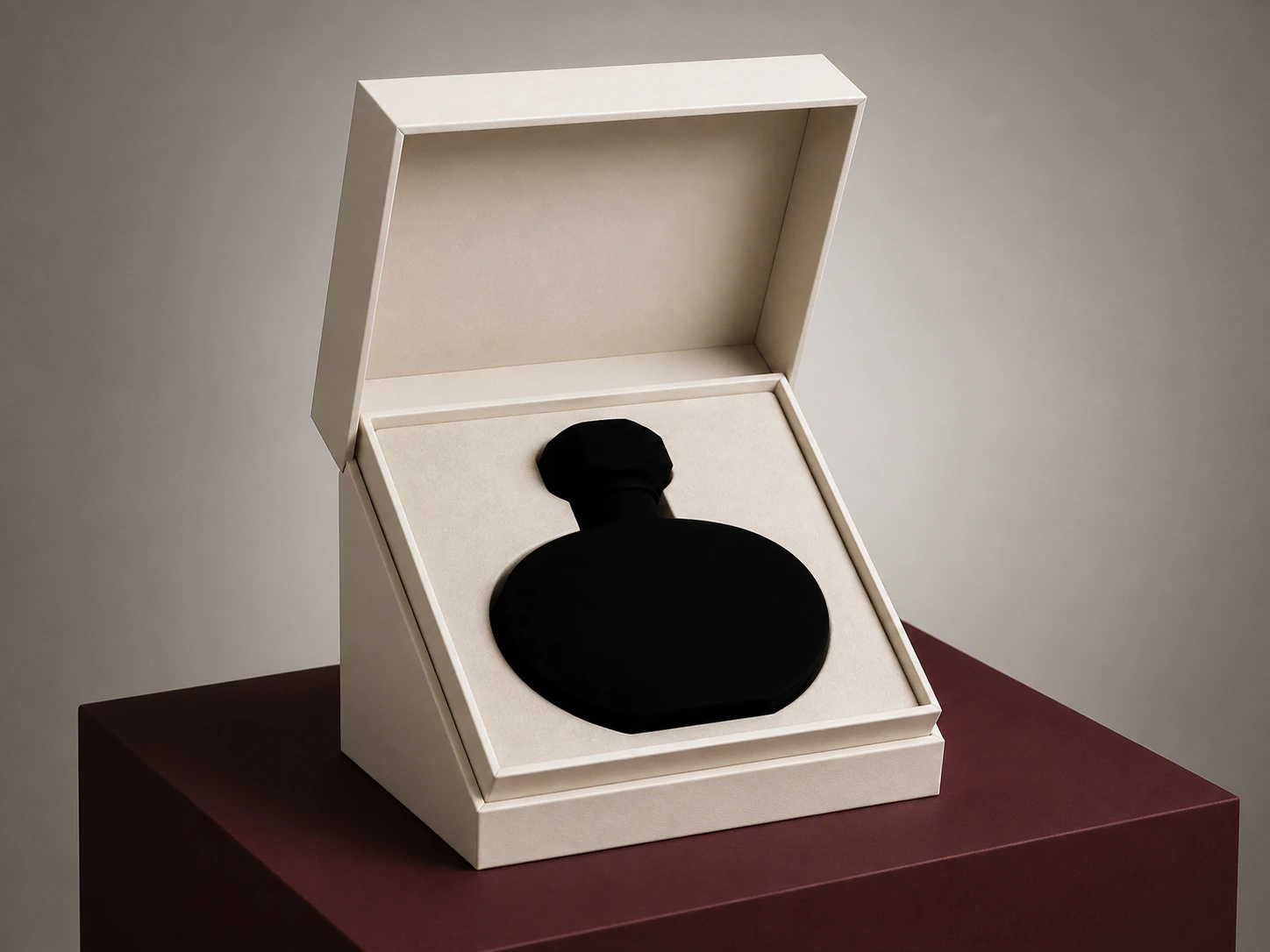
Turn product photos into recognizable silhouettes for teaser graphics, packaging concepts, presentations, catalogs, and launch visuals.
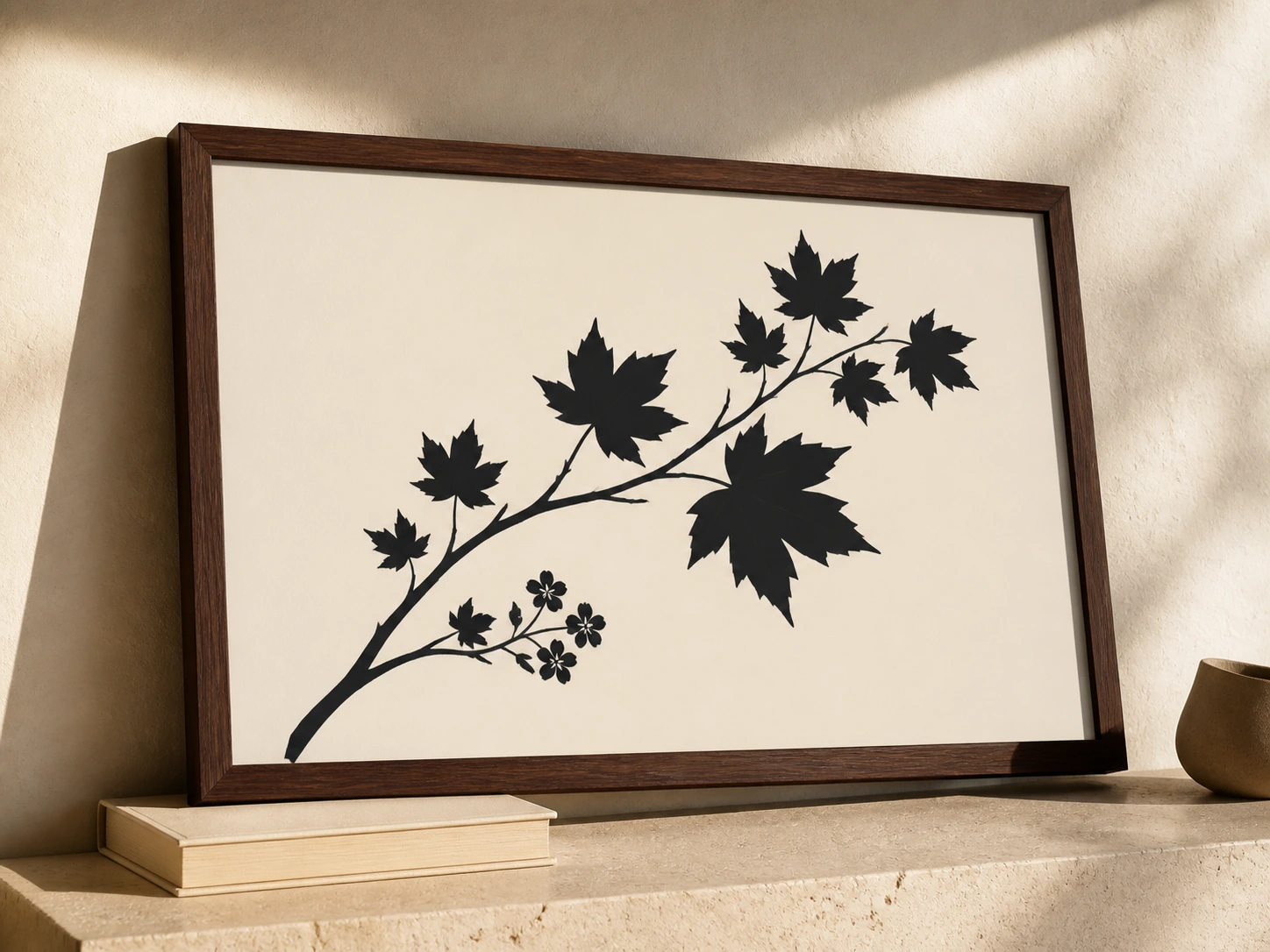
Turn flowers, leaves, trees, branches, mountains, and other natural forms into simple, high-contrast silhouette artwork.
Use a clean silhouette as a finished visual or a reusable graphic asset across personal, social, print, merchandise, and brand design.
Create a minimal profile picture that keeps a recognizable face shape, hairstyle, pose, or body outline without interior facial detail.
Create black or colored silhouette wall art for bedrooms, offices, studios, gallery walls, and personalized home decor.
Turn portraits, couples, families, and pets into personalized silhouette artwork for cards, keepsakes, mugs, and custom gifts.
Use couple silhouettes in save-the-date cards, invitations, signage, table details, thank-you cards, and other event designs.
Create a clean silhouette asset for logo concepts, campaign graphics, packaging, brand motifs, and bold visual identities.
Place a transparent silhouette PNG into sticker designs, T-shirts, apparel mockups, tote bags, merchandise, and social graphics.
A strong silhouette starts with a clearly defined outer shape. These source-image choices give the silhouette maker a clean contour to convert.
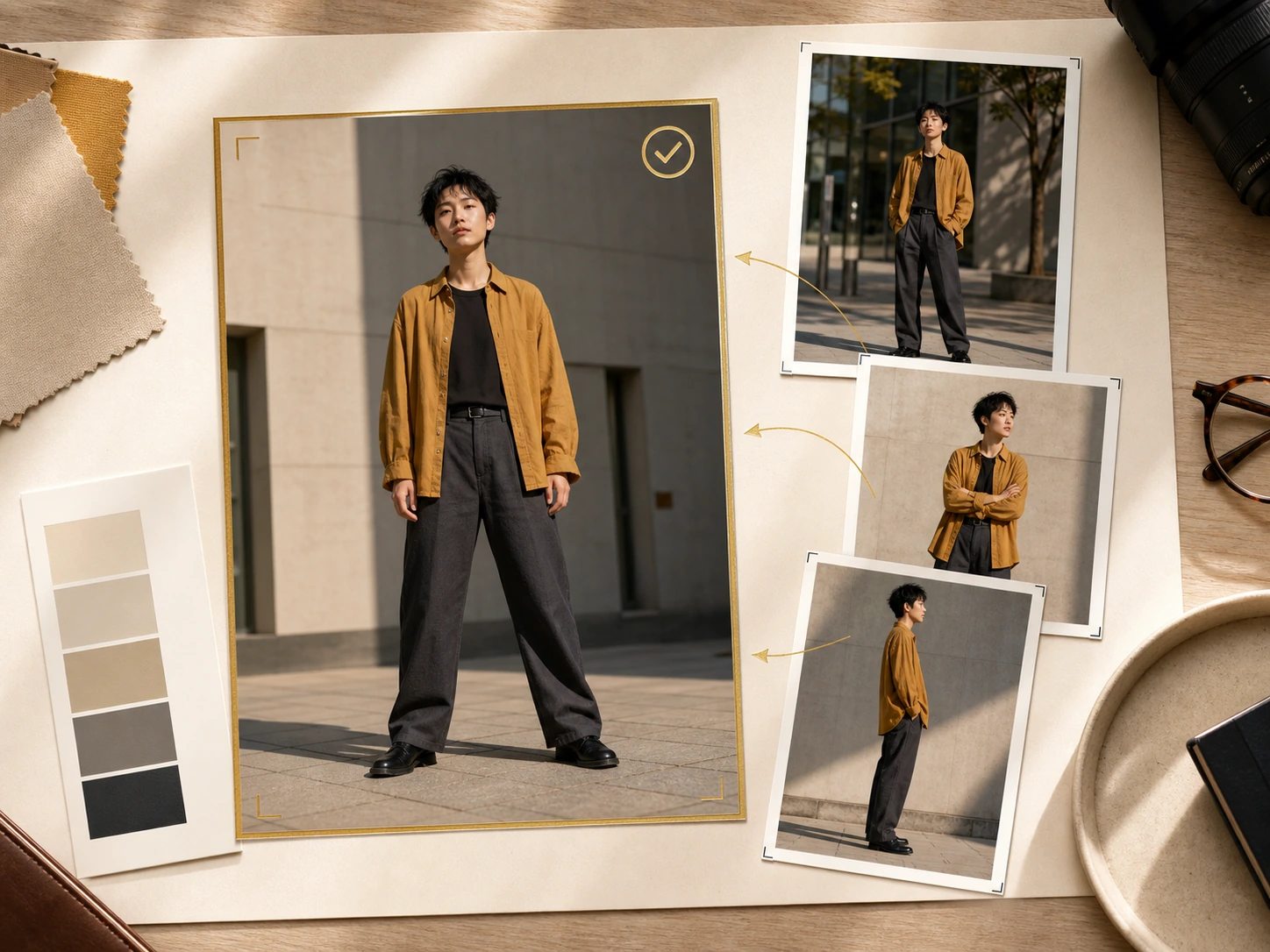
Use a photo where the main person, pet, product, or object is fully visible and clearly separated from surrounding elements.
Answers about photo to silhouette conversion, black silhouettes, transparent PNG output, custom colors, SVG files, and free access.
A silhouette maker turns a photo or image into a solid or outlined shape based on the subject's outer contour. PixMira Silhouette Maker creates black, colored, outline, and transparent PNG silhouettes from people, pets, products, objects, and natural forms.
Use PixMira Silhouette Maker to turn a photo into a silhouette online. Add the image, choose a black, custom-color, or outline silhouette, set the background, and download the finished PNG.
Yes. The silhouette maker supports portraits, pets, products, objects, groups, and natural forms. Images with a clearly visible outer contour produce the cleanest silhouette shape.
Yes. New users can use available free trial credits to create silhouettes with PixMira. Additional generations use the credits included in the current PixMira account or plan.
Yes. Classic Black converts the subject into a solid black silhouette with a transparent, white, original, or custom-color background.
Yes. Custom Color lets you create the silhouette in any selected color, and the same color control applies to outline silhouettes.
Yes. Choose a transparent background and PixMira Silhouette Maker exports the result as a transparent PNG silhouette ready for other layouts and designs.
No. PixMira Silhouette Maker currently exports PNG results, not SVG, vector paths, or native cut files. Use the PNG as source artwork if your workflow later requires vector tracing.
Yes. A transparent silhouette PNG can be used in design, print, craft, Cricut, vinyl, and engraving software. Machine-cut workflows that require vector paths still need vector preparation outside this tool.
Use a sharp image with a clearly visible outer shape. Side profiles, separated limbs, visible pet ears and tails, clean product geometry, and distinct branches or petals produce especially clear silhouettes.
Try another PixMira AI Magic Tool when your image needs cleanup, enhancement, style changes, or a different creative direction.
Turn portraits, pets, products, and objects into clean black or colored silhouettes with crisp contours, outline options, and transparent PNG output.
Make a Silhouette