AI Image Generator

Create, edit, and refine images from text or photos with a fast and intuitive AI image generator. Designed for high-quality results and everyday creative use.

Click to upload an image

PNG, JPG, JPEG, or WEBP (max 10MB)

0 / 5000
2 credits

Experience the power of AI image generation

Free AI Image Generator Online

What Is an AI Image Generator?

An AI image generator turns your words into original images. PixMira makes that moment feel like magic: describe what you have in mind, and the AI image generator delivers a stunning, finished image in seconds, with lifelike light, rich textures, and crisp detail all the way to 4K.

Behind every image are the most powerful image models in the world, GPT Image 2.5 and Nano Banana Pro among them. They understand exactly what you mean, spell every word perfectly, and keep faces and products the same from one image to the next. What you get looks like it came out of a professional studio, right from the first try.

  • Photorealistic
  • Up to 4K
  • Perfect text
  • Consistent characters
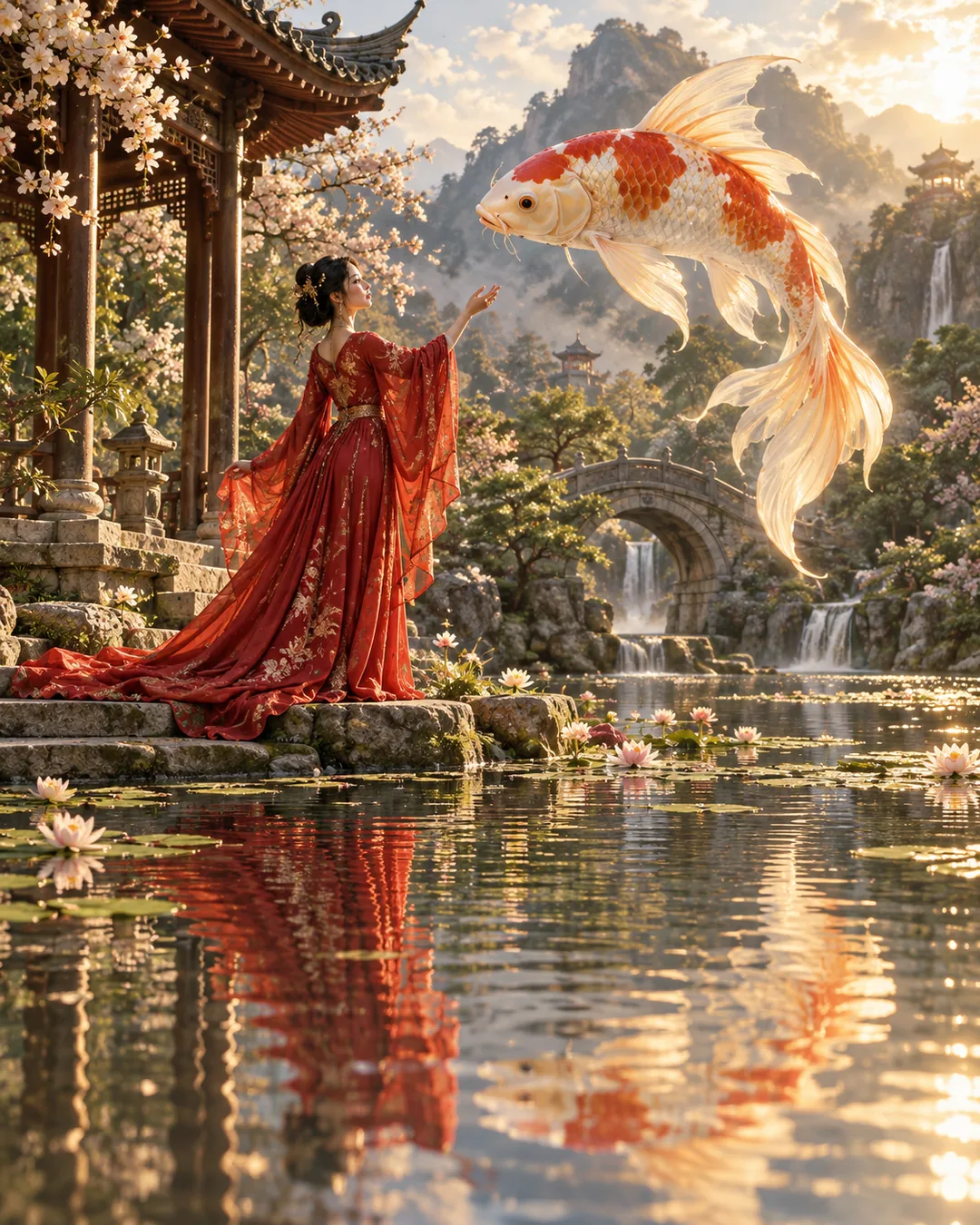
Woman in a flowing red gown beside a giant floating koi in a sunlit water gardenGPT Image 2.5
PromptCreate a cinematic scene with a woman in a red gown, a floating giant koi, and a sunlit water garden.
Built Different

Why This AI Image Generator Stands Out

Four things every creator wants from an AI image generator, delivered at a level that turns first drafts into final images.

Photorealism

AI image generator for realistic photos

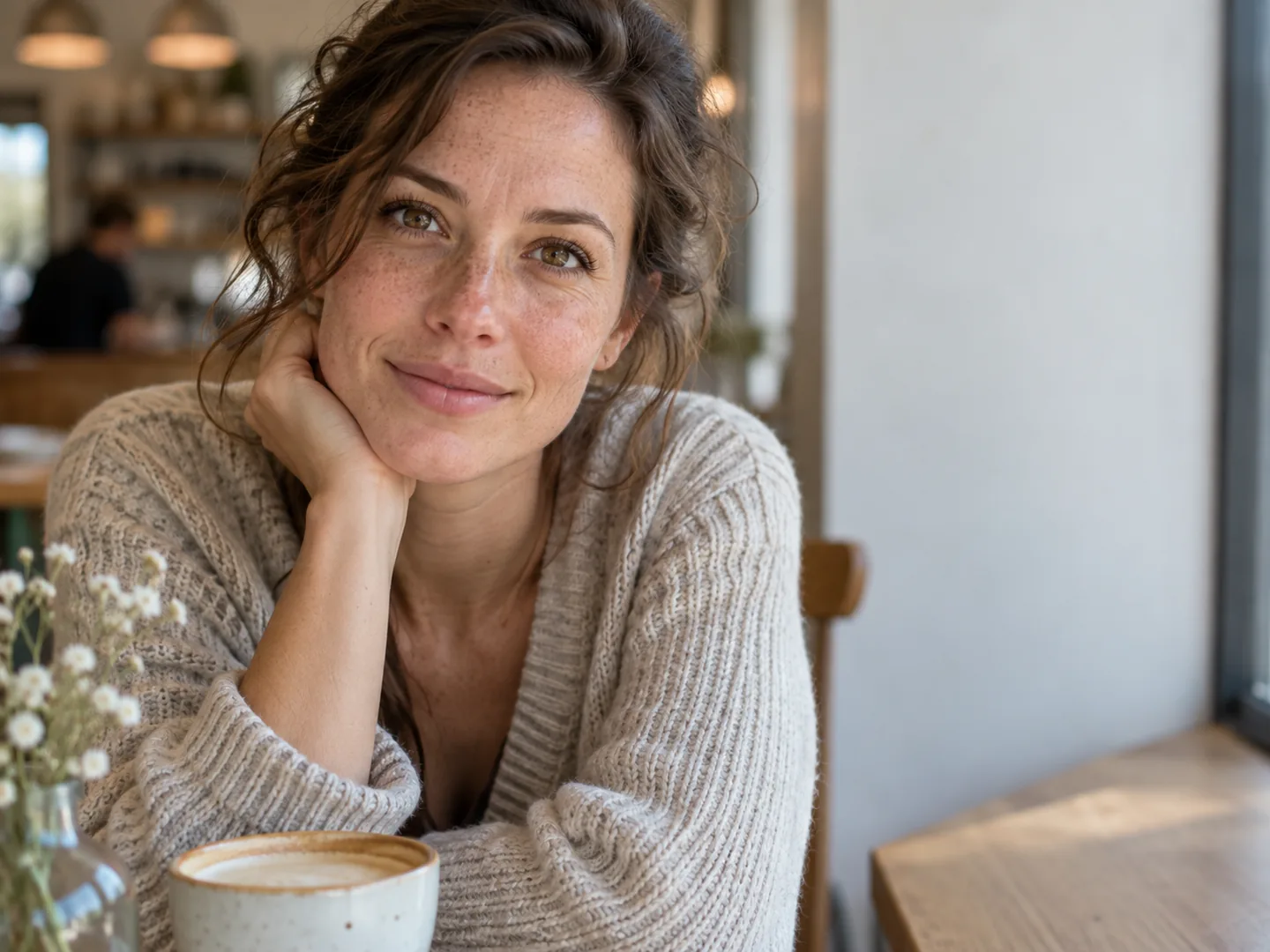
Images so real they are hard to tell from photographs. Skin with true texture, light that falls naturally, reflections that behave exactly like the real world. Zoom in and the detail keeps going, rendered in breathtaking 4K.

  • Lifelike portraits and product shots
  • Natural light, shadows, and reflections
  • Ultra HD output up to 4K
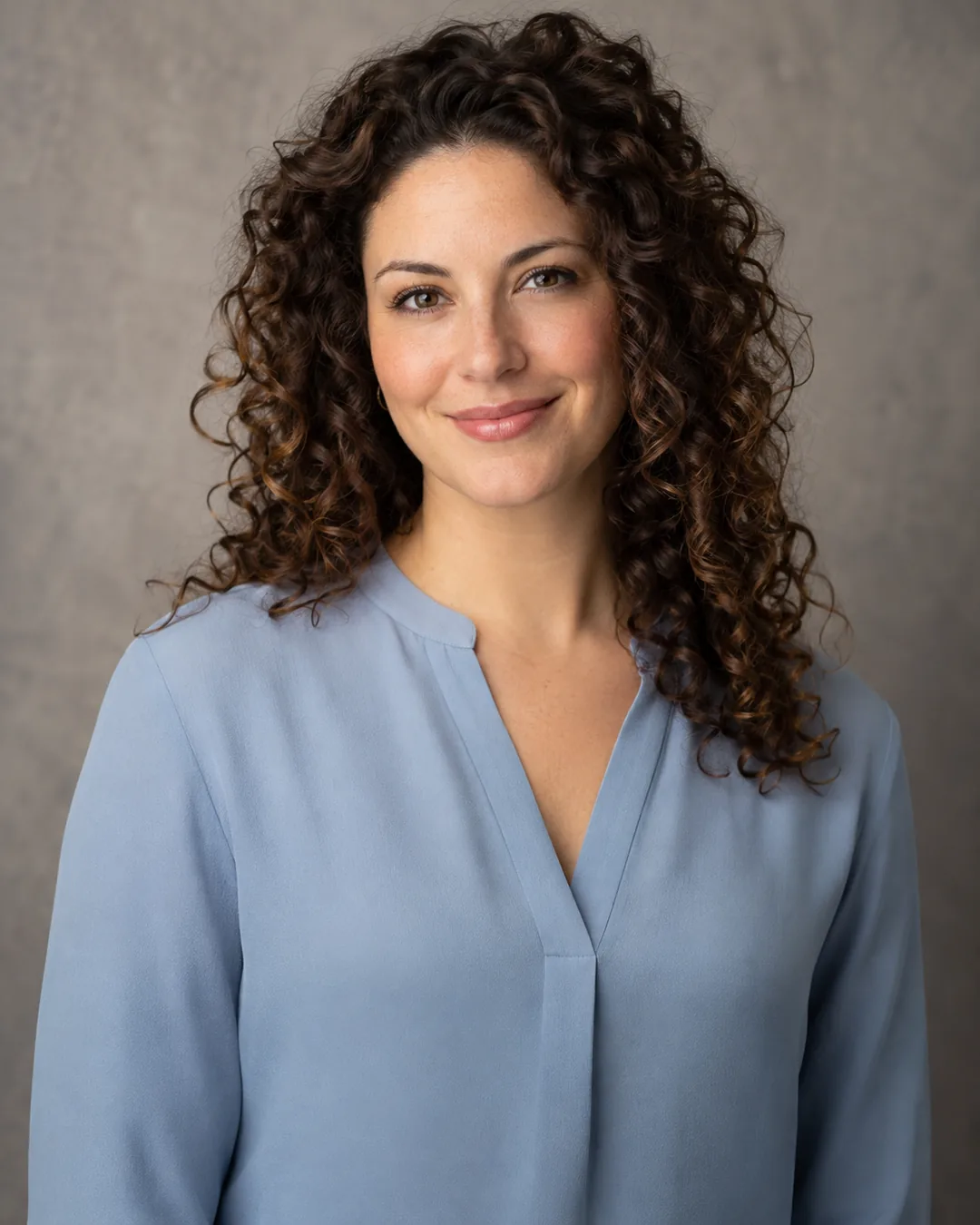
Photorealistic portrait of a smiling woman with freckles in a sunlit cafeGPT Image 2.5
4K detail
Perfect Text

AI image generator for posters, logos, and text

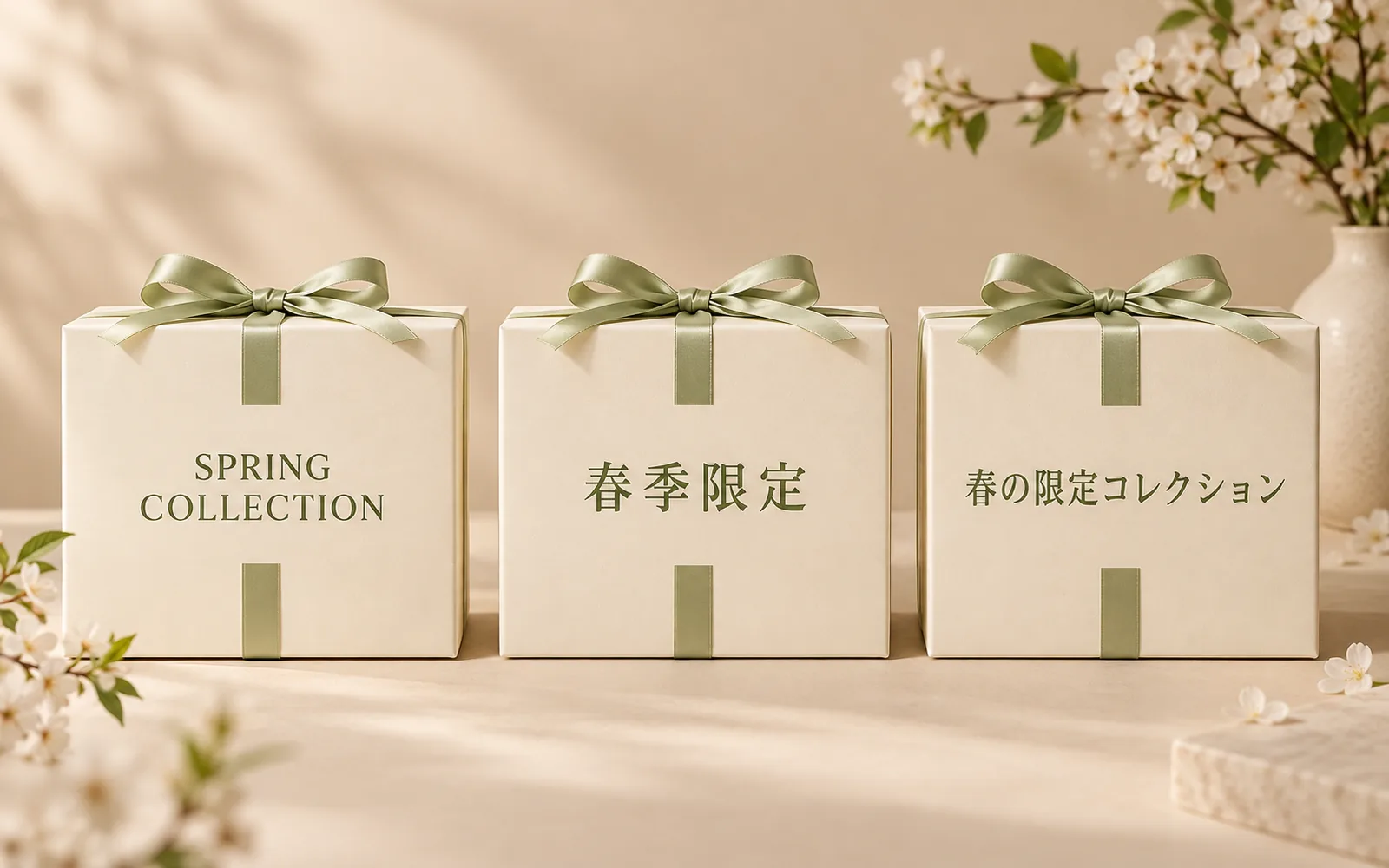
Perfect text, every time. Every word appears exactly as you typed it, in English, Chinese, Japanese, Arabic, and more. Posters, packaging, menus, and logo concepts are ready to publish the moment they are generated.

  • Headlines and labels spelled perfectly
  • Clean typography in any language
  • Ready for posters, packaging, and brand graphics
Three gift boxes with perfectly spelled Chinese, Spanish, and Japanese text in one image
GPT Image 2
Consistency

AI image generator from image references

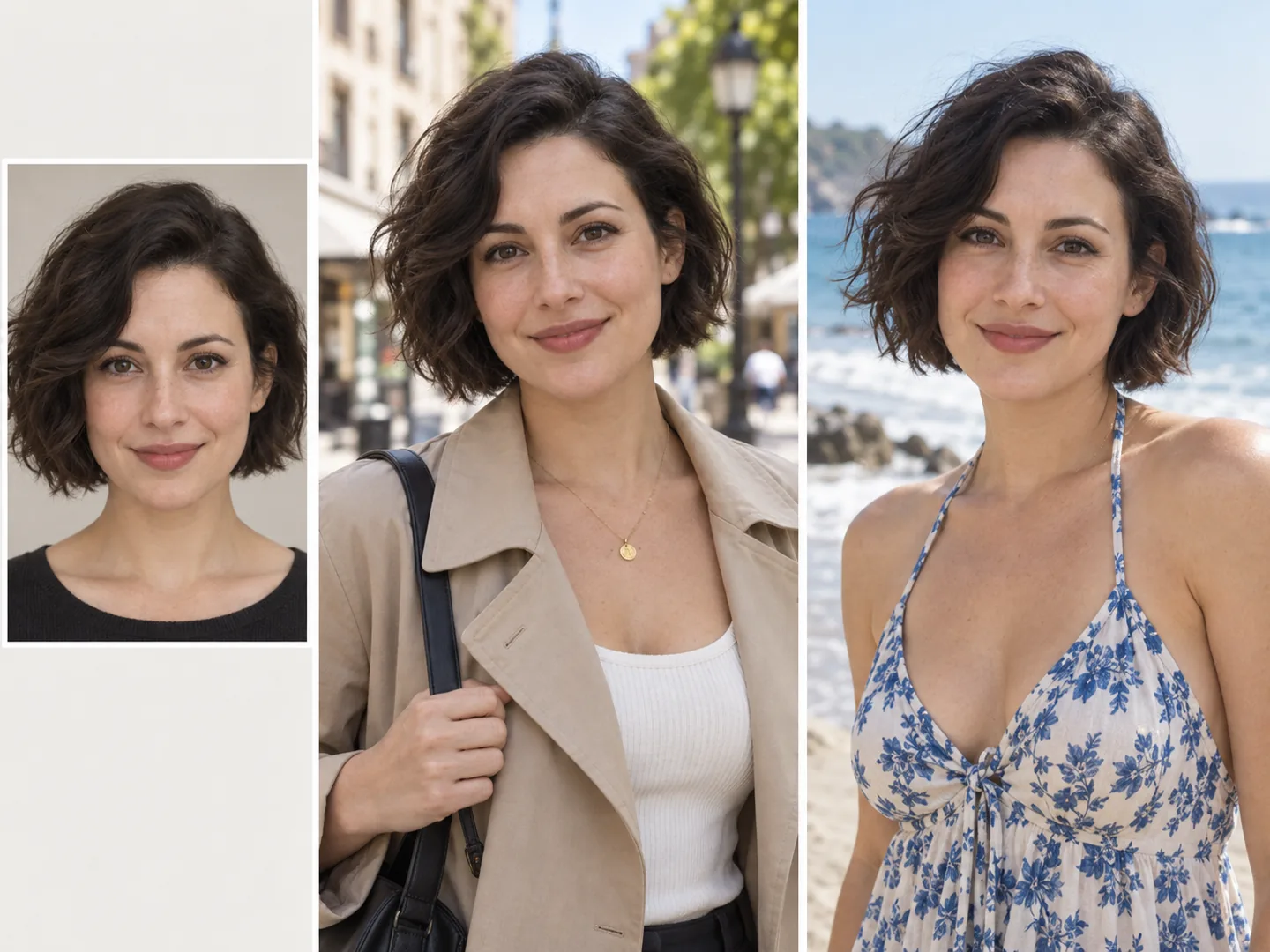
One face, one product, any scene. Upload a reference once and it stays perfectly consistent across an entire campaign, character series, or product catalog. Same features, same details, brand new worlds.

  • The same person or product in any setting
  • Pose, outfit, and style carried over faithfully
  • One consistent look across a full series
A reference portrait and dress turned into a new fashion photo of the same woman
Any Style

AI image generator for anime and every art style

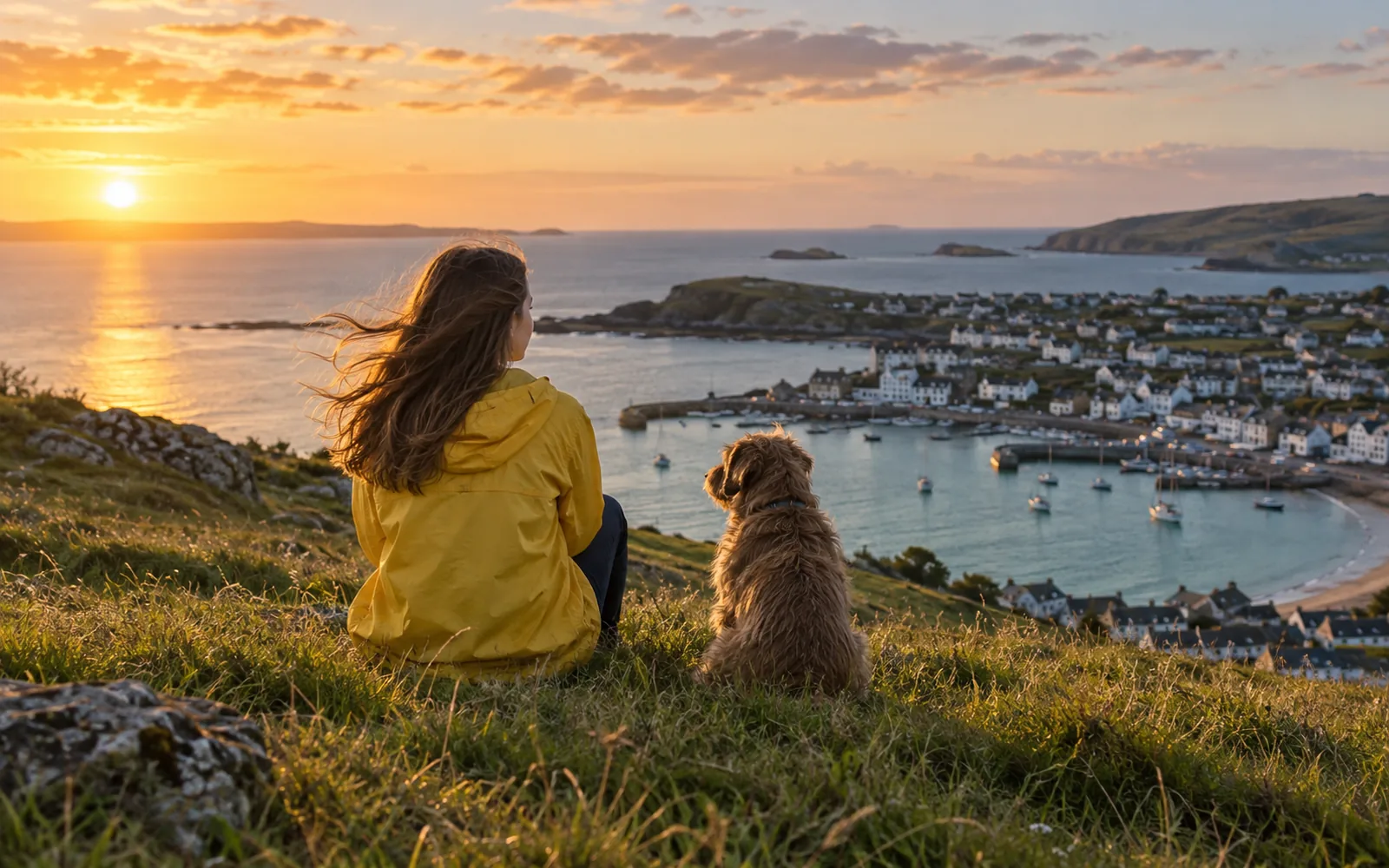
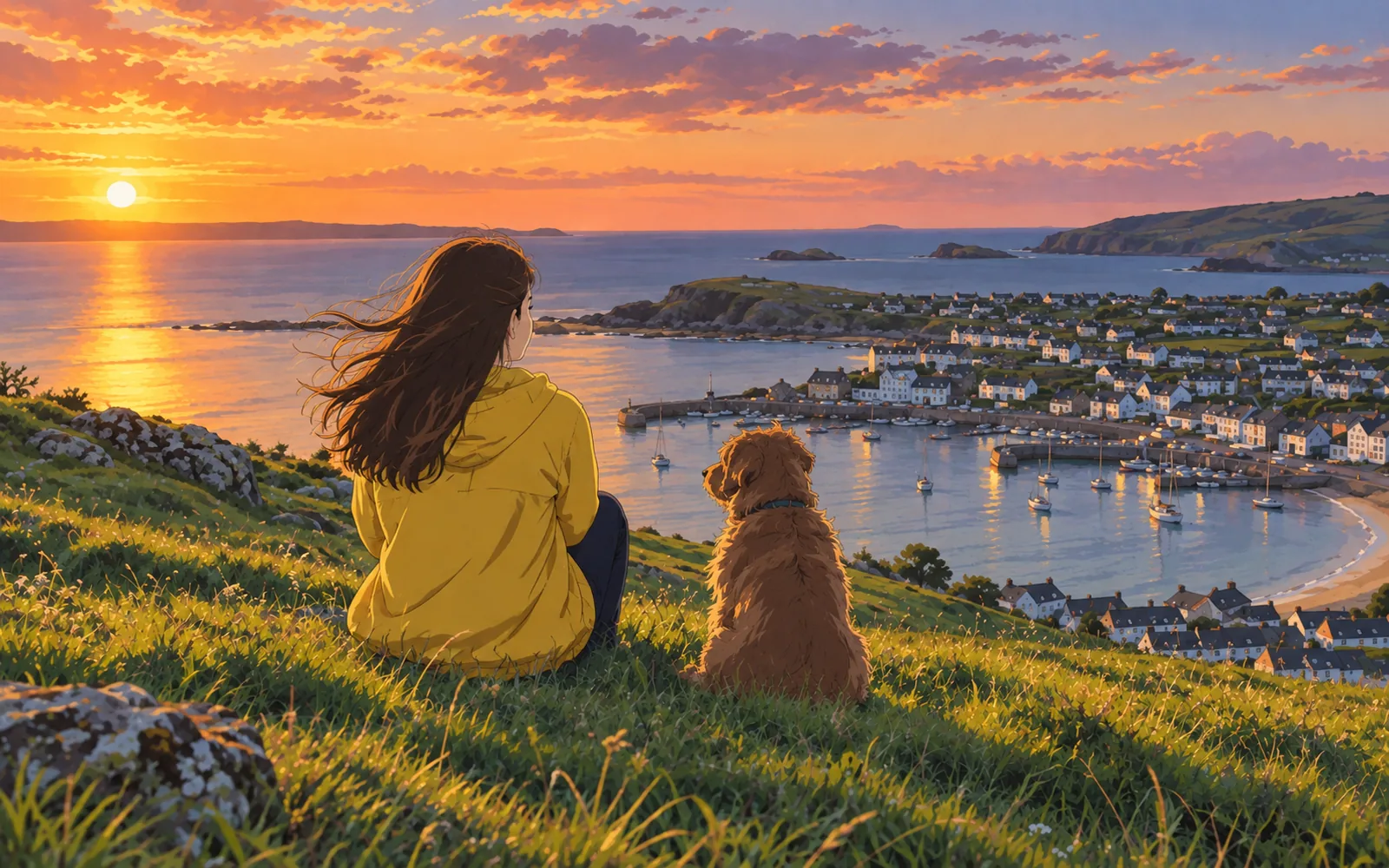
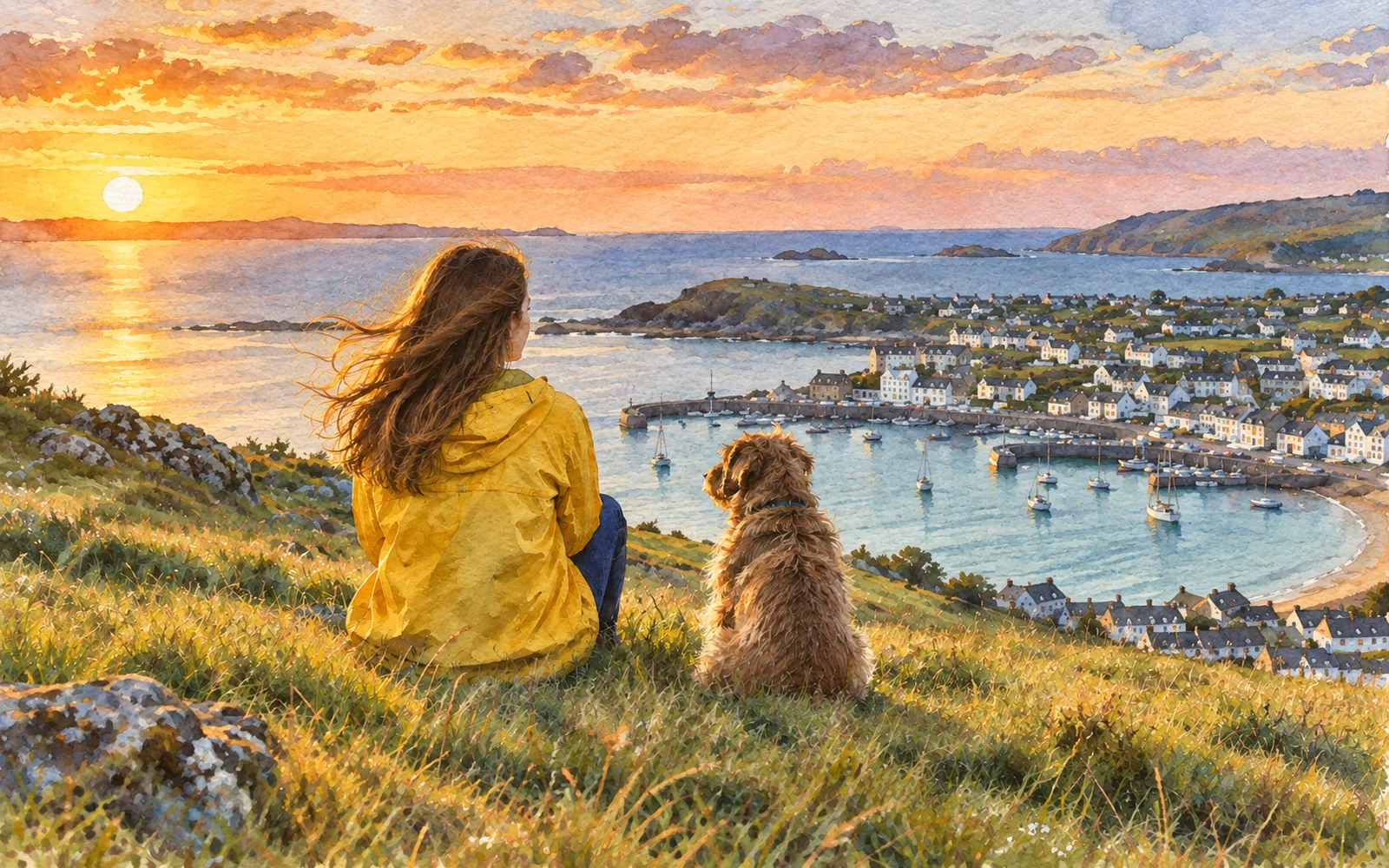
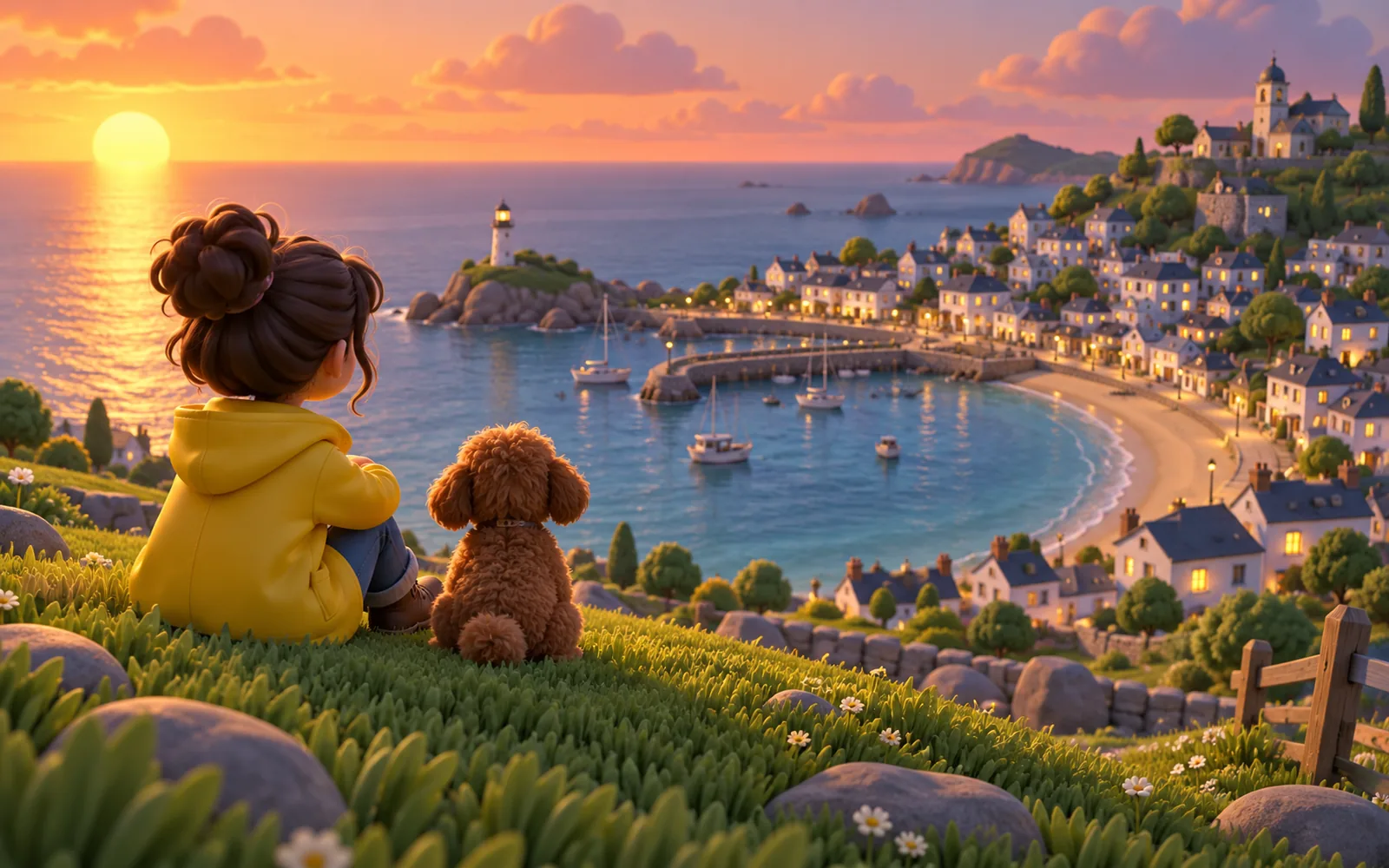
Any style, any idea, rendered masterfully. Switch from cinematic photography to anime, watercolor, or 3D with a single word. Even the most complex scenes come to life exactly as you pictured them, in the style you choose.

  • Complex, multi-subject scenes rendered precisely
  • Anime, 3D, watercolor, and pixel art
  • Cinematic and editorial photography
Explore image styles
The same scene rendered in a different art style: Photorealistic
Leading AI Models

The Best AI Image Generator Models in One Place

The world's most powerful image models, all in one place. GPT Image 2.5 and GPT Image 2 hold the top three spots in the Artificial Analysis Text to Image Arena, voted by real people in blind tests, and Nano Banana Pro sets the standard for photorealism and character consistency.

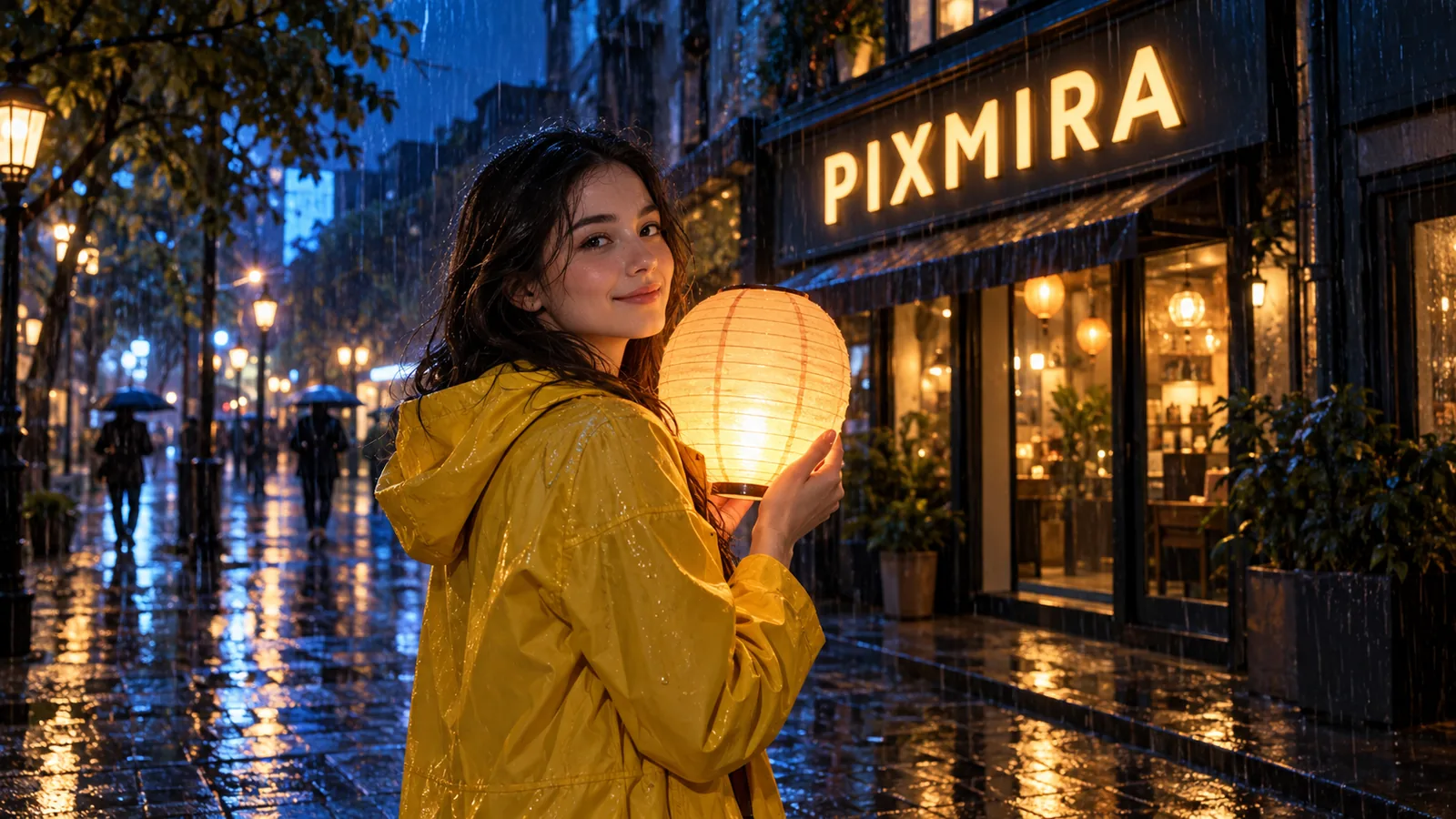
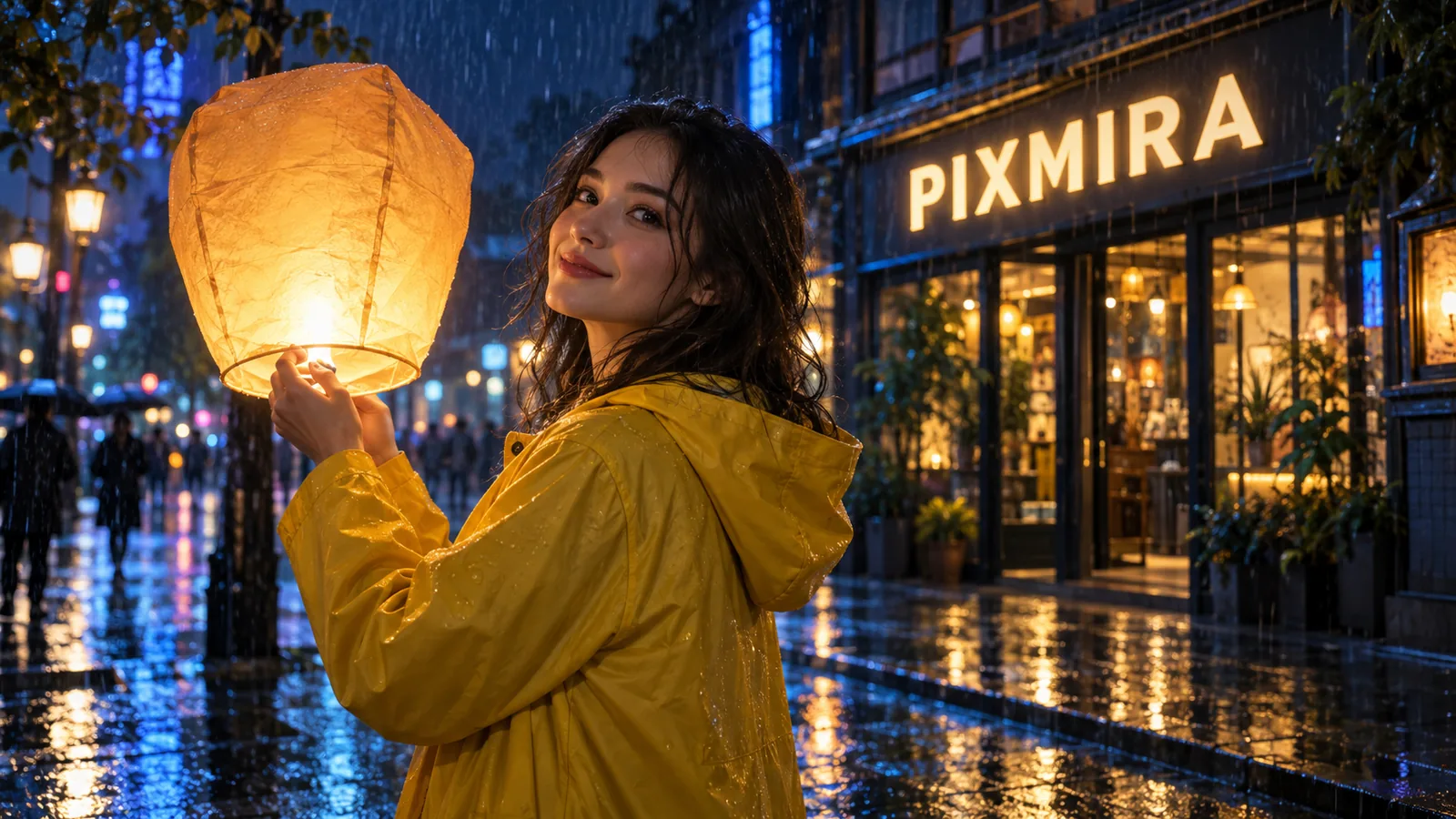
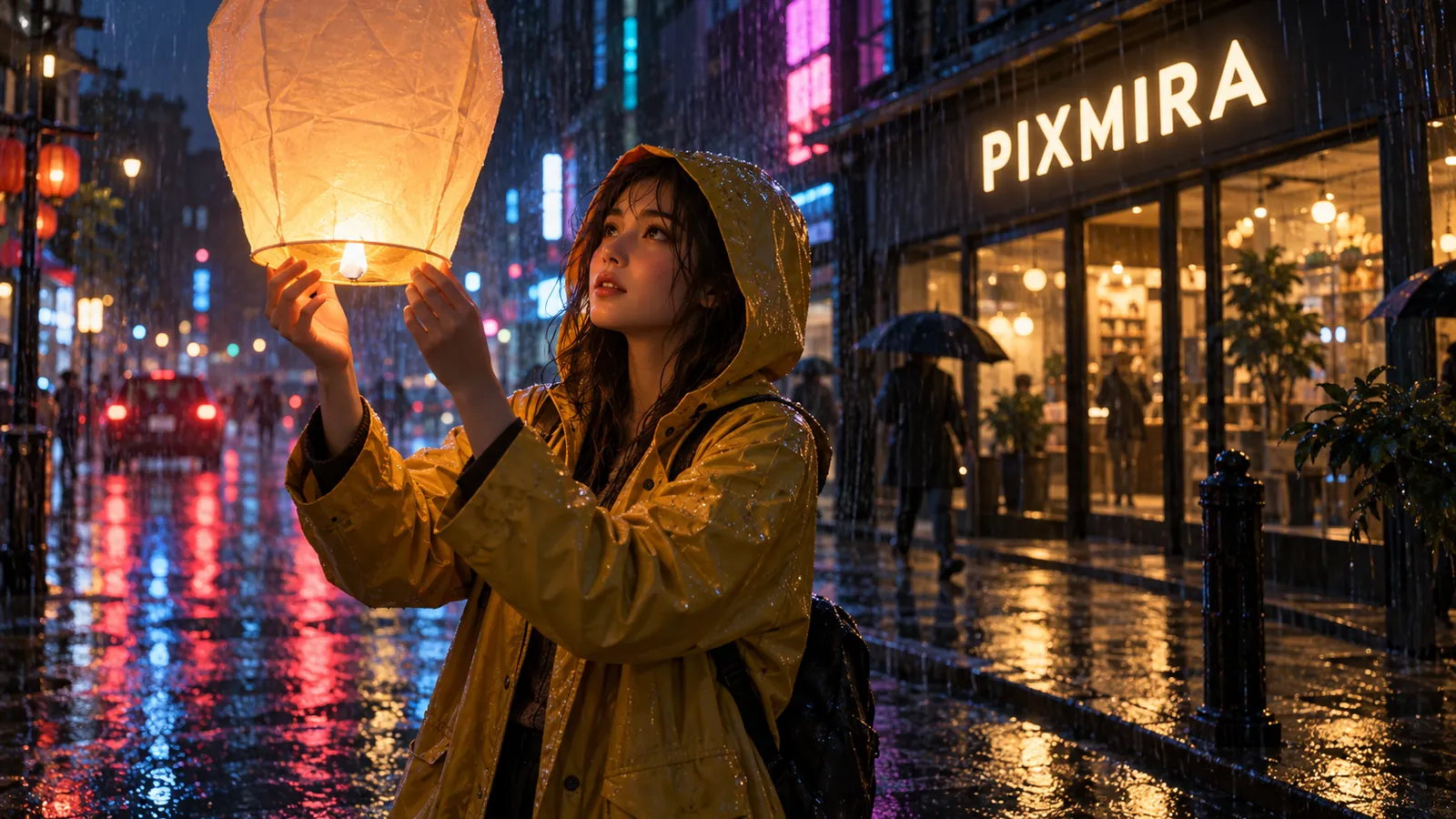
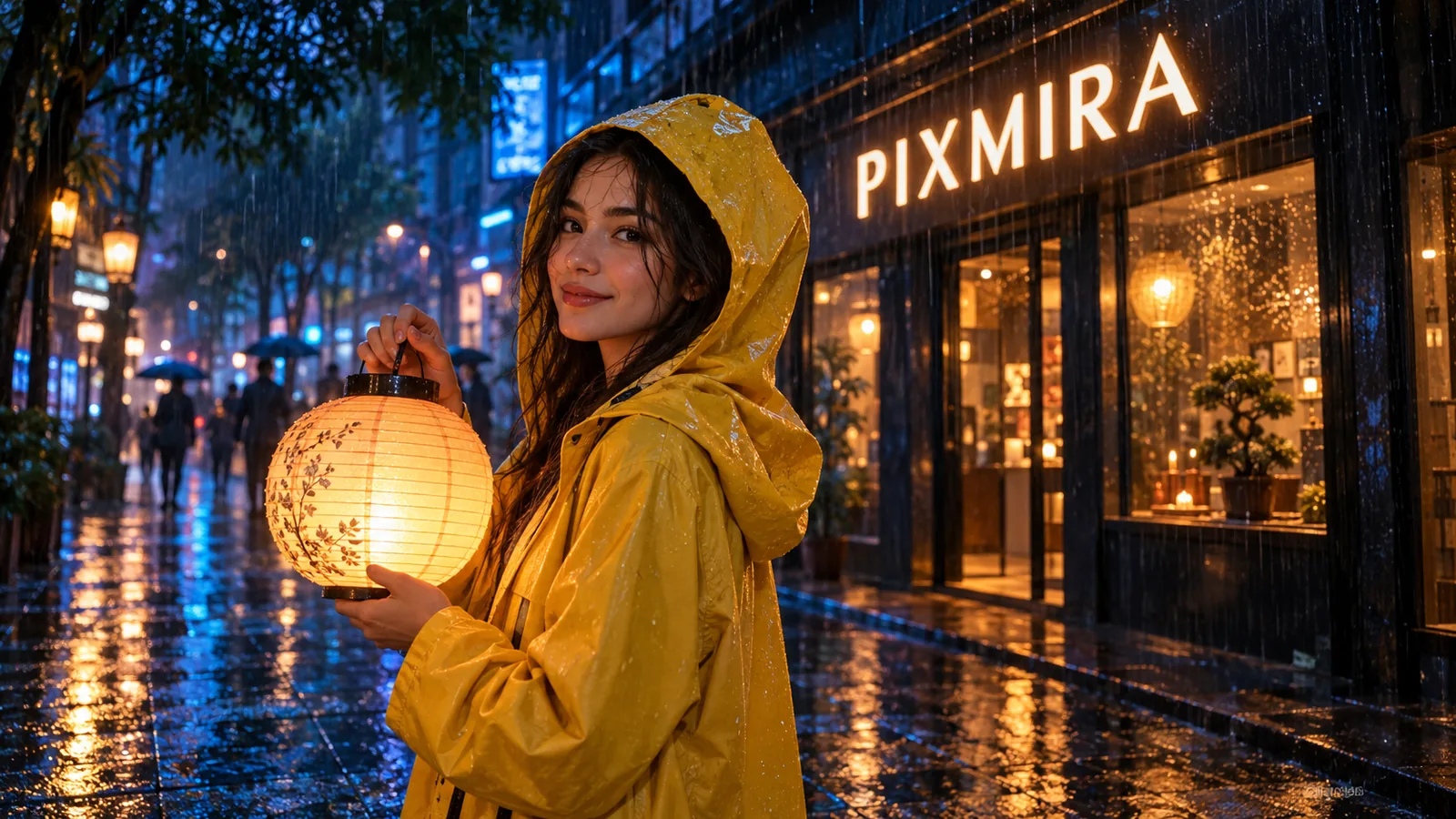
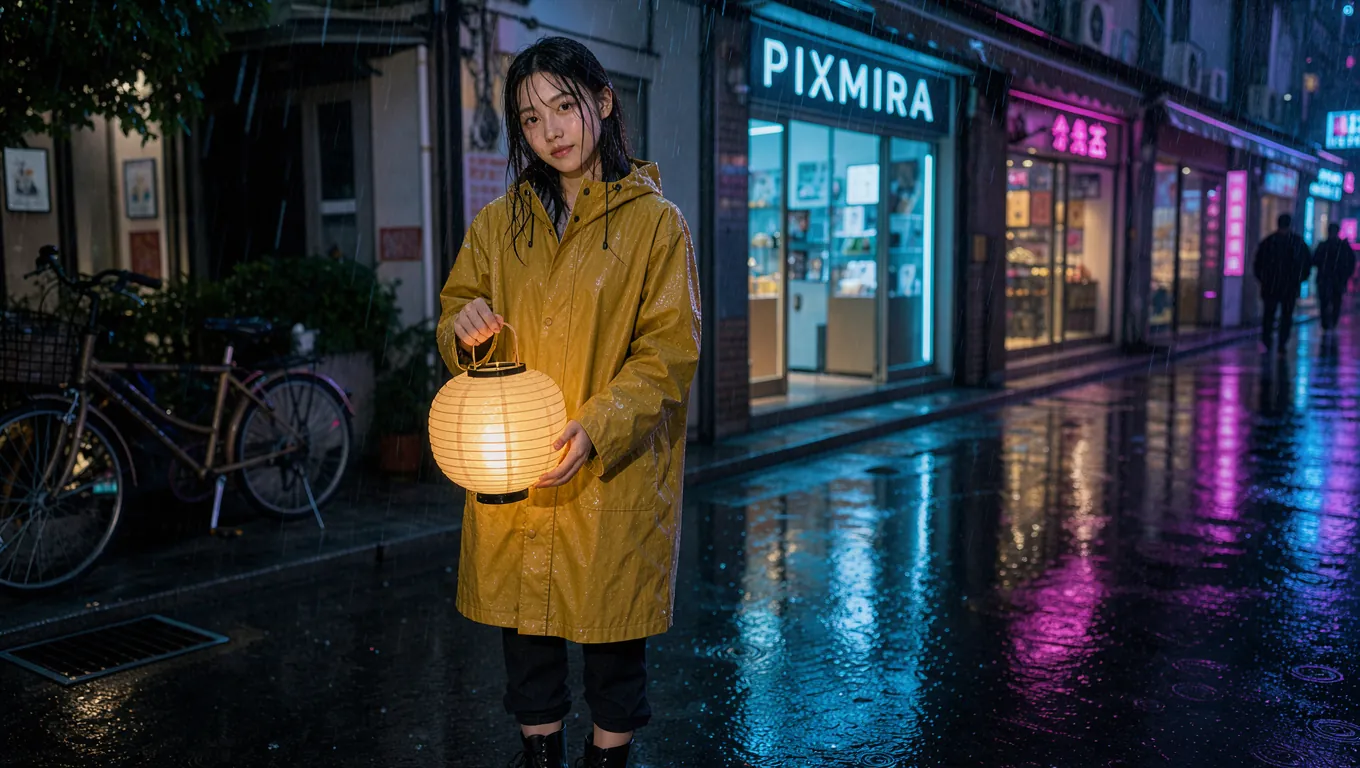
Same prompt, five models: A young woman in a yellow raincoat holding a glowing paper lantern on a rainy neon-lit street at night, the shop sign behind her reads "PIXMIRA", reflections on wet pavement, cinematic photo.

GPT Image 2.5 sample image

GPT Image 2.5

The top-ranked image model today. Precise edits, crisp text, and stunning realism, with Flare and Sunburst modes.

Nano Banana Pro sample image

Nano Banana Pro

The standard for photorealism and character consistency, with rich 4K detail.

Nano Banana 2.1 sample image

Nano Banana 2.1

Google's newest Nano Banana. Clear text and infographics, four consistent characters, and edits that touch only what you mark.

GPT Image 2 sample image

GPT Image 2

Near-perfect text and precise prompt following at a very low credit cost.

Flux 3 Image sample image

Flux 3 Image

Black Forest Labs' newest model. Native 4K, sharp text, and layouts you place element by element with boxes.

+12 more models

Fast drafts, style transfer, and more creative power in the same generator.

  • MOSS Image
  • Seedream 5.0 Pro
  • Nano Banana 2
  • Qwen Image 2512
  • HiDream O1 Image
  • GPT Image 2.5 Sunburst
  • Nano Banana 2 Lite
  • Nano Banana
  • Banana Fast
  • Seedream 5.0 Lite
  • Seedream 4.5
  • GPT-4o Image
Use Cases

What You Can Create with an AI Image Generator

From product shots to fantasy characters, one AI image generator covers every creative job on your list.

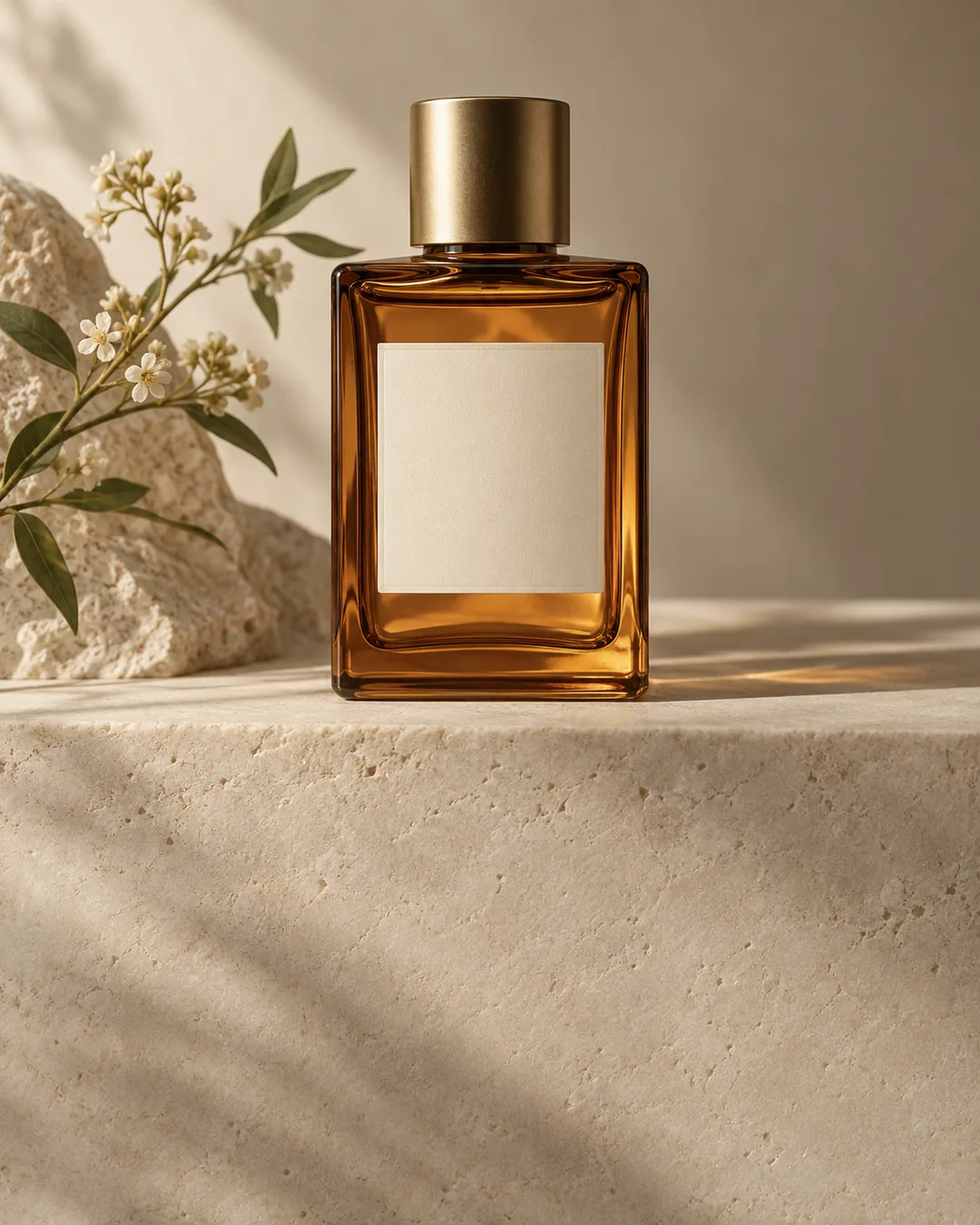
Realistic product photos

Realistic product photos

Studio-quality product shots and lifestyle scenes for your store, without booking a single photo shoot.

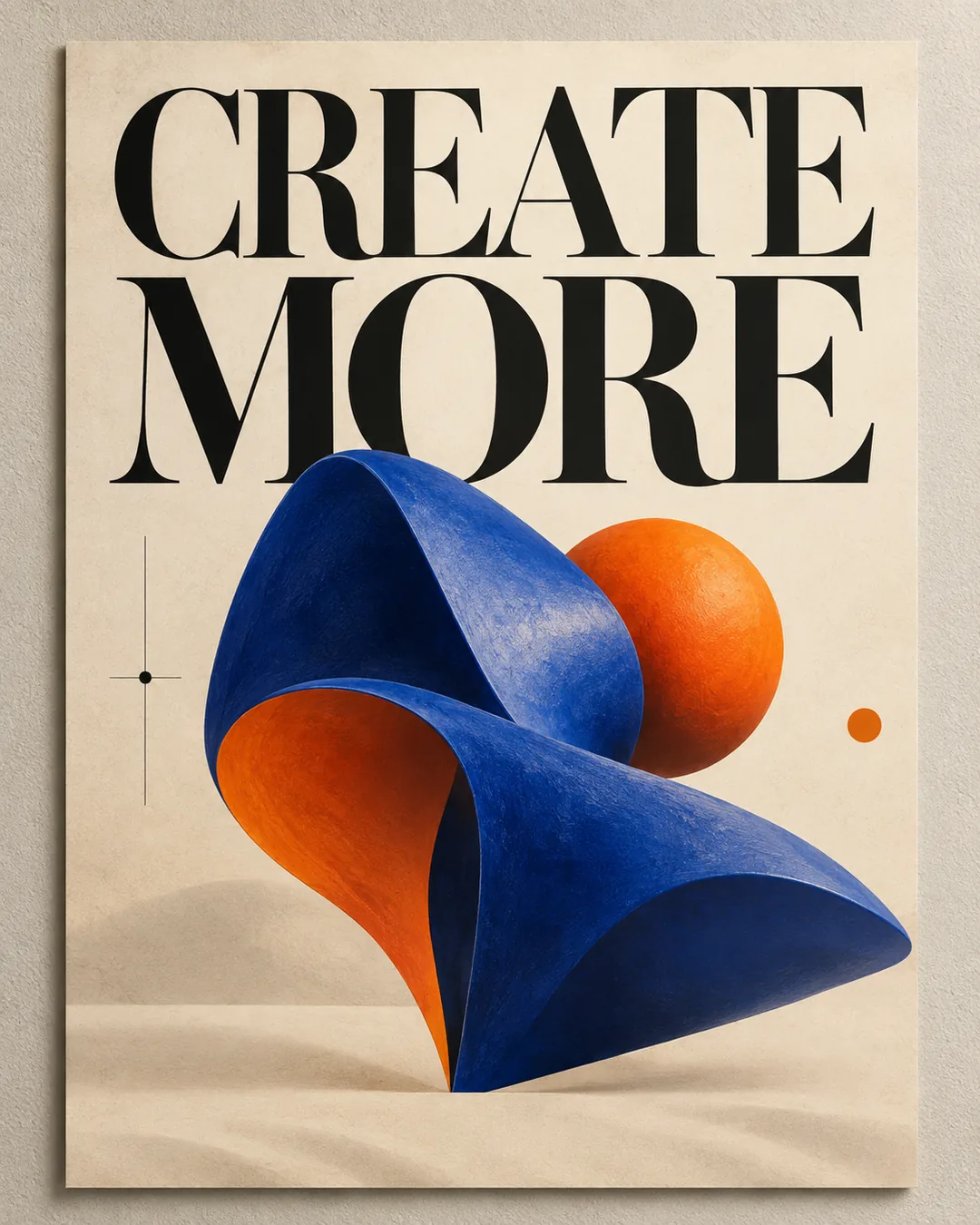
Posters, logos, and ads

Posters, logos, and ads

Campaign visuals, logo concepts, and ad creatives with clean, perfectly spelled text.

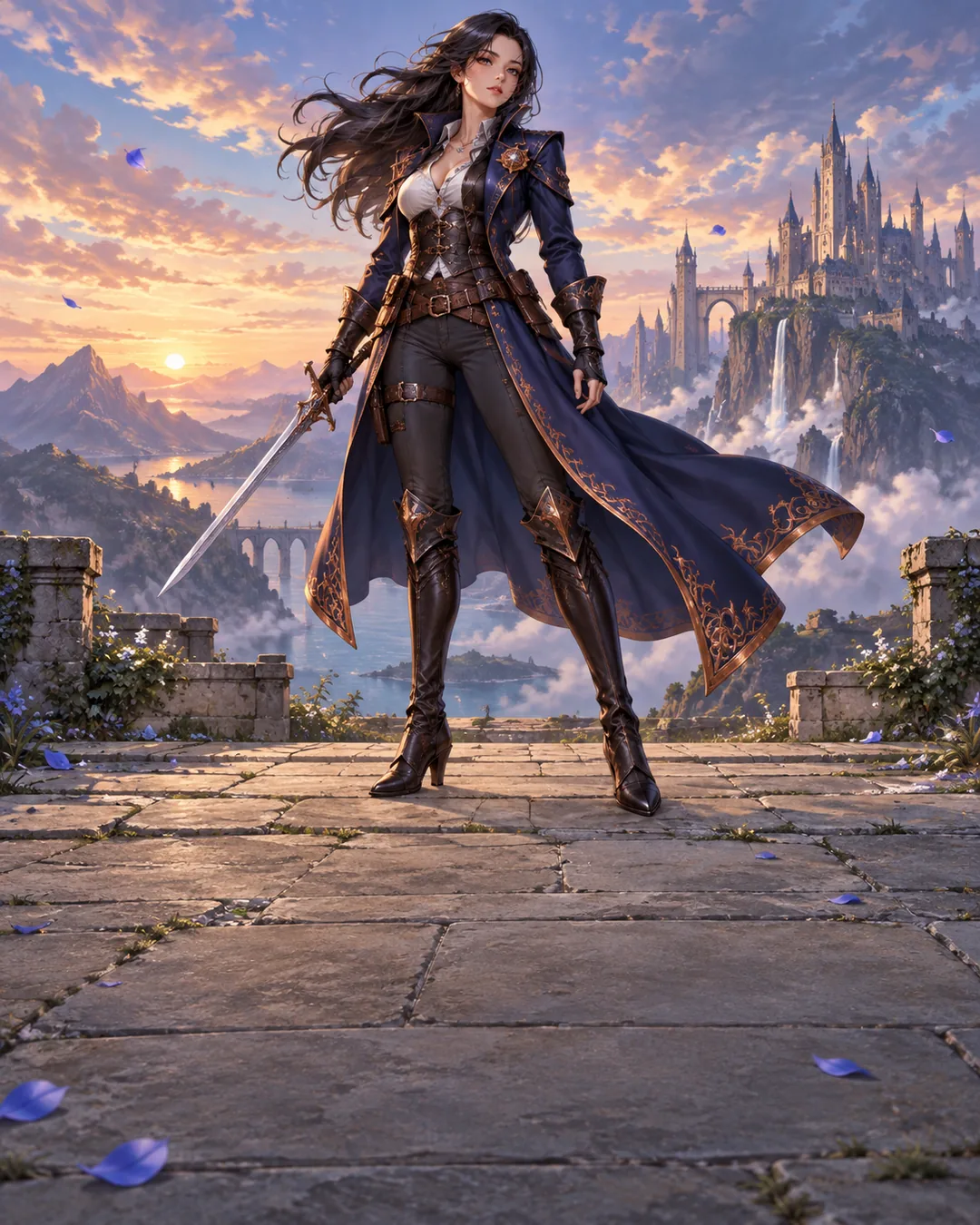
Anime and game characters

Anime and game characters

Original anime heroes, fantasy warriors, and D&D portraits in any style you can name.

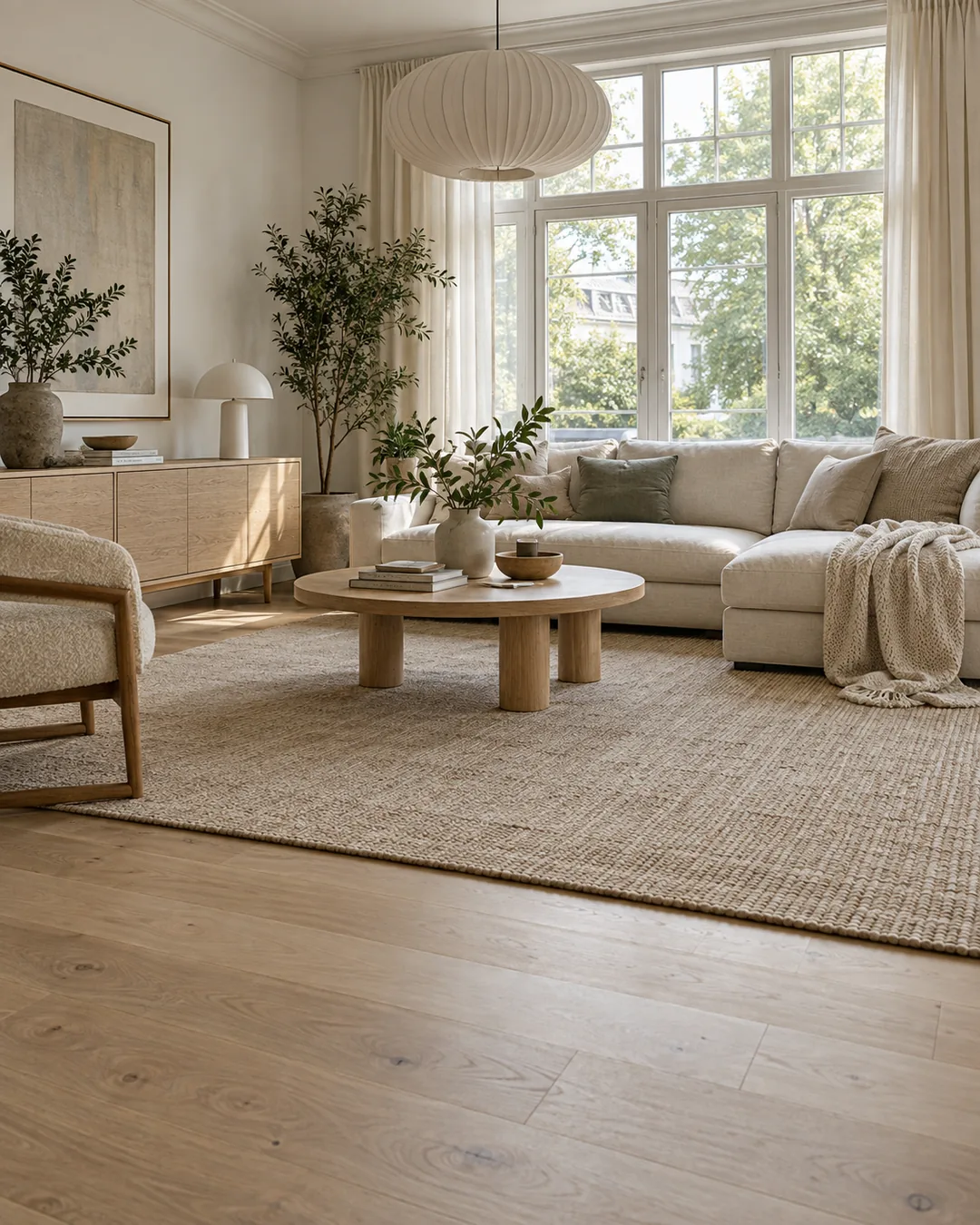
Interior and home design

Interior and home design

See a room, a renovation, or a full home concept come to life before you build it.

Social media content

Social media content

Scroll-stopping posts, thumbnails, and stickers in the exact size every platform needs.

Portraits and avatars

Portraits and avatars

Professional headshots, profile pictures, and personal art that look like you on your best day.

4 Simple Steps

How to Use the AI Image Generator

From a blank page to a finished image in under a minute. No design skills, no learning curve.

  1. 01

    Describe your image

    Write what you want to see: the subject, the setting, and the mood.

  2. 02

    Add a reference image

    Optional. Upload a photo to keep a specific face, product, pose, or style in the result.

    Edit an existing photo
  3. 03

    Choose a model and size

    Pick the model that fits your idea and the aspect ratio your platform needs.

  4. 04

    Generate and download

    Get up to four stunning variations in seconds and download your favorite in full resolution.

How to write a great prompt

Great prompts follow a simple formula. Name each part and the AI image generator nails the result on the first try.

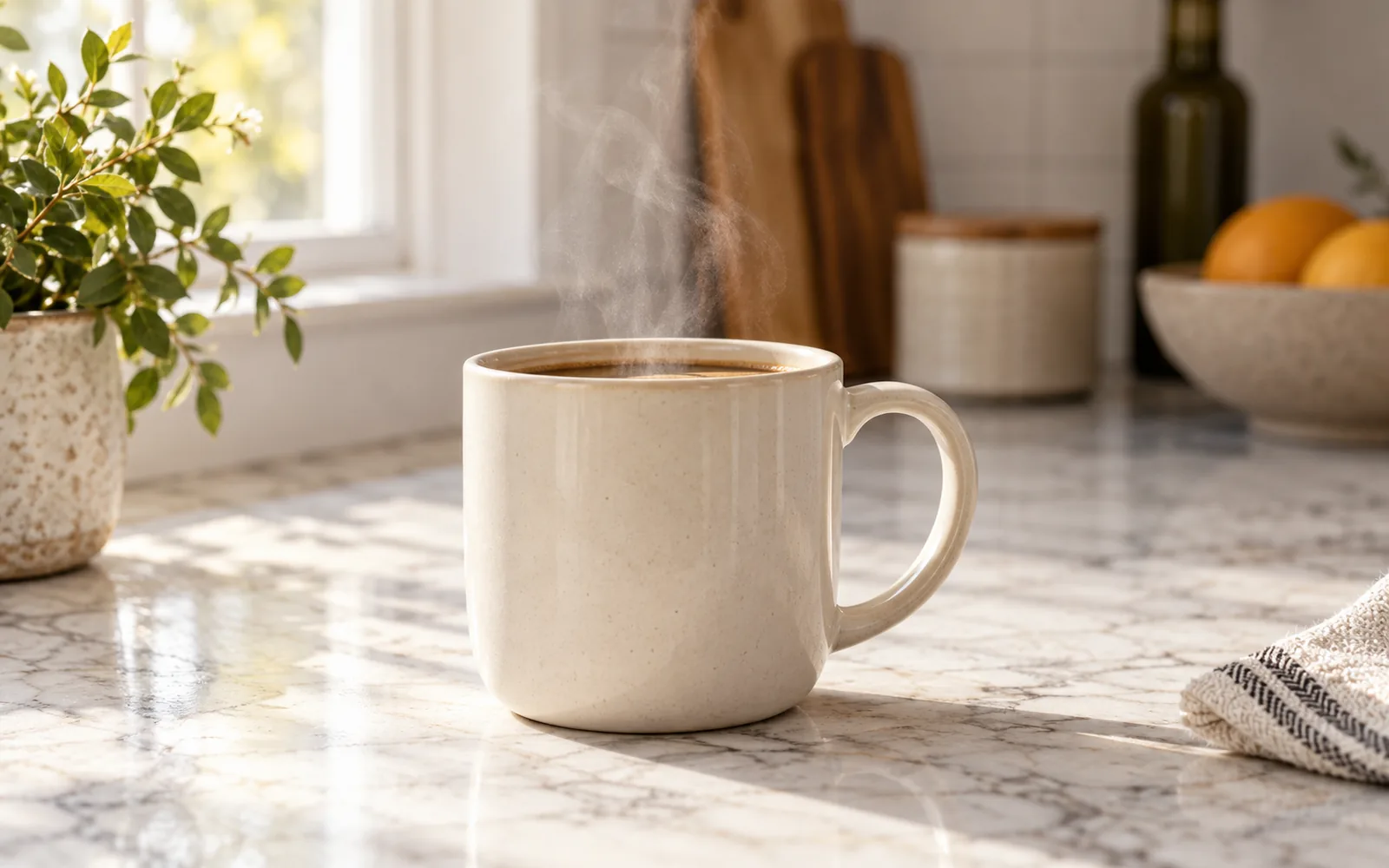
A ceramic coffee mug on a marble kitchen counter, editorial product photography, soft morning window light, shot on a 50mm lens

  • Subject
  • Setting
  • Style
  • Lighting
  • Camera
Browse more prompt ideas
Ceramic coffee mug on a marble counter in soft morning light, product photography

Watch words turn into images

Real prompts, real results, straight from the AI image generator.

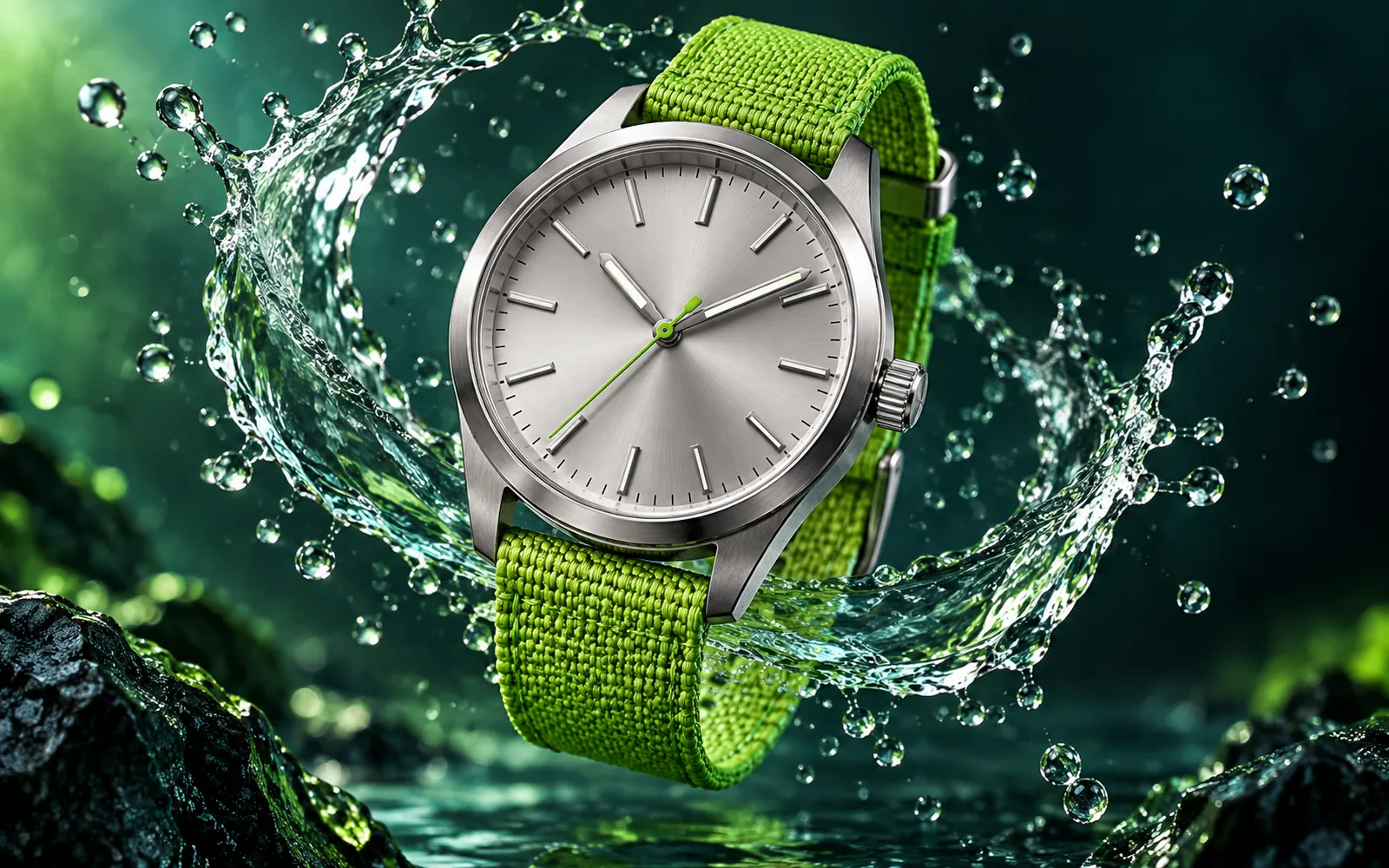
Prompt

Create a premium watch advertisement with a lime-green woven strap and a suspended water splash.

GPT Image 2.5Generate
Wristwatch with a lime-green strap in a suspended water splash
Quick Answers

AI Image Generator FAQ

Answers to the most common questions about creating AI images with PixMira.

An AI image generator is a text to image model: it reads your prompt, understands the subject, style, lighting, and composition, and renders a matching picture. PixMira brings the world's leading models together with reference photo support and output up to 4K, all in one online tool.

Yes. PixMira is a free AI image generator to start with: every new account receives 5 free credits after the first login, enough to create your first stunning images. When you want more, pick a credit pack or a membership on the pricing page.

Type a prompt that describes the subject, style, and lighting, choose a model and aspect ratio, and click Generate. You get up to four images in seconds, ready to download.

The best AI image generator gives you the best models, and PixMira has them all: GPT Image 2.5 and GPT Image 2 hold the top three spots in the Artificial Analysis Text to Image Arena, Nano Banana Pro leads in photorealism and character consistency, Nano Banana 2 is fast and affordable, and Seedream 5.0 Pro shines on infographics. Run the same prompt on several models and keep the winner.

No. PixMira works online in any modern browser on desktop and mobile, so there is nothing to download or install. Open the page, sign in, and start creating.

Each image costs between 1 and 8 credits depending on the model and settings. The generator shows the exact cost next to the Generate button before you start.

Yes. Under our Terms of Service, you own the images generated from your inputs, subject to those terms and applicable law. Your prompts and reference images must not infringe on the rights of others.

Yes. Upload a photo as a reference and describe the new scene or style. PixMira keeps the face, product, or pose from your reference and builds a brand new picture around it.

Start with the subject, then add the setting, style, lighting, and camera. Put any text you want in quotes and say where it goes. The PixMira prompt libraries are packed with ready-to-use examples for every style.

Yes. PixMira works as an AI image generator and editor in one place: open any result in the PixMira AI Photo Editor to remove objects, change the background, or enhance details with a text prompt.

Try the Free AI Image Generator

Turn your next idea into a stunning image in seconds. New accounts get 5 free credits.

Start creating