IP
Infographic Production Workflow
Education and research
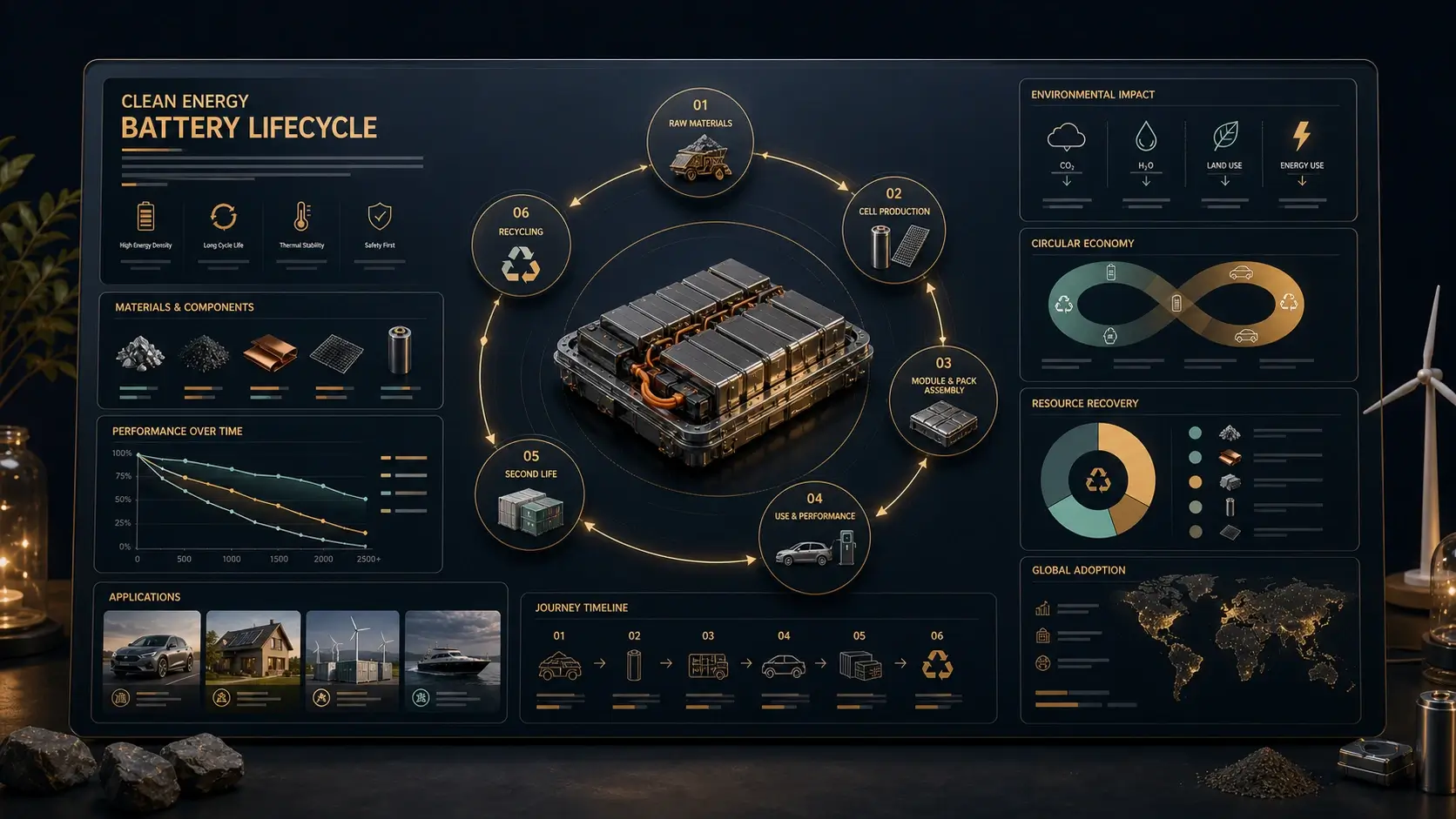
Create a Seedream 5.0 Pro infographic from a dense topic, with sections, charts, icons, readable labels, and clear visual hierarchy for classroom, blog, or presentation use.
Create structured visuals with advanced design understanding. Seedream 5.0 Pro turns ideas into detailed images with complex layouts, precise editing, and professional visual control.
Model
Image (Optional)
Click to upload an image
PNG, JPG, JPEG, or WEBP (max 10MB)
Prompt
Aspect Ratio
Experience the power of AI image generation
Explore varied industry examples across events, hospitality, apparel, menus, packaging, and architecture.
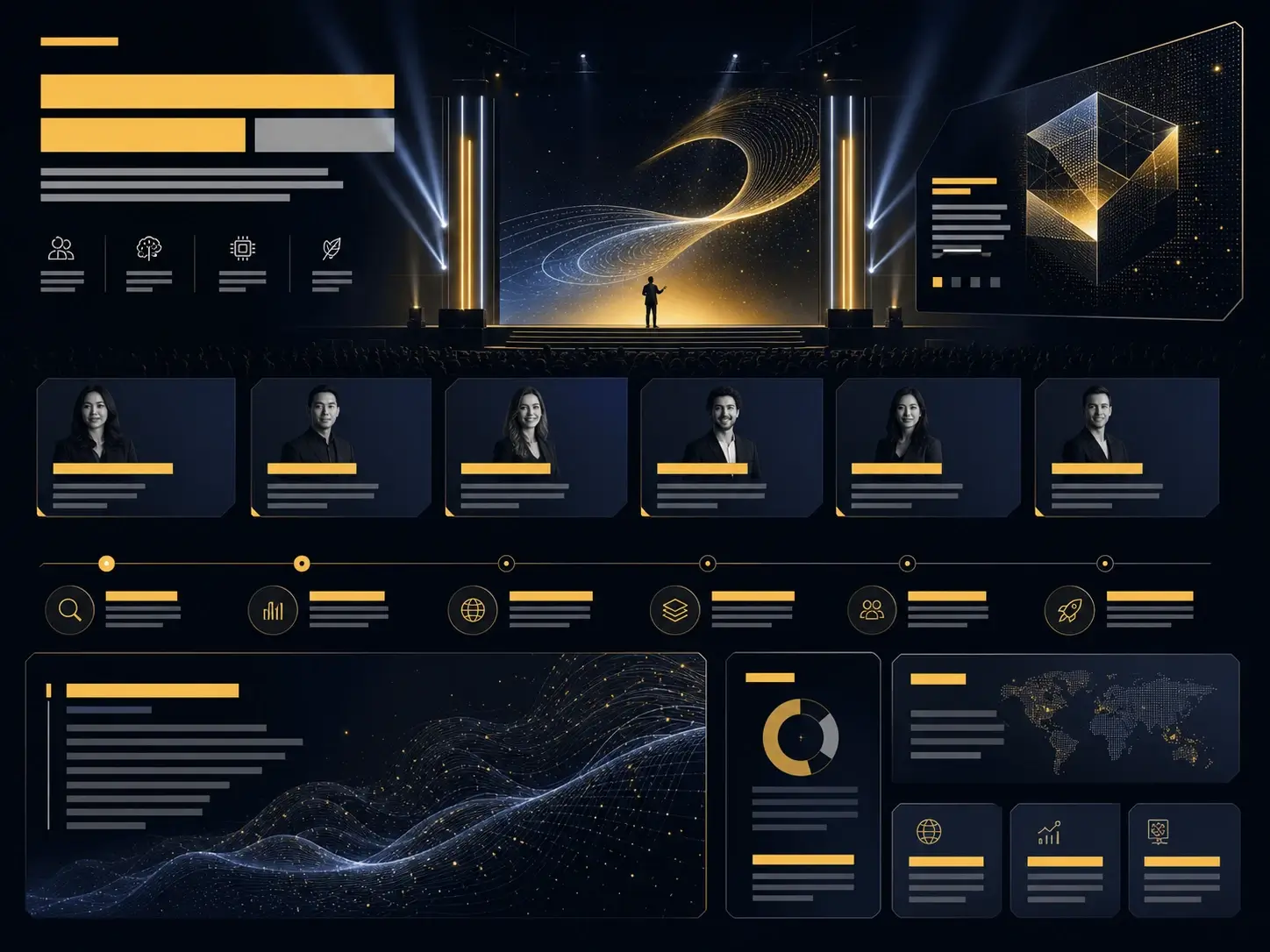
Create a polished AI conference keynote poster with structured agenda modules, speaker cards, stage lighting, and clear event hierarchy.
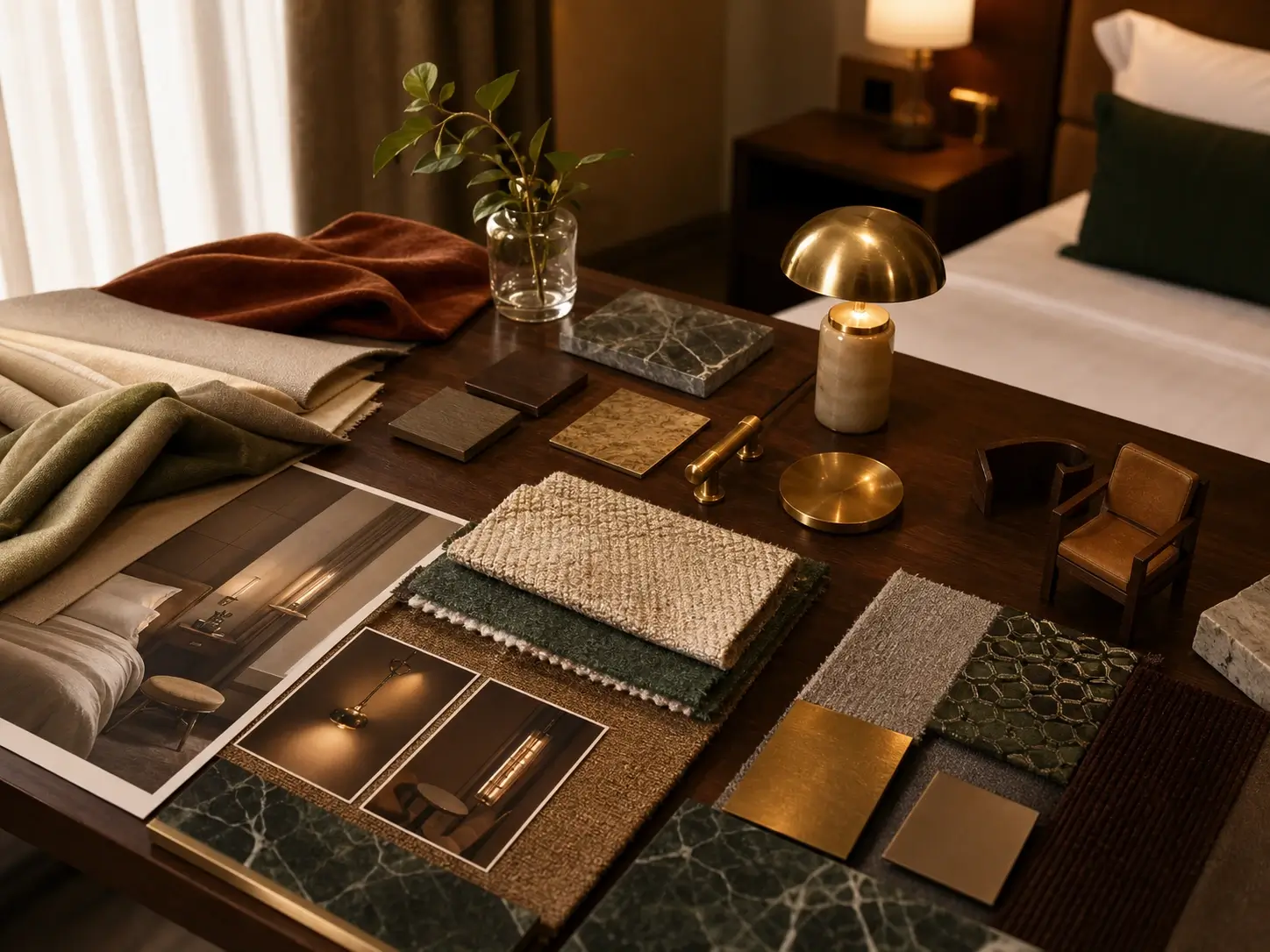
Create a boutique hotel room moodboard combining lighting studies, furniture choices, textile samples, and warm hospitality atmosphere.
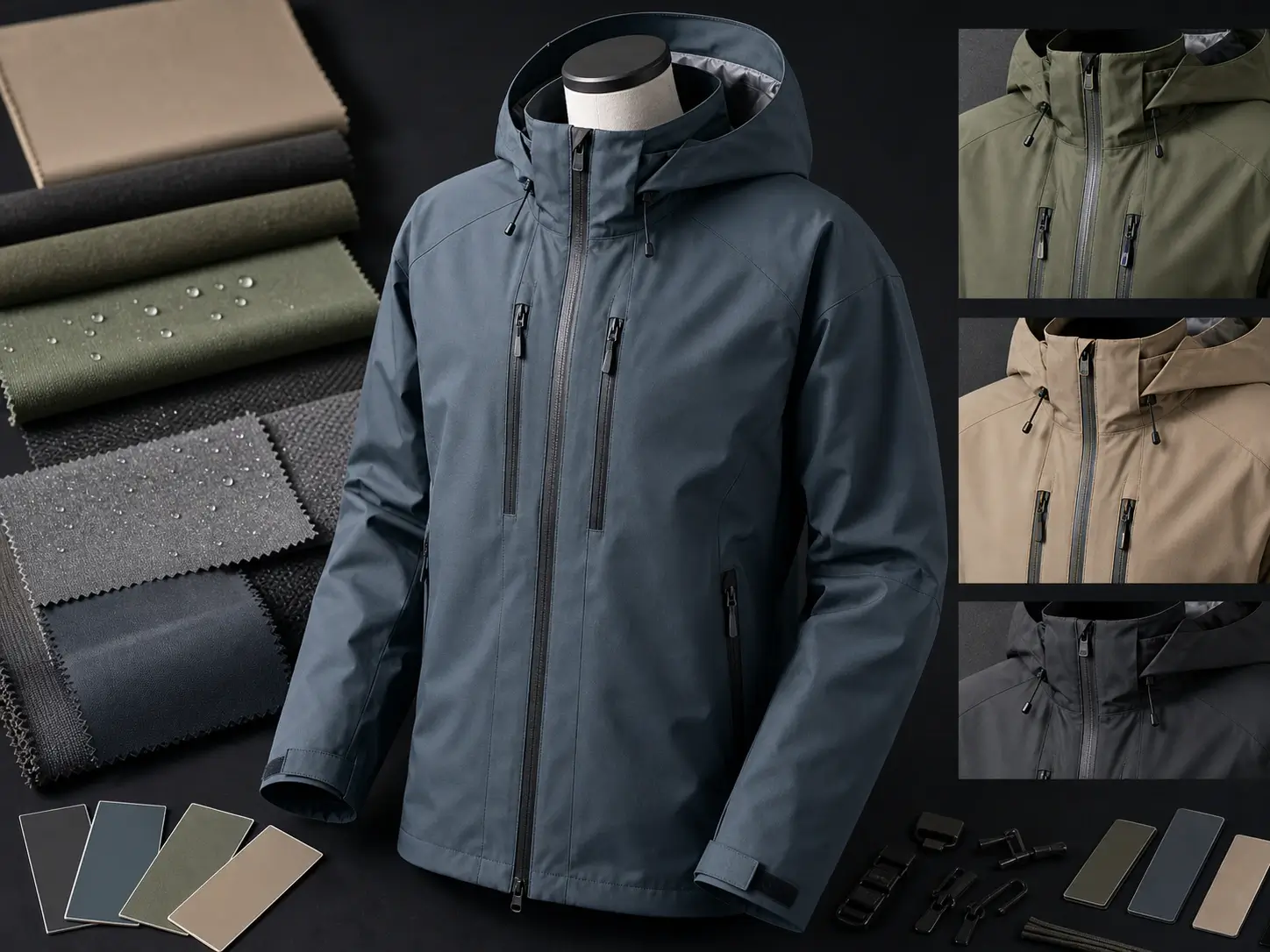
Create a fashion apparel edit showing a technical outdoor jacket with new colorways, fabric texture, stitching detail, and preserved product shape.
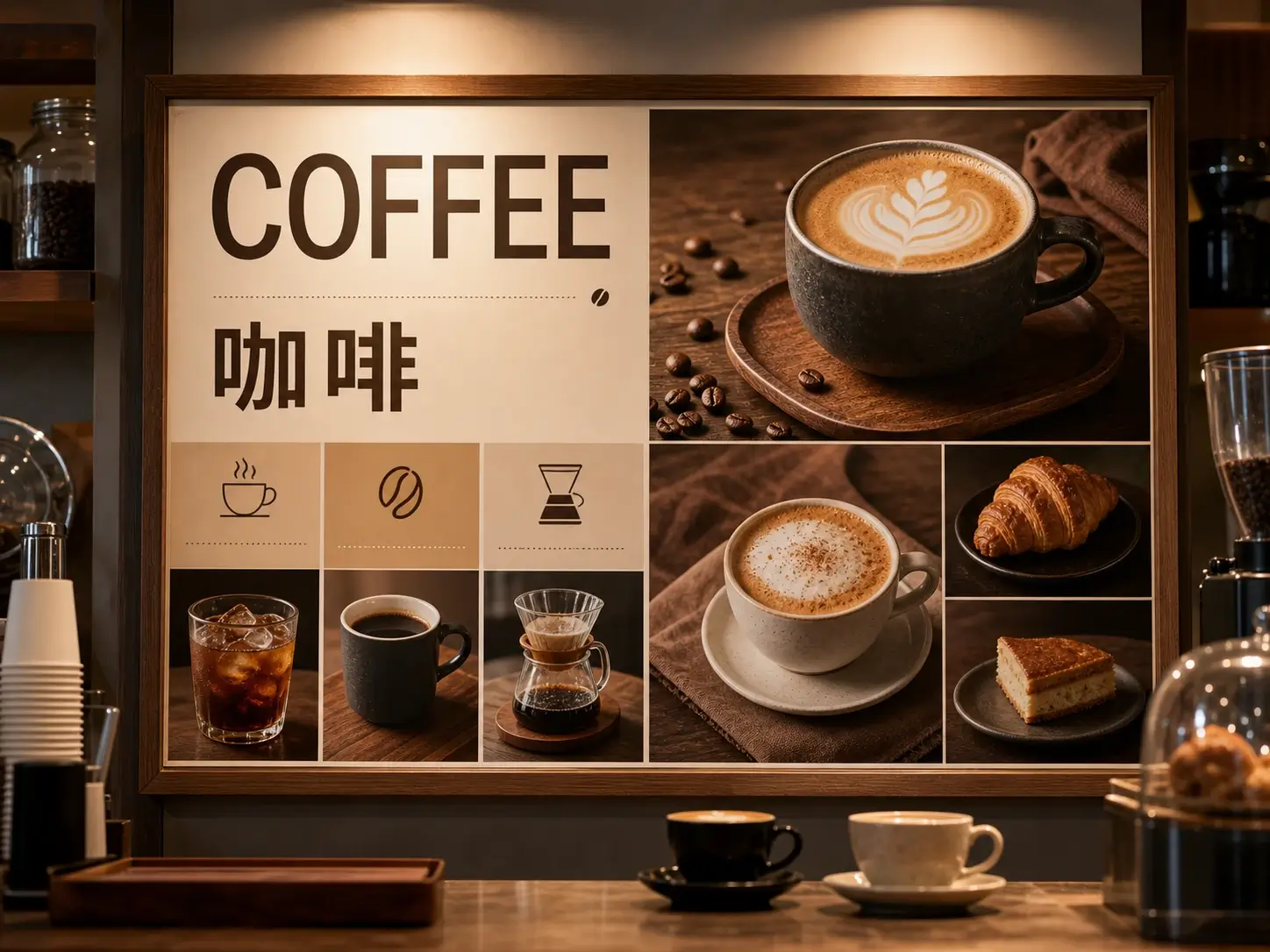
Create a bilingual cafe menu board with clean localized typography, coffee product photography, icon sections, and balanced service design.
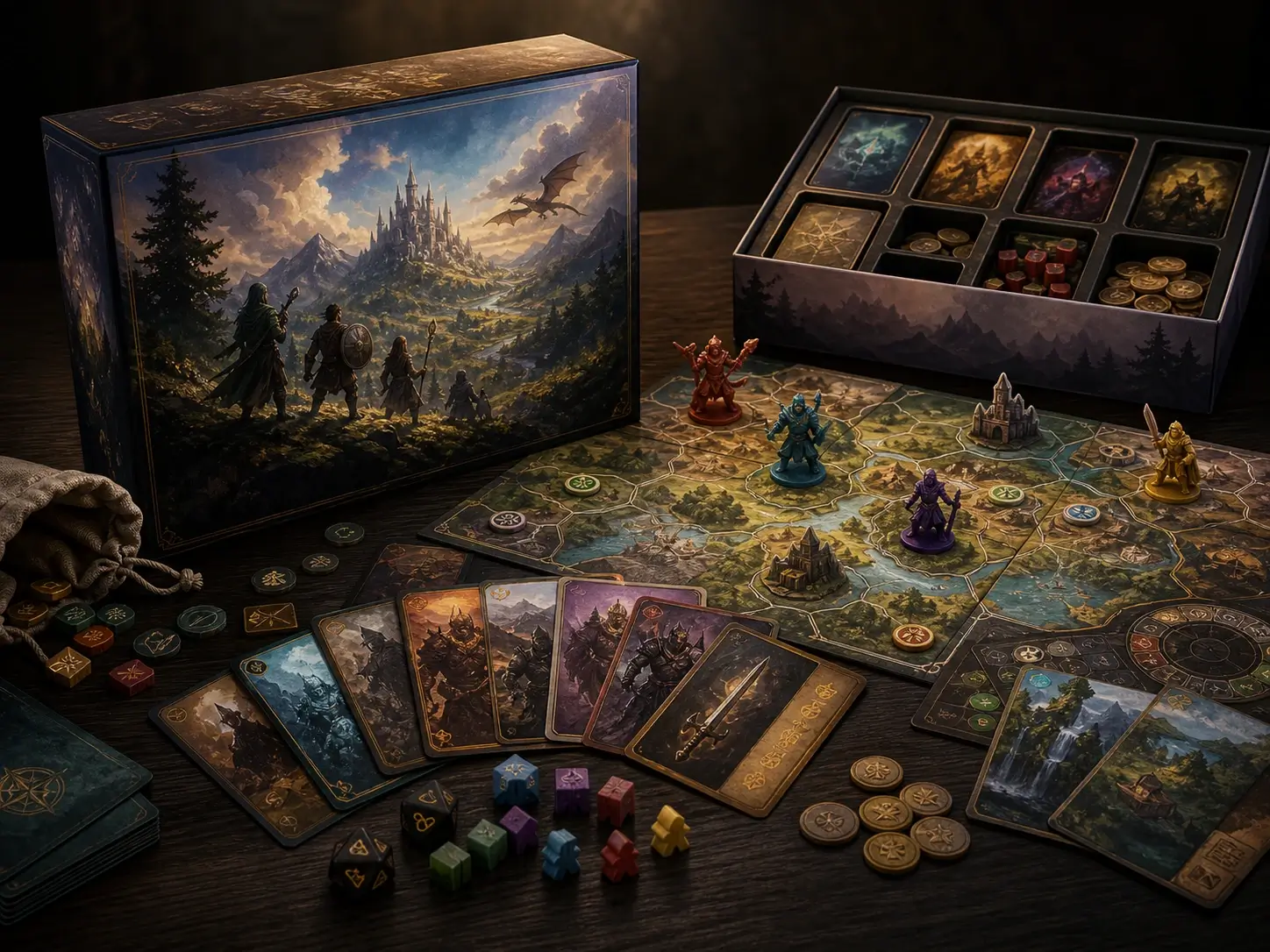
Create a tabletop board game campaign image with box packaging, cards, tokens, illustrated pieces, and layered product storytelling.
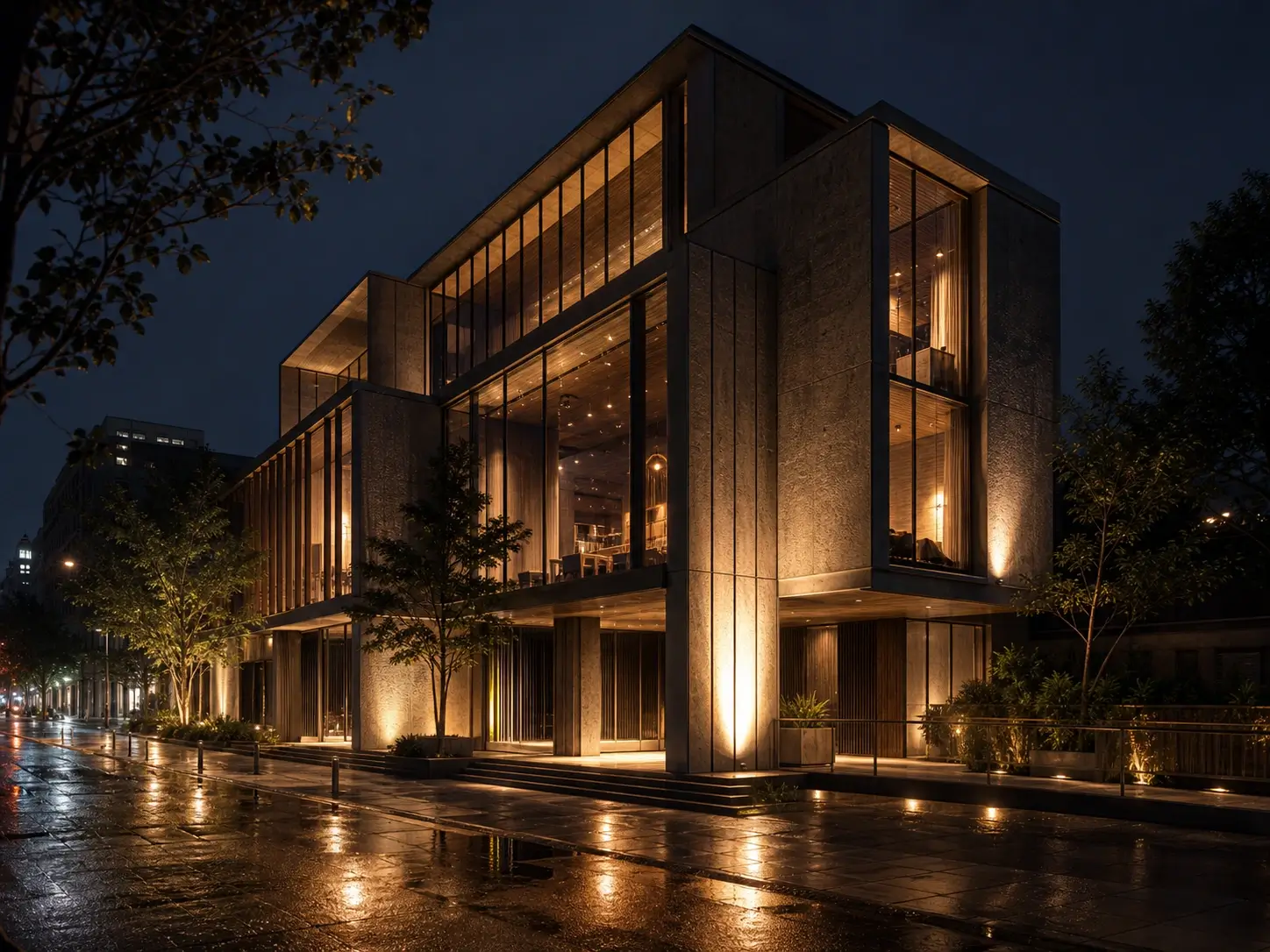
Create an architectural facade concept at night with realistic glass, concrete, warm lighting, streetscape context, and cinematic material detail.
Explore advanced visual creation with structured layouts, precise image editing, realistic details, multilingual generation, and design focused workflows.
Turn complex topics into structured infographics with charts, callouts, timelines, icons, comparison blocks, and readable labels. The model organizes dense information into clear visual hierarchy for education, product explainers, research summaries, and presentation visuals.
Upload an image and describe the exact change. Edit selected objects, colors, materials, backgrounds, and local areas while preserving perspective, lighting, and the rest of the composition.
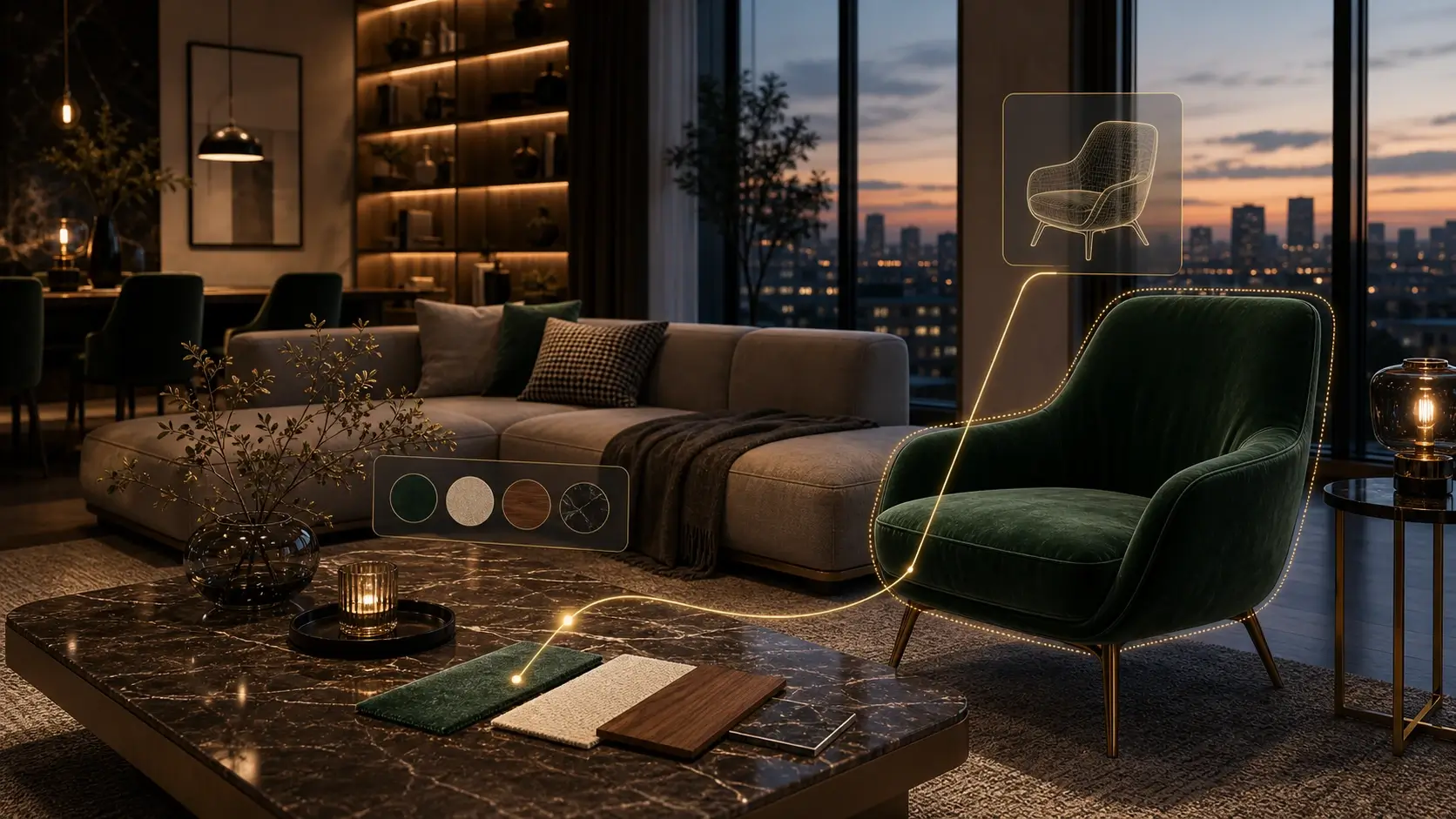
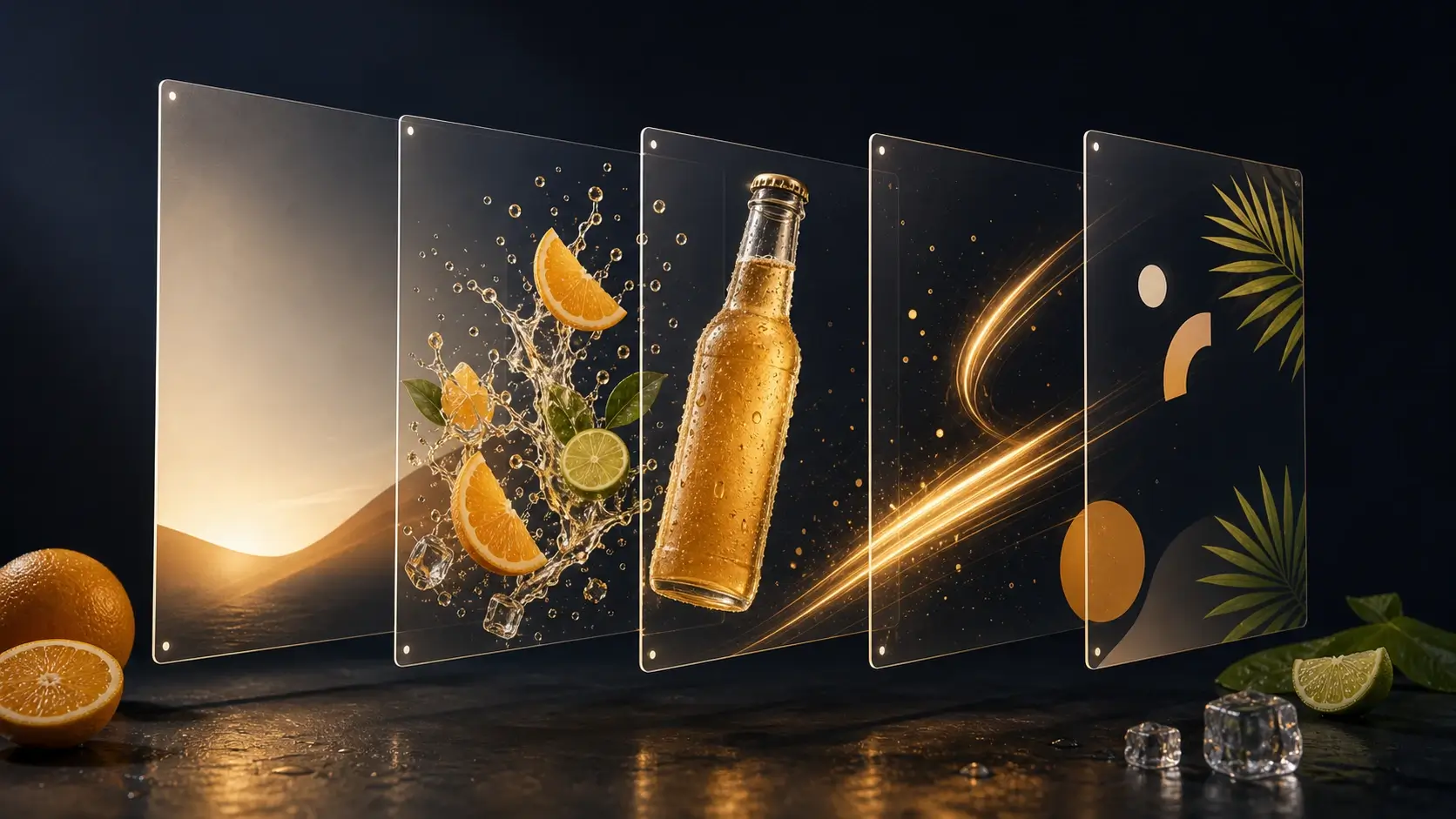
Separate posters, campaign visuals, and composite images into clearer visual elements such as subject, text area, background, props, and decorative parts. This gives designers cleaner control for moving, replacing, or refining specific parts of an image.
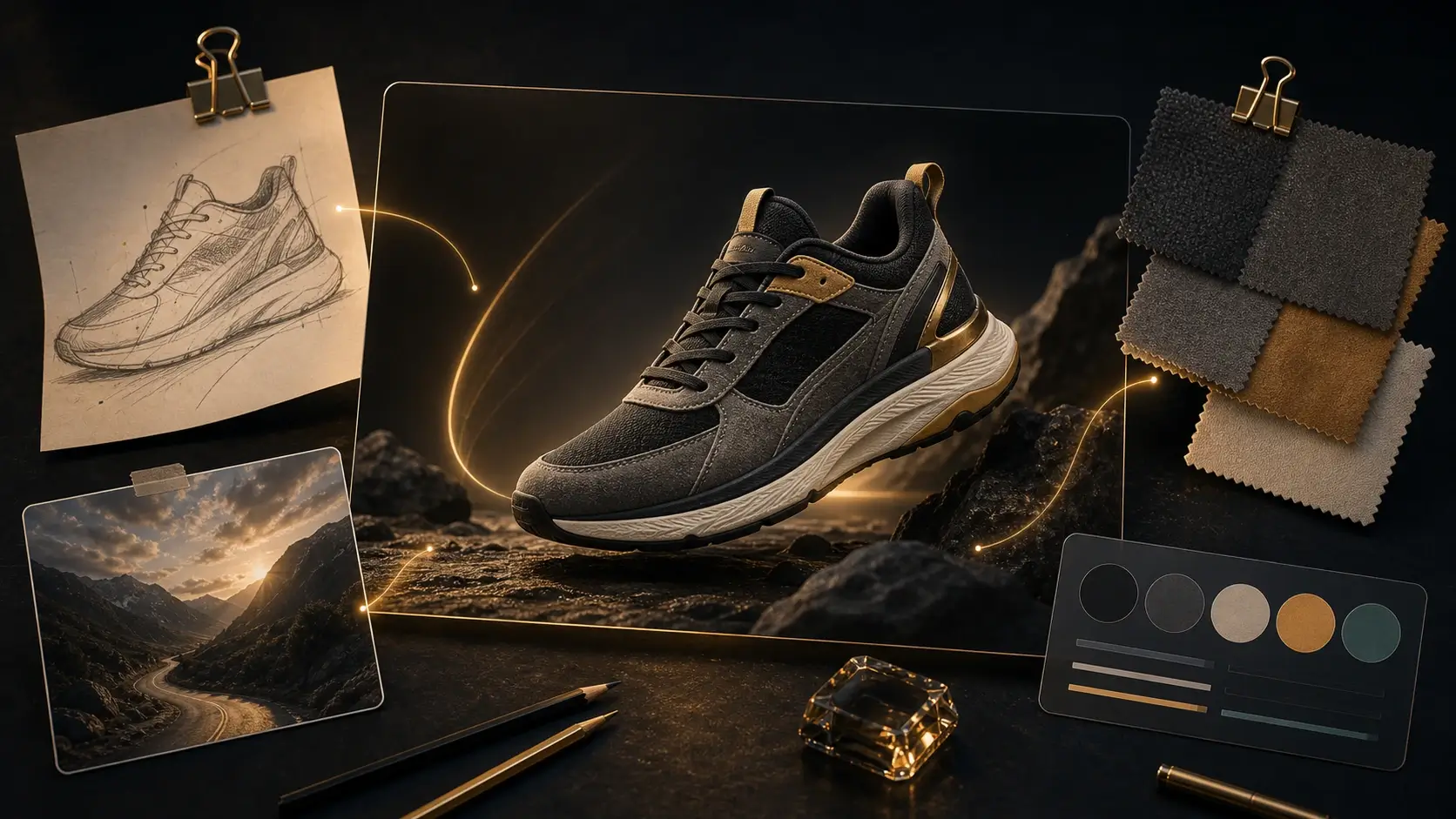
Combine product photos, style references, sketches, and scene references into one coherent image. Keep the creative direction aligned across subject identity, layout structure, scene mood, and brand visual language.
Generate images with authentic lighting, natural shadows, skin texture, reflective materials, product surfaces, and cinematic detail. Create realistic portraits, lifestyle scenes, architecture concepts, and product photography visuals with stronger visual polish.

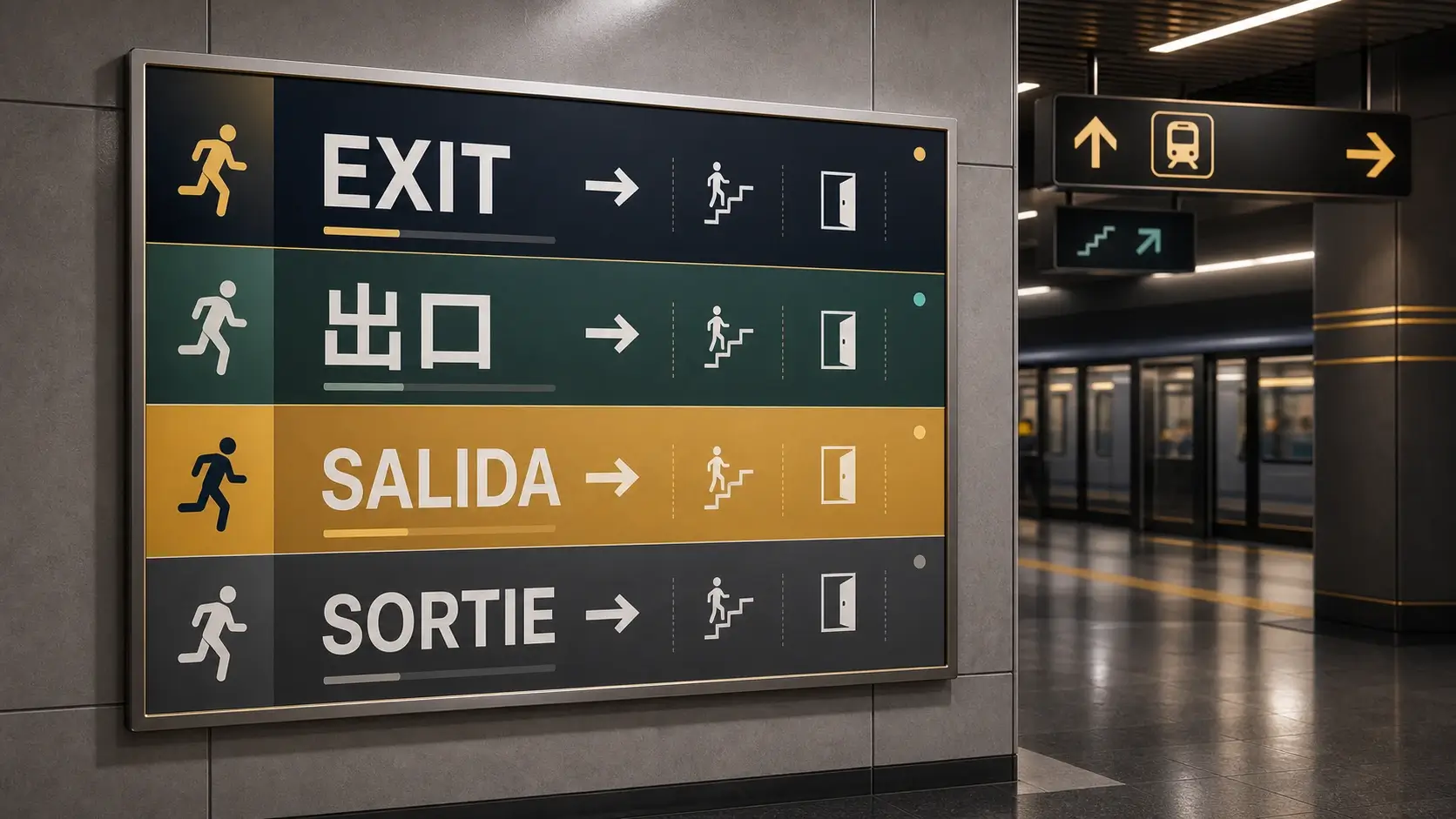
Create localized posters, public notices, menus, educational graphics, UI mockups, and campaign visuals with multilingual prompts and in image text. Build global creative assets where language, layout direction, and cultural context stay aligned.
Start with a prompt or reference image, then create, refine, and edit professional visuals through a simple browser based workflow.
Upload a reference image for editing, localization, product placement, style transfer, or multi image fusion. For a new visual, start with a detailed prompt and let Seedream 5.0 Pro generate the image from text.
Describe the subject, format, aspect ratio, language, visual style, layout structure, text placement, and the exact area you want to edit. Seedream 5.0 Pro uses these details to control dense information and local image changes.
Click generate to create a new image or apply the requested edit. Review the result for hierarchy, text placement, material detail, portrait realism, multilingual layout, and visual consistency.
Download the image for your design, campaign, product page, presentation, or creative workflow. Continue with PixMira tools for upscaling, cleanup, background changes, object removal, or another editing pass.
Create information visuals, product concepts, campaign designs, realistic images, UI ideas, localized assets, and creative drafts.
Use Seedream 5.0 Pro to turn complex concepts into educational posters, charts, comparison graphics, process diagrams, research summaries, and presentation visuals. It is built for information rich layouts where the image needs to explain an idea clearly.
Create campaign posters, launch graphics, social media covers, event announcements, public notices, and branded ad concepts with stronger layout structure, visual hierarchy, and in image text placement.
Generate product launch visuals, ecommerce hero banners, packaging mockups, product detail images, seasonal campaigns, and lifestyle scenes that combine realistic product detail with structured selling points.
Edit specific areas of an uploaded image with prompt based control. Recolor a product, replace a material, remove an object, refine a background, adjust a local style, or preserve the rest of the scene while changing one part.
Create realistic portraits, lifestyle images, cinematic stills, editorial concepts, architecture visuals, and product photography scenes with authentic lighting, skin texture, shadows, reflections, and material detail.
Generate localized posters, menus, notices, educational graphics, UI mockups, and campaign visuals with multilingual prompts and in image text. Seedream 5.0 Pro supports creative work across global languages and layouts.
Explore practical workflows for designers, creators, marketers, educators, and product teams.
Create a Seedream 5.0 Pro infographic from a dense topic, with sections, charts, icons, readable labels, and clear visual hierarchy for classroom, blog, or presentation use.
Generate product launch visuals, ecommerce banners, packaging mockups, and feature callout images with Seedream 5.0 Pro, then continue refining the result inside PixMira.
Upload a product scene, room layout, poster, or portrait, describe the exact region to change, and use Seedream 5.0 Pro to edit color, material, object placement, or local style.
Create localized posters, public notices, menus, UI mockups, and campaign images with multilingual text while keeping the visual system consistent across regions.
Generate realistic portraits, lifestyle scenes, editorial photography concepts, and cinematic visual references with natural light, skin texture, reflections, and material detail.
Describe a website hero, app panel, storyboard frame, or multi image scene, then use Seedream 5.0 Pro to explore composition, structure, and visual direction before final production.
Compare Seedream 5.0 Pro with Seedream 5.0 Lite, Nano Banana Pro, and GPT Image 2 before choosing a model for design, editing, or image generation.
Professional Seedream model for design-aware generation, precise editing, and structured visual production.
High density infographics, precision editing, layer separation, realistic photography, product visuals, multilingual designs, and structured visual production.
Best used for demanding visual work where layout, text, and edit control matter more than fastest possible drafting.
Faster Seedream option for lightweight reasoning, knowledge-aware prompts, and everyday image generation.
Fast reasoning based image generation, knowledge aware prompts, online search workflows, and everyday visual creation.
Less suited to high density layouts, precise local editing, and production work that needs the full Pro design capability set.
Strong alternative for brand consistency, realistic product scenes, and controlled prompt following.
Consistent brand visuals, realistic product scenes, prompt following, composition control, and comparison workflows against other AI image models.
Choose Seedream 5.0 Pro when the brief leans toward dense information design, multilingual text, or interactive spatial editing.
General commercial image model for clean text rendering, editing, and campaign-ready visual creation.
Commercial graphics, clean text rendering, visual editing, social assets, product concepts, and prompt based image generation.
Use it as a Seedream 5.0 Pro alternative for broad commercial work, while keeping Seedream for design-heavy and localized visual systems.
Learn about Seedream 5.0 Pro online use, AI image generation, editing workflows, text rendering, multilingual creation, and model capabilities.