Image to Sticker AI Converter
Create clean custom stickers from photos, pets, logos, and products with transparent backgrounds and crisp outlines.
Image
Click to upload an image
PNG, JPG, JPEG, or WEBP (max 10MB)
Prompt
Aspect Ratio
Your generated images will appear here
More Magic Tools
More AI Image Tools for Your Next Edit
Try another PixMira AI Magic Tool when your image needs cleanup, enhancement, style changes, or a different creative direction.
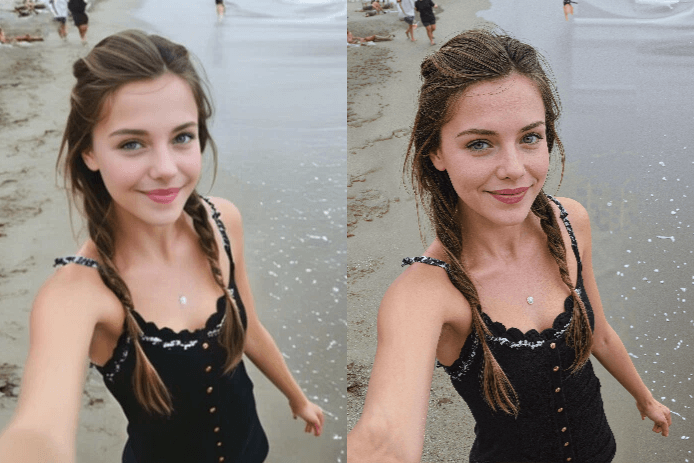
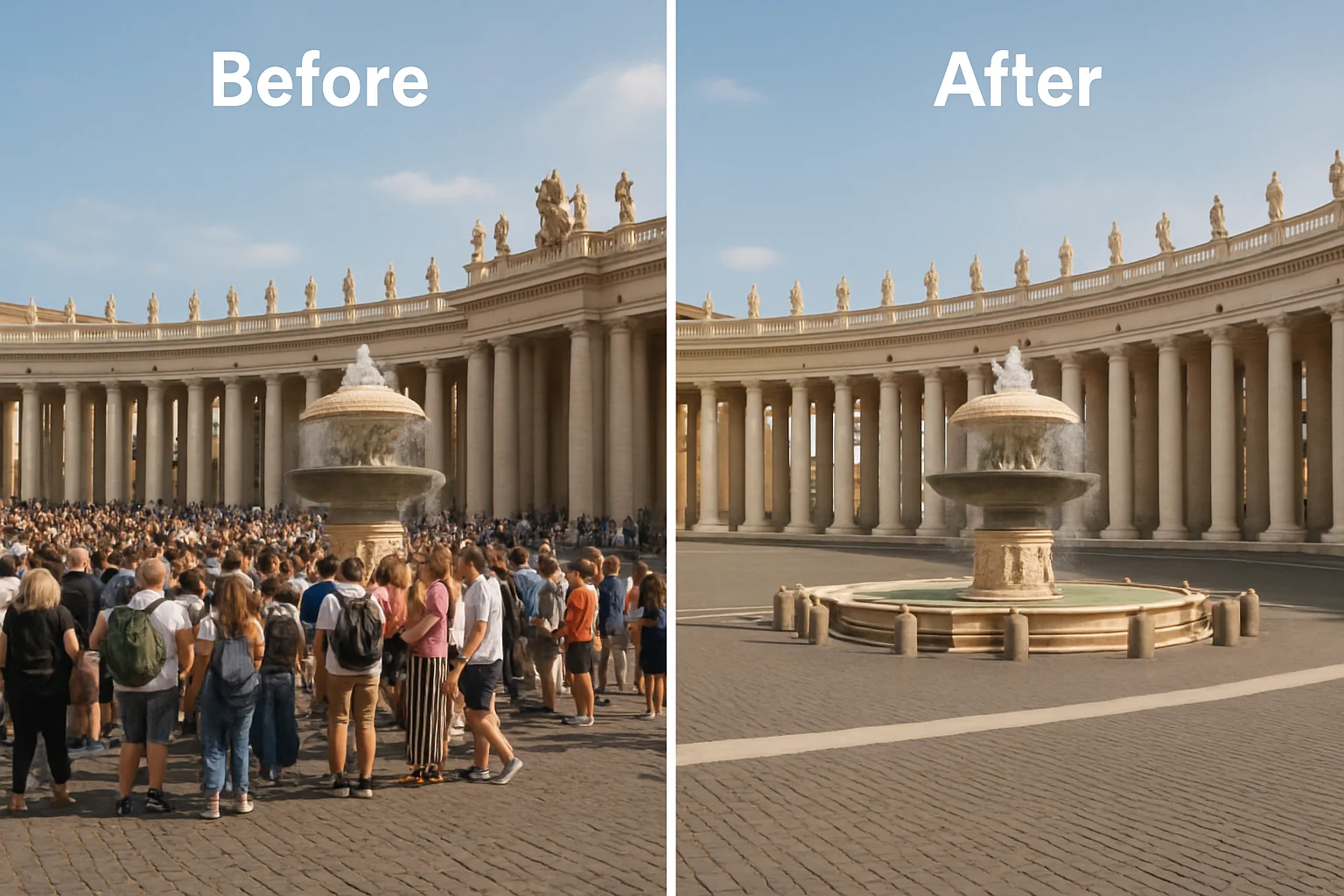
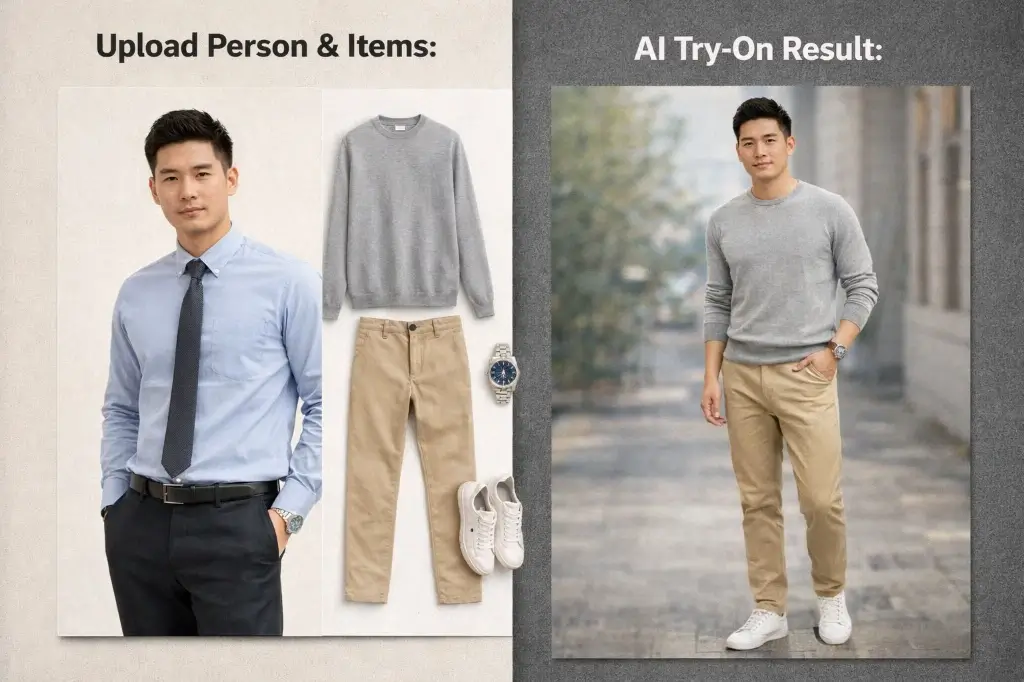
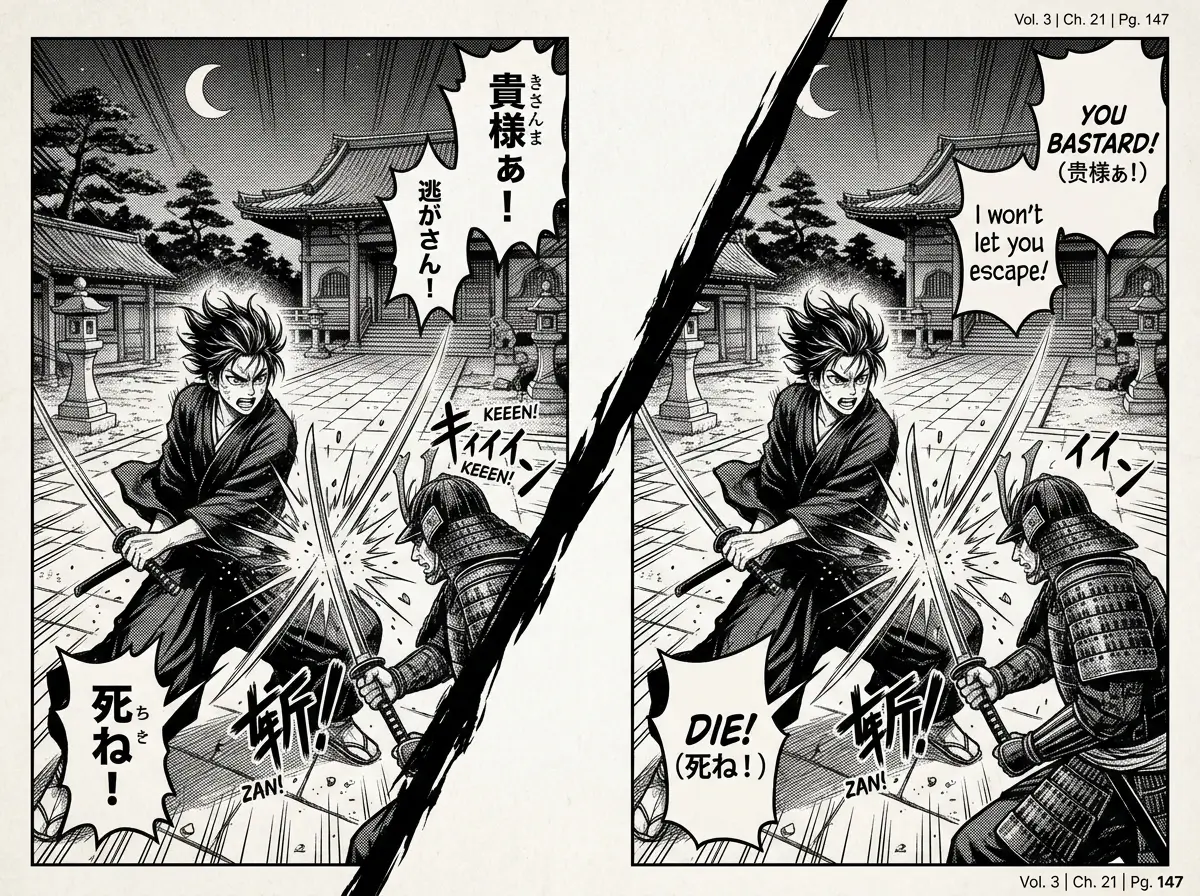
Core Capabilities
Image to Sticker Features for Clean Custom Stickers
Create stickers from images with AI subject cutouts, transparent backgrounds, white outlines, soft shadows, and multiple sticker styles for chats, social posts, crafts, and brand visuals.
Image to Sticker AI with Clean Subject Cutouts
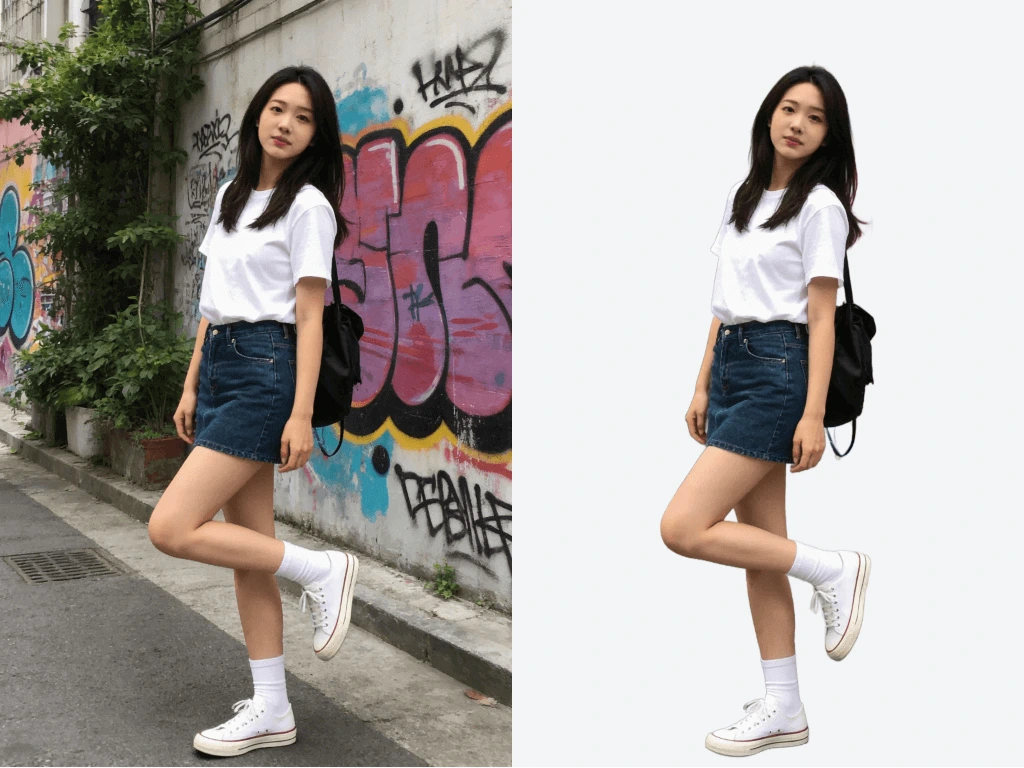
Upload a picture and let PixMira AI isolate the main subject before turning it into a sticker. It works for selfies, pets, objects, logos, doodles, illustrations, and product photos that need a clear focal point.
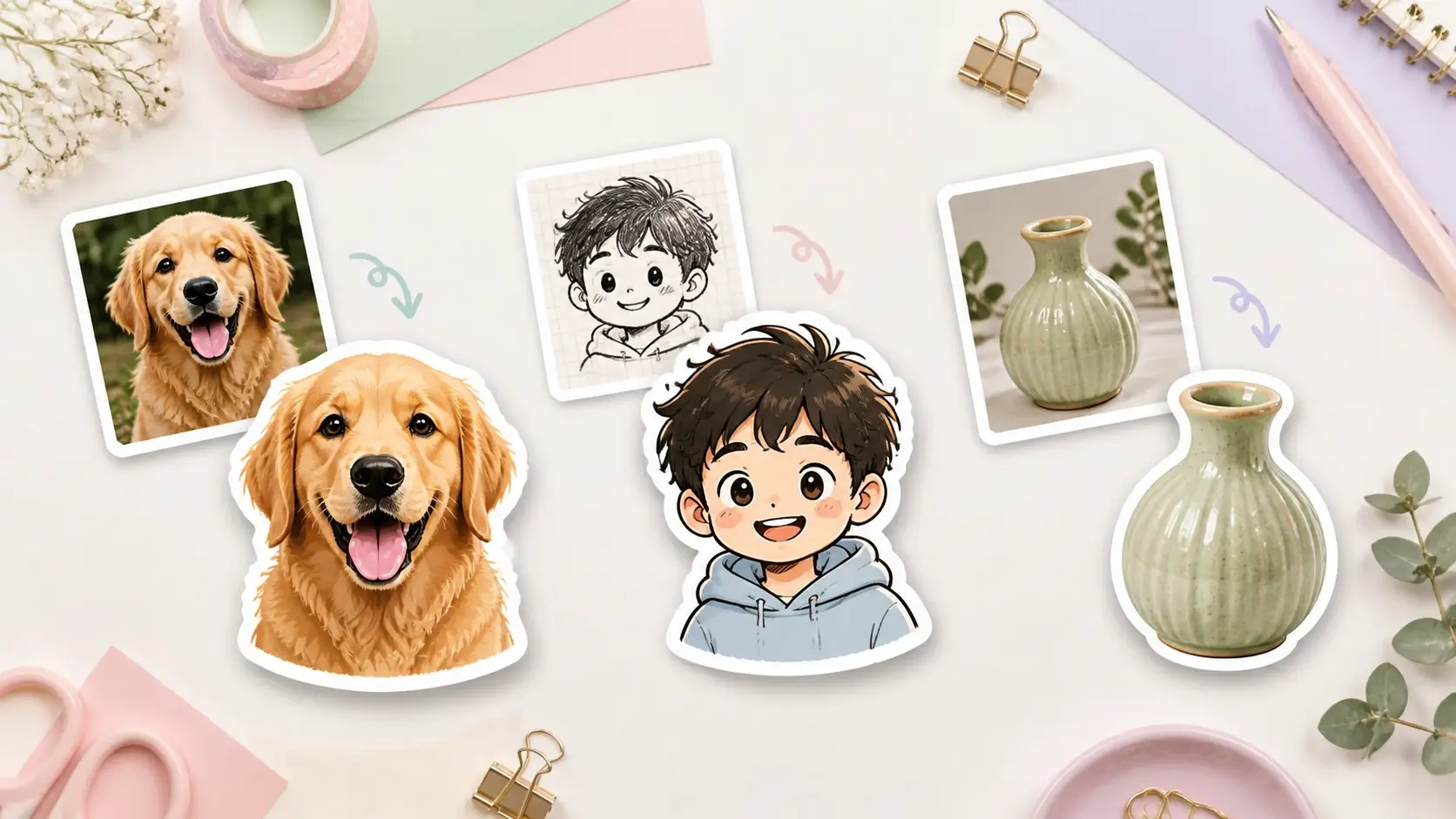
Photo to Sticker Maker with Transparent PNG Output
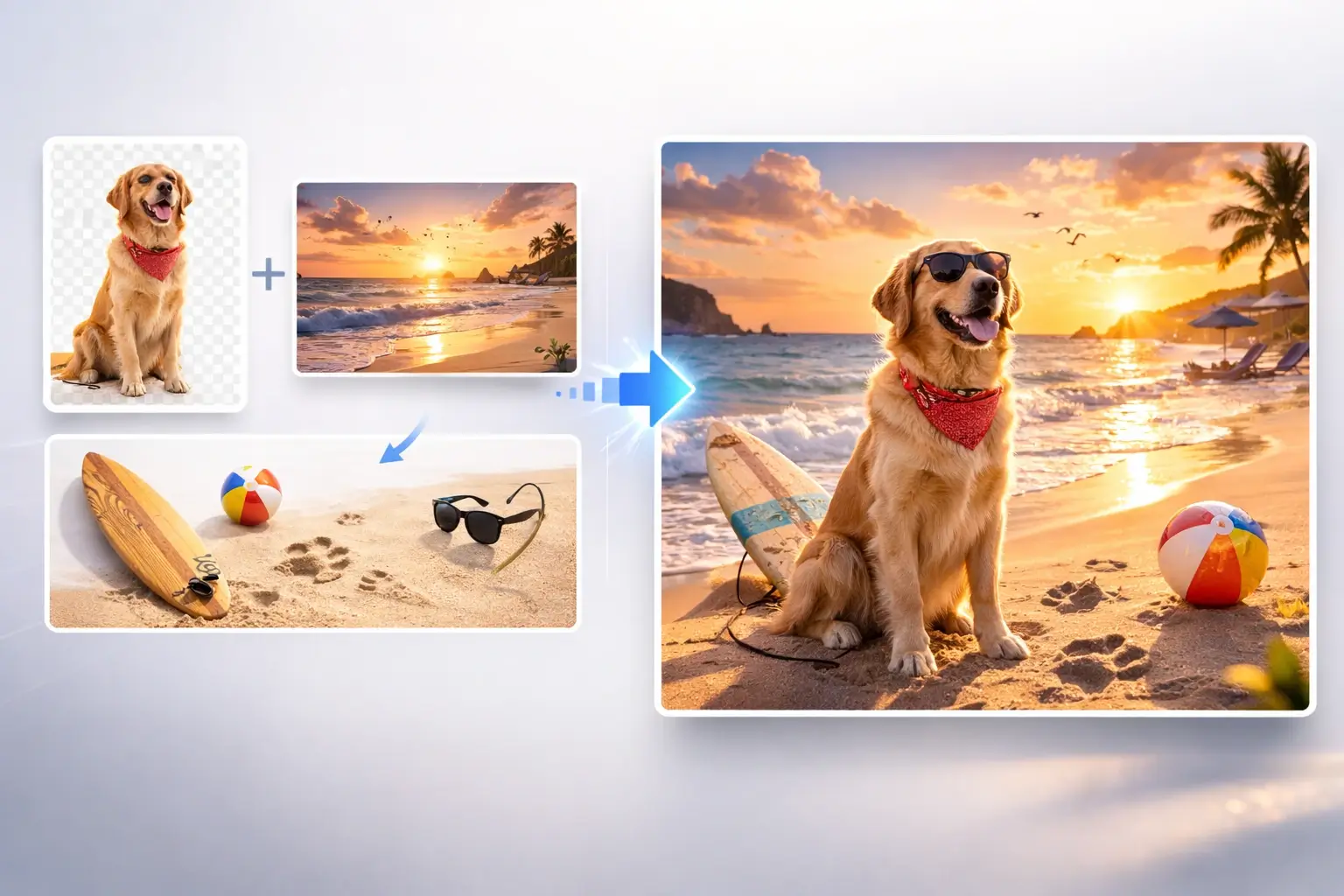
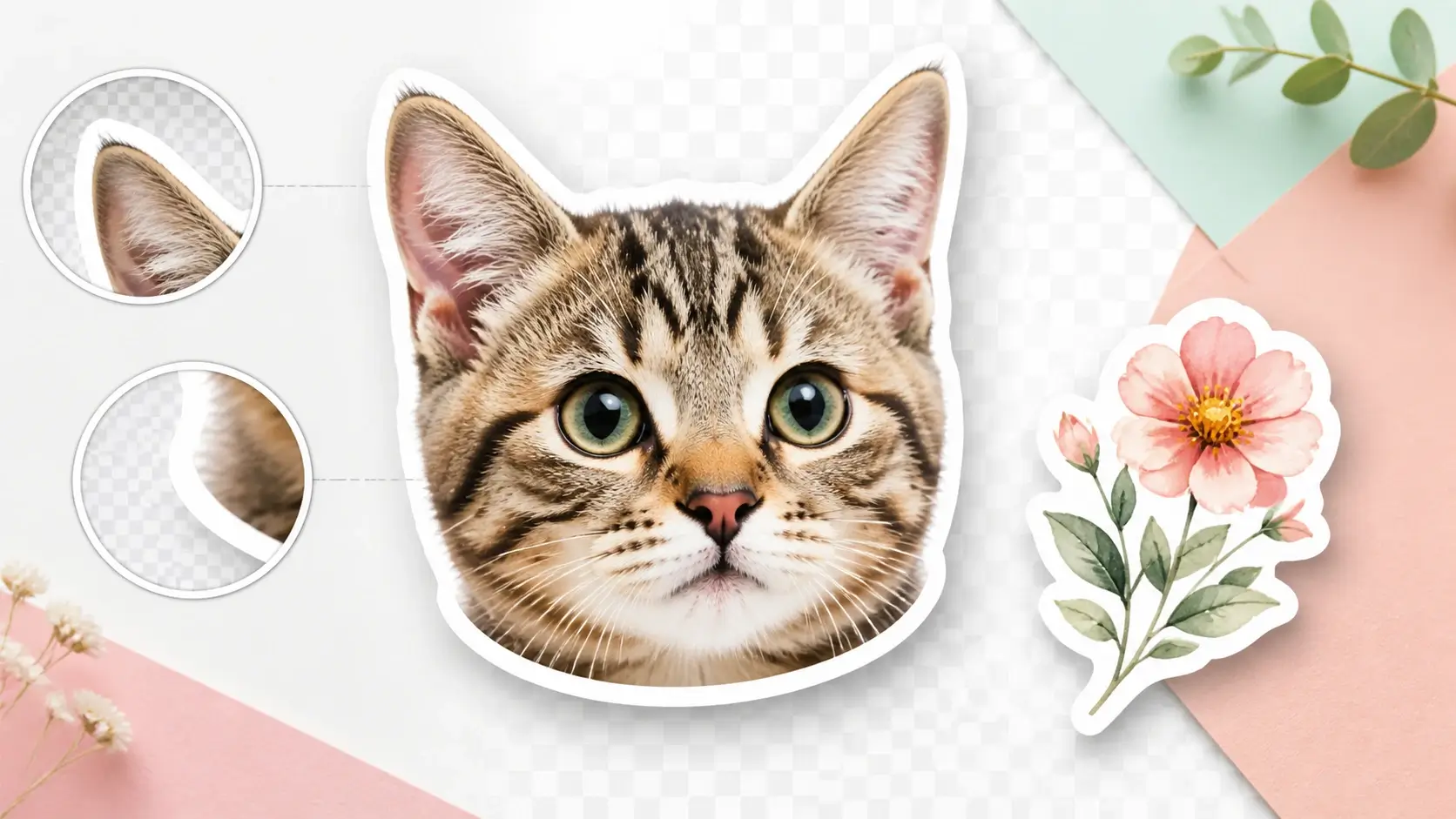
Create sticker images with transparent backgrounds, crisp edges, bold white outlines, and soft shadows. A transparent PNG result is easier to place on chats, social posts, thumbnails, planners, notebooks, and design mockups.
Cartoon, Chibi, Kawaii, Emoji, 3D, and Vector Sticker Styles
Describe a sticker style in the prompt or customize your own. Turn a pet photo into a cute sticker, a selfie into an emoji reaction, a logo into a brand sticker, or a product shot into a clean promotional asset.
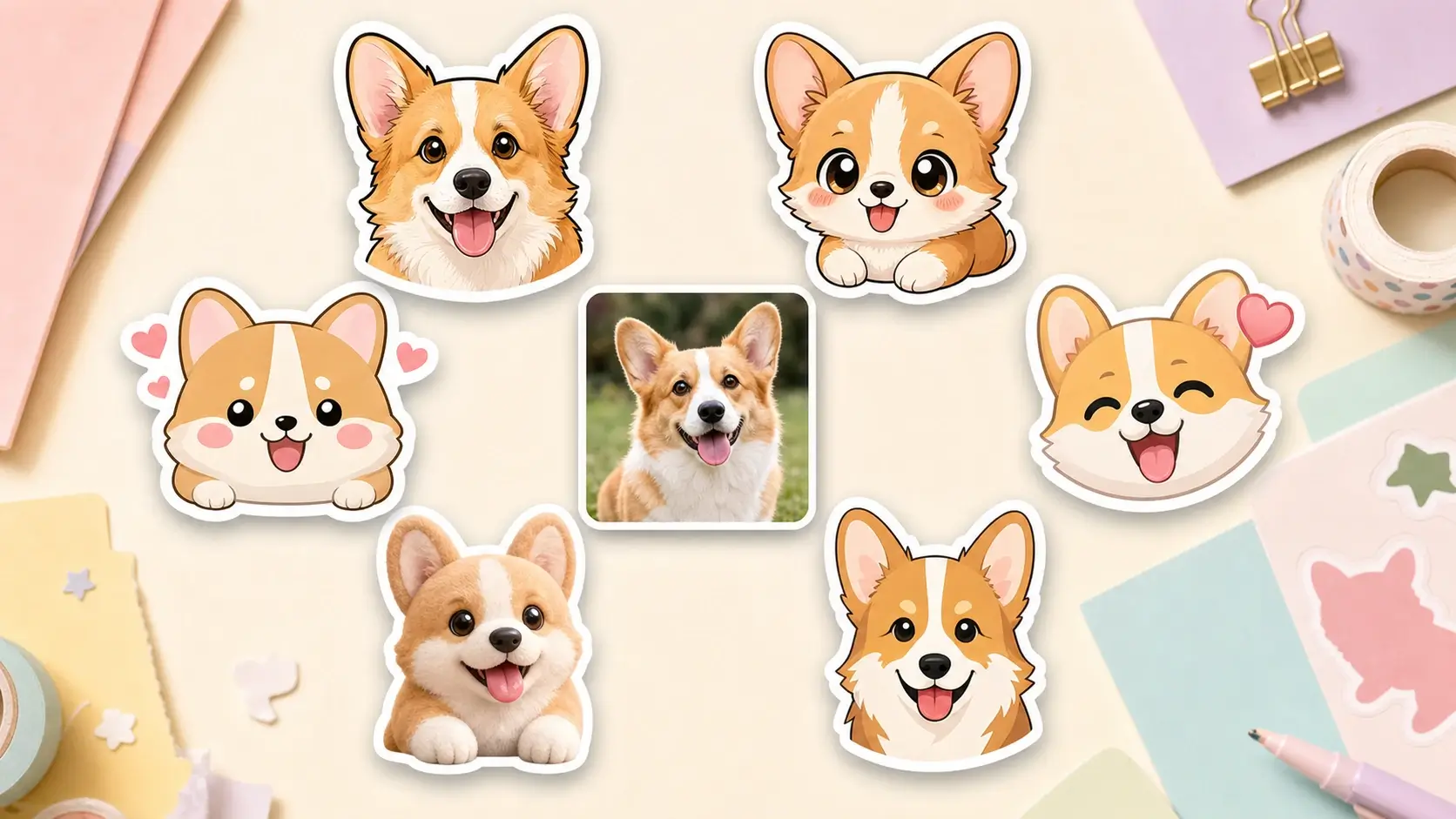
Prepare Sticker Images for WhatsApp, Telegram, Instagram, and Discord
Use square sticker compositions for messaging apps and social platforms. For WhatsApp-style stickers, export a transparent square image and resize or compress it to the required platform format before importing it into a sticker pack app.
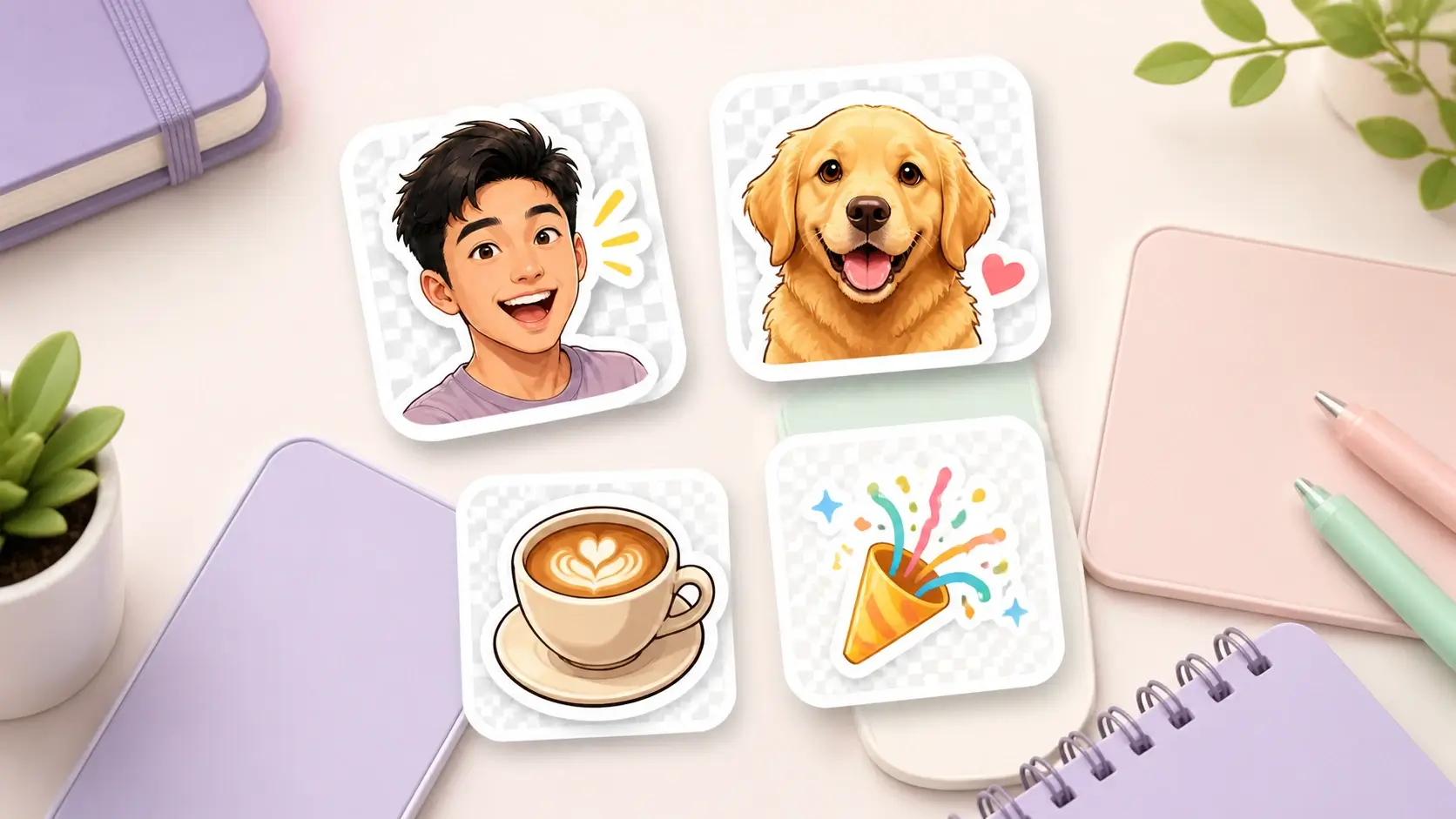
Custom Sticker Maker for Pets, Logos, Products, and Creator Ideas
Build custom sticker ideas from pet photos, team mascots, shop logos, product images, classroom themes, event pictures, or inside jokes. Make quick visual drafts before sharing, printing, or refining them in a design workflow.
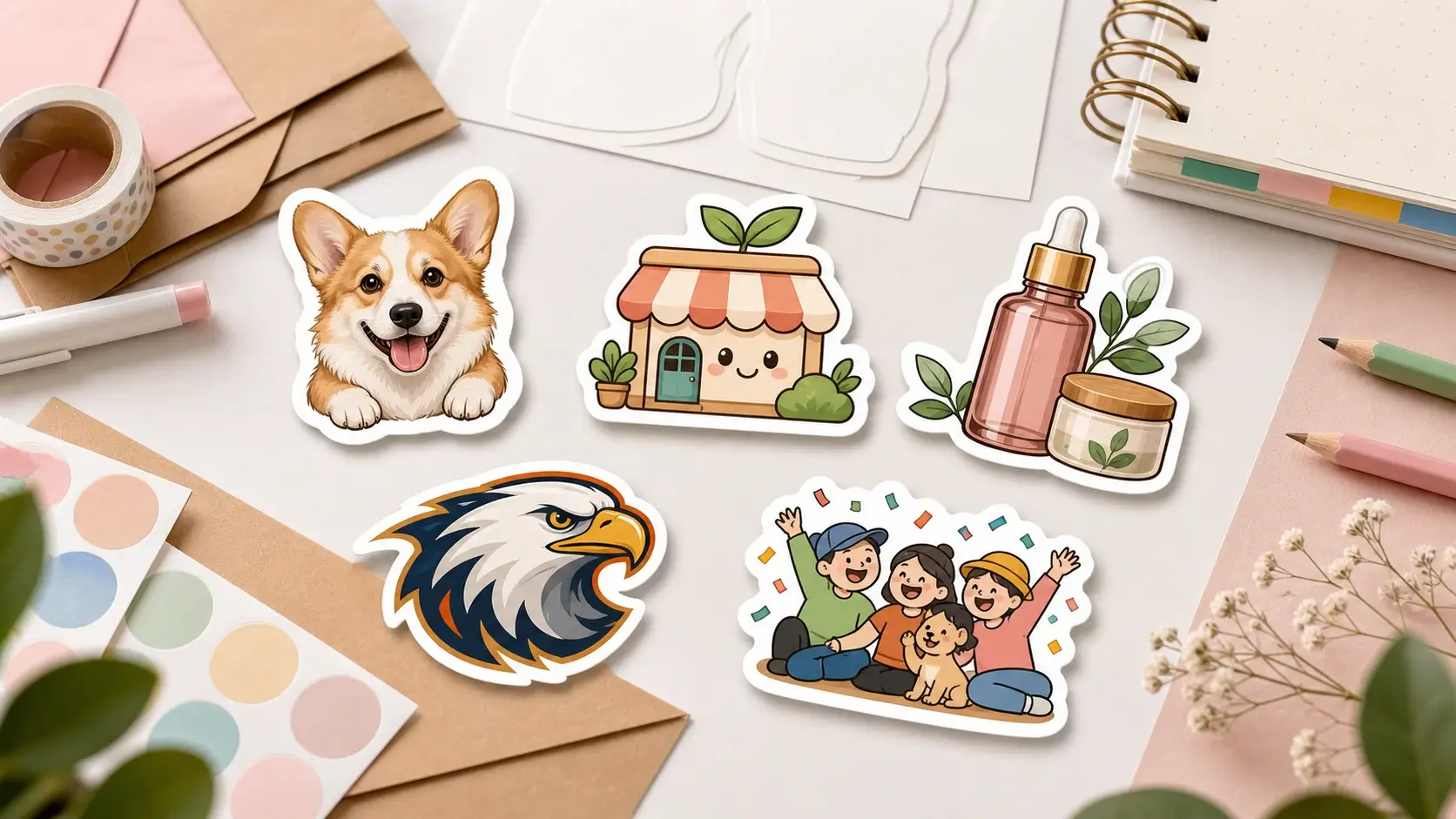
Step-by-Step Guide
How to Turn an Image into a Sticker Online
Upload your image, describe the sticker style, generate the AI sticker, then download a transparent PNG for messaging, social media, print tests, or design projects.
1
Upload an Image
Start with a photo, selfie, pet picture, logo, doodle, or product image. Clear subjects with good lighting work best for image to sticker conversion.
2
Describe the Sticker Style
Describe a style such as cartoon, chibi, kawaii, emoji reaction, 3D sticker, vector, or clean logo sticker. Edit the prompt for a custom look.
3
Generate the AI Sticker
Click Generate Sticker and let PixMira AI turn the image into a sticker with subject focus, simplified details, transparent background, and a bold outline.
4
Download and Share
Preview your result, download the transparent PNG sticker, and use it in chats, social posts, planners, classroom materials, packaging mockups, or print tests.
Use Cases
Make Stickers from Photos for Chats, Brands, and Creative Projects
Use PixMira Image to Sticker as a photo to sticker maker for pet stickers, selfie reactions, logo stickers, classroom rewards, planner decorations, and social media assets.
Photo and Pet Stickers for Chats
Turn selfies, pet photos, family pictures, and inside jokes into expressive sticker images for group chats, comments, and social replies. Use Image to Sticker when a regular emoji feels too generic.
WhatsApp and Social Sticker Images
Create square transparent sticker images for WhatsApp-style packs, Telegram chats, Instagram stories, Discord communities, thumbnails, and creator posts. Resize or compress final files when a platform has strict requirements.
Logo and Small Brand Stickers
Upload a logo, mascot, product photo, or branded object and turn it into a clean sticker concept. Small teams can test packaging inserts, campaign visuals, merch ideas, and social graphics faster.
Planner, Journal, and Printable Stickers
Make printable sticker assets from travel photos, food shots, doodles, flowers, icons, or favorite objects. Use the results for planners, notebooks, scrapbooks, classroom pages, and DIY craft layouts.
Classroom Reward Stickers
Teachers can turn mascots, safe classroom artwork, learning themes, or activity photos into cheerful reward sticker ideas for charts, worksheets, certificates, and encouragement notes.
Event, Gift, and Community Stickers
Create custom sticker images for birthdays, weddings, team events, family trips, fan groups, and community meetups. Familiar photos become playful visuals for invites, thank-you notes, and keepsakes.
For creators, teachers, small shops, and community teams
Image to Sticker Ideas from Common Workflows
Explore practical ways people use an image to sticker maker to create personal chat stickers, printable craft assets, social graphics, and lightweight brand sticker concepts.
PS
Pet Sticker Workflow
Creator use case
Upload a dog or cat photo, describe a cute cartoon or emoji reaction style, and create a pet sticker with a clean cutout and white outline for chats and social posts.
SR
Selfie Reaction Workflow
Personal sticker use case
Turn a selfie into a chibi, kawaii, or comic-style reaction sticker while keeping the face recognizable. It works well for group chats, profile updates, and creator content.
LS
Logo Sticker Workflow
Small business use case
Upload a shop logo, mascot, or product image and generate clean sticker concepts for packaging inserts, social graphics, merch tests, and promotional visuals.
PS
Printable Sticker Workflow
Planner and craft use case
Use travel photos, doodles, food shots, or favorite objects to make printable sticker assets for planners, journals, notebooks, scrapbooks, and DIY craft pages.
CS
Classroom Sticker Workflow
Education use case
Create classroom reward stickers from mascots, safe artwork, learning icons, or activity themes. A clear subject and simple style make the result easier to print or reuse.
SS
Social Sticker Workflow
Community use case
Make square transparent sticker images for WhatsApp-style packs, Telegram groups, Discord communities, Instagram stories, and event chats, then adapt the export to each platform.
Help & Support
Image to Sticker FAQ
Learn how the AI image to sticker converter works, what photos create the best results, how transparent PNG stickers are exported, and how to prepare stickers for WhatsApp or other platforms.
Create a Transparent PNG Sticker Online