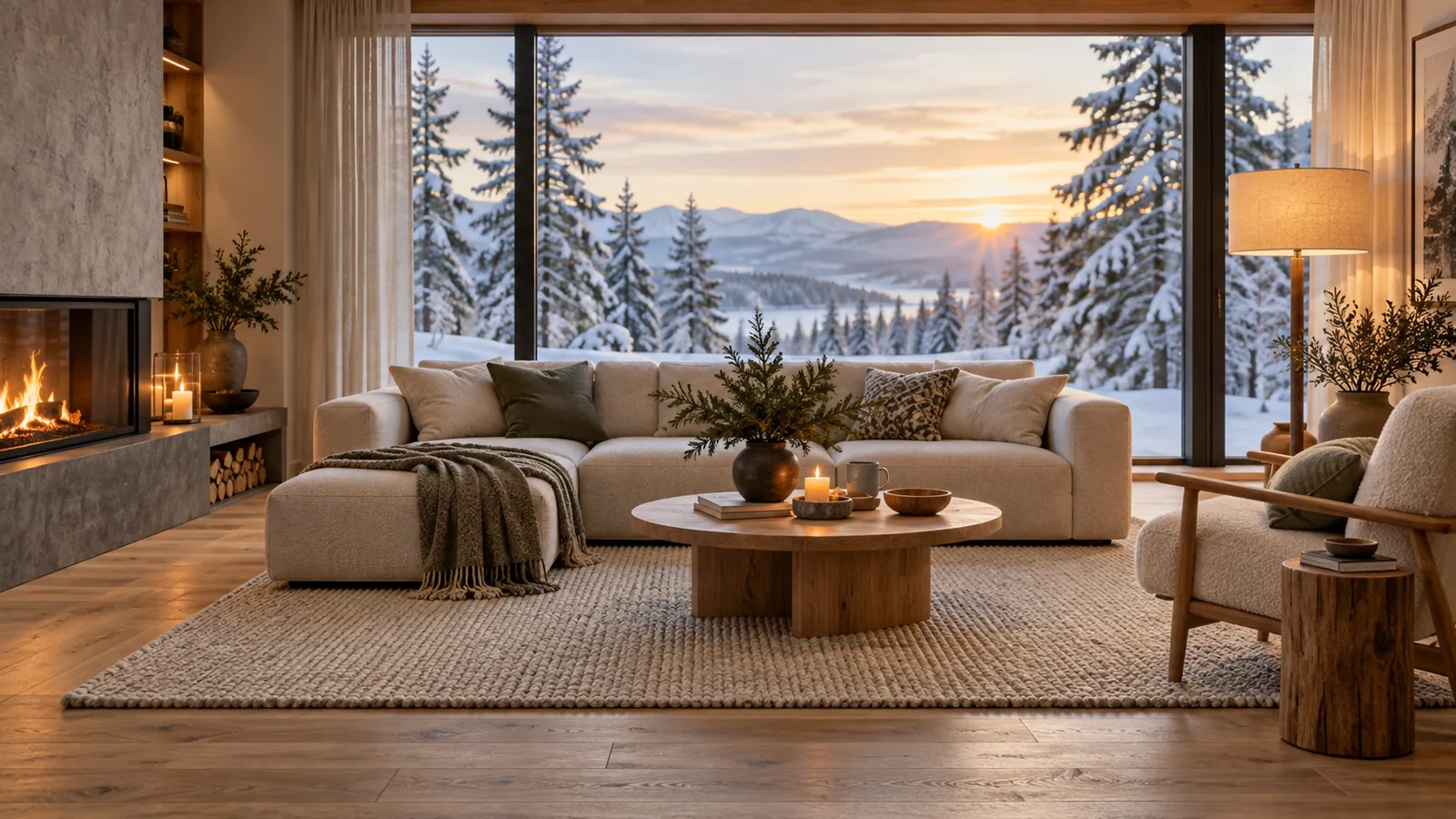
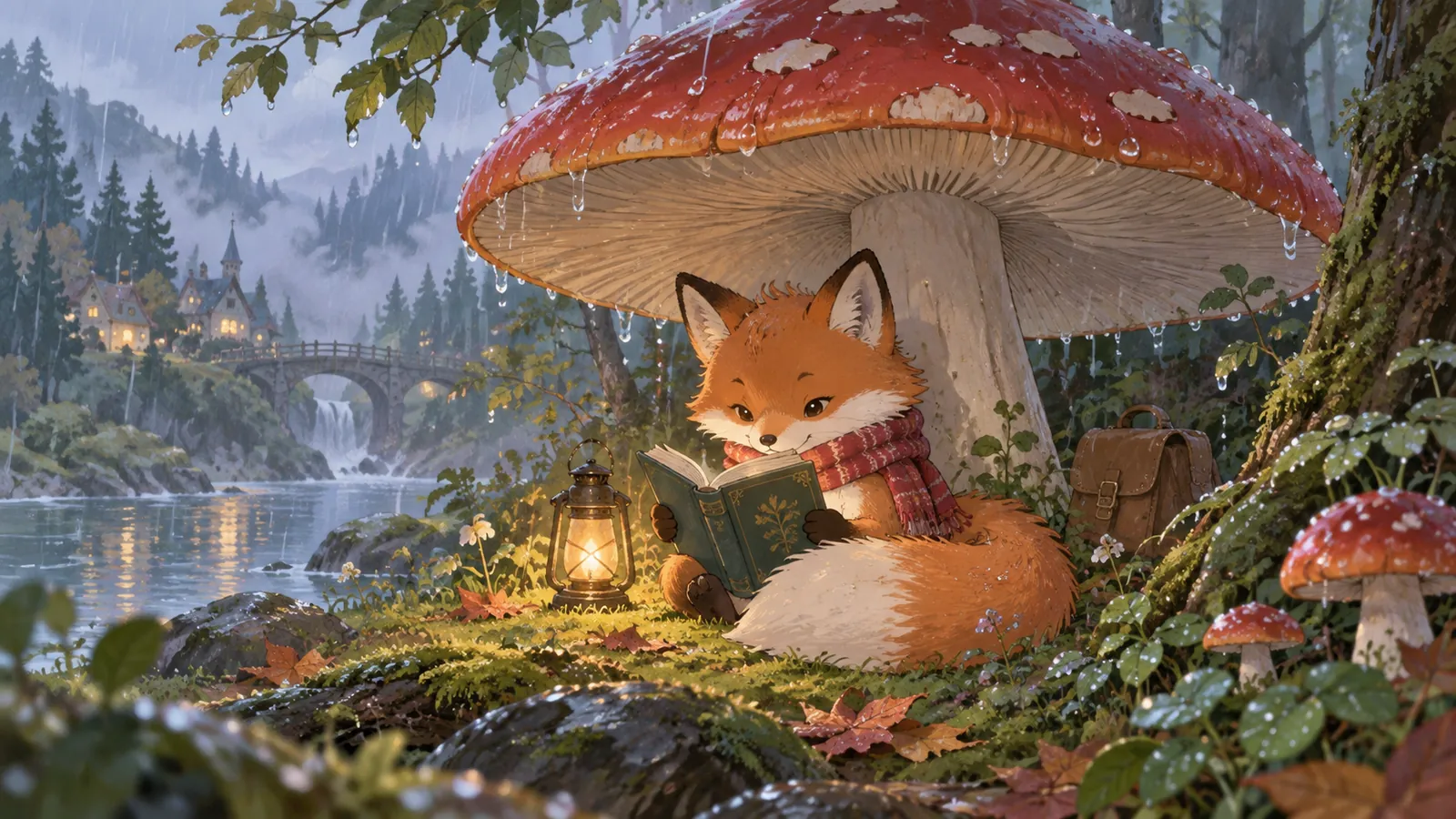
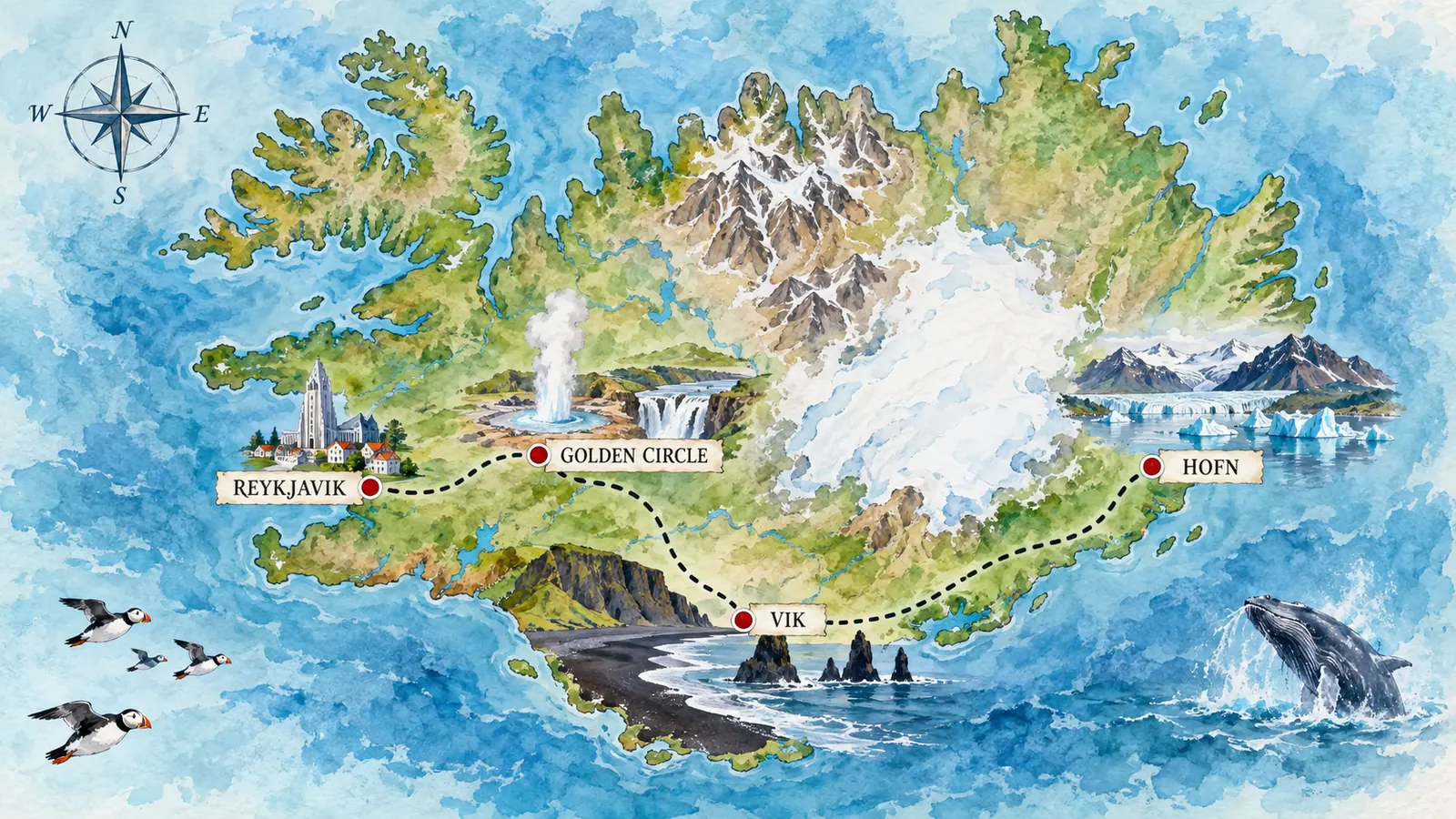
Nano Banana 2.1

Google's newest image model, ready to create. Turn one sentence into a poster with clear text, keep every character true to their reference, and change only the part you mark.

  • Clear text and infographics
  • Consistent characters
  • Mask-based editing
  • 4K and panoramas

Click to upload an image

PNG, JPG, JPEG, or WEBP (max 10MB)

0 / 5000
3 credits

Experience the power of AI image generation

Google's newest image model

What Is Nano Banana 2.1?

Nano Banana 2.1 is Google's latest image generation and editing model, released on October 6, 2026 as the successor to Nano Banana 2. Built on Gemini 3.6 Flash, it turns a written idea or a set of reference photos into a finished image at 1K, 2K, or 4K, and it edits your existing images with the same precision.

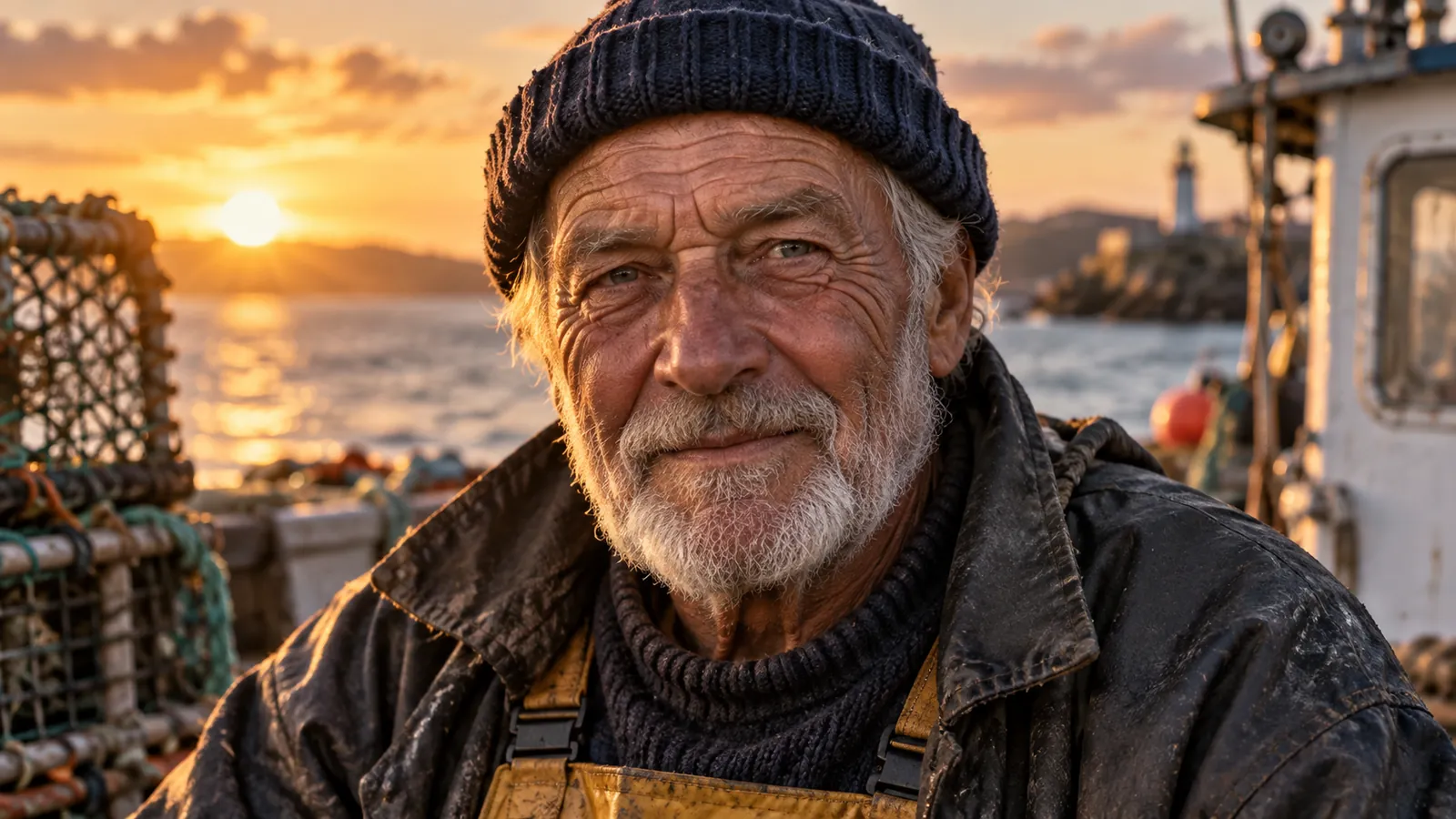
What sets Nano Banana 2.1 apart is how much it understands before it draws. It reasons through your prompt, renders text in multiple languages, and keeps up to four people and ten objects faithful to your references. In Google's own tests, it outscores both Nano Banana 2 and Nano Banana Pro on overall preference.

  • Clear text
  • Consistent characters
  • Mask-based editing
  • Up to 4K
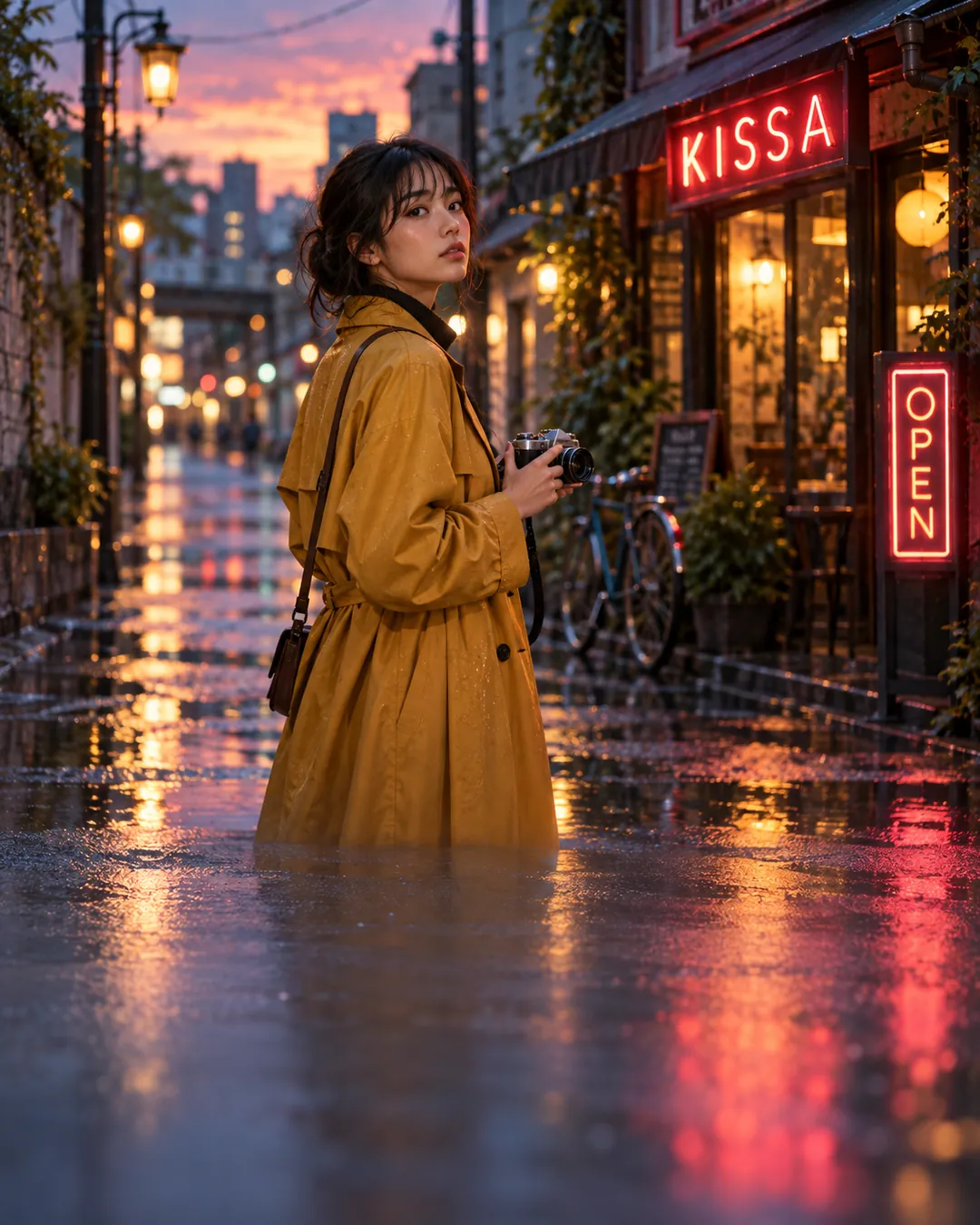
Woman in a mustard-yellow trench coat holding a film camera on a rainy street at dusk with neon signs reflected in puddlesNano Banana 2.1
PromptA young woman in a mustard-yellow trench coat holding a vintage film camera on a rain-washed city side street at dusk, neon signs reading "KISSA" and "OPEN" reflected in the puddles, shallow depth of field, cinematic photo.
What's New

What's New in Nano Banana 2.1

Four upgrades over Nano Banana 2 that change what you can hand to an image model.

Text and Infographics

Nano Banana 2.1 for infographics and posters

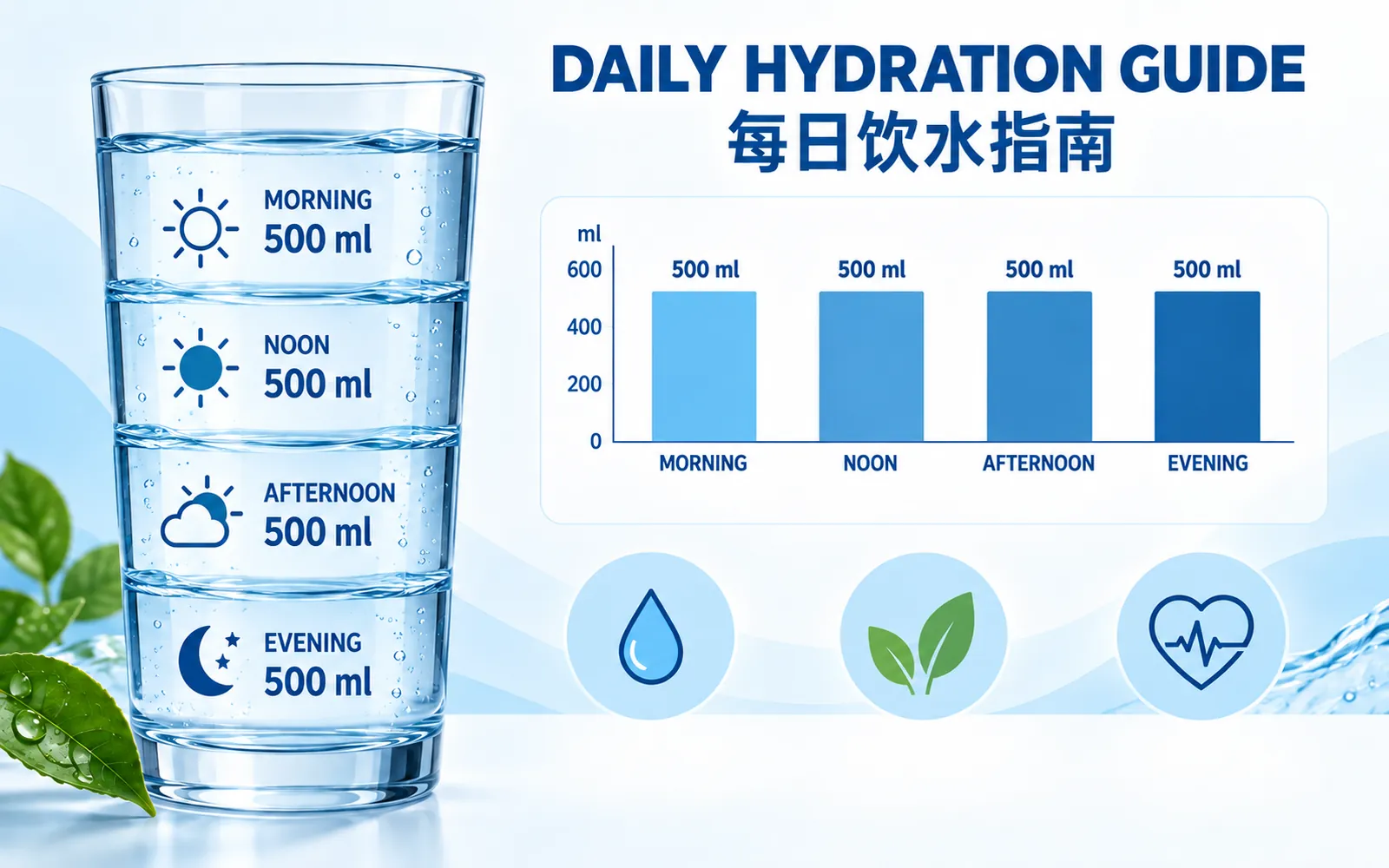
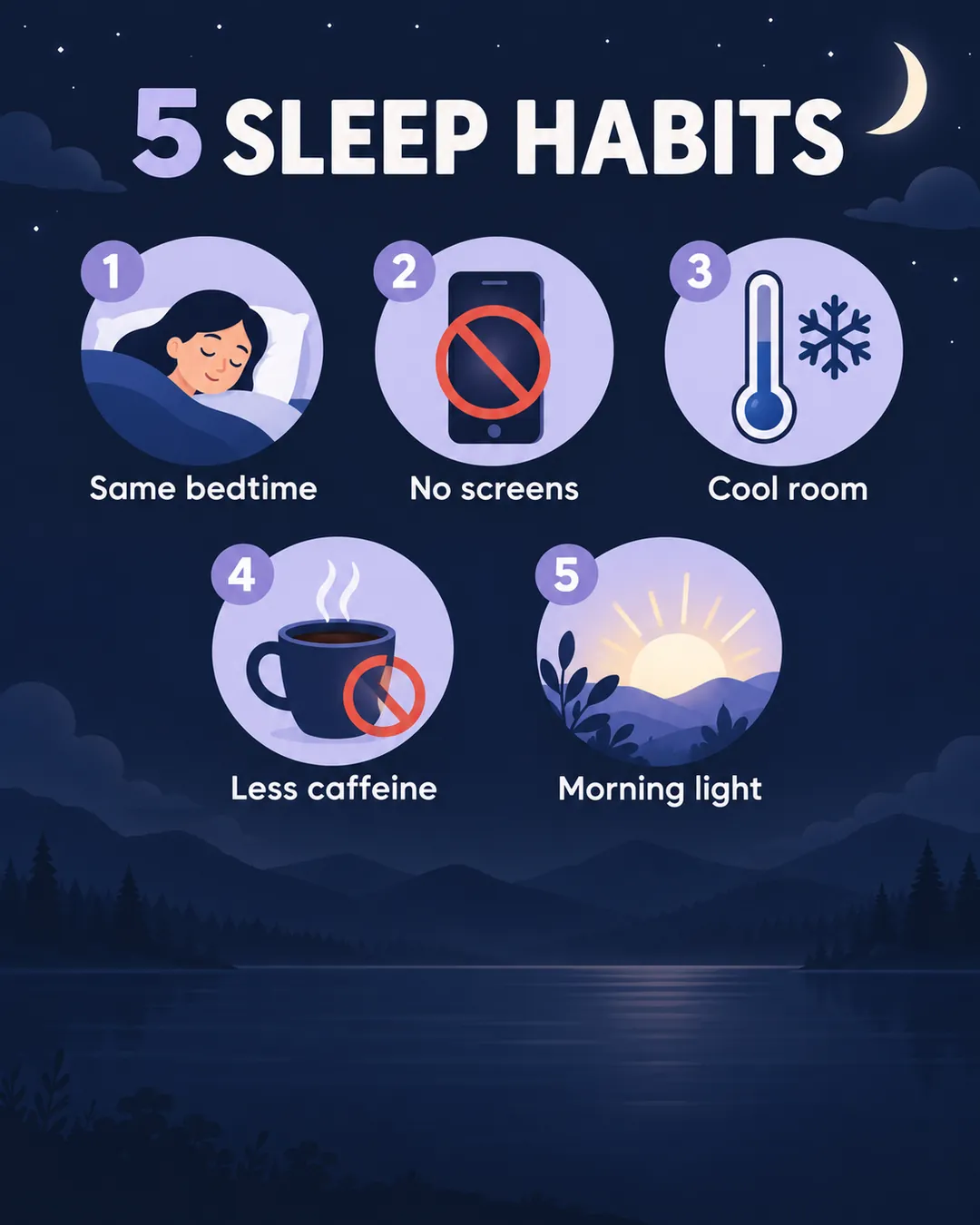
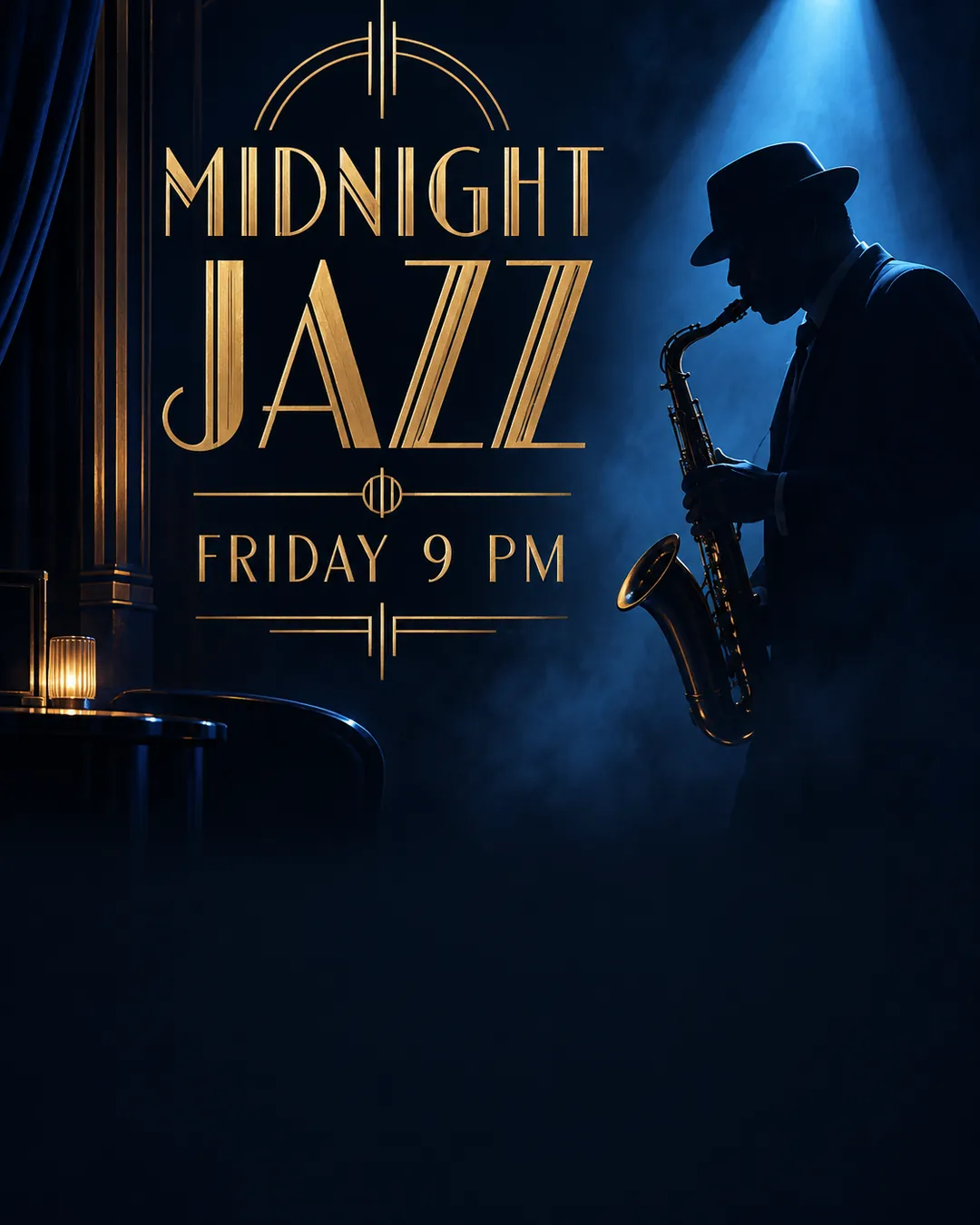
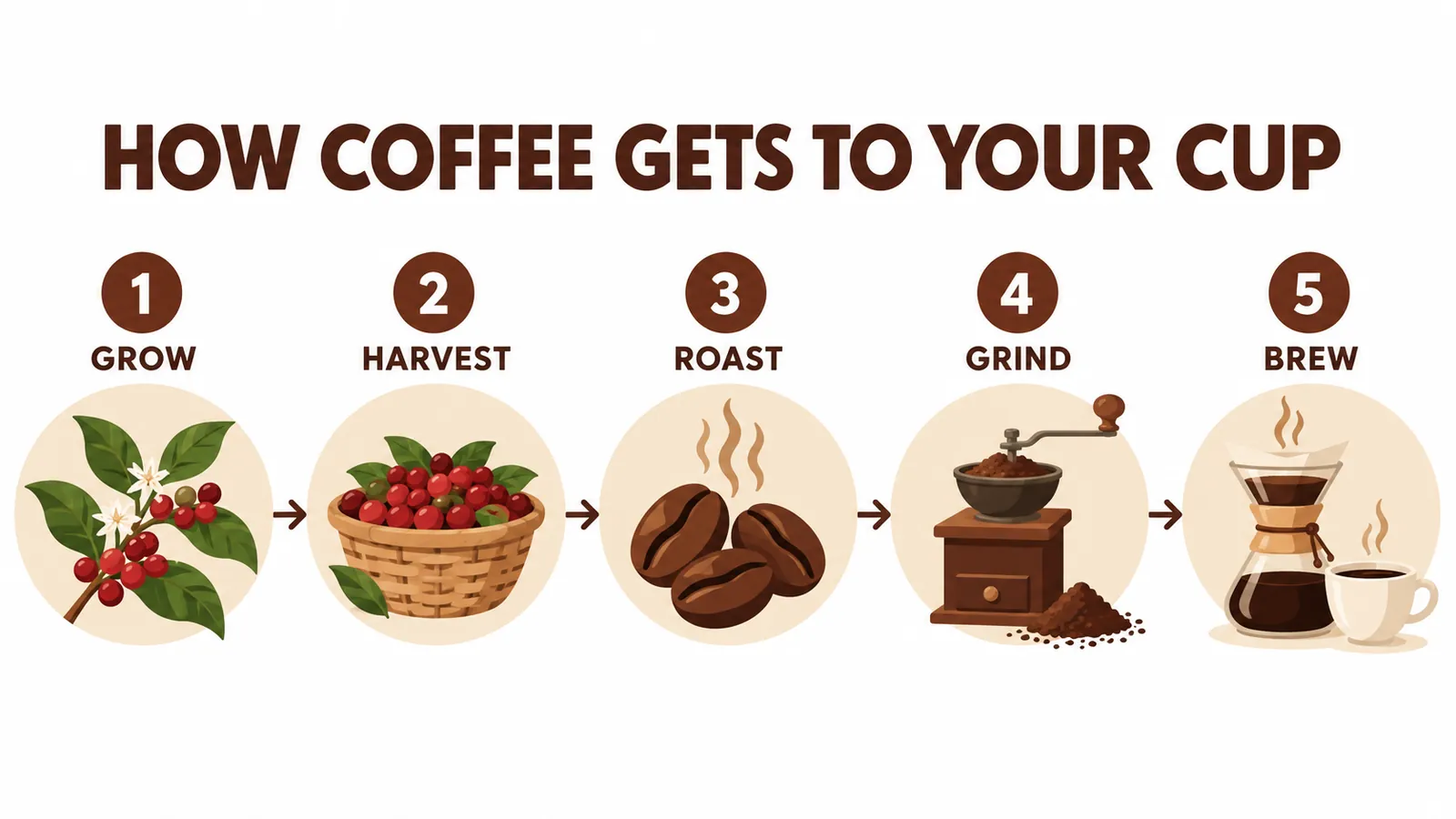
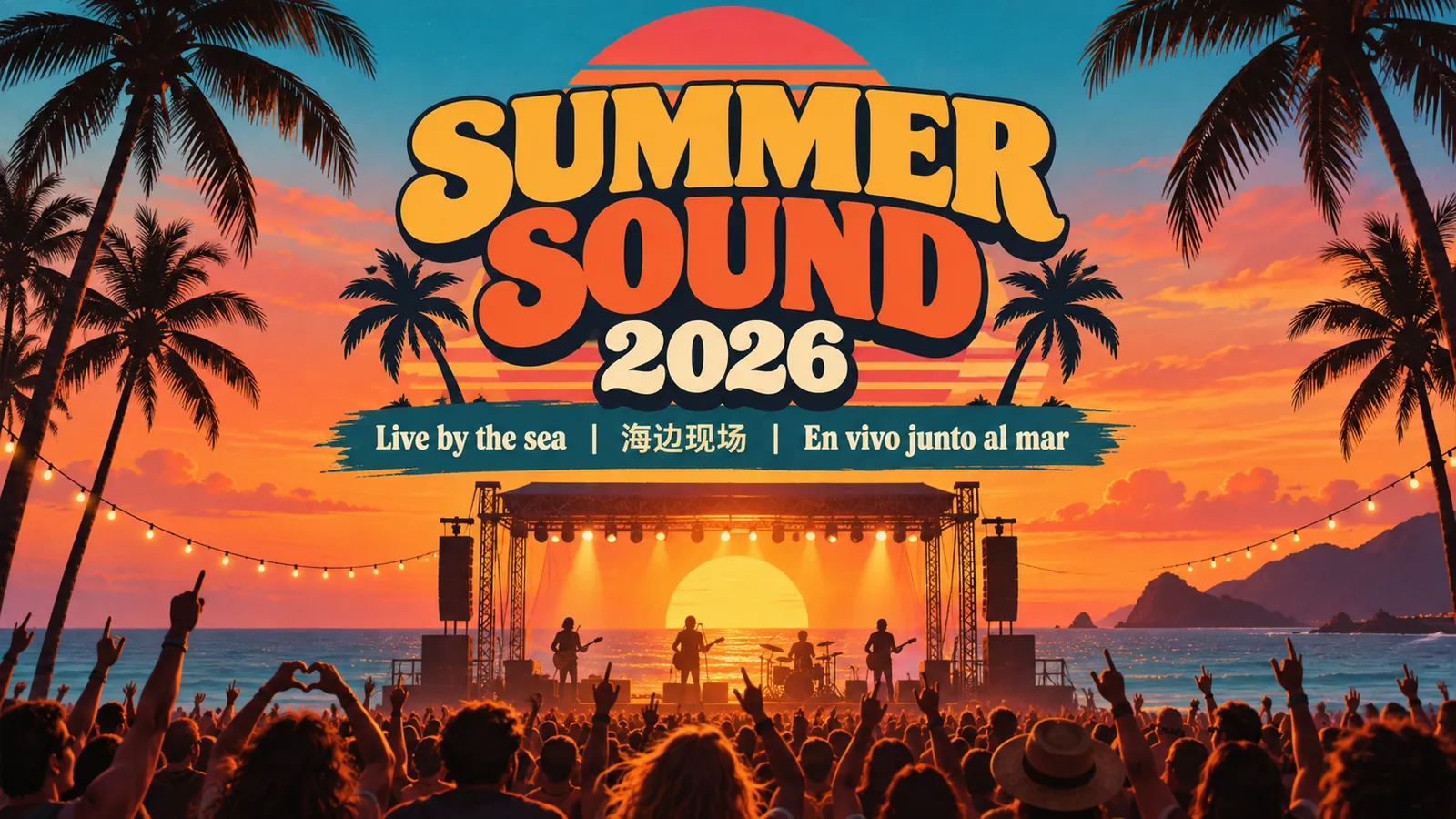
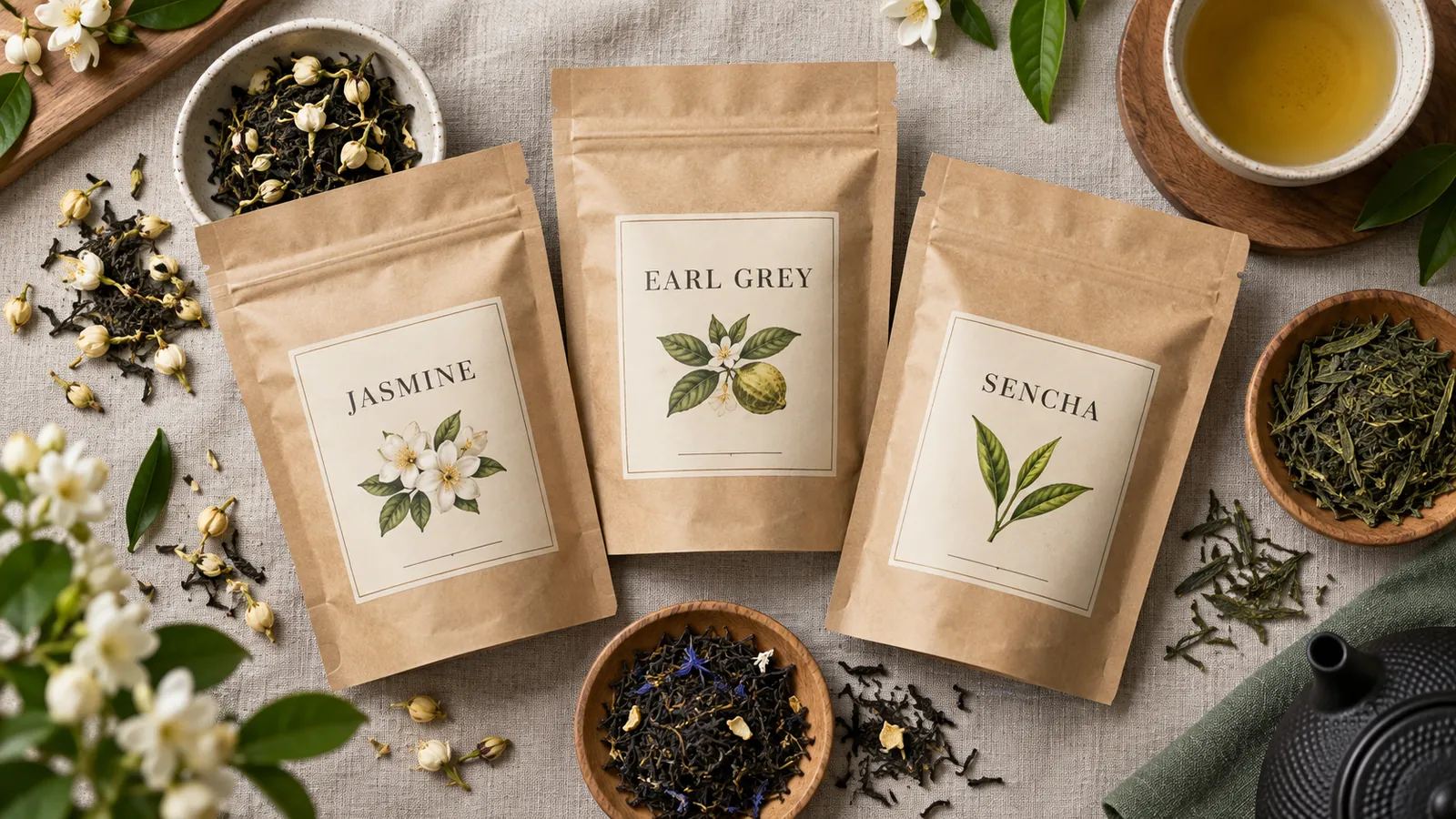
Text you can read, layouts that make sense. Headlines, labels, and data callouts come out exactly as written, in English, Chinese, Japanese, Arabic, and more. Nano Banana 2.1 scores 2.9 times higher than Nano Banana 2 on Google's infographic factuality test, so diagrams, menus, and explainers hold together as real designs.

  • Multilingual text in one image
  • Infographics, menus, and diagrams
  • Clean type for posters and packaging

Bilingual hydration infographic in English and Chinese with a labeled water glass, bar chart, and tip icons
Nano Banana 2.1
Consistency

Consistent characters across every shot

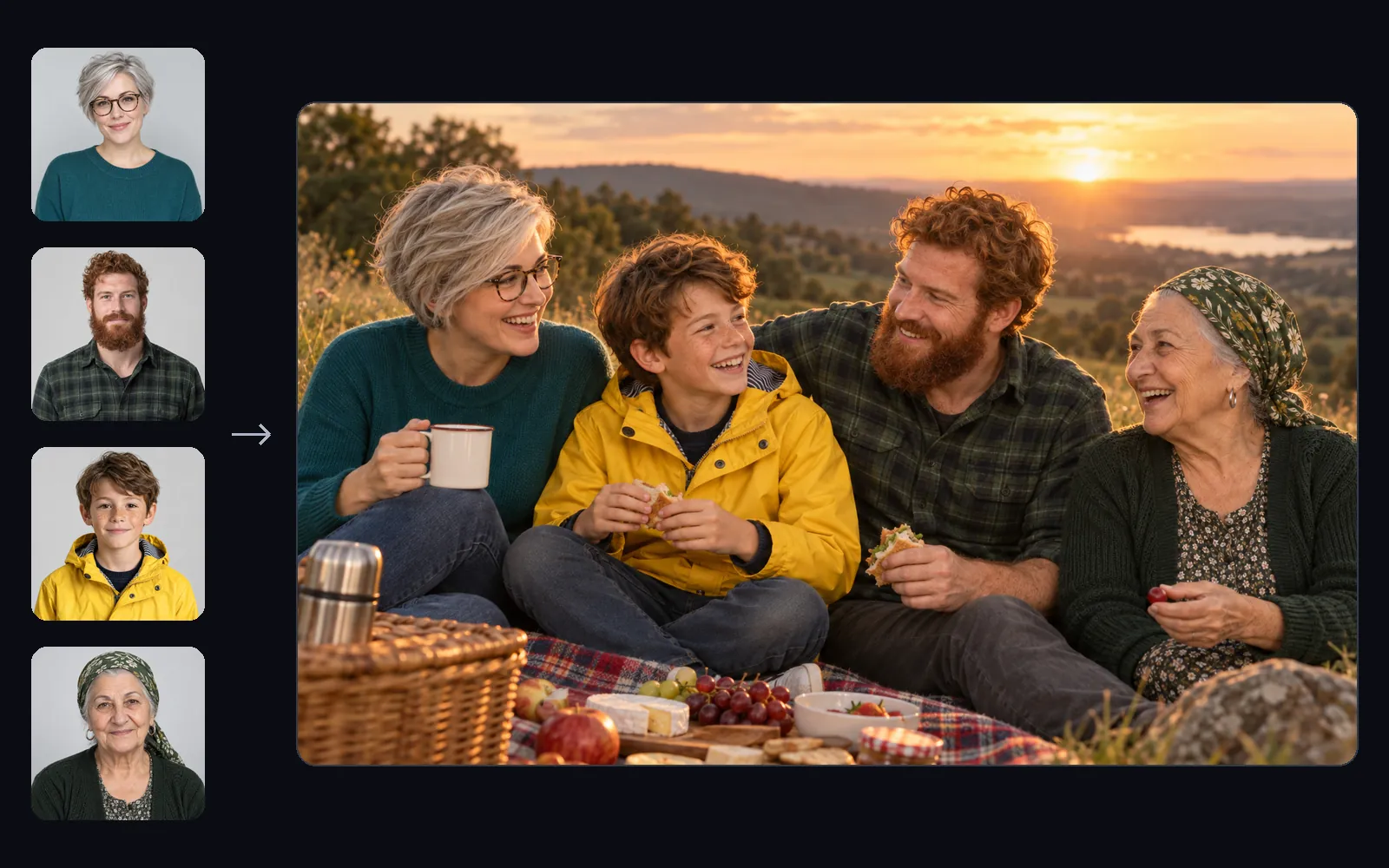
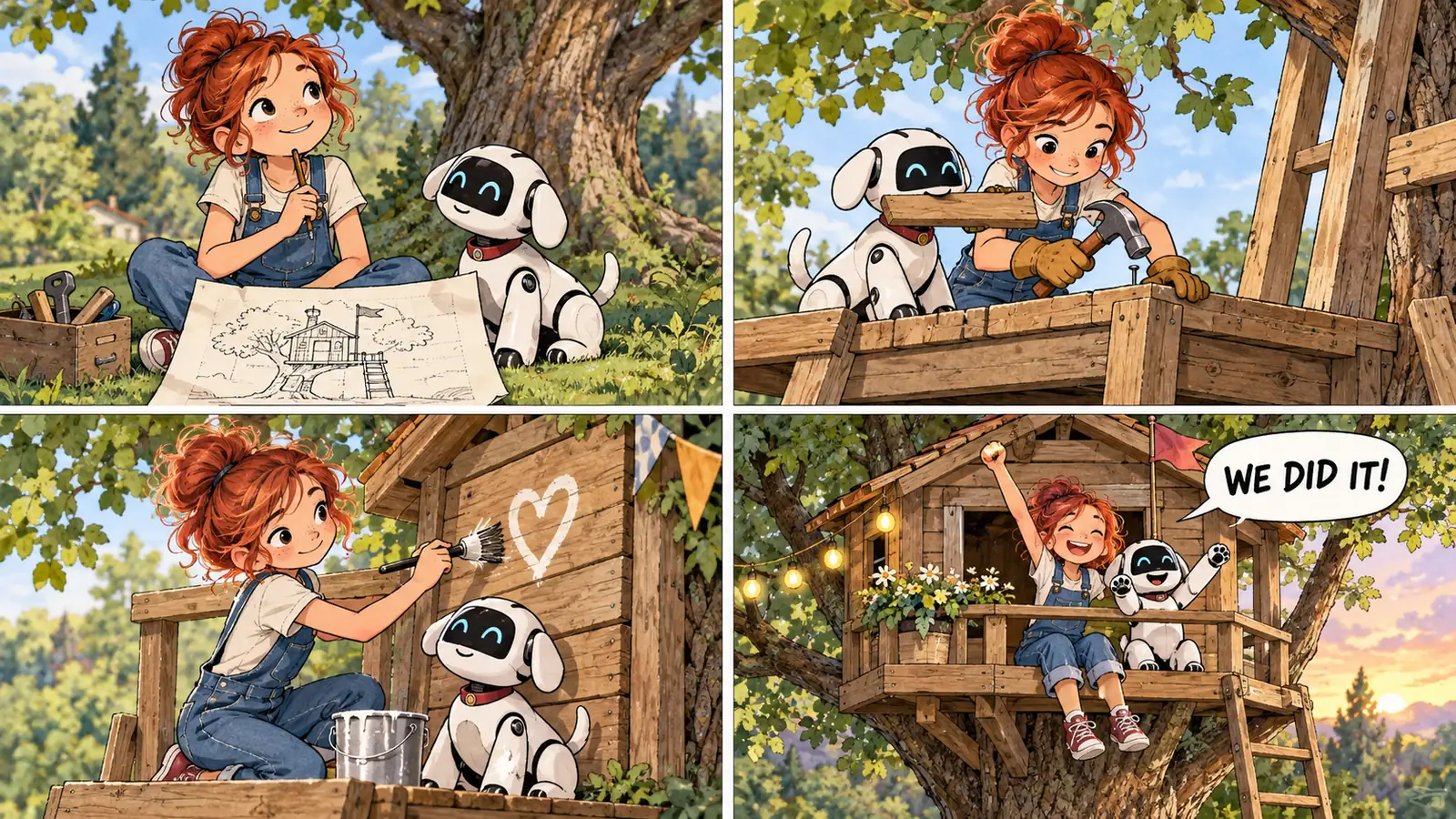
Four characters, ten objects, one story. Add up to 14 reference images and the model keeps up to four people and ten objects true to them, scene after scene. It leads Google's multi-character consistency test, ahead of Nano Banana Pro, so storyboards, comics, and campaign series keep the same faces from the first frame to the last.

  • Up to 14 reference images
  • 4 characters and 10 objects
  • The same faces across a full series
Four reference portraits next to a generated photo of the same four people sharing a picnic at sunsetNano Banana 2.1
Precise Editing

Mask-based editing that leaves the rest untouched

Change one thing. Keep everything else. Mark the area you want to change, describe the edit, and the model rewrites only that region. Swap a product, recolor a jacket, or replace a sky while the faces, lighting, and composition around it stay exactly as they were.

  • Edit only the marked area
  • Lighting and perspective preserved
  • Swap, recolor, or remove objects
Open the Visual AI Editor
Woman at a café window holding a coffee cup, her white T-shirt changed into a red knitted sweater: Edited
Woman at a café window holding a coffee cup, her white T-shirt changed into a red knitted sweater: Original
OriginalEditedNano Banana 2.1
Edit: Change only her white T-shirt into a red cable-knit sweater. Keep her face, hair, hands, pose, the coffee cup, the background, and the lighting exactly the same.
4K and Panoramas

4K images and seamless panoramas

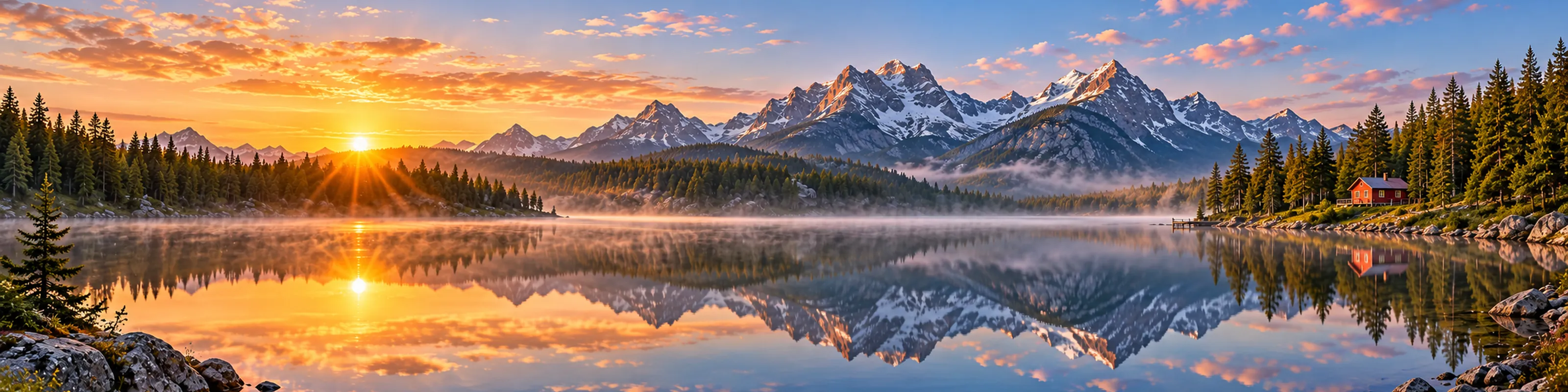
Wide shots without seams, detail without blur. Generate at 1K, 2K, or 4K, and go wide with 4:1 and 8:1 panoramas. The model fixes the tiling seams that broke wide images at high resolution, so banners, landscapes, and website headers stay clean from edge to edge.

  • 1K, 2K, and 4K output
  • 4:1, 1:4, 8:1, and 1:8 ratios
  • No tiling seams at 2K and 4K
Panorama of a misty mountain lake at sunrise with pine forest and a small red cabin on the shore
Nano Banana 2.1
Swipe to see the full panorama
Compare

Nano Banana 2.1 vs Nano Banana 2 vs Nano Banana Pro

Nano Banana 2.1 replaces Nano Banana 2 as Google's default image model. Here is how the three compare on Google's published benchmarks.

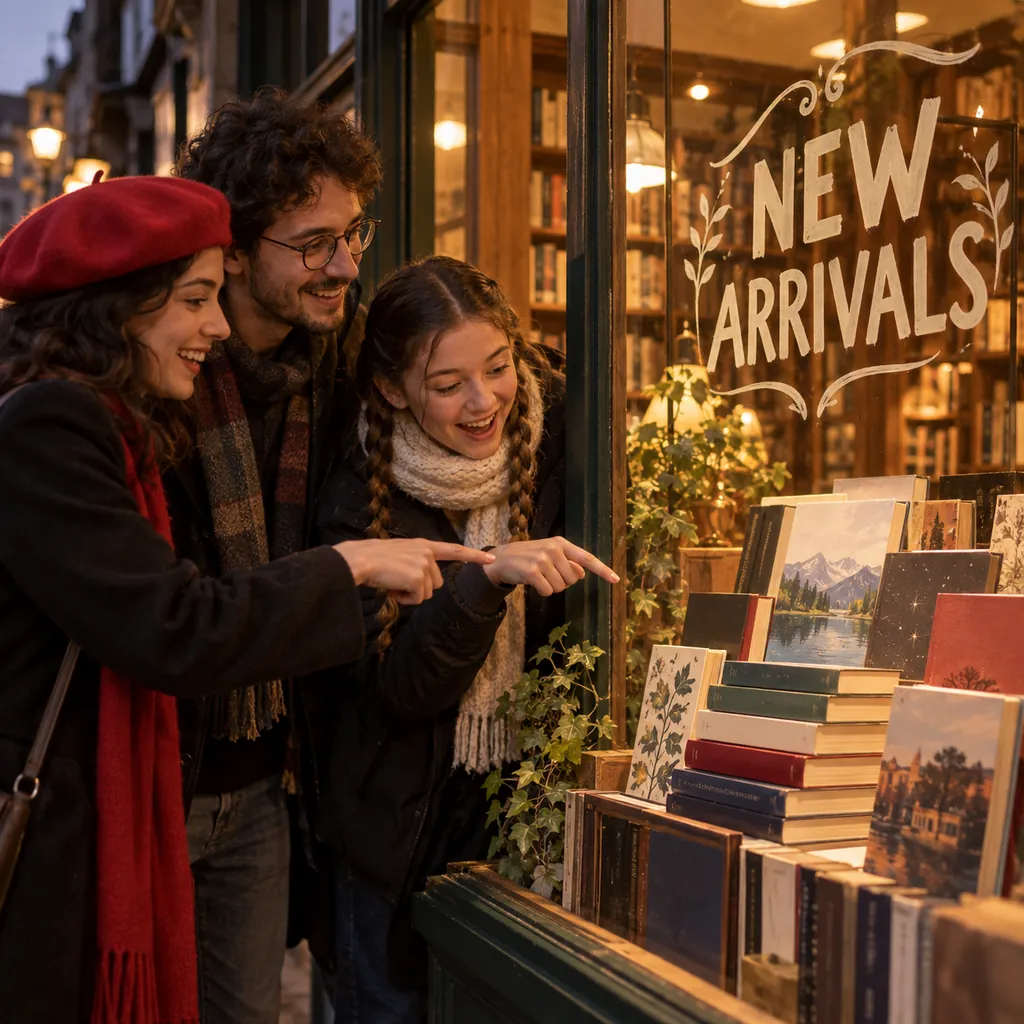
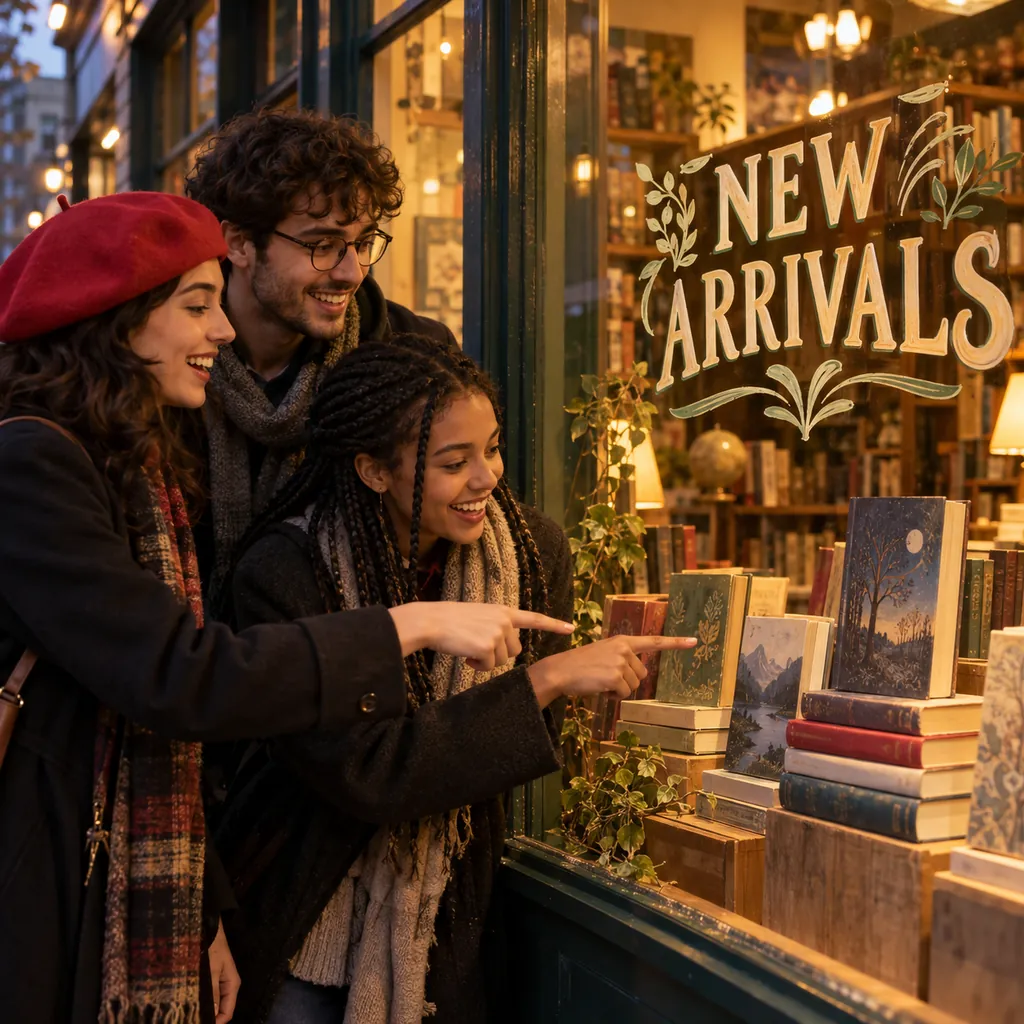
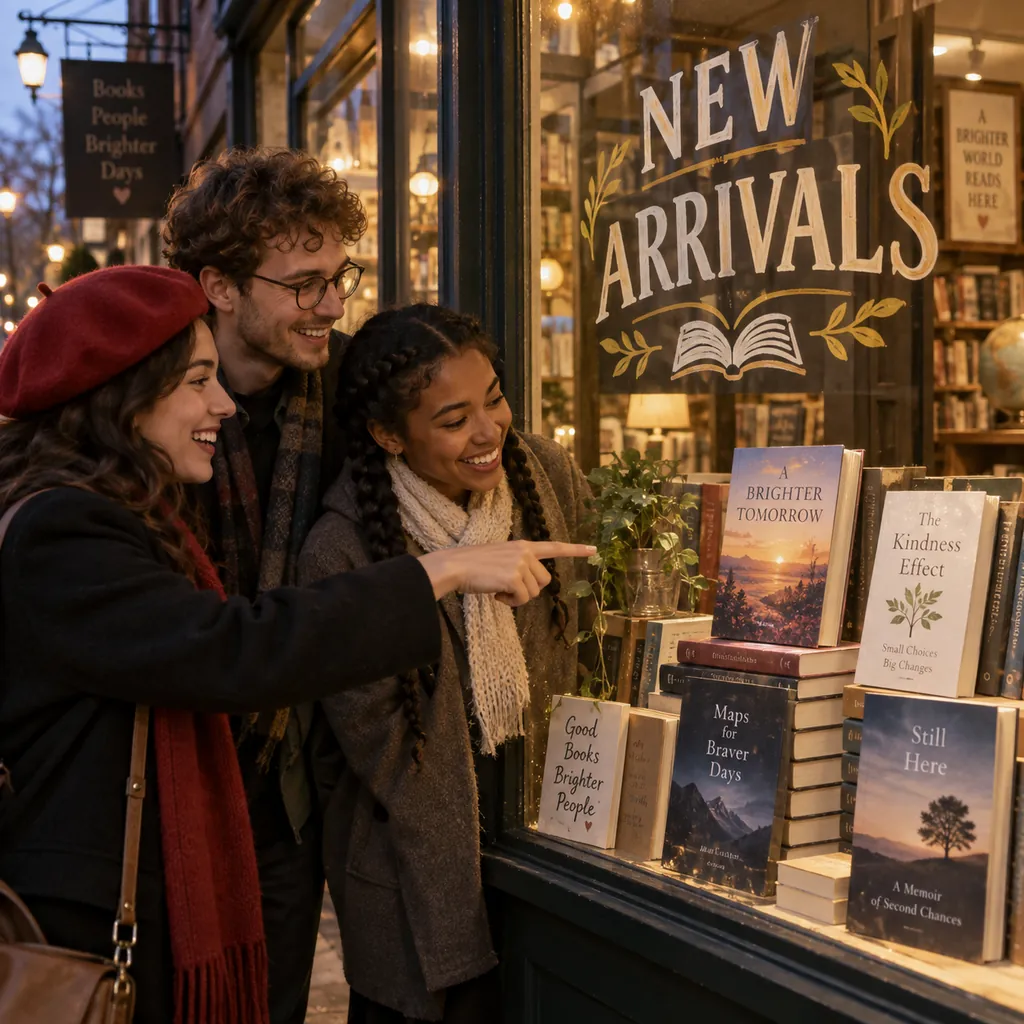
Same prompt, three models: A bookstore window display with a hand-painted sign reading "NEW ARRIVALS", three friends (a woman in a red beret, a man in round glasses, and a girl with braids) pointing at a stack of books, warm evening light, photo.

NewestNano Banana 2.1Nano Banana 2Nano Banana Pro
Nano Banana 2.1 result for the bookstore window prompt
Nano Banana 2 result for the bookstore window prompt
Nano Banana Pro result for the bookstore window prompt
ReleasedOctober 2026February 2026November 2025
Built onGemini 3.6 FlashGemini 3.1 Flash ImageGemini 3 Pro Image
Overall preference (Elo)1050990935
Multi-character consistency (Elo)11069781011
Infographic factuality0.5210.1790.265
Resolution1K, 2K, 4K512px to 4K1K, 2K, 4K
Best forText, infographics, editing, consistent charactersFast everyday imagesThe most lifelike single photos

Swipe the table to compare all three models

Scores from Google DeepMind's Nano Banana 2.1 model card and Google's launch evaluations, October 2026.

Which one should you choose?

Choose Nano Banana 2.1 for most work, especially anything with text, multiple characters, or targeted edits. Choose Nano Banana Pro when one photorealistic hero image matters most: reviewers still rate its skin, proportions, and lighting as more lifelike. Both run in the same PixMira generator.

Try Nano Banana Pro
Use Cases

What You Can Create with Nano Banana 2.1

From data-heavy infographics to a full comic series, it handles the jobs that used to need a designer.

Infographics and explainers

Infographics and explainers

Turn notes or numbers into a labeled infographic for slides, blogs, and social posts.

Posters and ads with text

Posters and ads with text

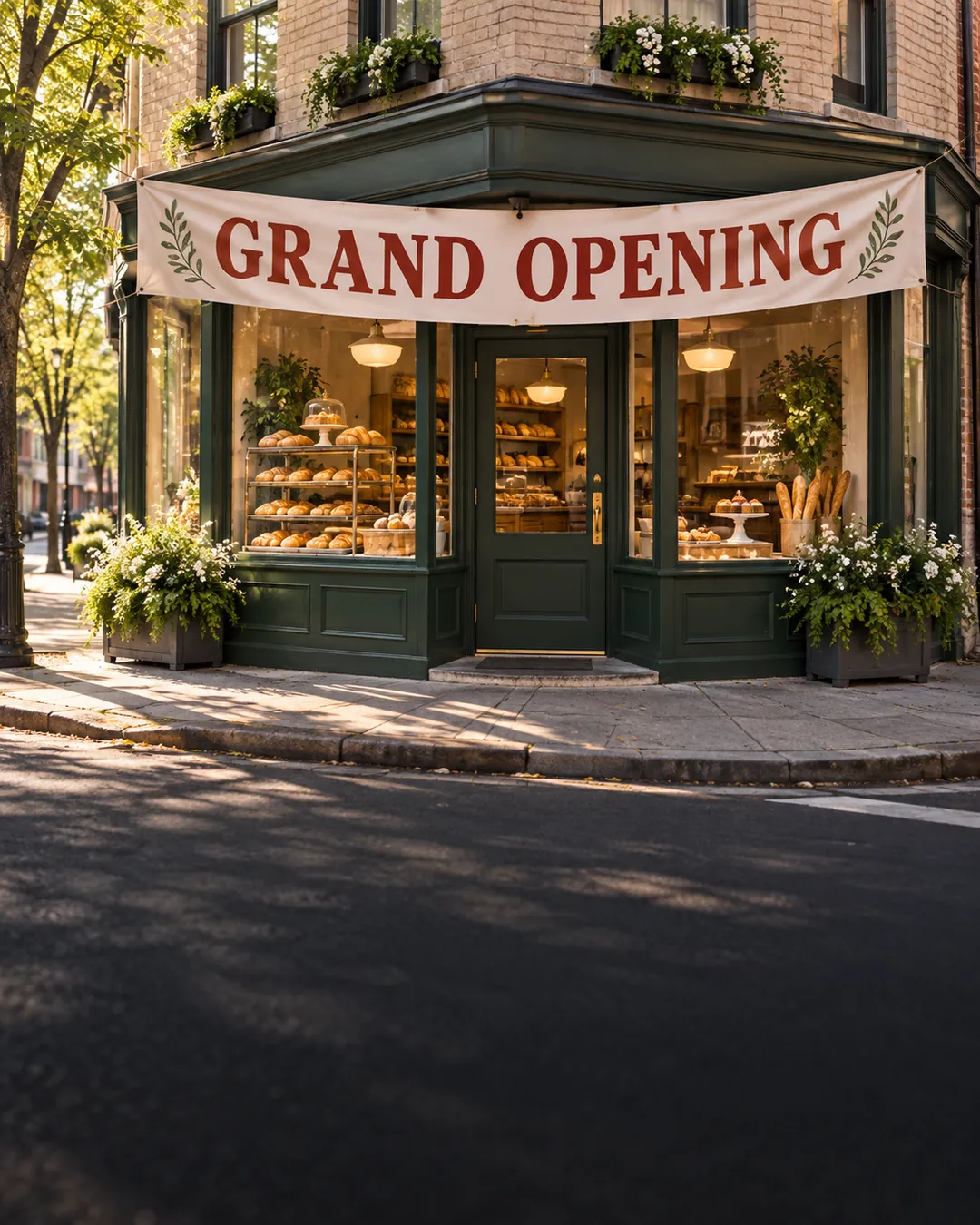
Event posters, sale banners, and ad creatives with every headline spelled right.

Comics and storyboards

Comics and storyboards

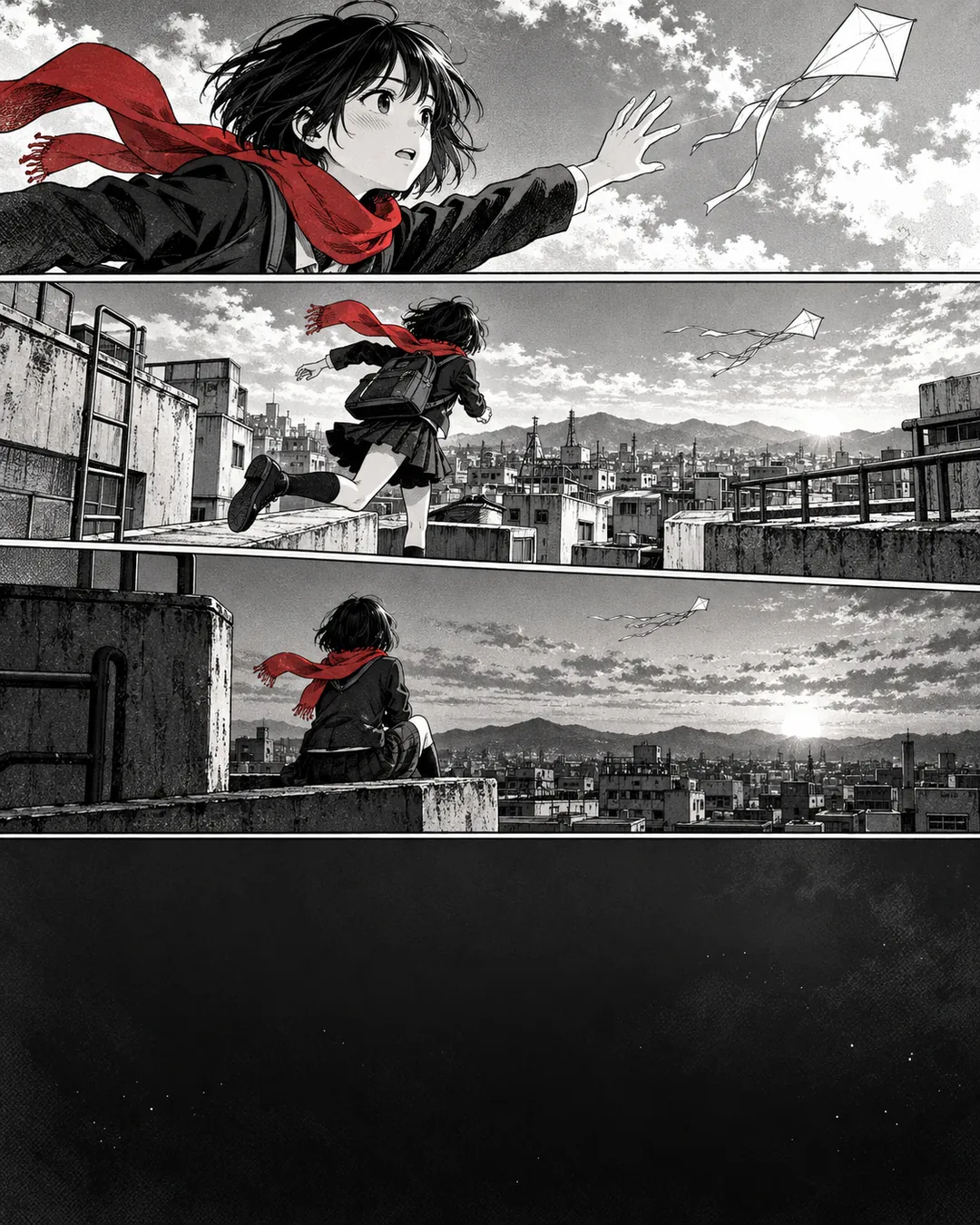
Keep your cast consistent panel after panel and build a full story from a few character references.

Product photos

Product photos

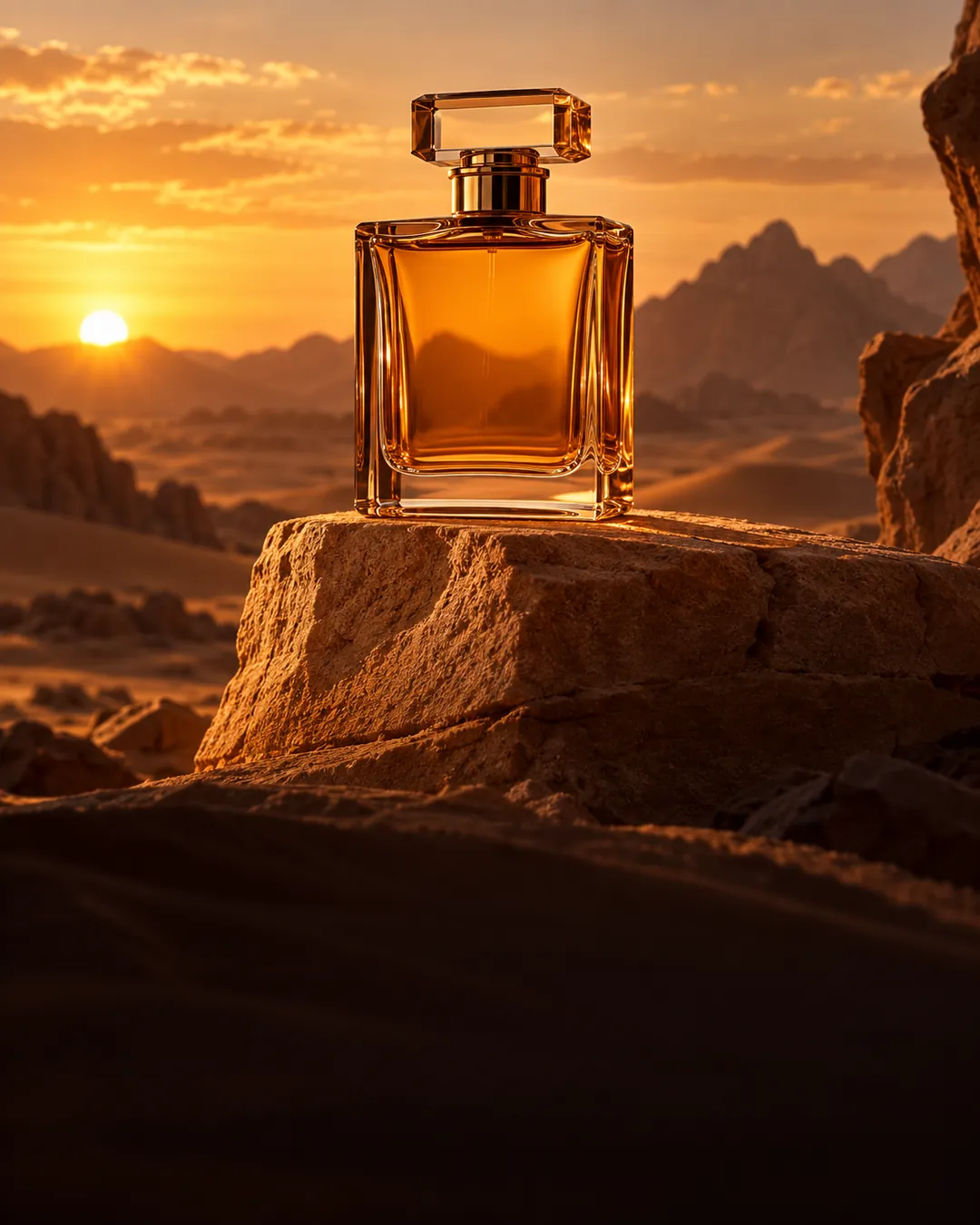
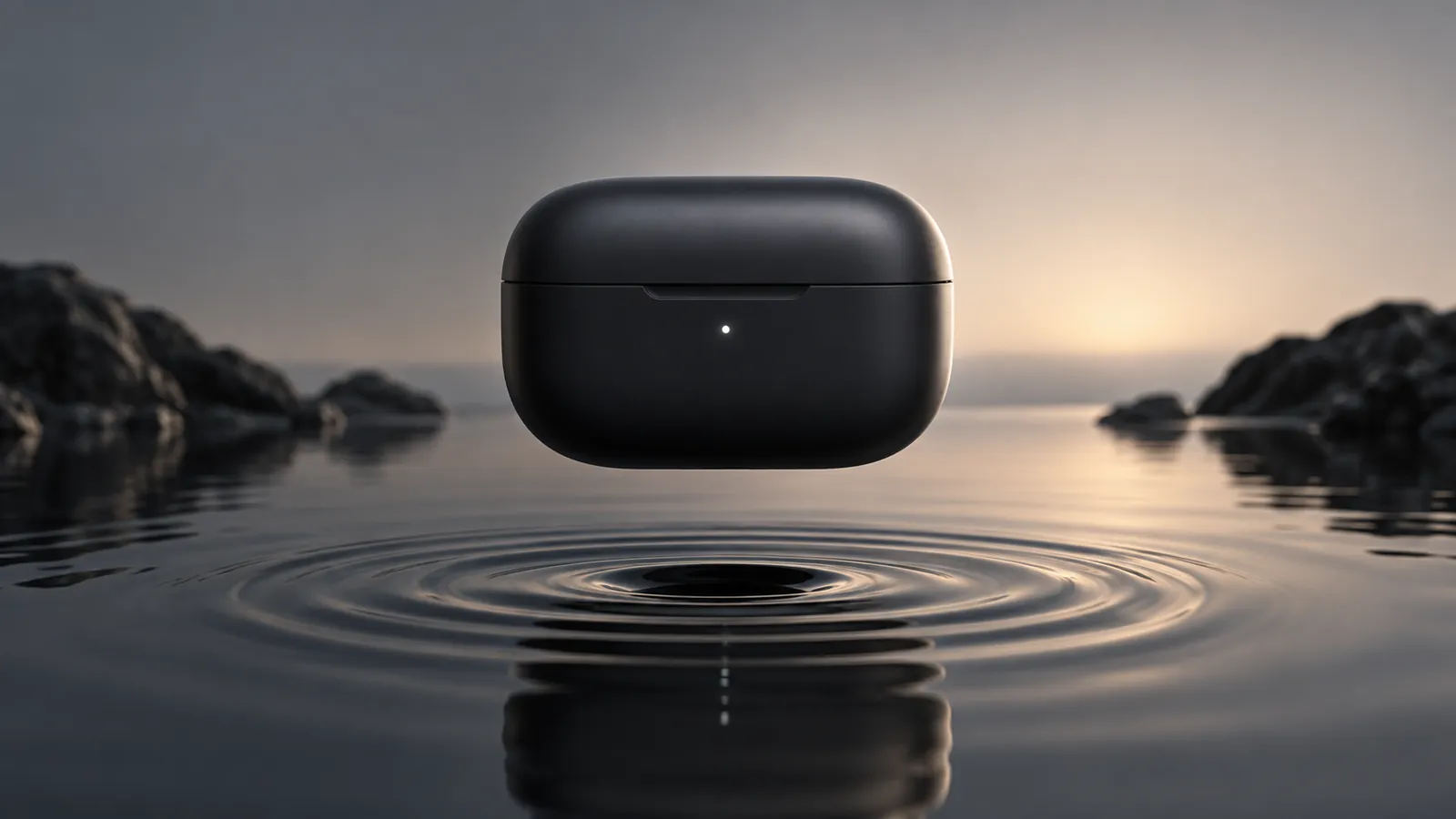
Place your product in any scene, from studio white to lifestyle, with its label and shape intact.

Photo edits

Photo edits

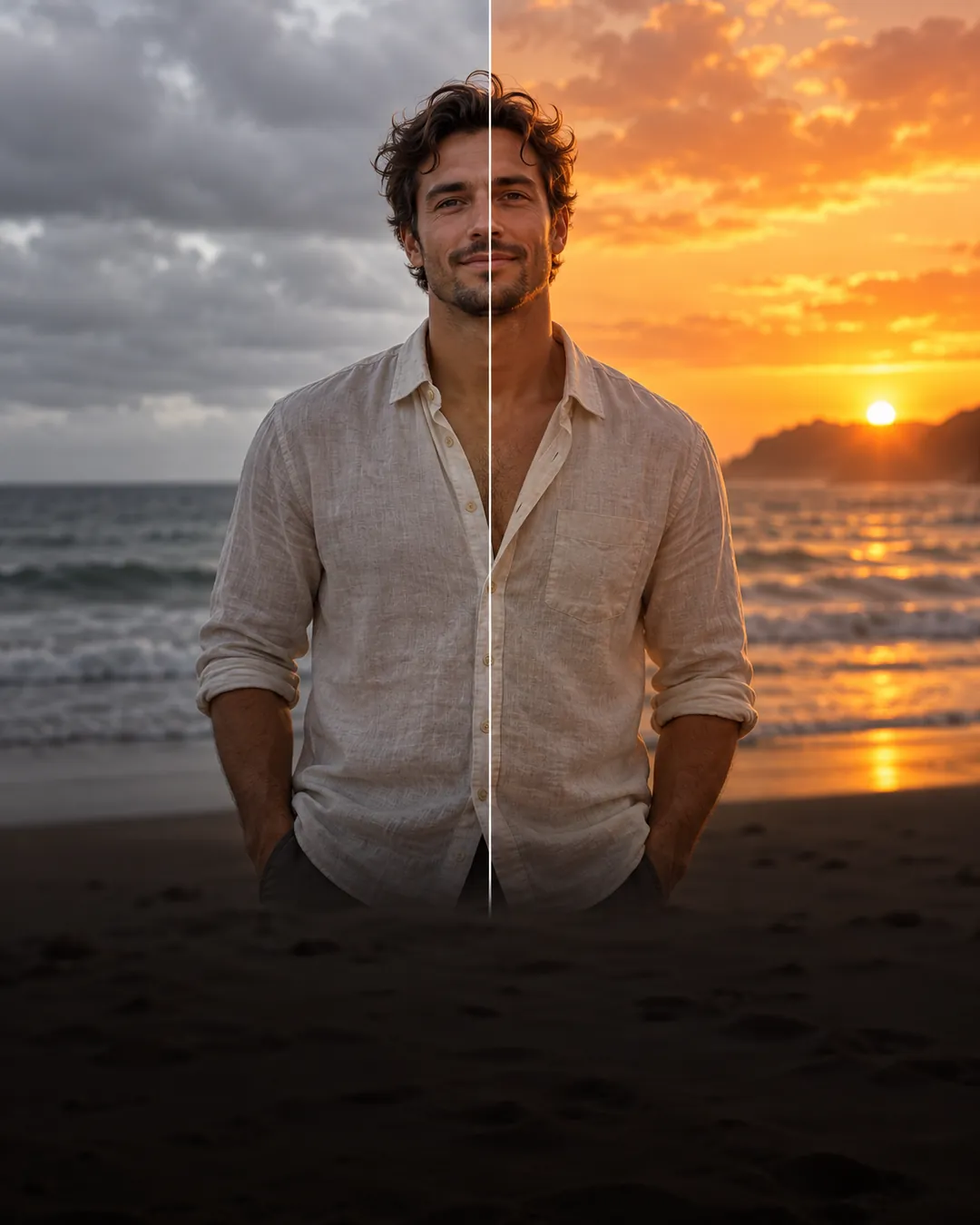
Replace a sky, change an outfit, or remove a distraction without touching the rest of the shot.

Banners and panoramas

Banners and panoramas

Wide website headers, shop banners, and landscape panoramas, sharp at 4K.

4 Simple Steps

How to Use Nano Banana 2.1

From idea to finished image in four steps, right on this page.

  1. 01

    Choose Nano Banana 2.1

    It is already selected in the generator at the top of this page.

  2. 02

    Add your references

    Upload up to 14 images of the people, products, or styles you want it to follow. Skip this step to create from text alone.

  3. 03

    Describe the image

    Write the subject, setting, and style. Put any words you want in the image inside quotes.

  4. 04

    Pick a size and generate

    Choose an aspect ratio and 1K, 2K, or 4K, then generate. To refine, mark an area and describe the change.

How to write a Nano Banana 2.1 prompt

Name each part of the image and put exact text in quotes. Nano Banana 2.1 follows the structure piece by piece.

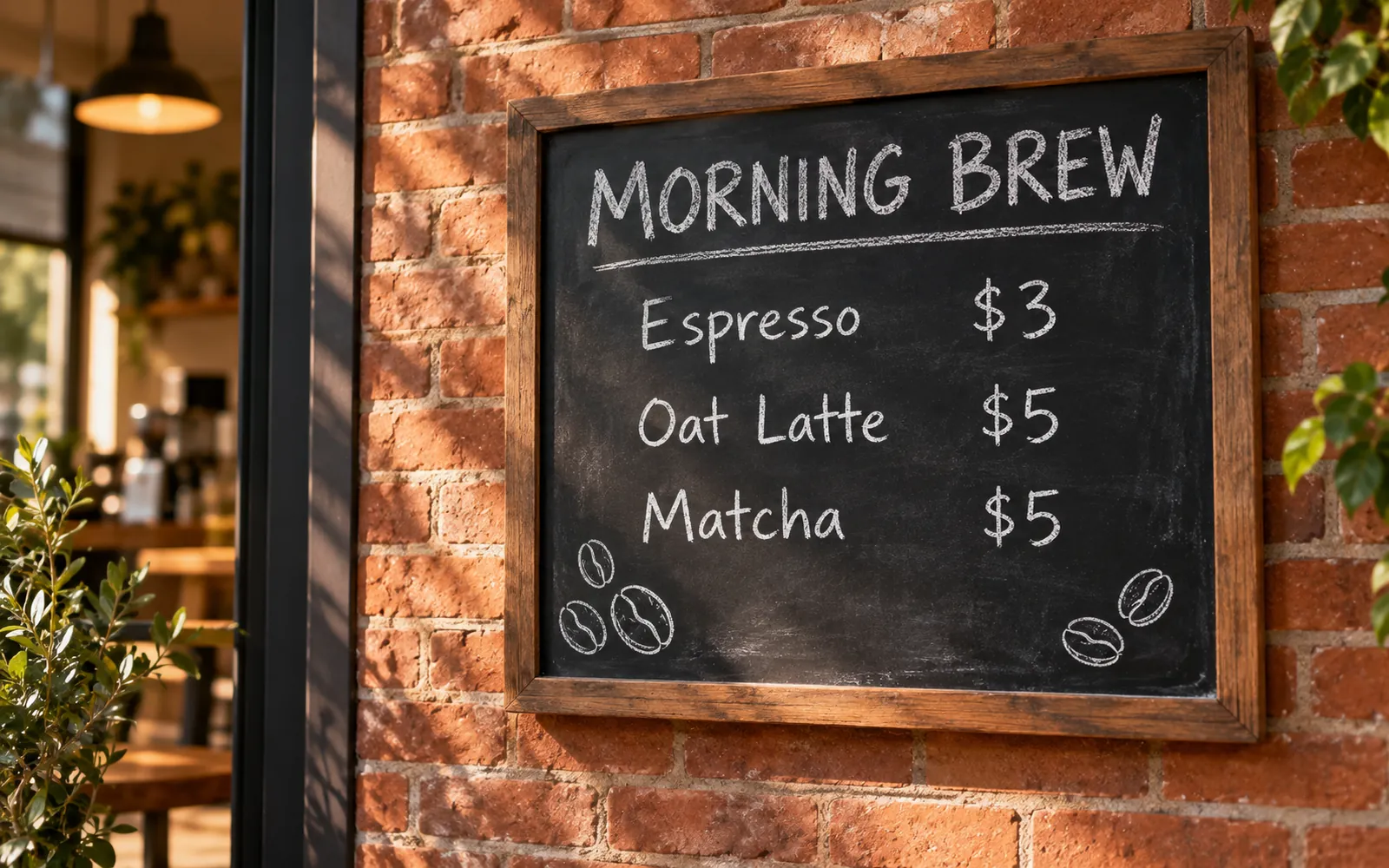
A chalkboard café menu titled "MORNING BREW" listing "Espresso $3", "Oat Latte $5", and "Matcha $5", hand-lettered in white chalk, with small doodles of coffee beans, mounted on a brick wall in warm morning light.

  • Subject
  • Exact text
  • Style
  • Details
  • Setting
  • Lighting
Browse more prompt ideas
Chalkboard café menu titled MORNING BREW listing espresso, oat latte, and matcha prices on a brick wall
Quick Answers

Nano Banana 2.1 FAQ

Quick answers about Nano Banana 2.1 and how to use it on PixMira.

Google released it on October 6, 2026. It rolled out the same day to the Gemini app, AI Mode in Search, Google AI Studio, Flow, and the Gemini API, and you can use it on PixMira right on this page.

It is the direct upgrade. It produces better images overall, scores 2.9 times higher than Nano Banana 2 on infographic factuality, keeps multiple characters far more consistent, adds precise mask-based editing, and removes the seams that appeared in wide panoramas at 2K and 4K. It runs at the same Flash-tier speed.

On Google's benchmarks, yes: it beats Nano Banana Pro on overall preference and multi-character consistency. For a single photorealistic hero shot, many creators still prefer Pro's realism. PixMira offers both, so you can compare them side by side in the AI image generator.

Yes. It is Google's name for the image model built on Gemini 3.6 Flash, and its API model ID is gemini-nano-banana-2.1.

A 1K image costs 3 credits, a 2K image 5 credits, and a 4K image 8 credits. Credits come with every PixMira plan.

It outputs 1K, 2K, and 4K images in 1:1, 2:3, 3:2, 3:4, 4:3, 4:5, 5:4, 9:16, 16:9, and 21:9, plus the panoramic 4:1, 1:4, 8:1, and 1:8.

Up to 14. The model keeps up to four characters and ten objects consistent with your references, which is enough for a full cast and their props in one scene.

Yes. Open your image in the Visual AI Editor, mark the area, and describe the change. The model rewrites only what you marked and leaves the rest of the image as it was.

Yes. Images you create on a paid PixMira plan come with a commercial use license. Google also embeds an invisible SynthID watermark in every image it creates to mark it as AI-generated.

Create with Nano Banana 2.1

Your next poster, storyboard, or product shot is one sentence away.

Start creating