Nano Banana 2 Lite

Generate 1K AI images quickly from prompts or photos with Nano Banana 2 Lite for product visuals, avatars, posters, thumbnails, and social media.

Click to upload an image

PNG, JPG, JPEG, or WEBP (max 10MB)

0 / 5000
3 credits

Experience the power of AI image generation

Core features

Nano Banana 2 Lite Key Highlights

A fast, lightweight AI image model for prompt-based creation, photo editing, and everyday visual ideas.

Nano Banana 2 Lite Online Text to Image Generator

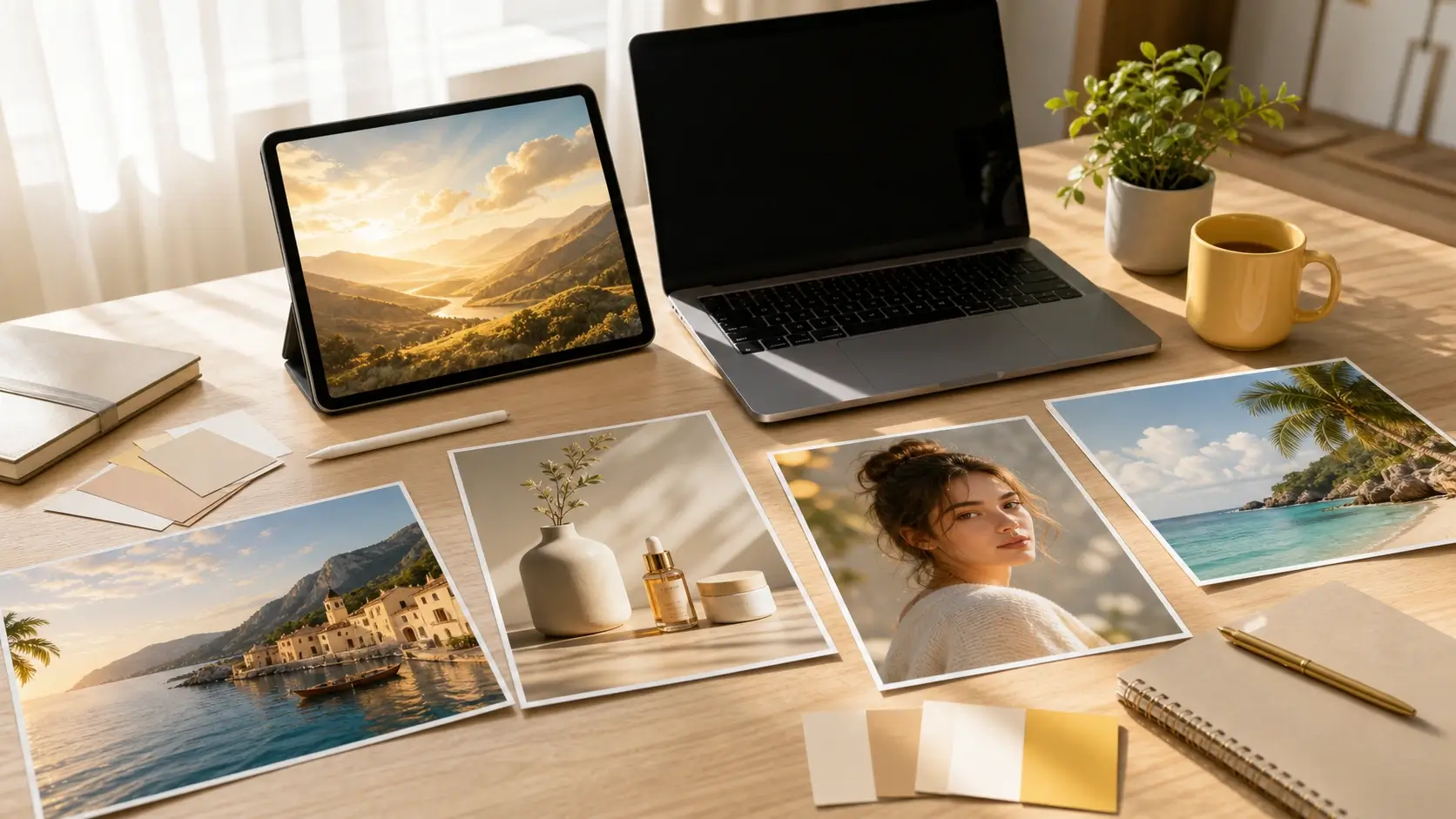
Turn a text prompt into an AI image directly in your browser. Nano Banana 2 Lite fits quick product visuals, social posts, avatars, posters, thumbnails, and early design concepts where speed matters.

  • Text prompt creation
  • Fast output
  • Online image generation
preview

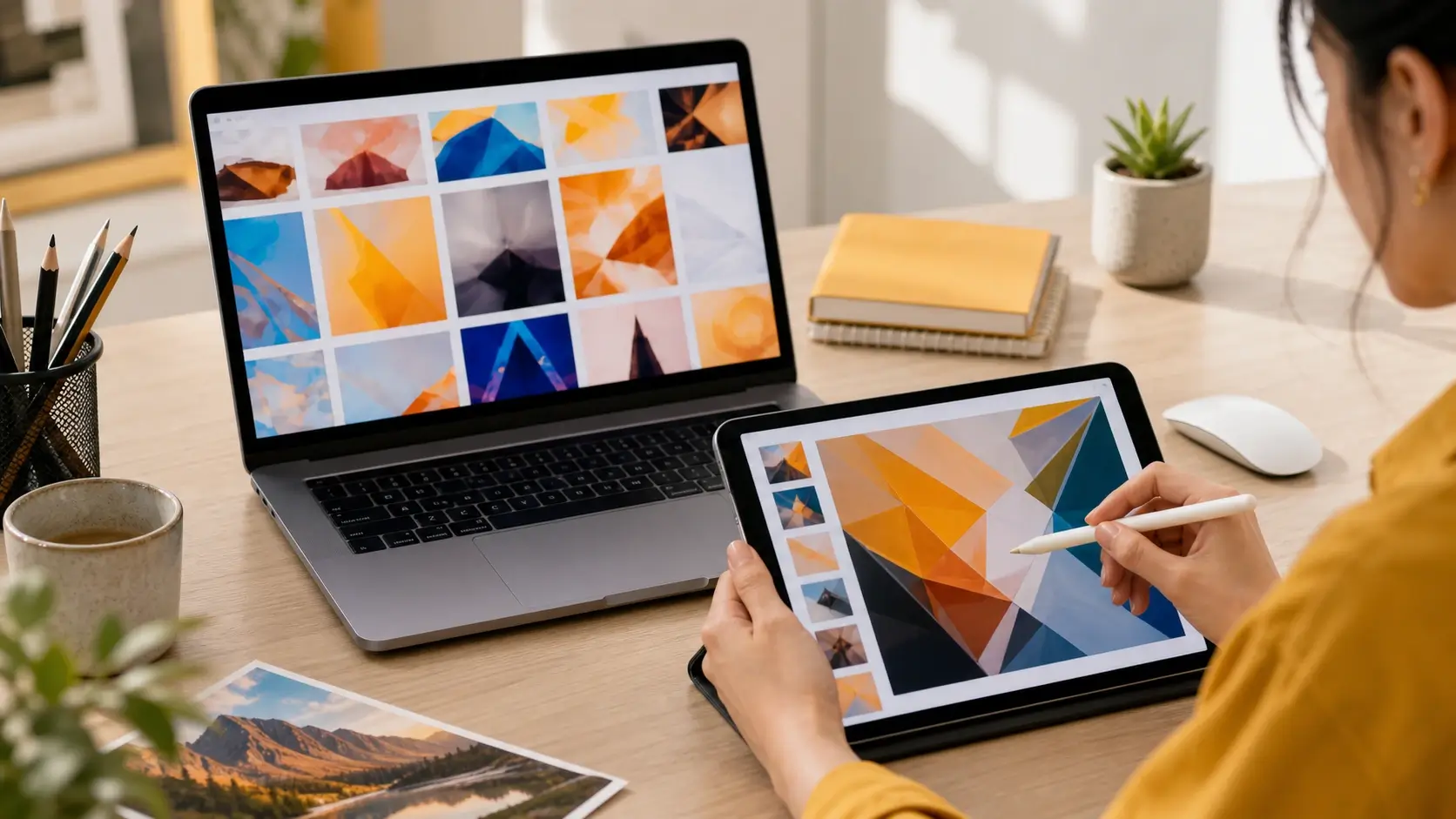
Edit Photos with Nano Banana 2 Lite Prompts

Upload a photo and describe the change you want. Use Nano Banana 2 Lite for lightweight AI photo editing such as background replacement, style changes, lighting adjustments, product scene variations, and composition refinements.

  • Prompt based edits
  • Reference photo support
  • Background and style changes
preview

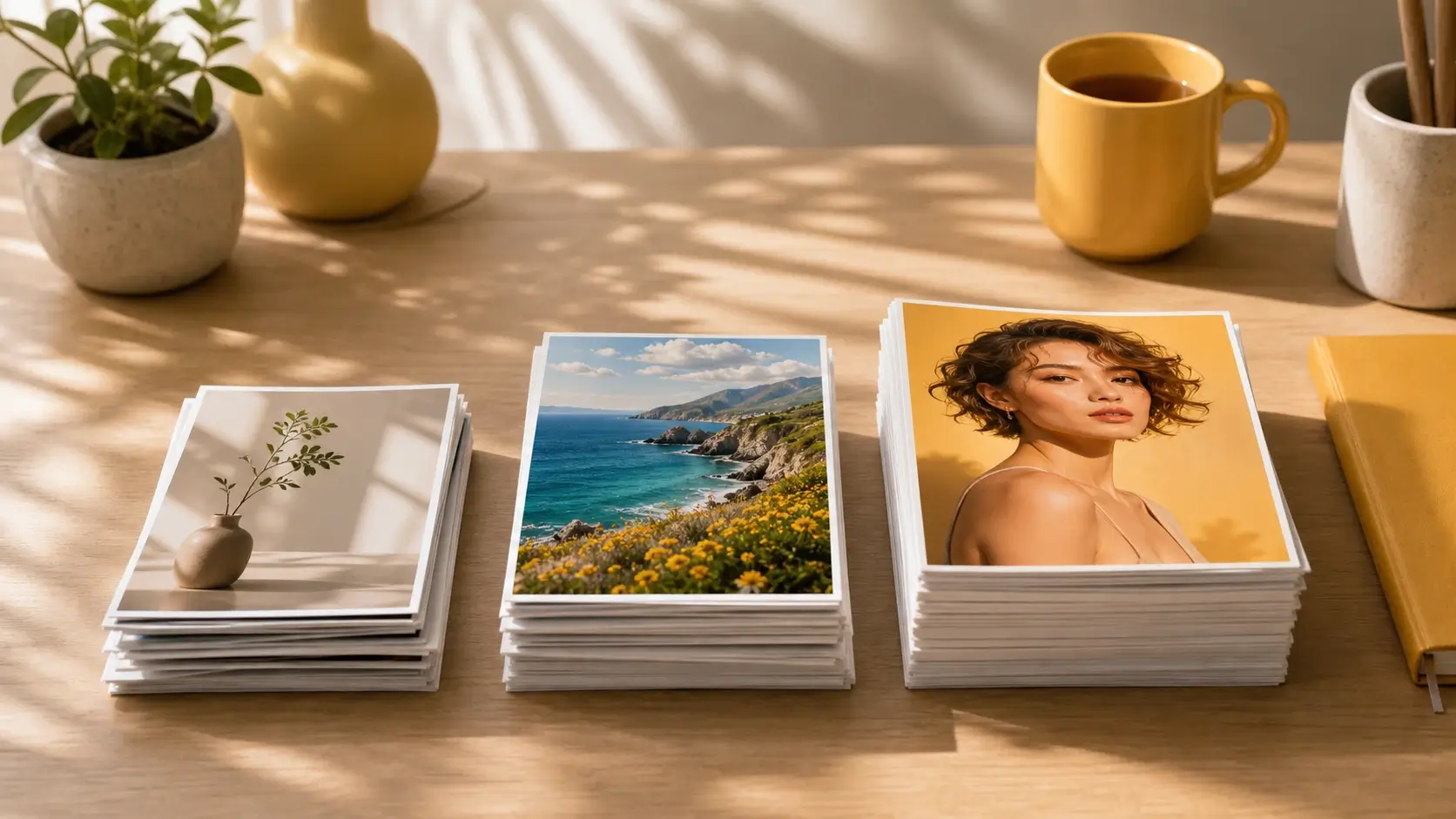
Fast 1K Output for Everyday Visuals

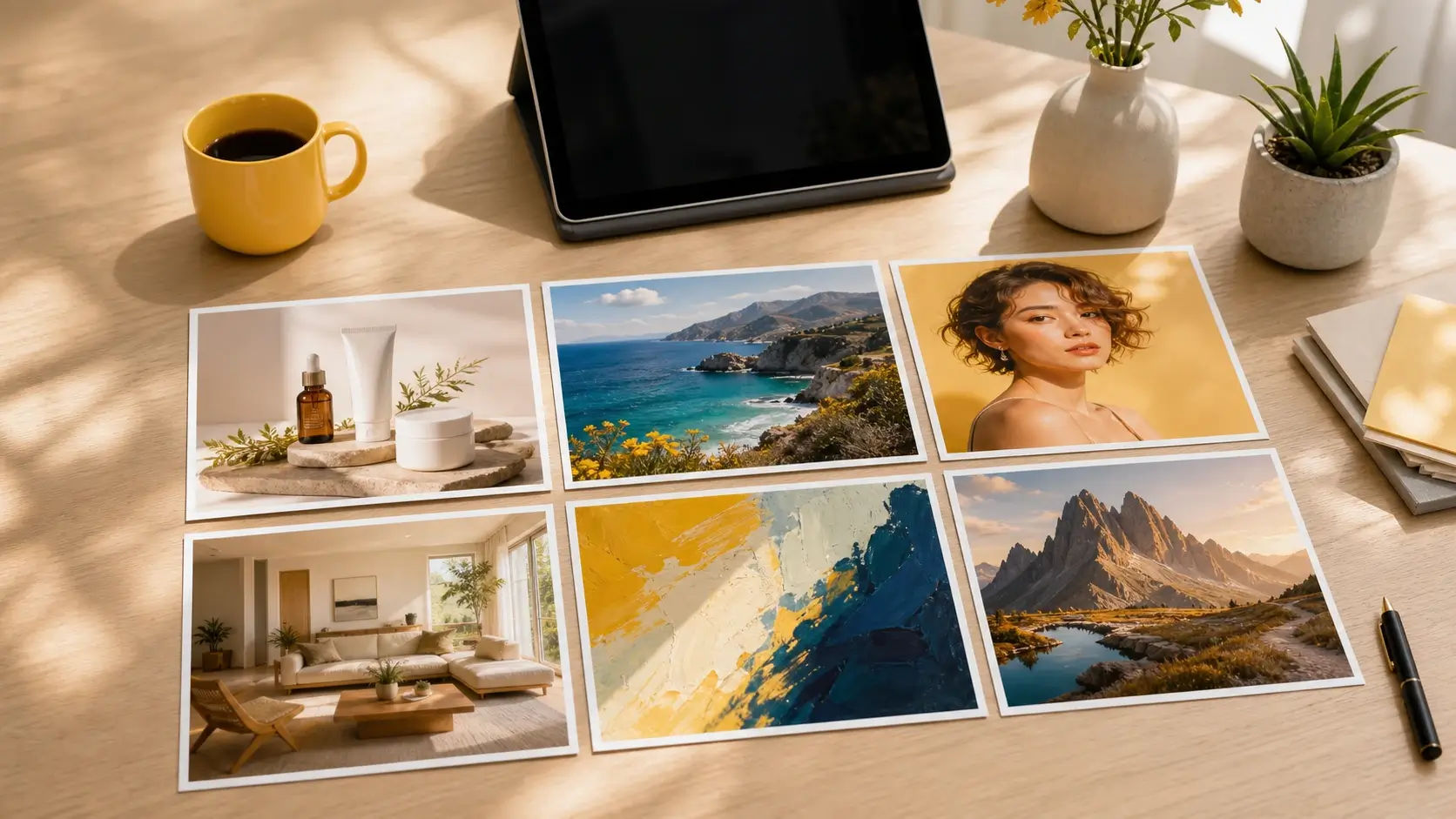
Nano Banana 2 Lite is optimized for fast 1K image generation rather than heavy high resolution production. Create clear drafts quickly, then upscale promising results in PixMira when you need sharper final assets.

  • 1K image drafts
  • Quick creative tests
  • Upscale selected results
preview

Prompt Examples for Products, Avatars, Posters, and Thumbnails

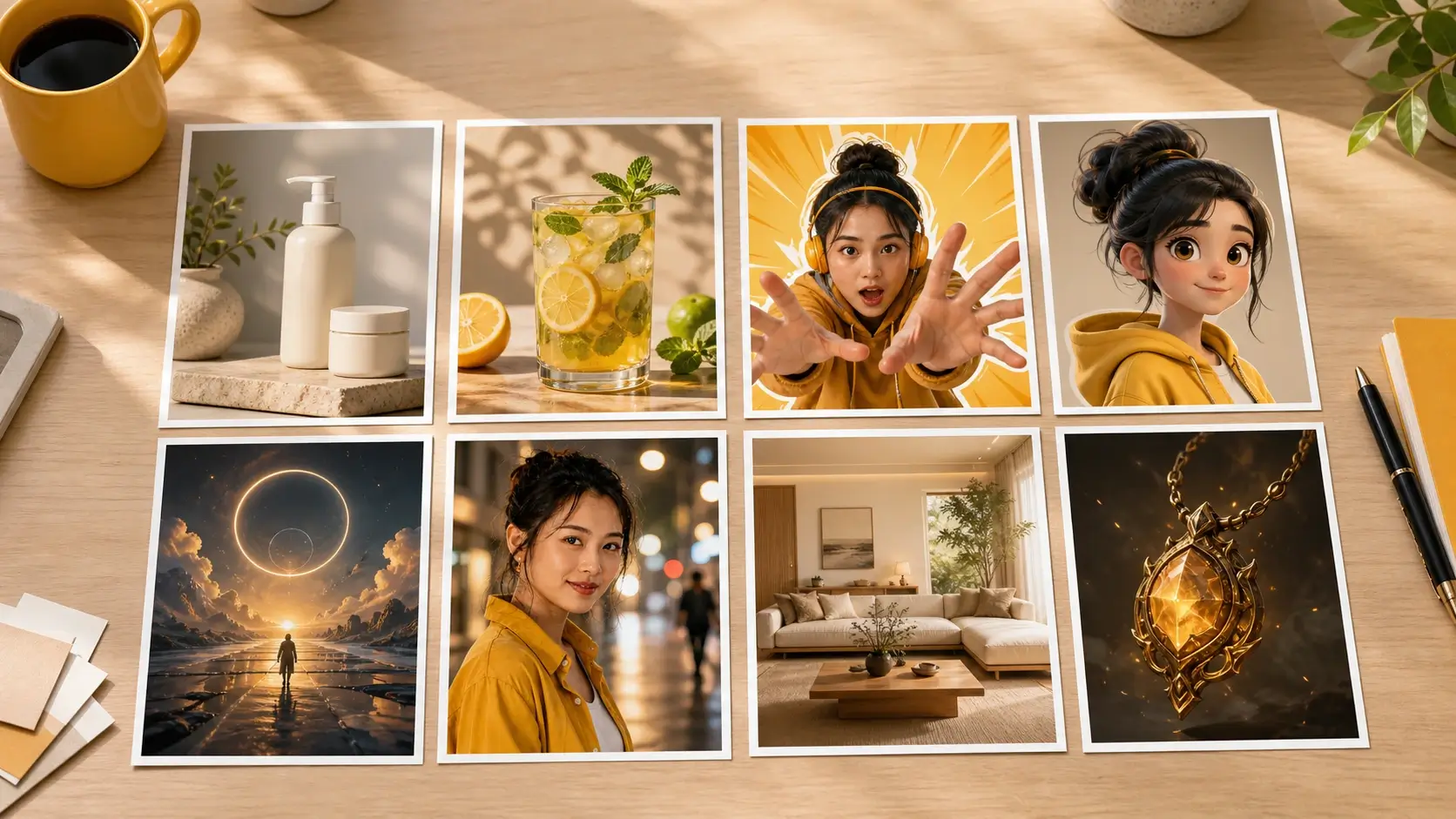
Start faster with practical Nano Banana 2 Lite prompt ideas. Try templates for ecommerce product photos, Instagram ads, YouTube thumbnails, AI avatars, poster designs, background edits, interior concepts, and game scene cards.

  • Ready to use prompts
  • Creator and seller scenarios
  • Prompt ideas for common formats
preview

Nano Banana 2 Lite vs Nano Banana 2

Choose Nano Banana 2 Lite when you need speed and efficient drafts. Choose Nano Banana 2 or Nano Banana Pro for higher resolution output, stronger reference handling, complex composition, or more polished production assets.

  • Speed first model choice
  • Clear upgrade path
  • Comparison for search intent
preview

Use Nano Banana 2 Lite Directly Online

PixMira gives creators and marketers a direct online workflow. Generate images, edit photos, test prompts, and continue with PixMira image tools without writing code or managing technical setup.

  • No coding required
  • Browser based workflow
  • Works with PixMira image tools
preview
Model comparison

Nano Banana 2 Lite Compared with the Nano Banana Family

See how Lite, standard, and Pro options differ across speed, quality, and creative control before choosing a model.

01

Nano Banana 2 Lite

Positioning

Fastest and most efficiency focused option for 1K image generation.

Best for

Fast drafts, social visuals, product concepts, thumbnails, avatars, and lightweight prompt based edits.

Trade-off

Focused on 1K output and less suited to complex workflows with many reference images or long edit sequences.

Try Nano Banana 2 Lite
02

Nano Banana 2

Positioning

Stronger generalist model with broader resolution support and better all around quality.

Best for

Higher quality image generation, more polished edits, reference heavy workflows, and production assets.

Trade-off

Less efficient than the Lite model for quick high volume draft generation.

Use for Higher Quality
03

Nano Banana Pro

Positioning

Professional option for complex visual tasks and precision creative control.

Best for

Brand sensitive visuals, complex compositions, localization, accurate text layouts, and final creative production.

Trade-off

Best reserved for demanding final assets rather than every quick draft.

Use for Pro Workflows
Step by step guide

How to Use Nano Banana 2 Lite Online

Create a new image from text, or upload a photo and describe the edit. Use Nano Banana 2 Lite for fast visual creation and quick prompt iteration.

1

Enter a Prompt or Upload a Photo

Start with a text prompt to generate a new image, or upload a reference photo when you want Nano Banana 2 Lite to edit an existing visual.

2

Choose the Image Goal and Aspect Ratio

Pick a format for your use case, such as 1:1 product photo, 4:5 social post, 9:16 story, or 16:9 thumbnail. Describe the subject, style, lighting, and details that should stay consistent.

3

Generate a Fast AI Image

Click generate and let Nano Banana 2 Lite create or edit your image. The model focuses on speed, so you can compare multiple prompt directions quickly.

4

Refine, Upscale, or Download

Review the result, adjust your prompt, then download the image or continue with PixMira tools such as AI Image Upscaler, Background Remover, or Object Remover.

Use cases

What Can You Create with Nano Banana 2 Lite?

Use Nano Banana 2 Lite as a fast online AI image generator for social media content, product visuals, AI avatars, posters, thumbnails, image edits, and early creative concepts.

Social Media Posts and Thumbnails

Use Nano Banana 2 Lite to create fast visuals for Instagram posts, TikTok covers, YouTube thumbnails, Pinterest pins, and campaign tests. Generate several prompt variations before polishing the final creative.

Product Photos and Ecommerce Scenes

Create product scene drafts, lifestyle backgrounds, marketplace listing images, and seasonal campaign concepts from a product photo or written brief. Use Nano Banana 2 Lite to test product positioning before a full photo shoot.

AI Avatars and Character Concepts

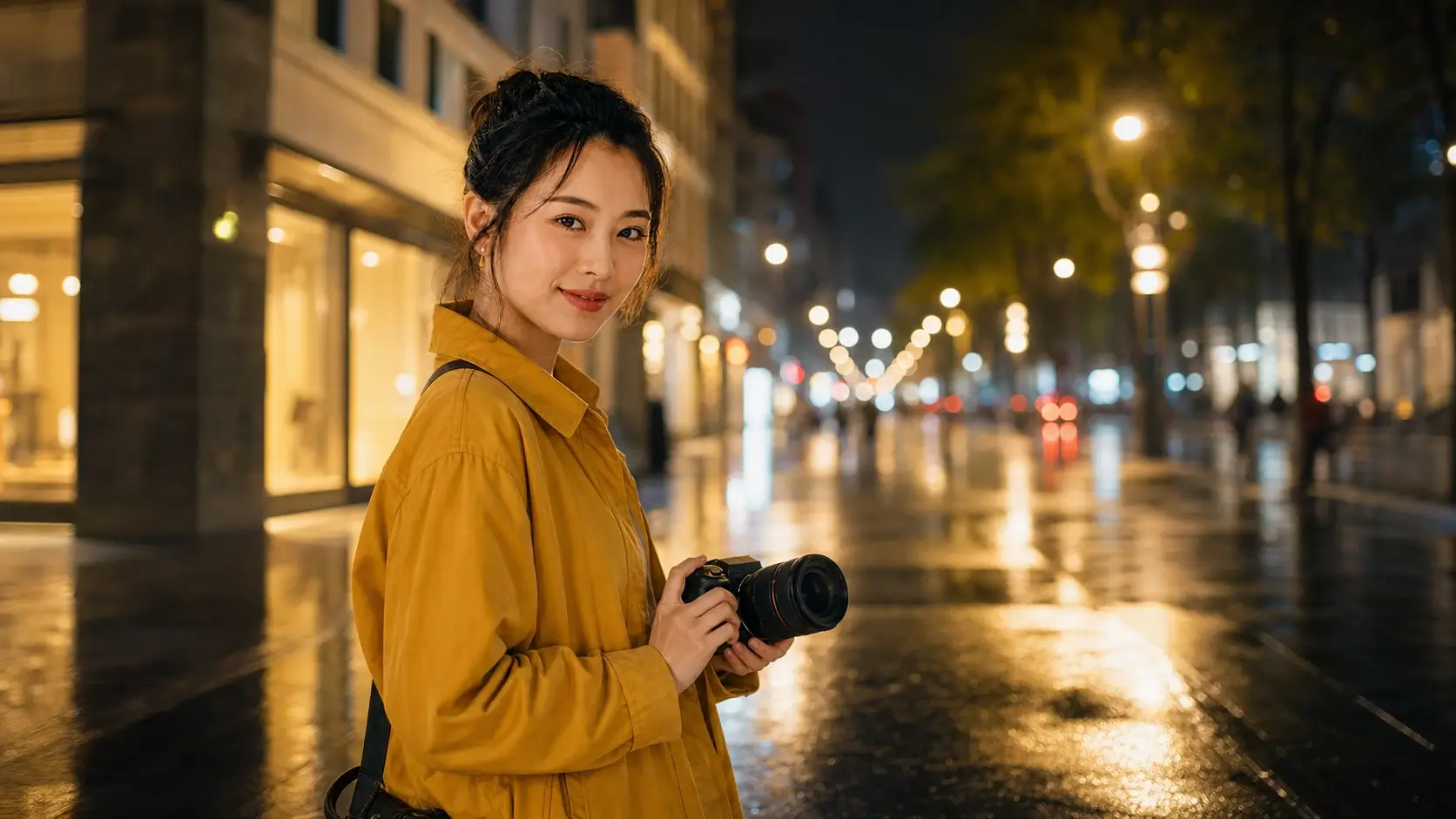
Generate profile images, creator avatars, mascot concepts, character portraits, and quick identity variations. Use prompts to explore style, lighting, background, and mood in a fast online workflow.

Posters, Ads, and Marketing Visuals

Turn a campaign idea into poster drafts, banner concepts, ad creatives, launch visuals, and event graphics. Compare creative directions quickly before choosing what to refine.

Prompt Based Photo Editing

Upload an image and describe the edit you need: replace the background, change the scene, adjust lighting, restyle a product image, or remove visual distractions with a natural language prompt.

Web, Blog, Game, and Presentation Graphics

Create hero images, article illustrations, slide visuals, report graphics, game scene cards, item concepts, and mood board elements. Use fast output to give early content a clear visual direction.

Built for fast visual iteration

Nano Banana 2 Lite Workflow Examples

See practical ways creators, marketers, sellers, and product teams use Nano Banana 2 Lite to test image ideas before final production.

SM
Social Media Workflow
Creator example
Workflow example

Generate several 4:5 feed concepts, 9:16 story visuals, and 16:9 thumbnail directions, then choose the strongest creative to polish for a campaign.

EP
Ecommerce Product Workflow
Seller example
Workflow example

Upload a product image or write a product brief, then create lifestyle scene drafts, seasonal backgrounds, and marketplace thumbnail ideas with fast output.

AA
AI Avatar Workflow
Profile image example
Workflow example

Turn portrait ideas into polished avatar concepts for profiles, creator brands, character sketches, or community visuals without starting from a blank canvas.

PA
Poster and Ad Workflow
Marketing example
Workflow example

Create poster, banner, and ad creative directions quickly, then refine the strongest idea with clearer prompts, brand review, and final editing tools.

PB
Prompt Based Photo Editing Workflow
Photo editing example
Workflow example

Upload a visual and describe the change: replace the background, adjust the lighting, restyle the scene, update an object, or test a new composition.

BA
Blog and Presentation Workflow
Content team example
Workflow example

Generate quick hero images, blog illustrations, slide visuals, and report graphics so text heavy content has a usable visual direction earlier.

Help and support

Nano Banana 2 Lite FAQ

Answers about Nano Banana 2 Lite, Gemini 3.1 Flash-Lite Image, 1K output, online use, image editing, prompts, pricing, model differences, and PixMira usage.

Nano Banana 2 Lite is the fast and efficiency focused Gemini image model also known as Gemini 3.1 Flash-Lite Image. On PixMira, it works as an online AI image generator and prompt based photo editor for fast 1K creation.

Your PixMira account can use available free or trial credits to access Nano Banana 2 Lite online. It is not unlimited free generation. Repeated use, higher volume, or certain settings consume PixMira credits.

Enter a text prompt to create a new image, or upload a photo and describe the edit. Choose an aspect ratio, generate a 1K result, then refine, upscale, or download the image.

Yes. Enter a prompt and Nano Banana 2 Lite creates a new image from your description. For stronger results, include the subject, scene, style, lighting, composition, aspect ratio, and intended use, such as product photo, avatar, poster, thumbnail, or social media image.

Yes. Upload an image and use natural language prompts to replace a background, change style, adjust lighting, update objects, or create a new visual variation. For complex workflows with many reference images or long edit sequences, use Nano Banana 2 or Nano Banana Pro.

Nano Banana 2 Lite is mainly positioned for fast 1K output. This works well for drafts, social visuals, thumbnails, avatars, product concepts, and app ready graphics. For a sharper final asset, generate with Nano Banana 2 Lite first and then use PixMira AI Image Upscaler.

Nano Banana 2 Lite works with common aspect ratios for modern image workflows, including square, vertical, horizontal, and wide layouts such as 1:1, 4:5, 9:16, 16:9, 3:2, 2:3, and 21:9. The available options follow the PixMira interface.

Nano Banana 2 Lite is best for fast AI image generation, creative drafts, social media graphics, ecommerce product concepts, AI avatars, posters, thumbnails, blog visuals, and lightweight prompt based image editing.

Nano Banana 2 Lite prioritizes speed, efficiency, and 1K output. Nano Banana 2 is the stronger generalist option for broader resolution support, higher final quality, more reliable reference handling, and more advanced image generation or editing control.

Nano Banana 2 Lite is the faster lightweight option for rapid drafts and frequent generation. Nano Banana Pro is better for professional creative control, complex compositions, brand sensitive images, localization, and demanding production assets.

Nano Banana 2 Lite creates images that include text, such as posters or thumbnails. Text accuracy varies by prompt, language, layout, and complexity, so review important brand, legal, pricing, or product text before publishing.

No. PixMira is built for online image generation and editing in the browser. Enter a prompt, upload a reference image, generate visual ideas, and continue with PixMira tools such as image upscaling or background editing.

PixMira gives creators, marketers, sellers, and product teams a direct creative workflow. You can generate images, edit photos, test prompts, compare directions, and polish selected results with PixMira image tools.

No. PixMira is an independent AI creative platform. References to Nano Banana 2 Lite, Gemini, Google, or Google DeepMind are for informational identification only and do not mean official affiliation, endorsement, or sponsorship.
Fast image generation and prompt based editing

Start creating with Nano Banana 2 Lite online