AI Photo Editor से इमेज edit करें
Background changes, object edits, color changes, clothes changes, styles और दूसरे generative edits को text में describe करें।
AI Photo Editor देखेंहर रचनात्मक विचार के लिए AI Photo Editor और Image Generator।
मॉडल
इमेज (वैकल्पिक)
इमेज अपलोड करने के लिए क्लिक करें
प्रॉम्प्ट
आस्पेक्ट रेशियो
रिज़ॉल्यूशन
Experience the power of AI image generation
PixMira AI Photo Editor से मौजूदा इमेज बदलें, AI Image Generator से टेक्स्ट से नई इमेज बनाएँ, या reference images से subject, composition, style और image-to-image workflows को guide करें।
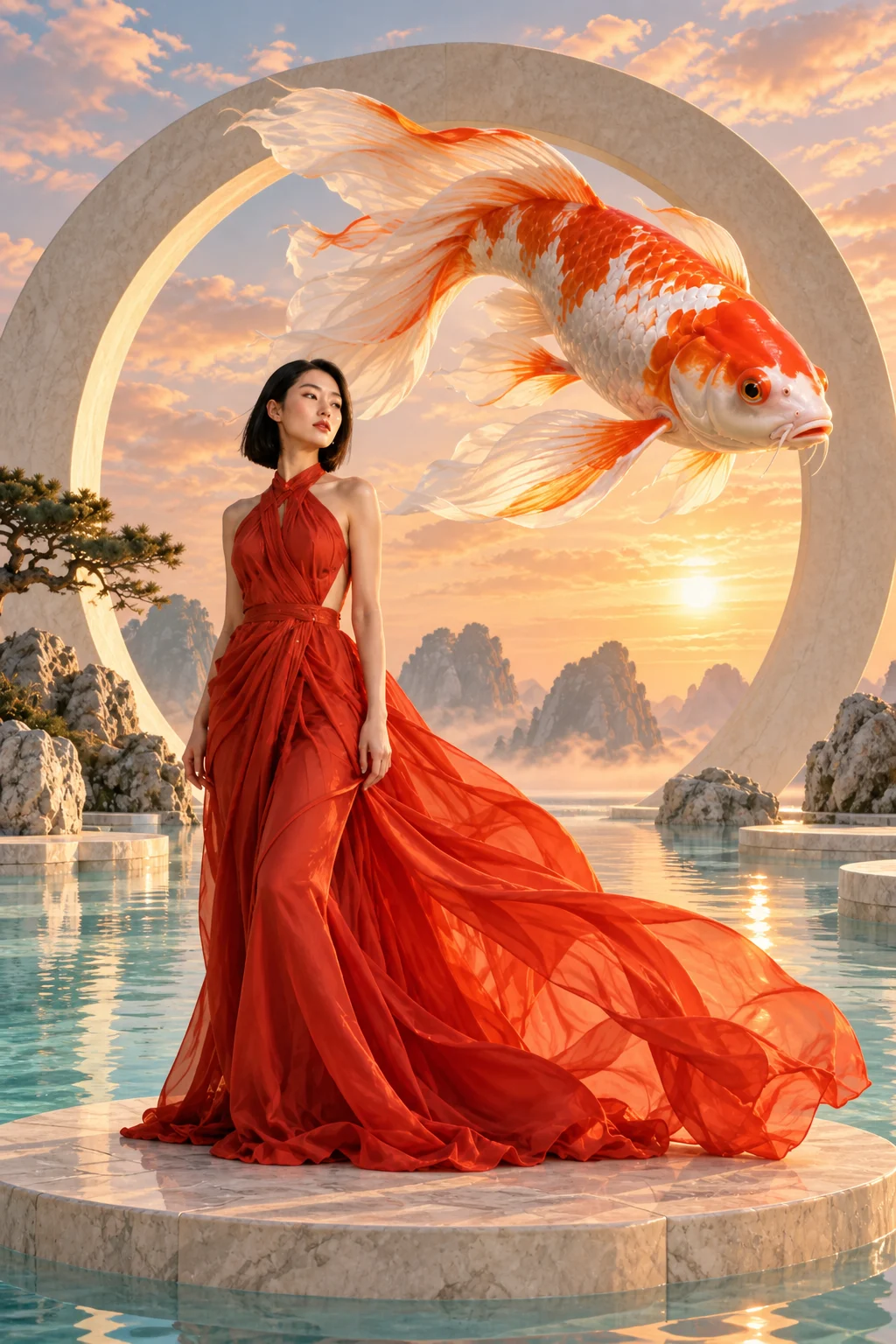
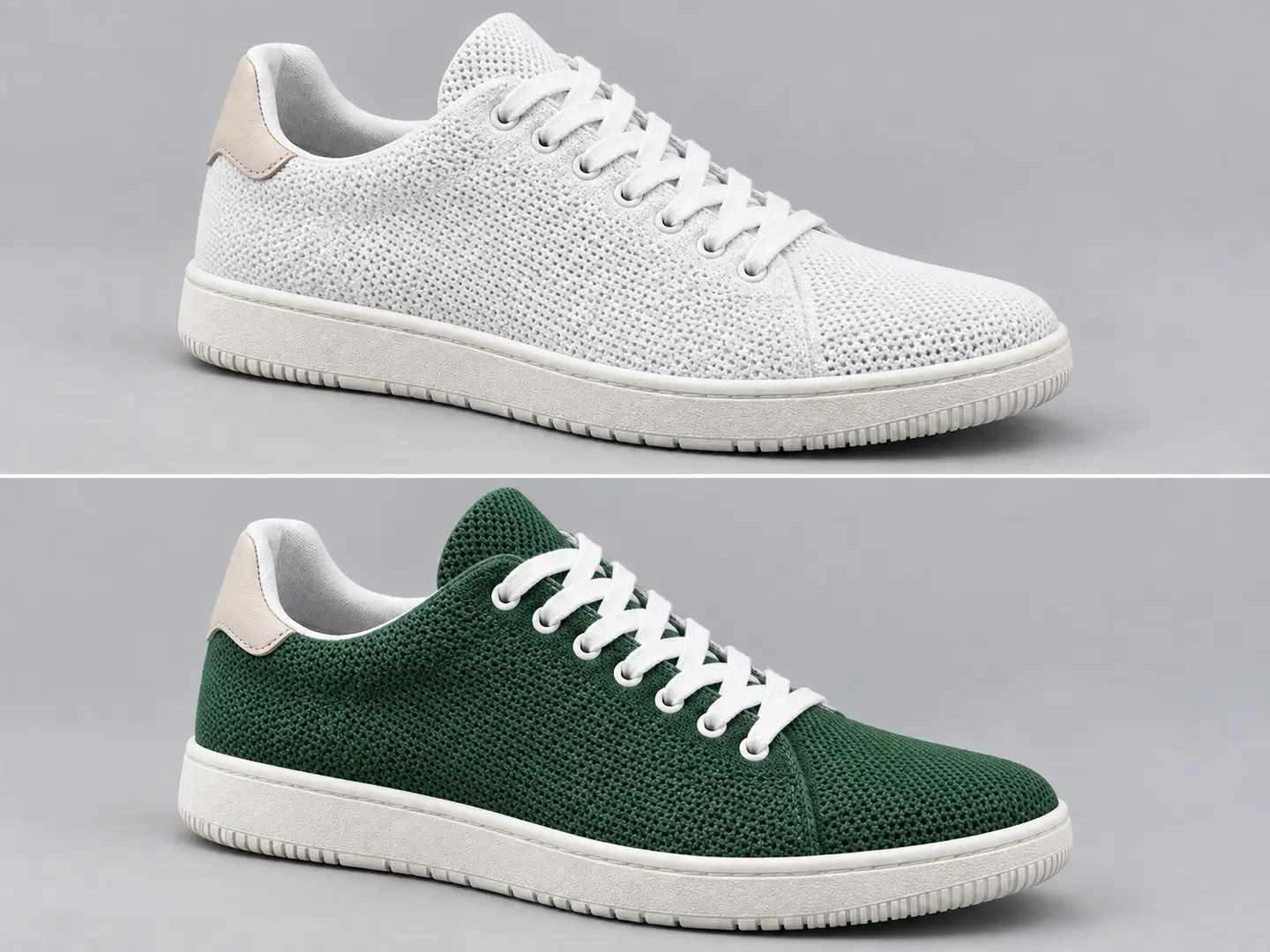
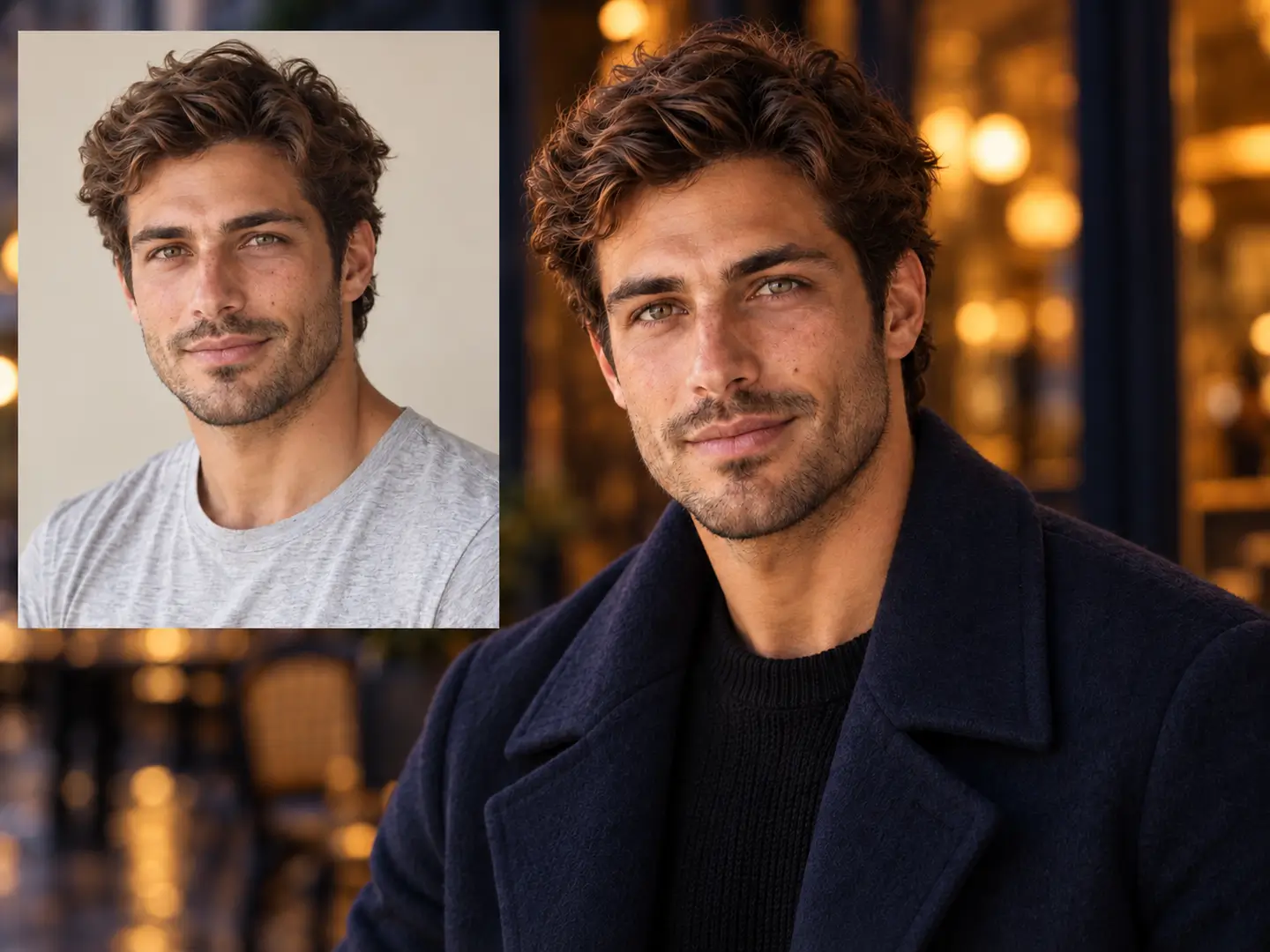
Background changes, object edits, color changes, clothes changes, styles और दूसरे generative edits को text में describe करें।
AI Photo Editor देखेंText से portraits, product visuals, illustrations, posters और original scenes बनाएँ।
AI Image Generator देखेंएक या अधिक images को subject, clothing, composition, style और दूसरे reference-based workflows के लिए visual input के रूप में इस्तेमाल करें।
Reference workflows देखेंAI image generation और photo editing के real examples देखें और हर result के पीछे का PixMira workflow खोलें।
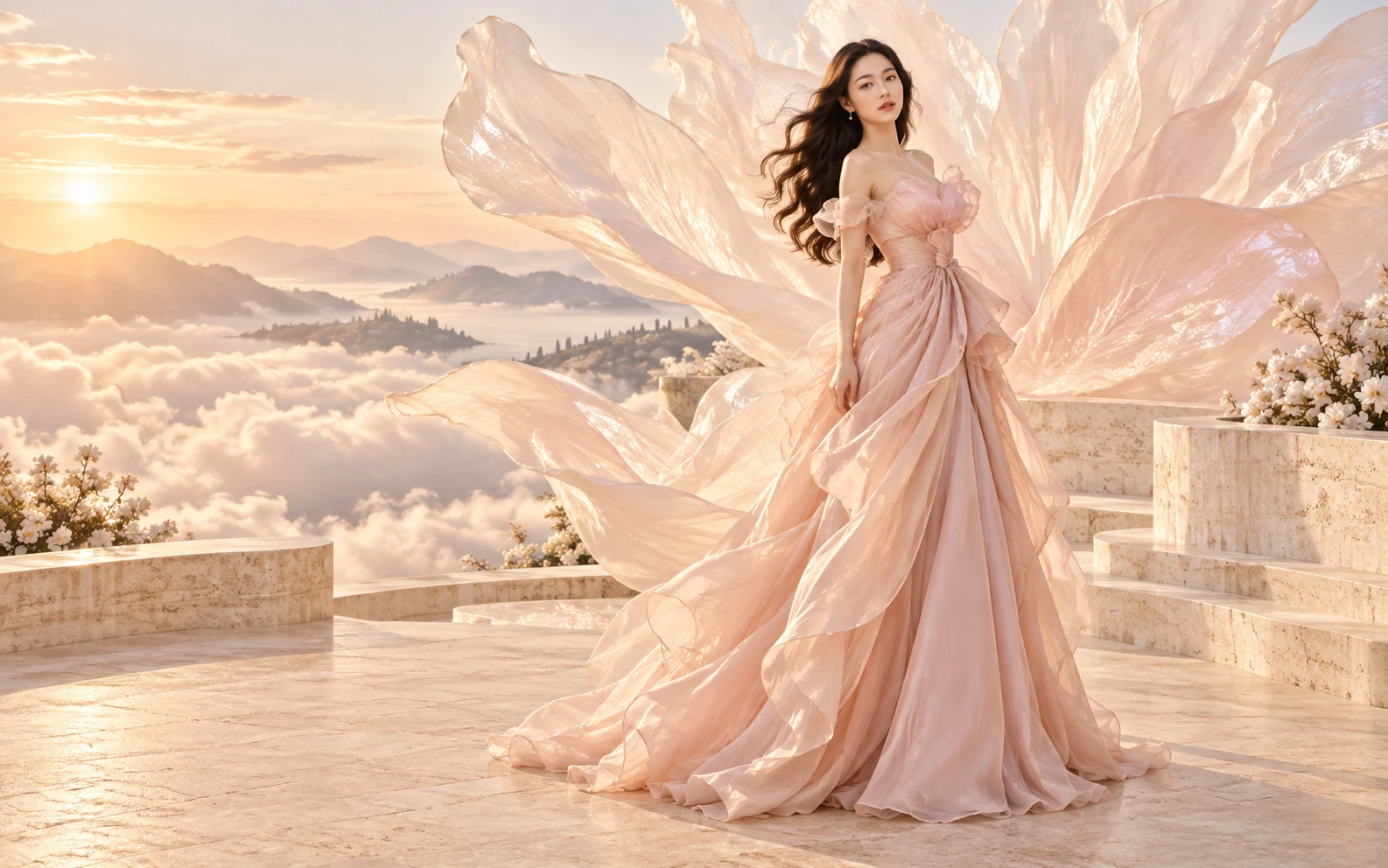 Generate
Detailed creative prompt को complete visual concept में बदलें।
 Generate
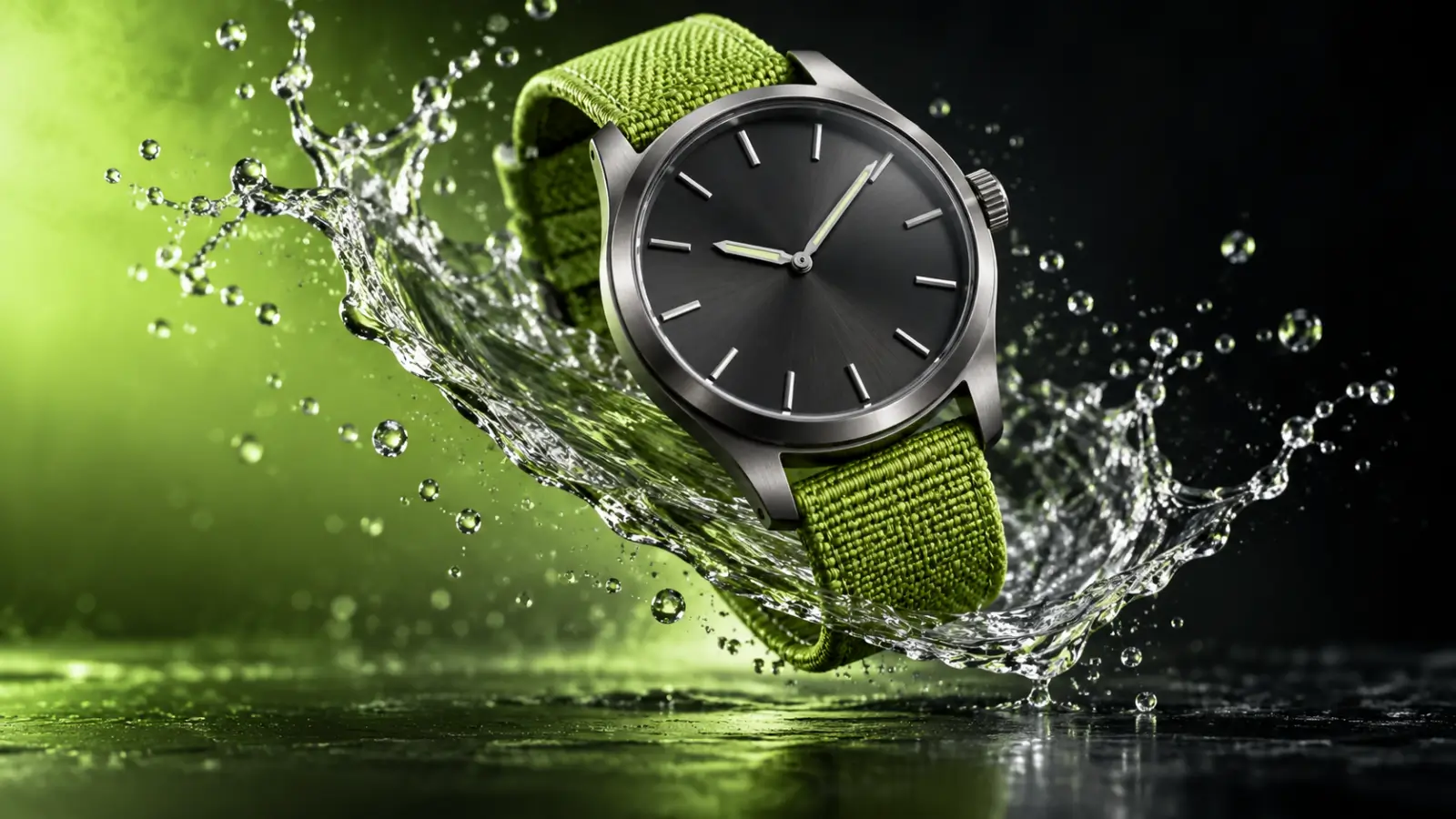
Written art direction से polished product imagery बनाएँ।
 Generate
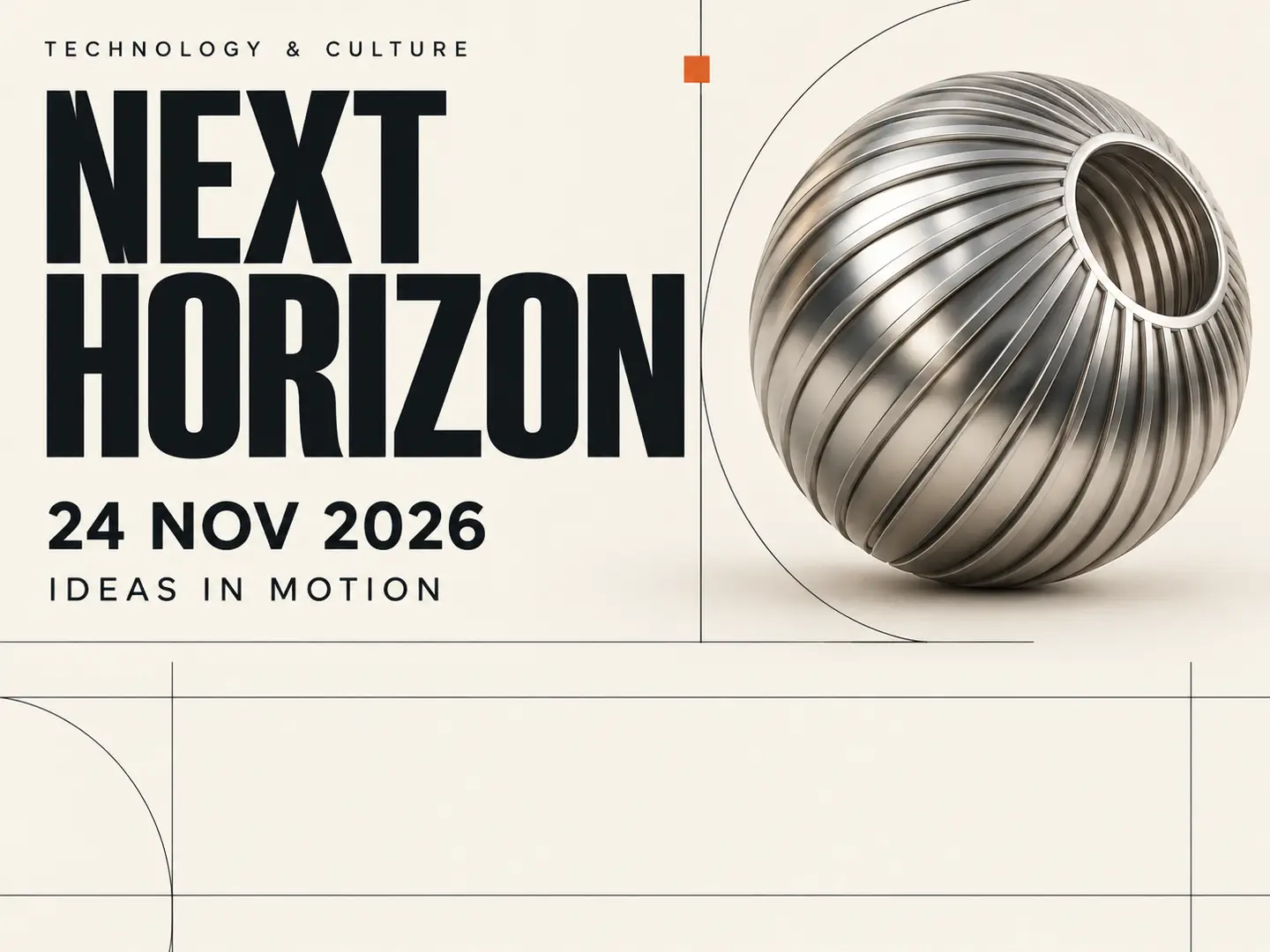
Text prompts और visual direction से poster-style artwork बनाएँ।
 Generate
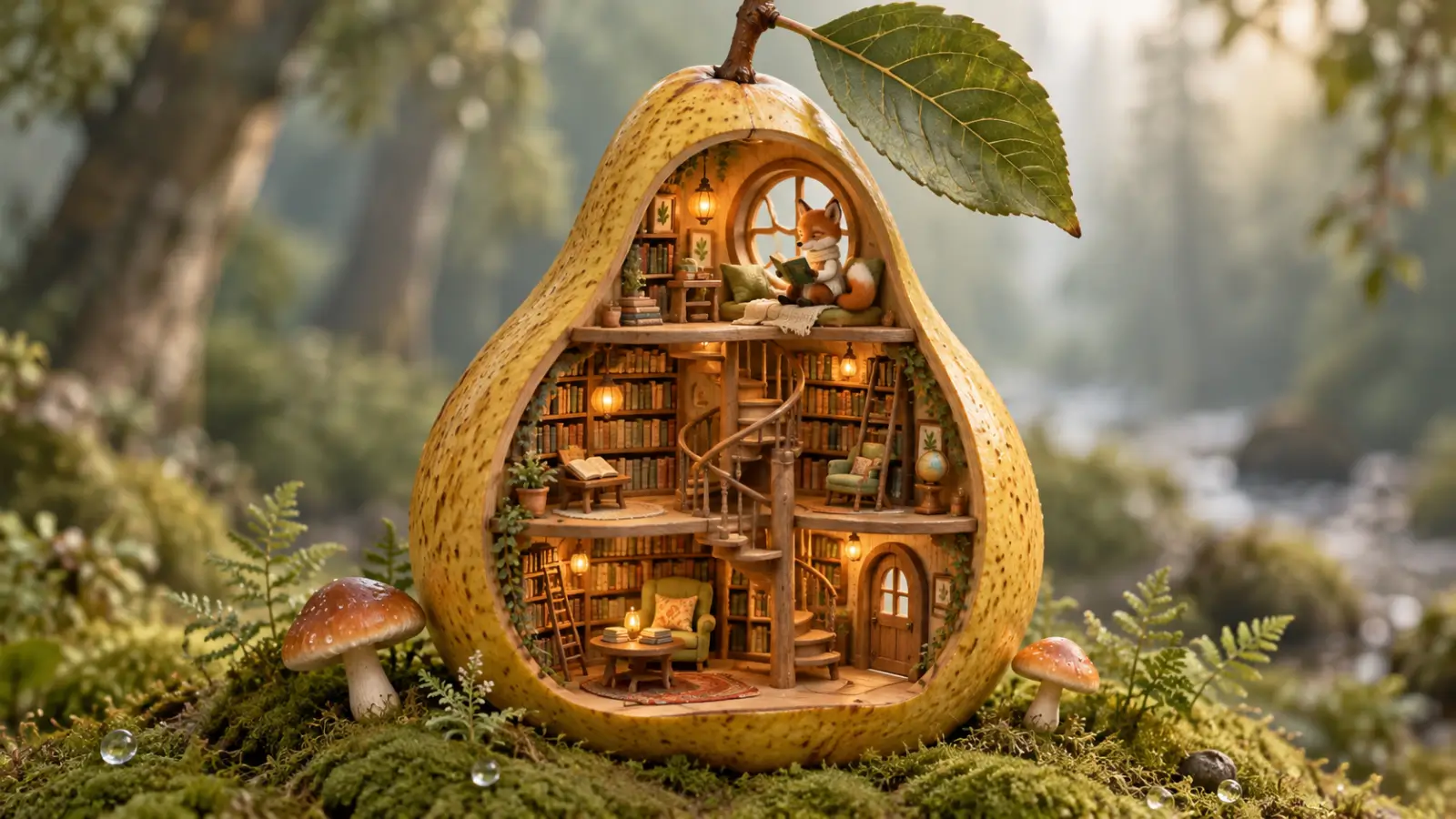
Descriptive prompt से stylized scene बनाने के लिए text-to-image generation का उपयोग करें।
 Edit
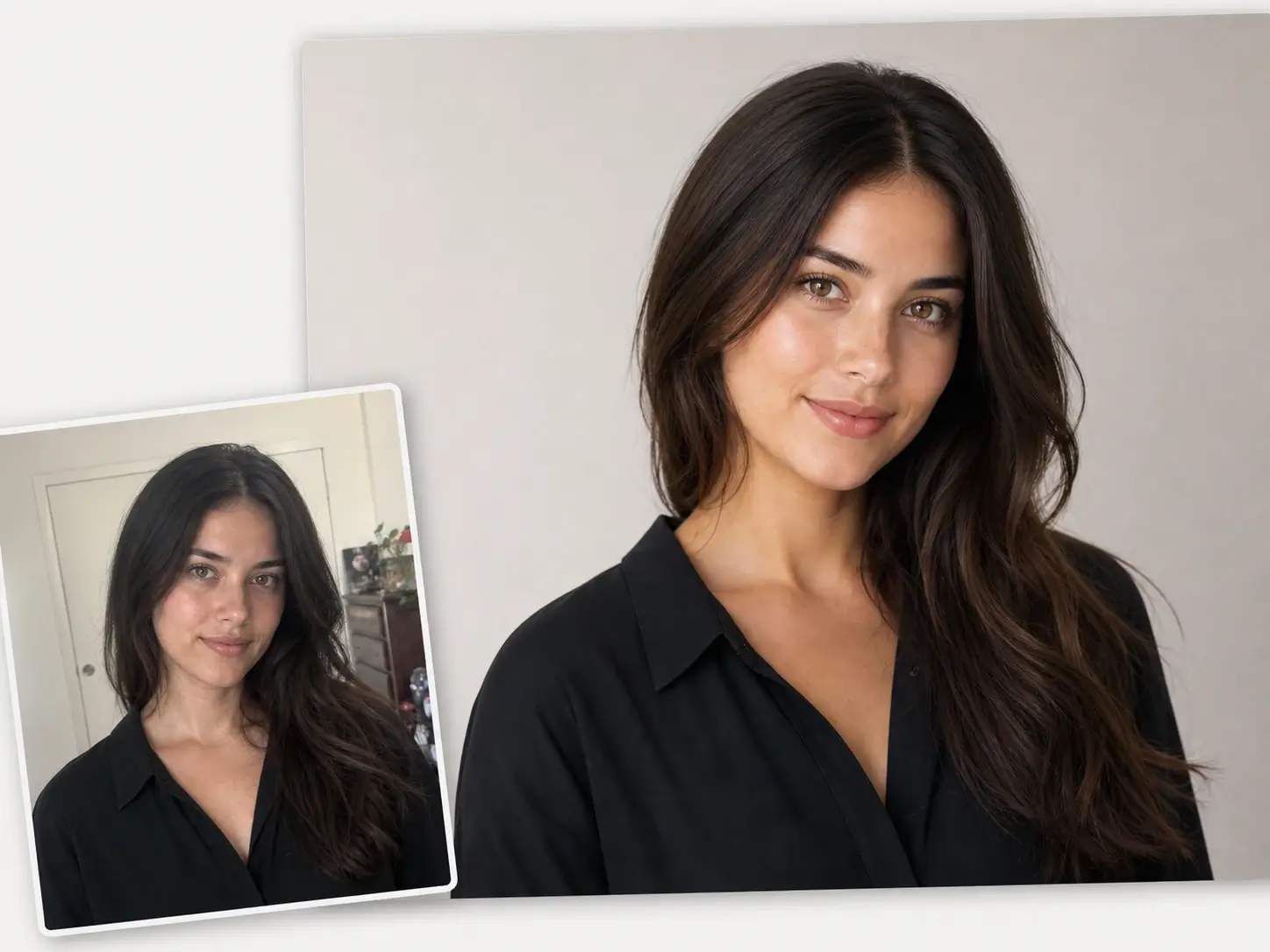
EditPixMira AI Photo Editor से मौजूदा portrait को clean और refine करें।
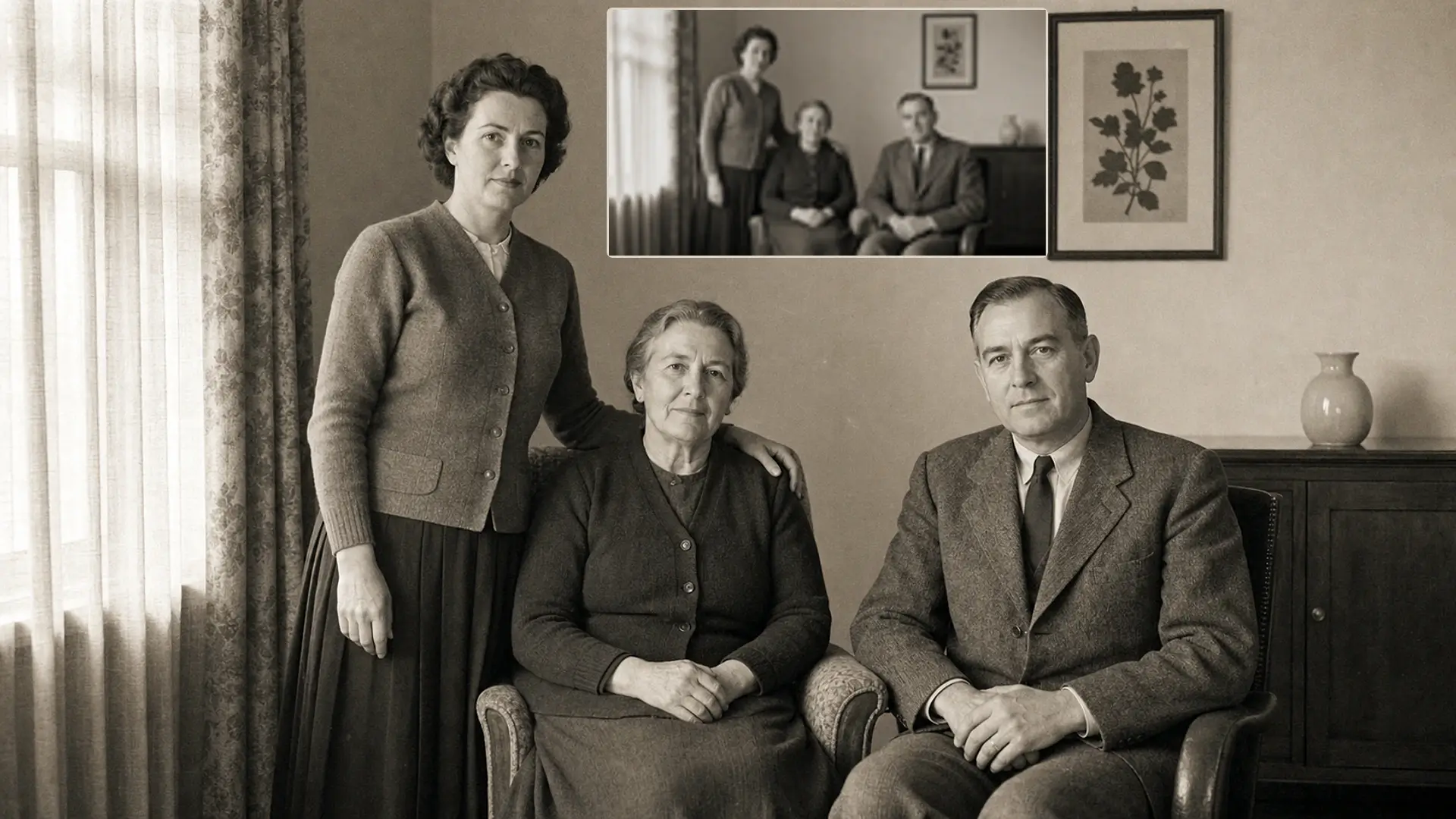 Edit
EditAI photo editing से मौजूदा image को restore और improve करें।
जब आपको साफ पता हो कि क्या बदलना है, तो सीधे उस task के लिए बने PixMira tool पर जाएँ।
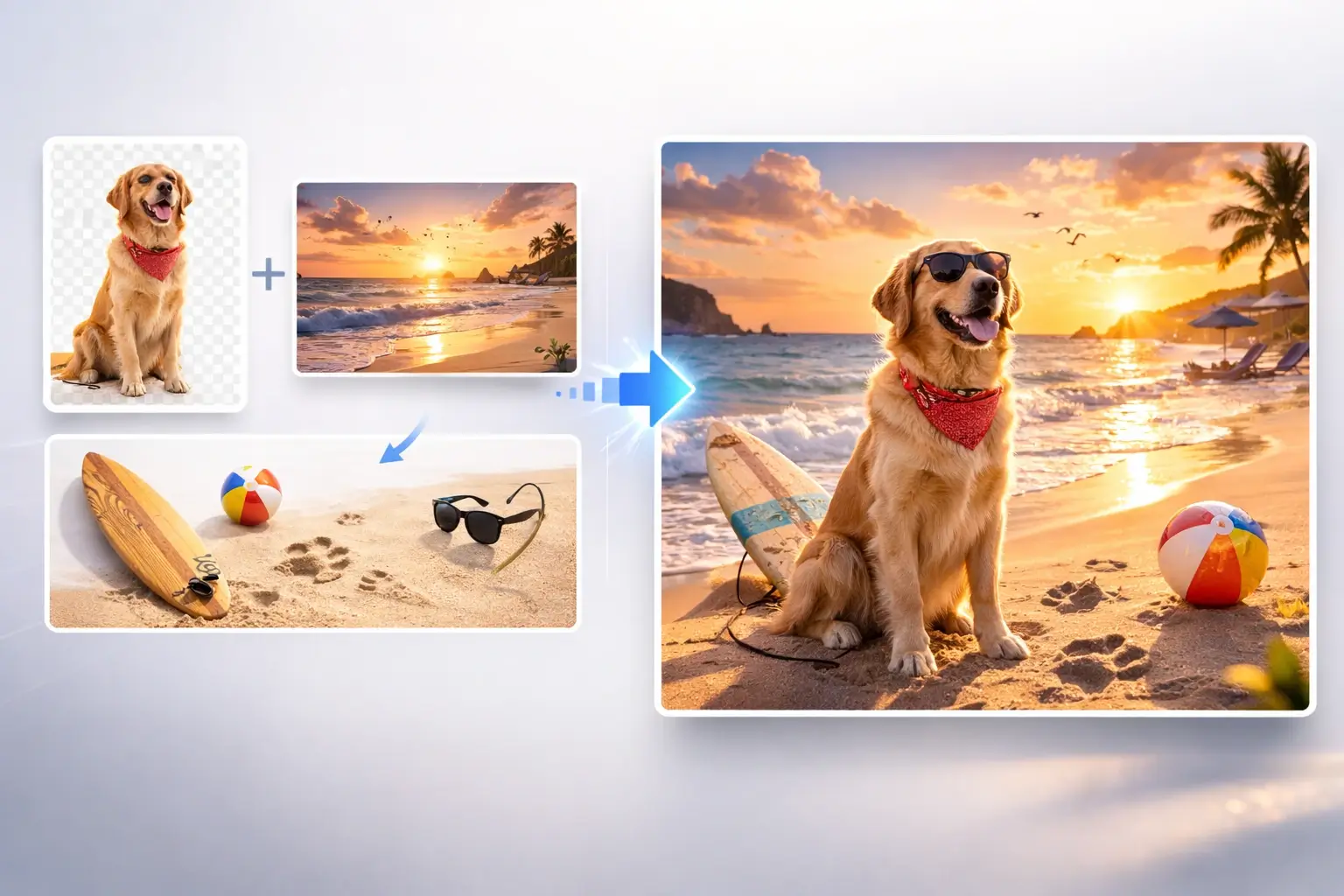 लोकप्रिय
कई images के subjects, products और scenes को नई composition में combine करें।
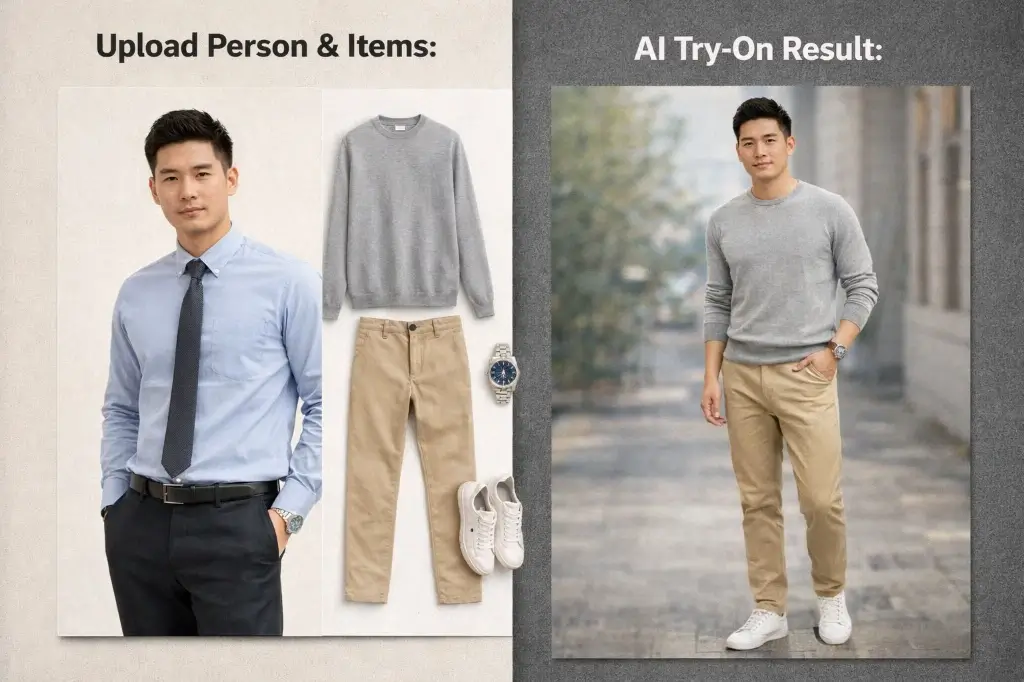 लोकप्रिय
Text या clothing references से फोटो में अलग outfits try करें।
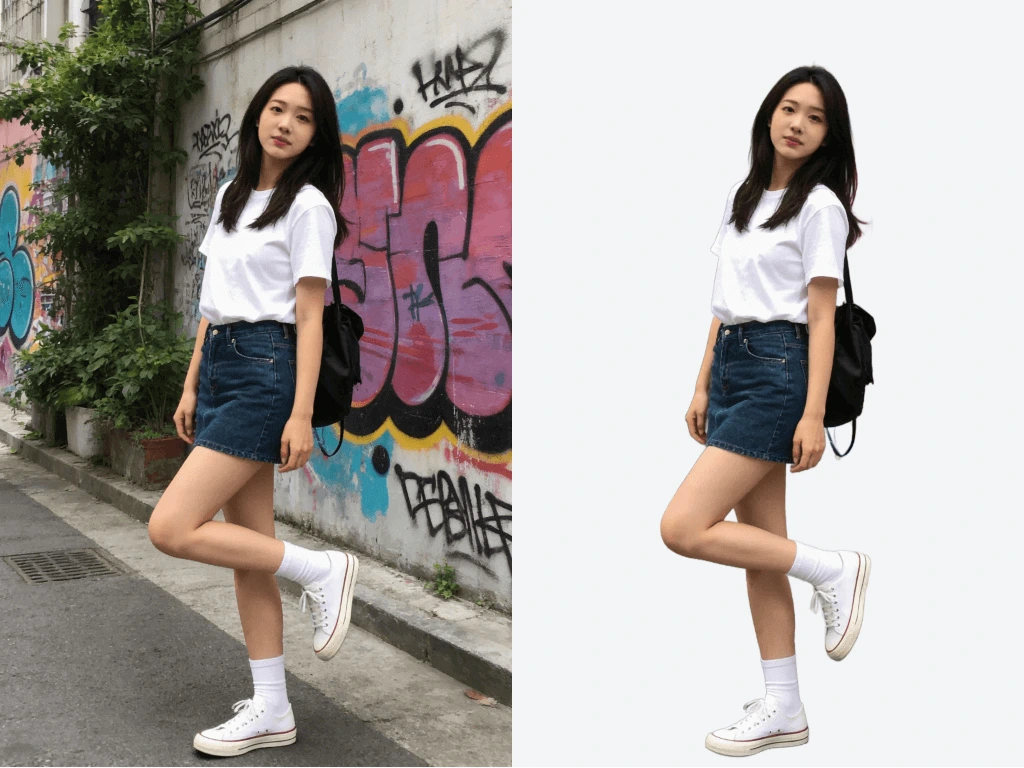
Background हटाकर clean subject cutout बनाएँ।
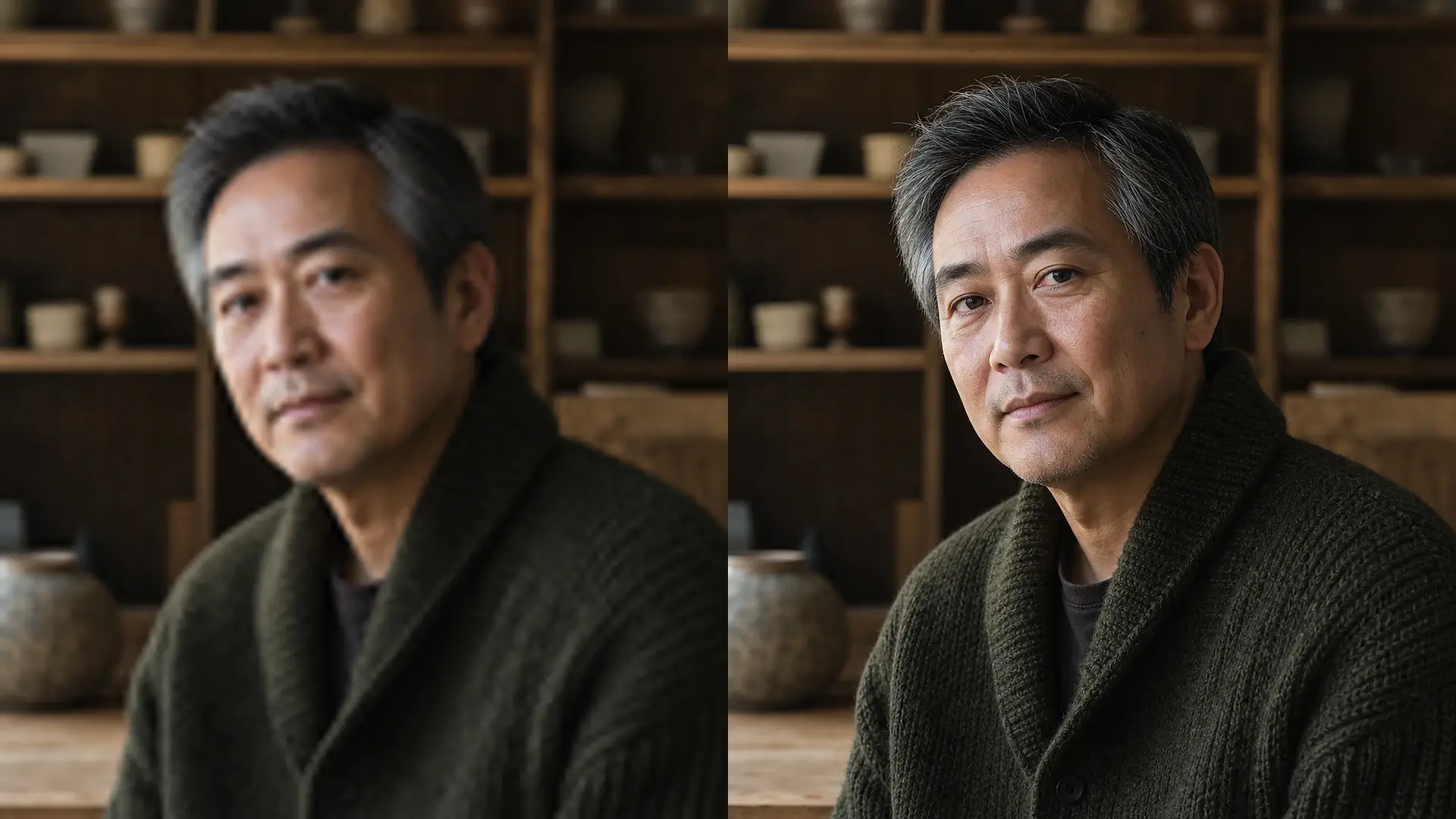
Image resolution बढ़ाएँ और details को साफ करें।
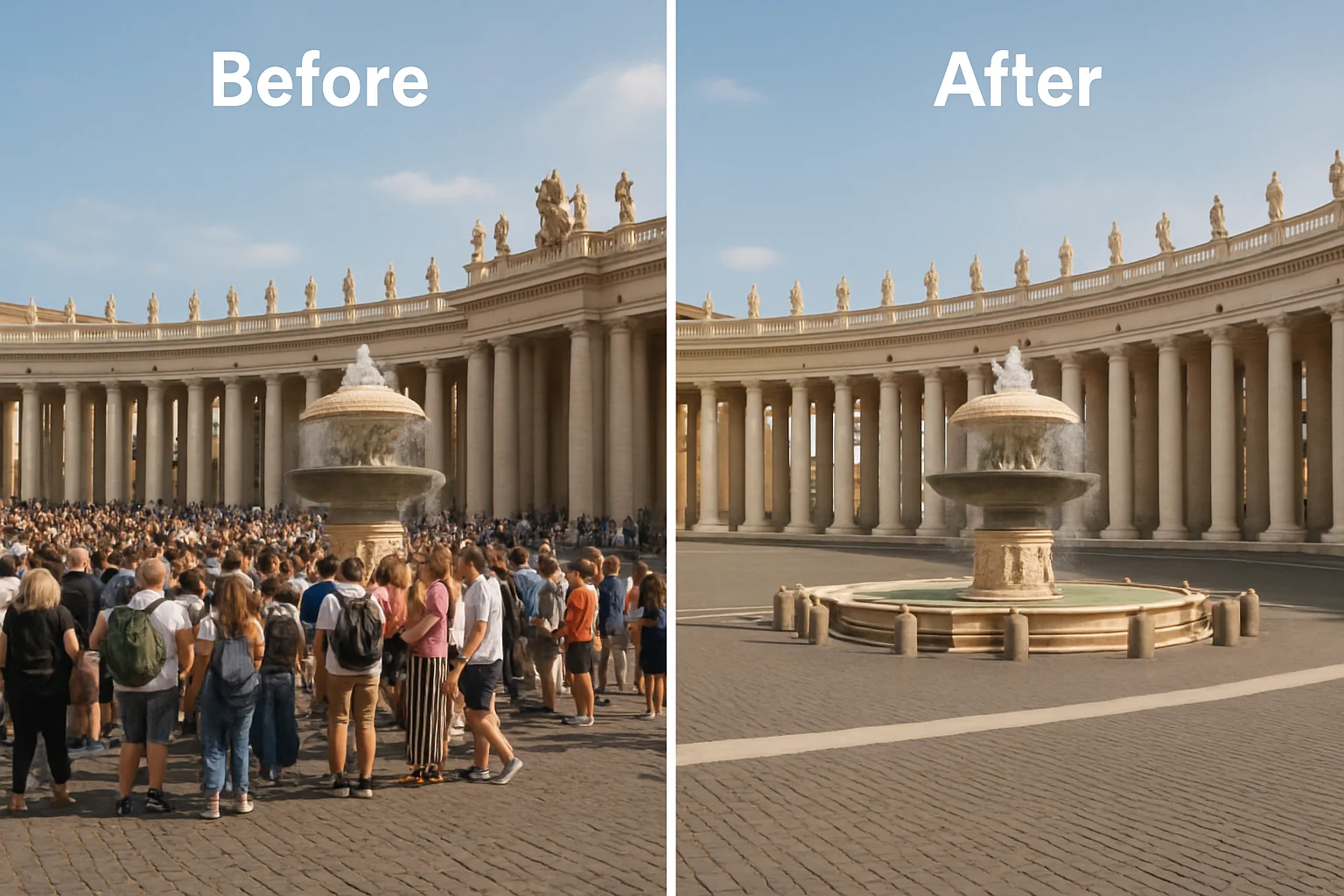
Unwanted objects हटाएँ और आसपास के हिस्से को natural तरीके से rebuild करें।
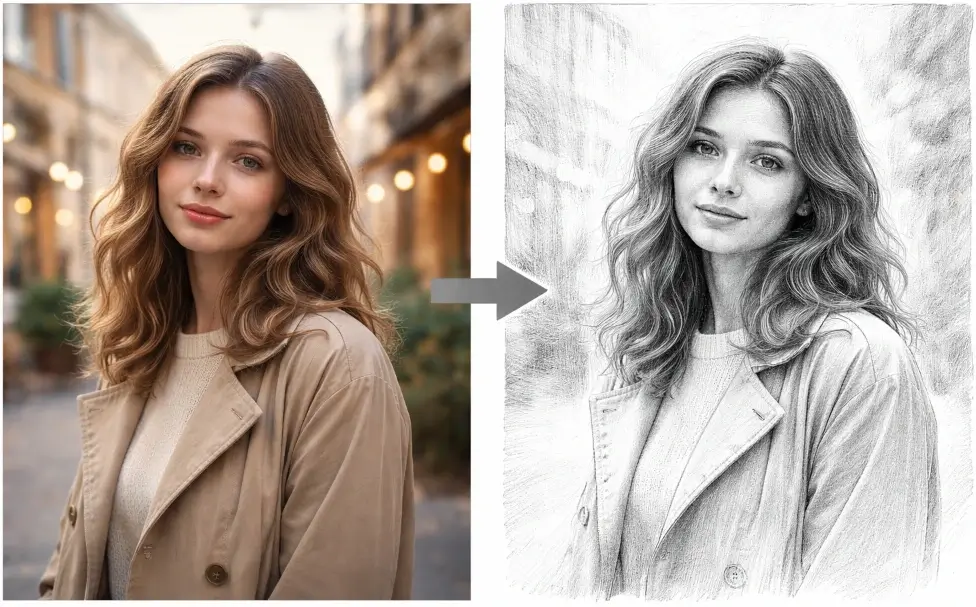
Photo को sketch-style visual में बदलें।
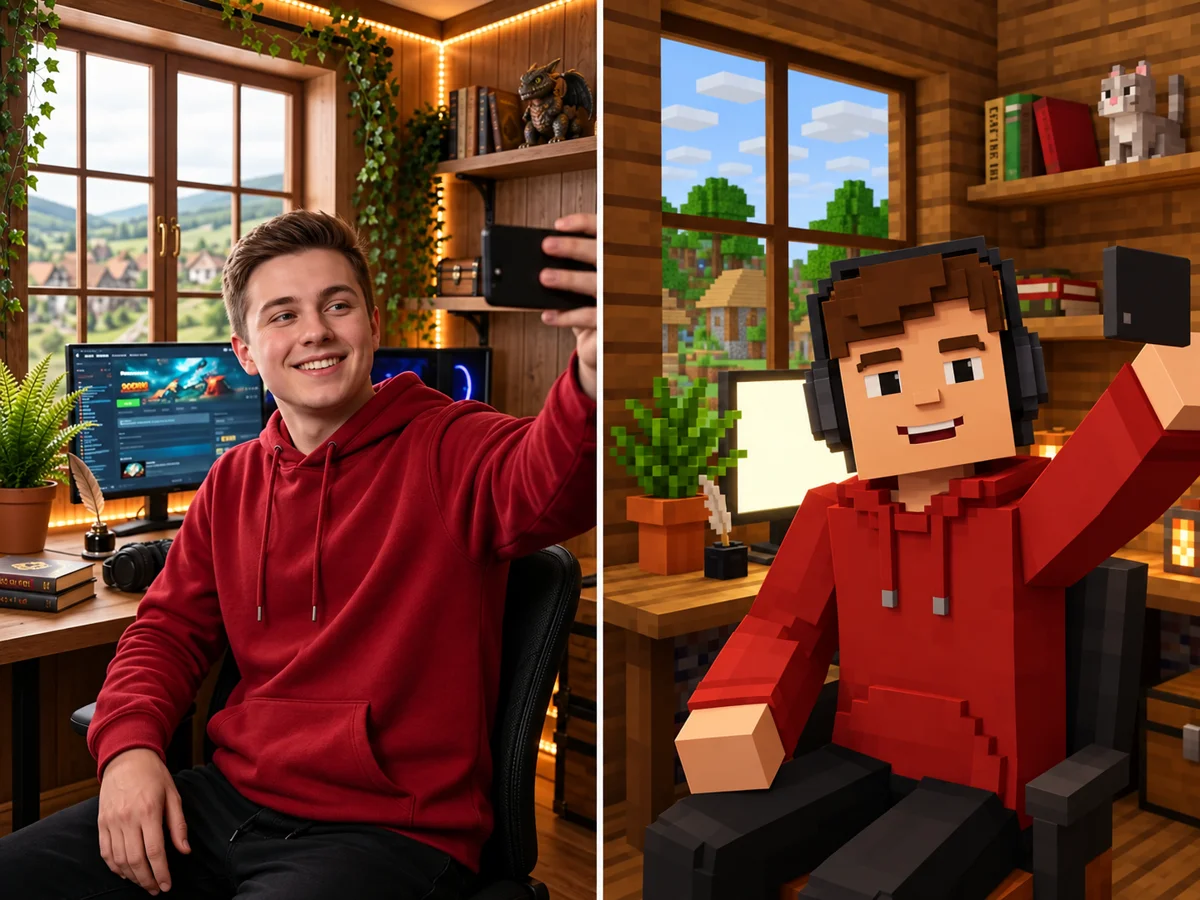
Image या idea से Minecraft-style skin बनाएँ।
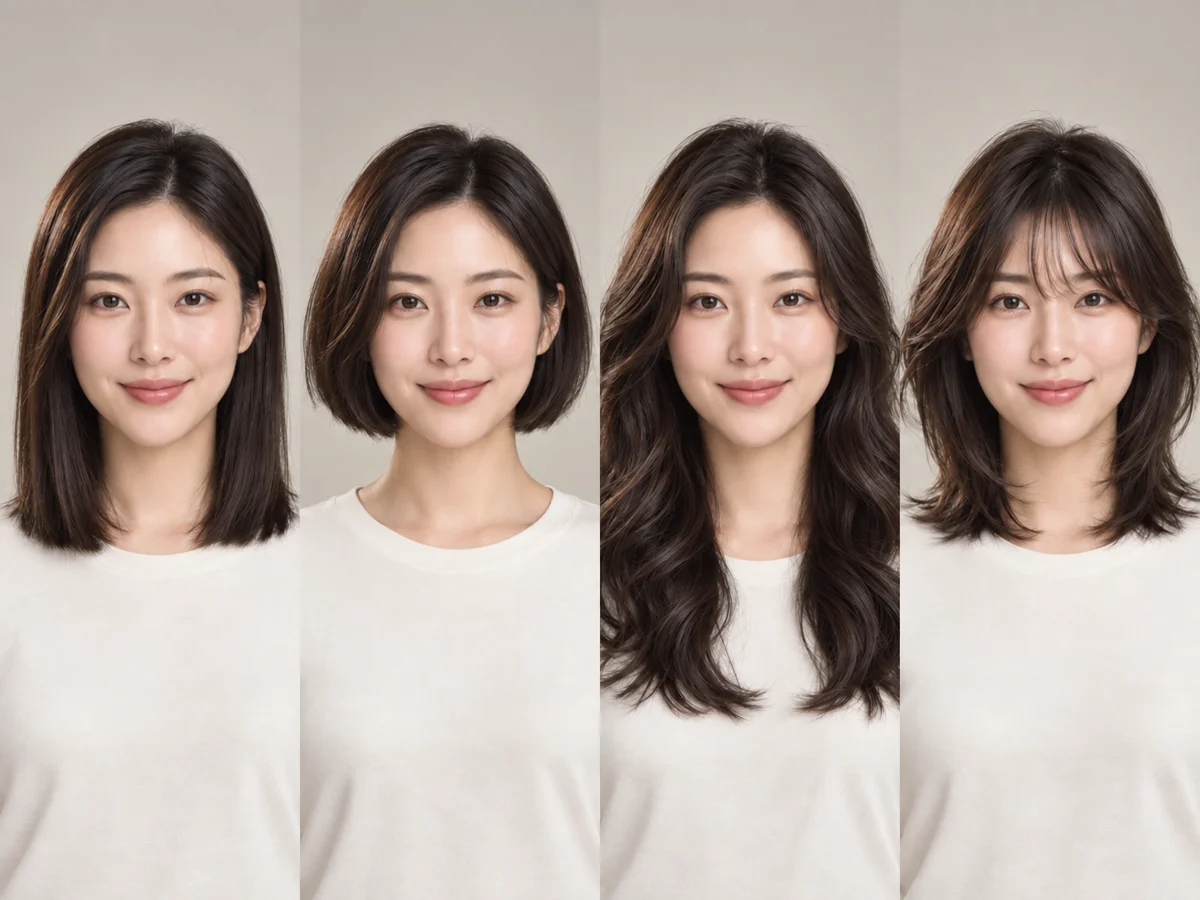
Portrait से hairstyle ideas और visual references देखें।
Generation और editing के लिए अलग-अलग AI image models चुनें। Generate करने से पहले inputs, output settings और credit cost compare करें।
 IMAGE MODEL
OpenMOSS के ओपन 5B मॉडल MOSS Image से साफ़ अंग्रेज़ी और चीनी टेक्स्ट, JSON लेआउट और बिना AI लुक वाली फ़ोटो बनाएं।
 IMAGE MODEL
Black Forest Labs के नए इमेज मॉडल Flux 3 Image से पाएं नेटिव 4K, साफ़ टेक्स्ट, बॉक्स से तय लेआउट और सटीक संपादन।
 IMAGE MODEL
Google के नए इमेज मॉडल Nano Banana 2.1 से साफ़ टेक्स्ट, इन्फोग्राफ़िक, एकरूप किरदार और सटीक संपादन पाएँ।
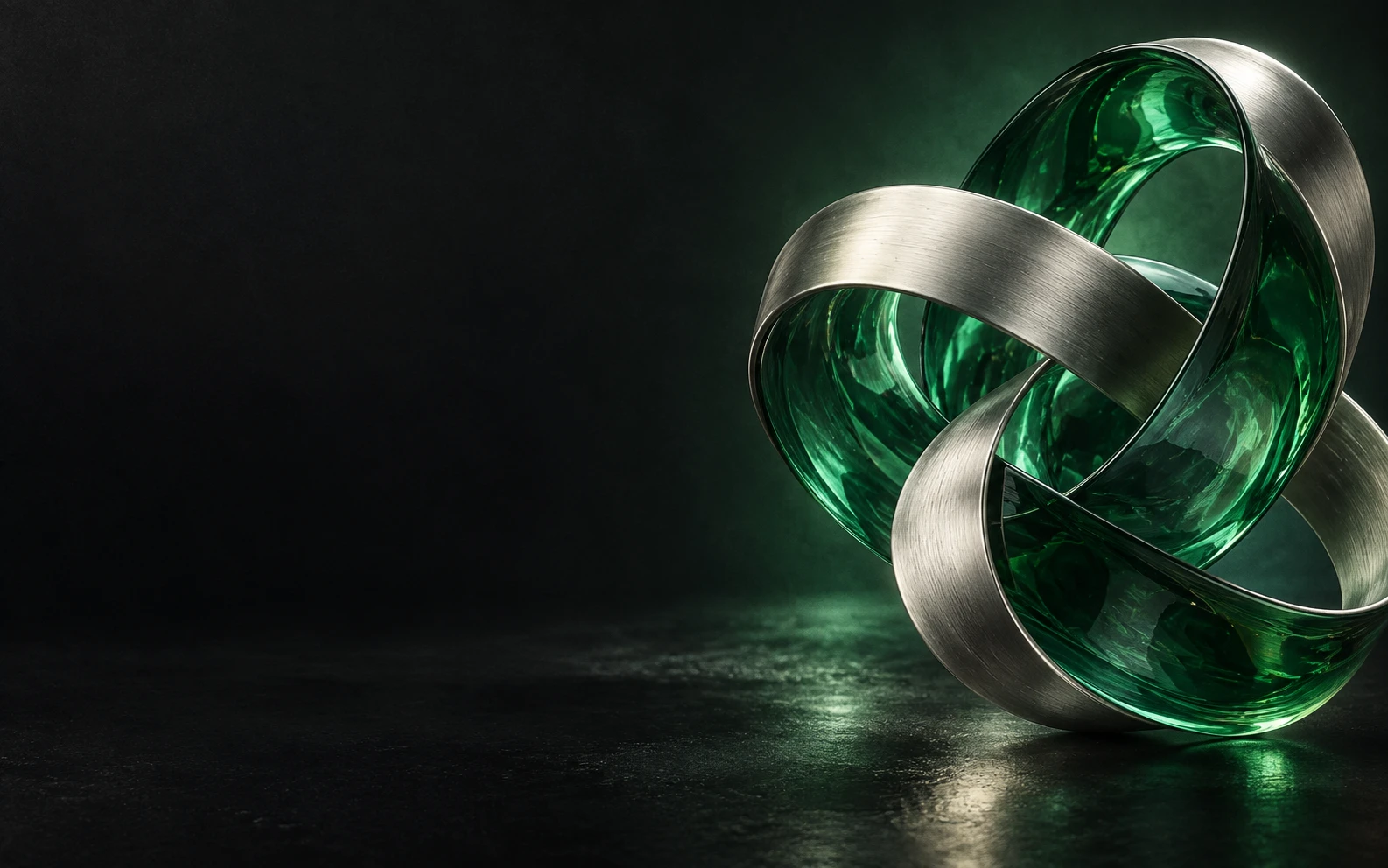
 IMAGE MODEL
GPT Image 2.5 से generation और editing workflows चलाएँ।
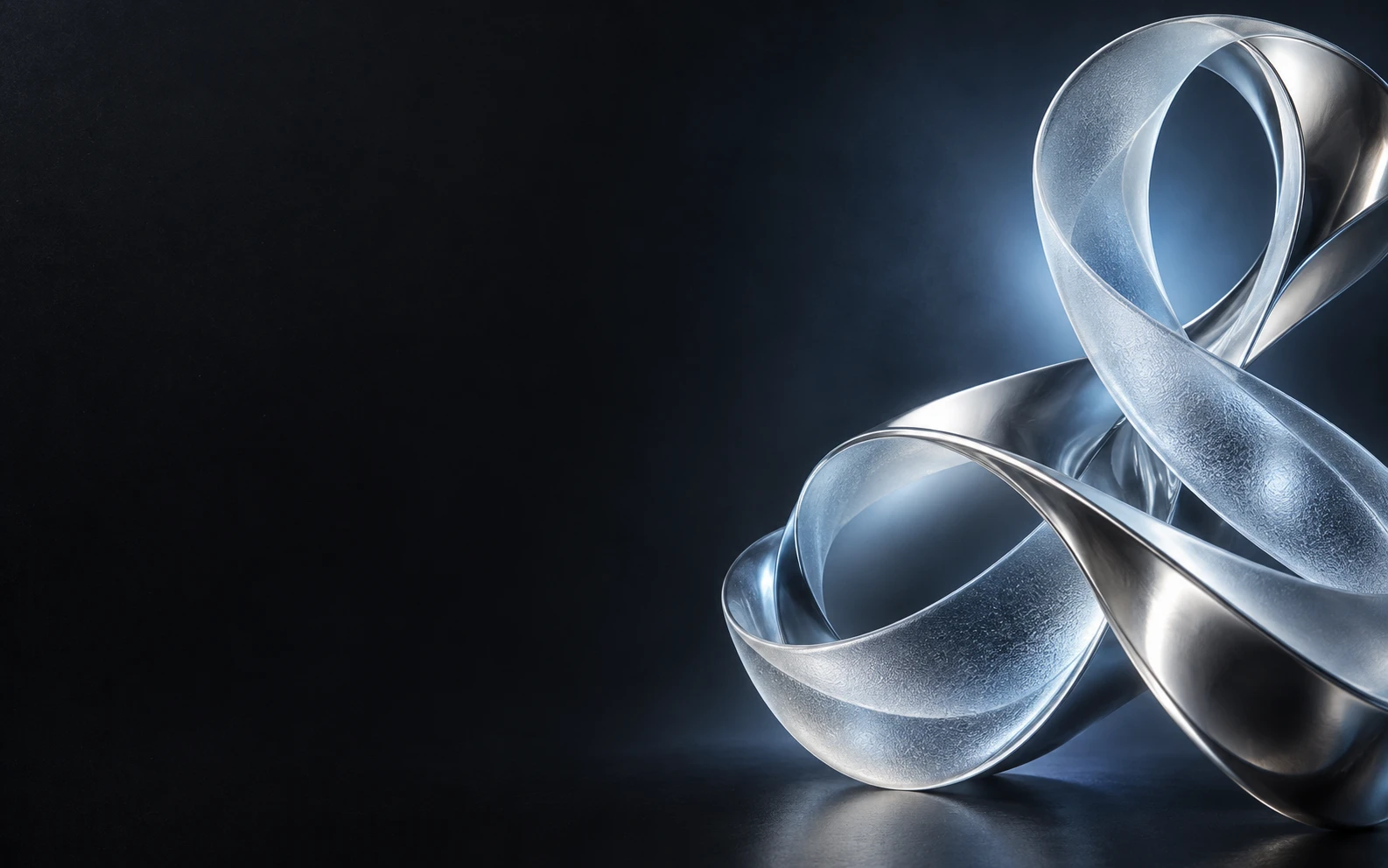 IMAGE MODEL
GPT Image 2 से prompt-based generation और editing करें।
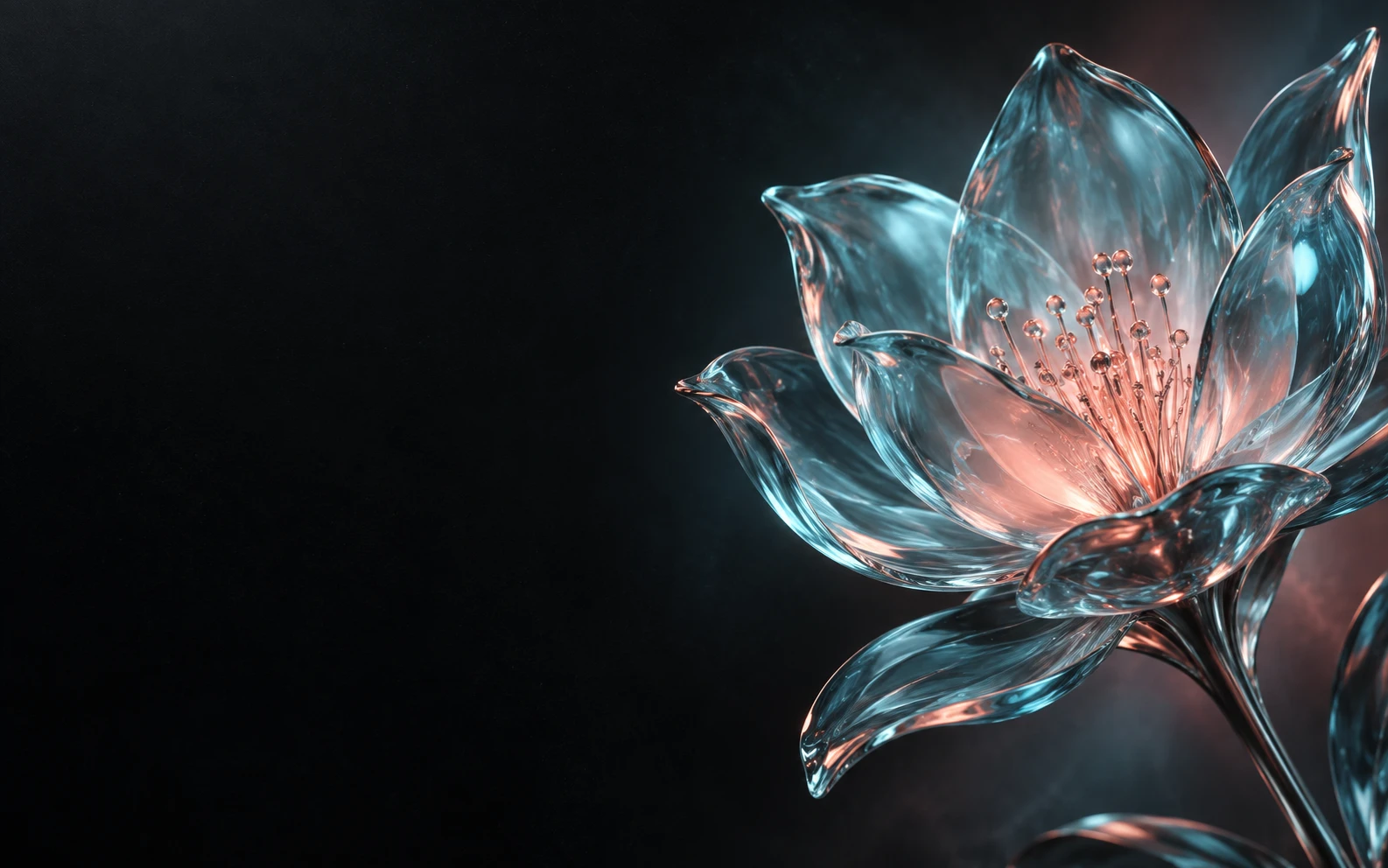
 IMAGE MODEL
Seedream 5.0 Pro से creative generation और visual exploration करें।
Daily photo edits से campaign-ready visuals तक, PixMira AI आपके creative workflow के हिसाब से काम करता है।
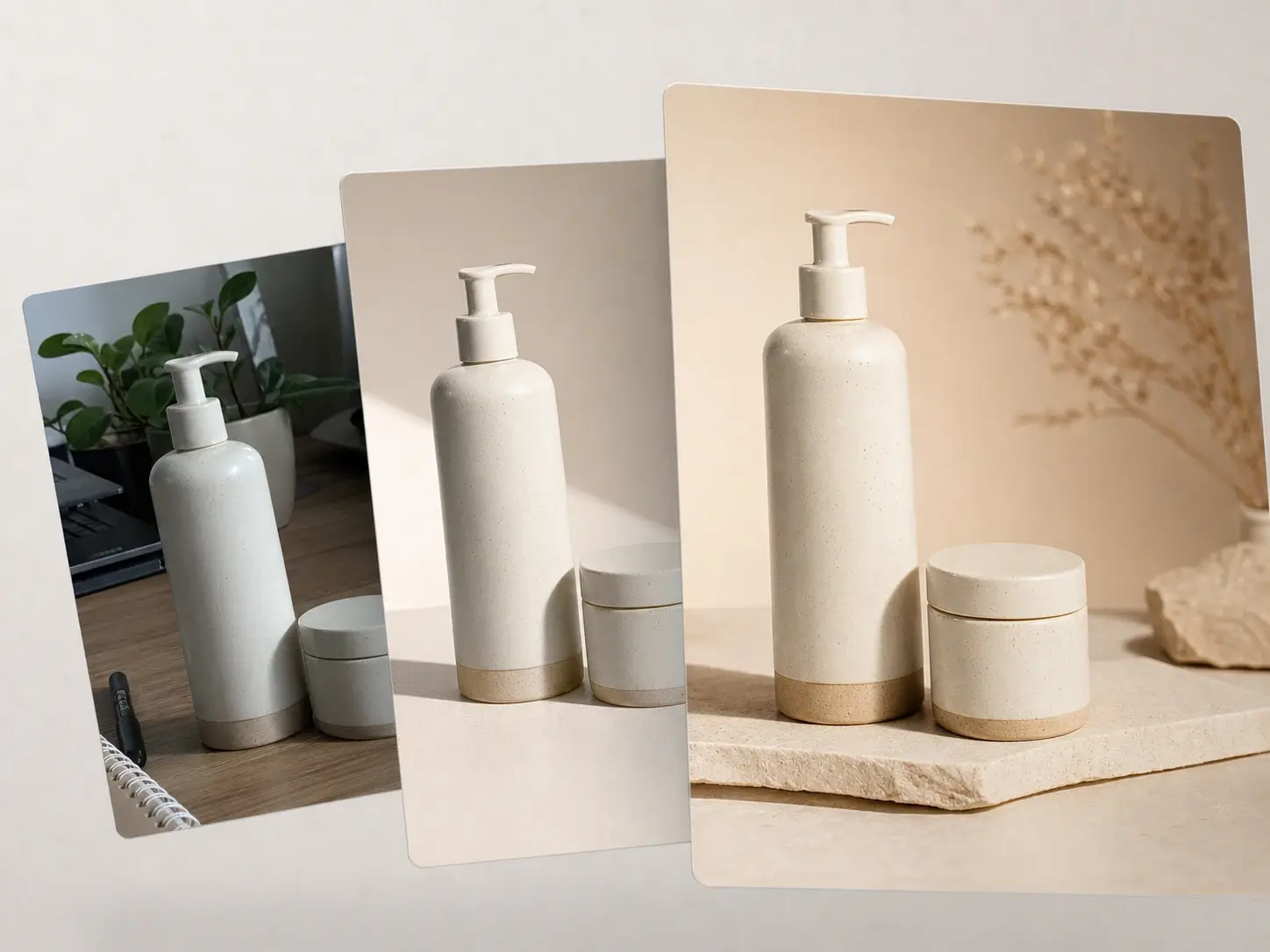
Product photos edit करें, backgrounds साफ करें और marketing-ready visuals बनाएँ।
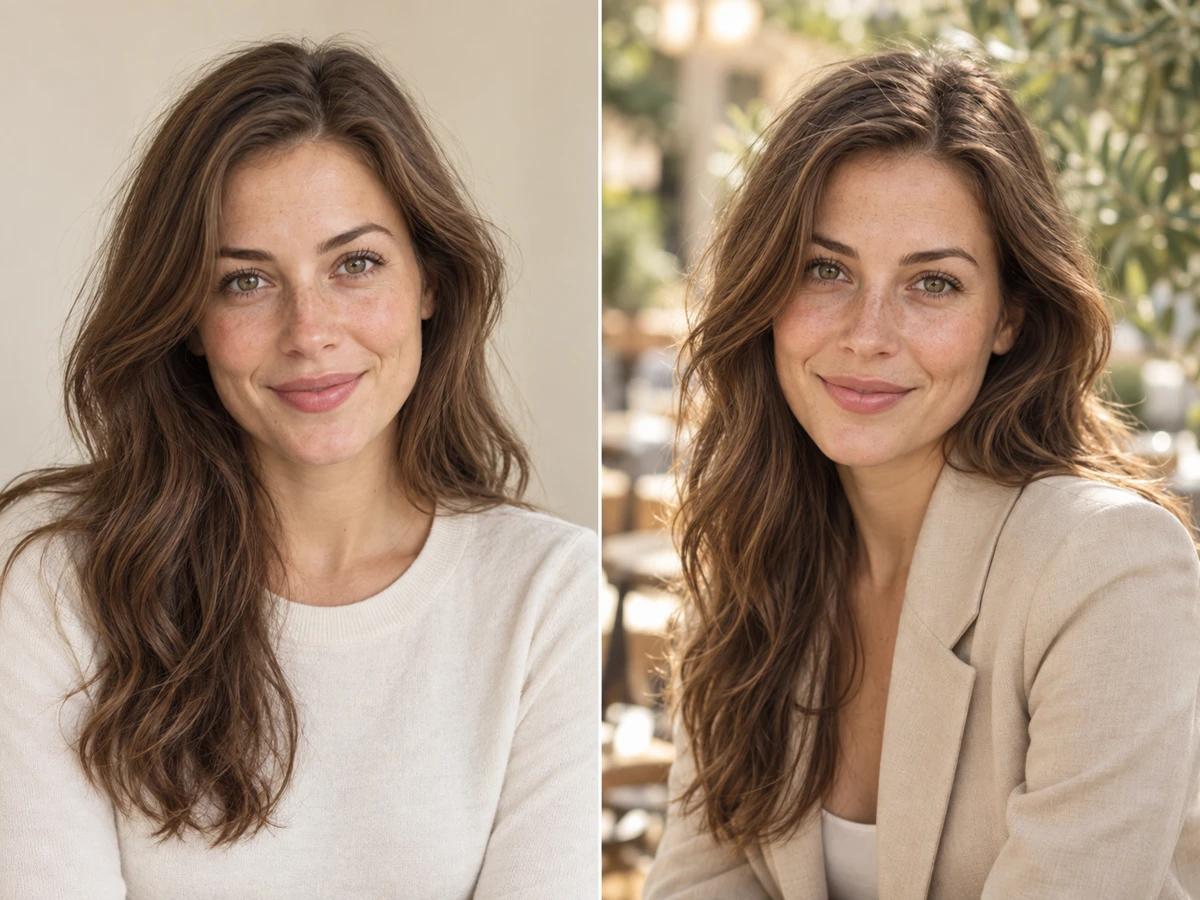
Portraits, profile images और social visuals के लिए AI photo editing इस्तेमाल करें।
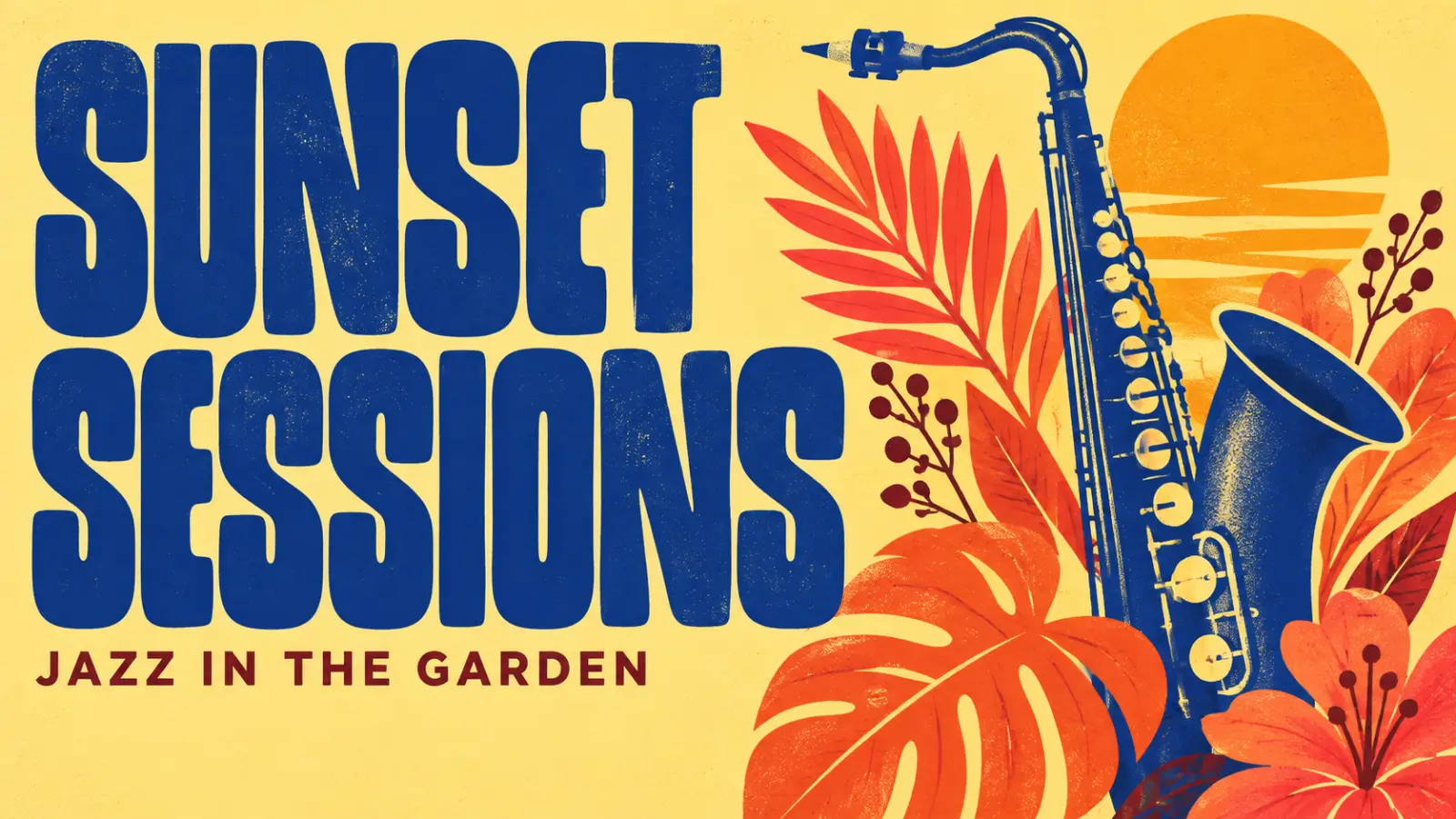
Posters, campaign ideas, ads, thumbnails और promotional images बनाएँ।
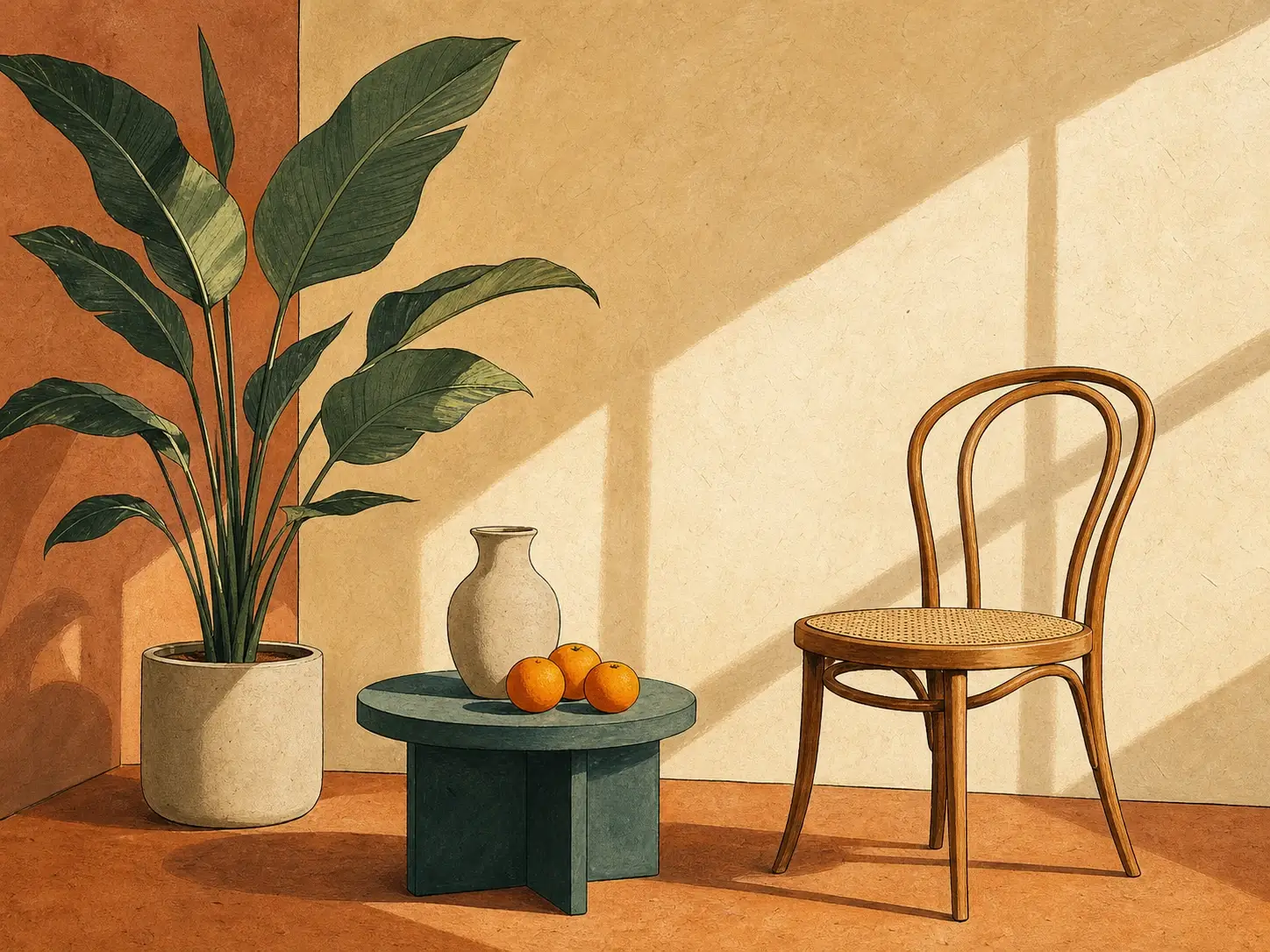
Text-to-image, styles, illustrations, concept art और creative transformations explore करें।
Idea चाहिए तो ready-made prompts देखें, और look तय हो तो visual styles explore करें।
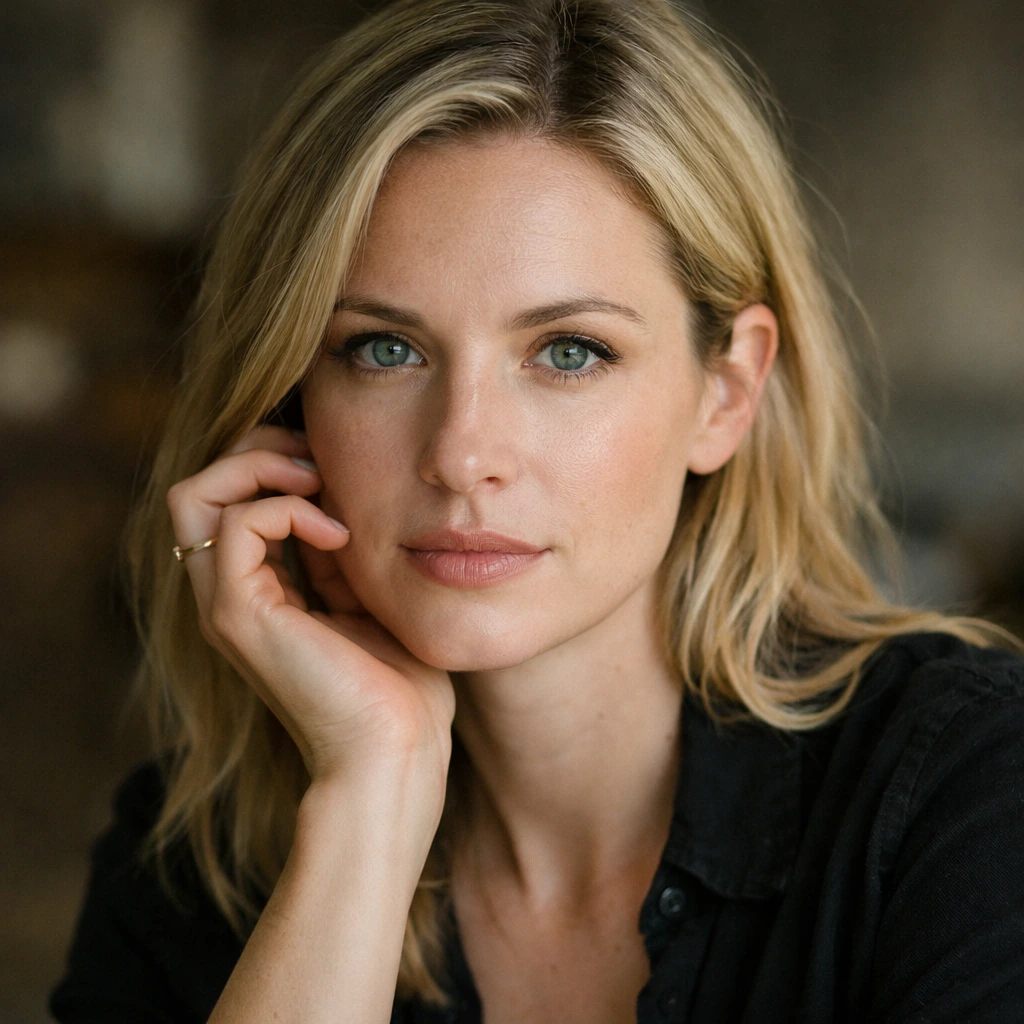
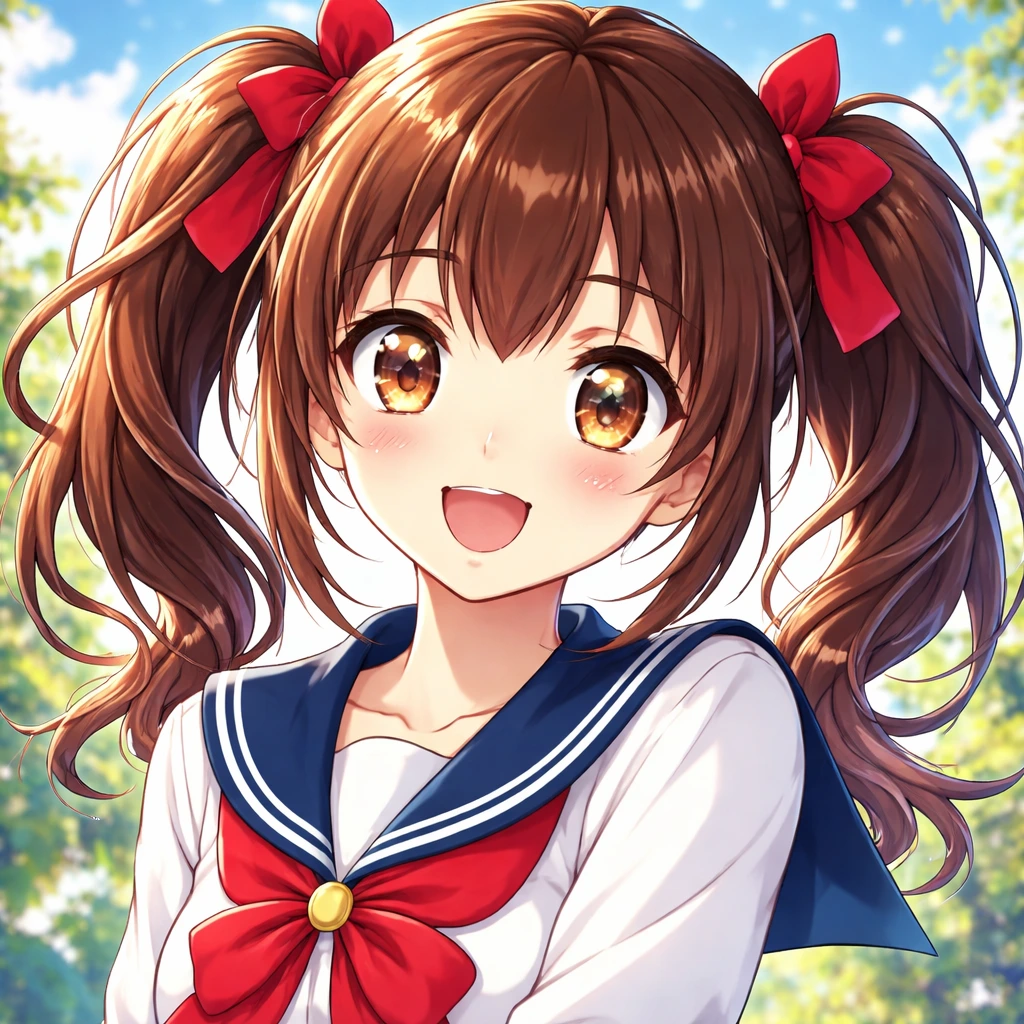
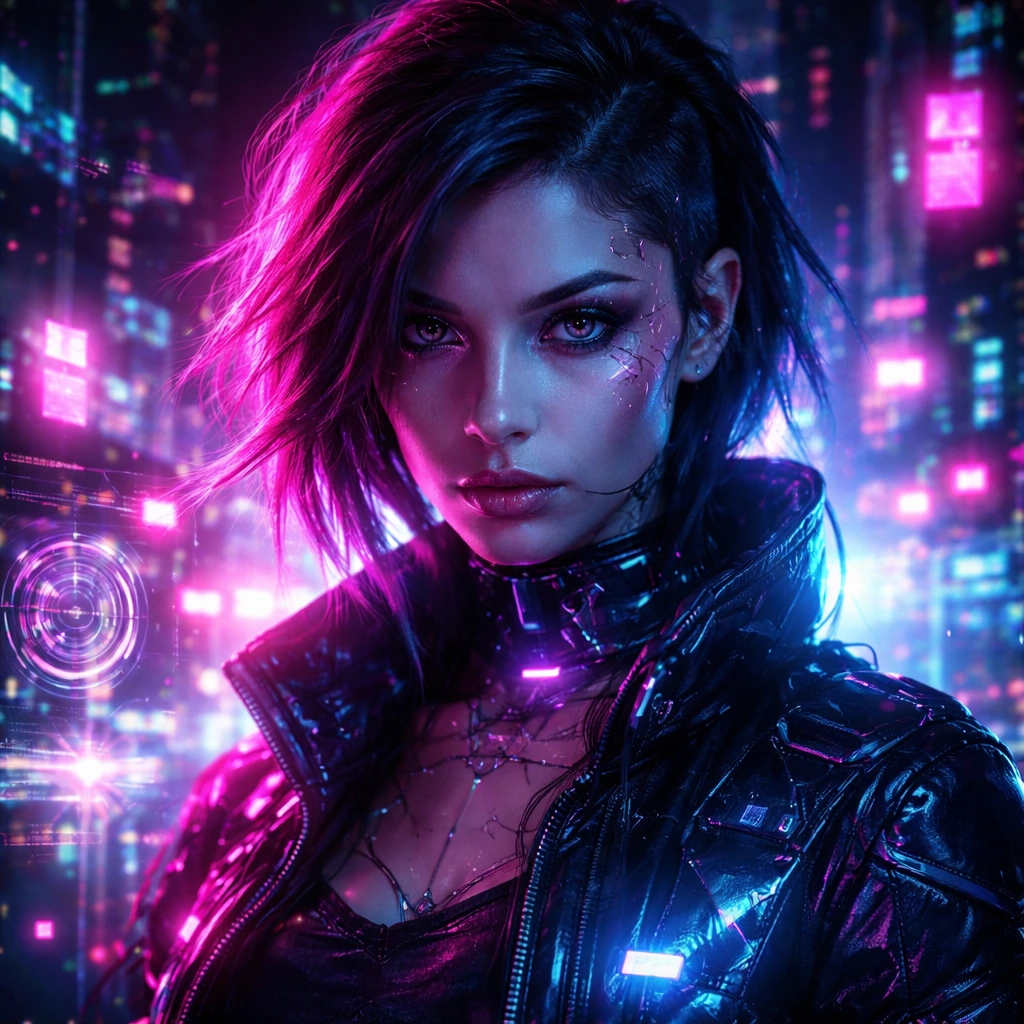
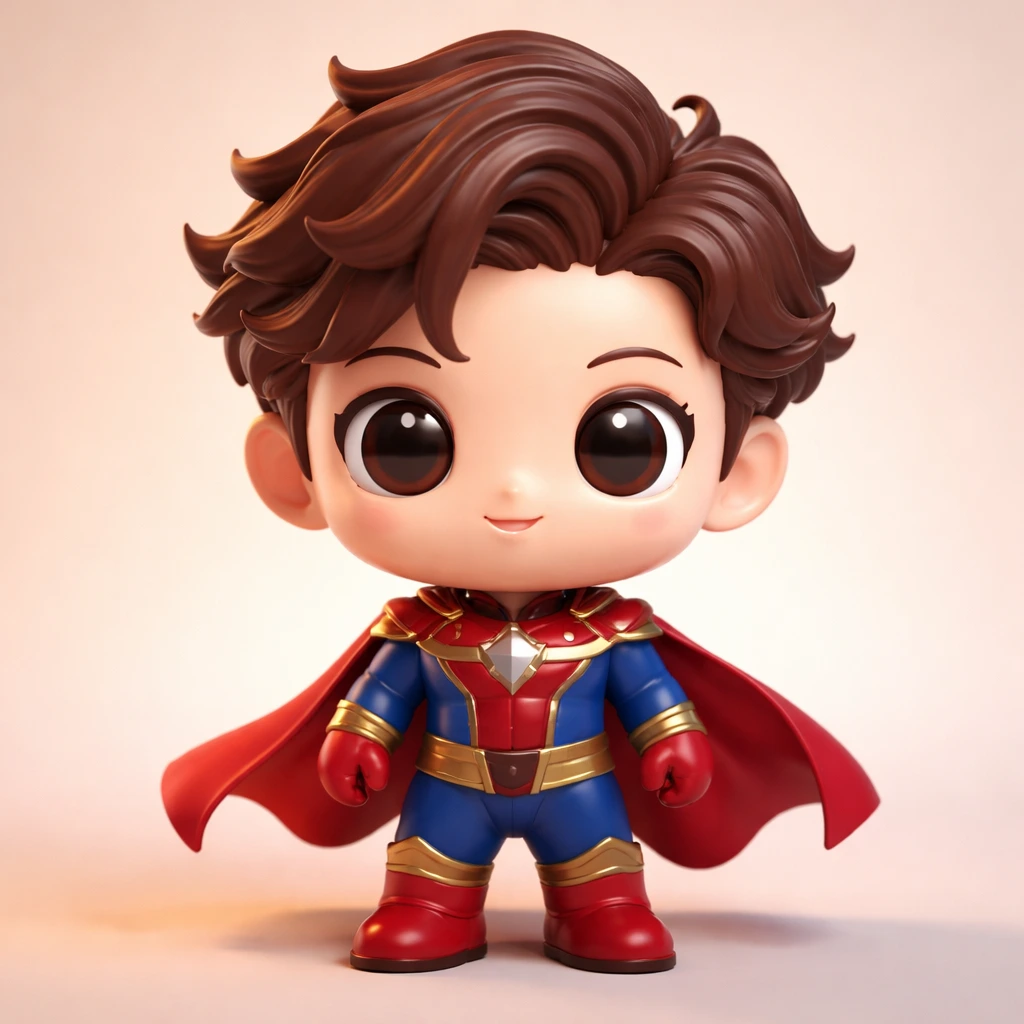
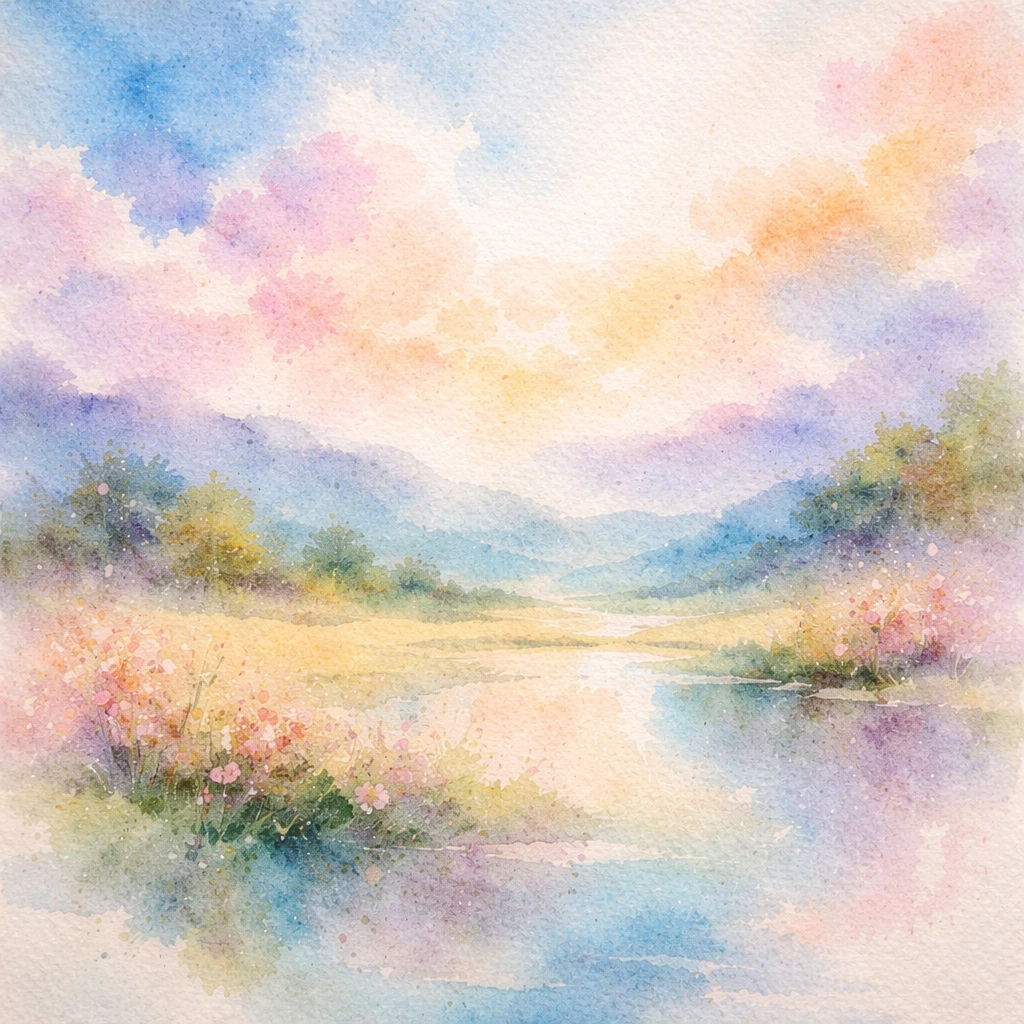
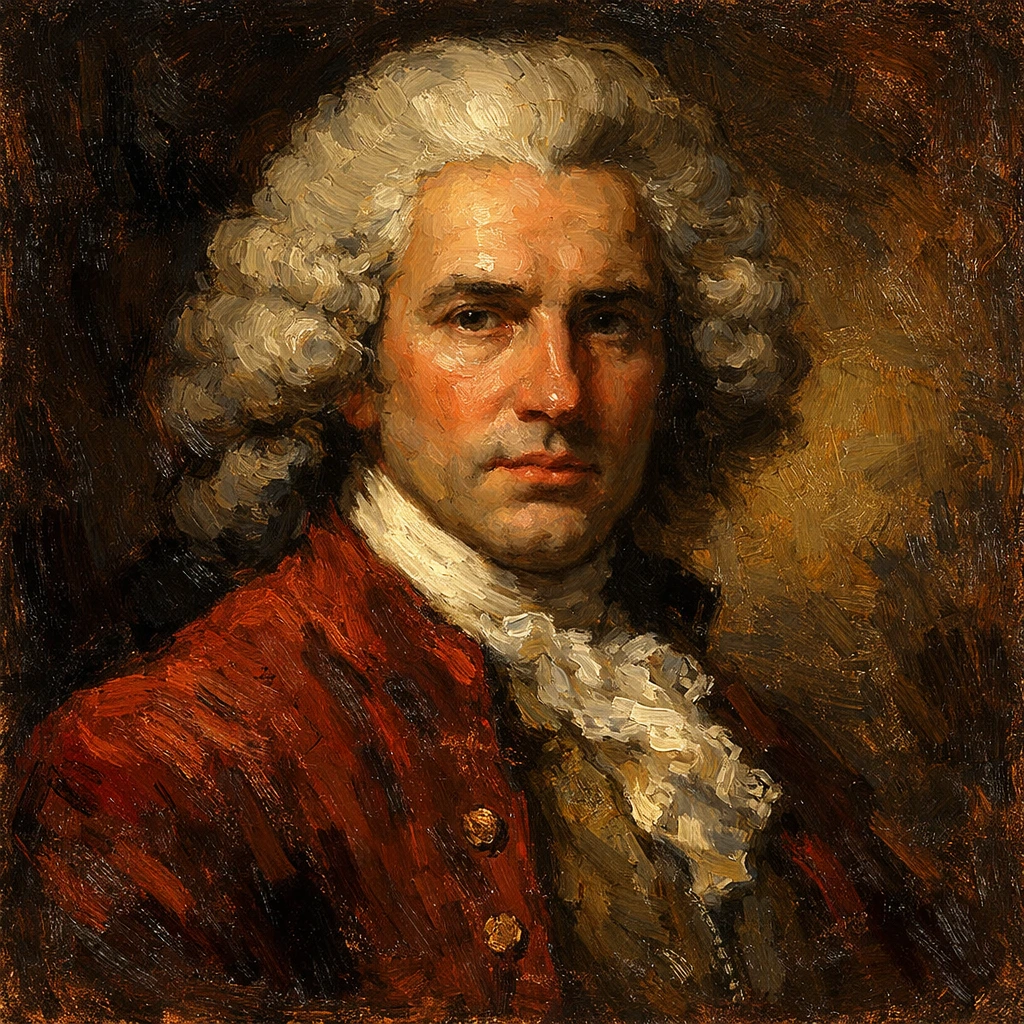
Simple PixMira workflow पहले input से final result तक generation और editing को control करना आसान बनाता है।
Prompt डालें या AI editing के लिए photo upload करें।
Scene, edit, composition, style या visual change को natural language में लिखें।
Model, aspect ratio, resolution और available controls चुनें।
Result compare करें, prompt बदलें, image download करें या दूसरे PixMira tool से आगे बढ़ें।
Quick photo edit से new image, दूसरे model या focused tool पर जाएँ, बिना workflow को फिर से शुरू किए।
सही PixMira workflow चुनने और confidence के साथ create करना शुरू करने के लिए जरूरी जानकारी।
मौजूदा photo edit करें या text से नई image बनाएँ। PixMira तैयार है।
PixMira से बनाना शुरू करें